Best Text to Video AI Tools (2026)
The best text to video AI tools in 2026, tested and ranked. Real pricing for Veo 3.1, Runway, Kling, and more, plus which ones build a finished video.

The best text to video AI tool depends on what you want back. Google Veo 3.1 makes the best-looking clips. AITuber is the best pick if you want a finished video with a script, a voice, and captions. That difference decides your whole workflow, and most roundups skip it. Below are six tools with verified July 2026 pricing.
TL;DR: the top picks
- Google Veo 3.1: best raw clip quality, with generated audio. Priced per second through the API.
- AITuber: best if you want a finished video, because it writes, voices, captions, and posts it.
- Runway: best control over the shot, with real editing tools around the model.
- Kling AI: best value, at about $10/mo for 660 credits and commercial rights.
- Synthesia: best for a business presenter reading your script.
- Fliki: best for turning an article or blog post into a narrated video.
| Tool | What it returns | Best for |
|---|---|---|
| Google Veo 3.1 | A short clip with audio | Highest visual quality |
| AITuber | A finished, posted video | Faceless channels and social video |
| Runway | A clip plus editing tools | Directing the shot |
| Kling AI | A short clip | Volume on a budget |
| Synthesia | An avatar presenter video | Training and business video |
| Fliki | A narrated video from text | Blog and article repurposing |
The clip test: the one question that picks your tool
Ask one question before you compare features. Does this tool hand me a clip, or a video I can post? We call this the clip test, and it splits the category cleanly.
Clip models take a prompt and return a few seconds of footage. Veo 3.1, Runway, and Kling AI all work this way. The output looks superb. It is also raw material. You still write the script, generate more clips, pick a voice, cut them together, and add captions. A 60-second video needs 8 to 12 clips.
Pipelines take an idea and return a whole video. AITuber, Synthesia, and Fliki work this way. They write or read your script, generate a voice, assemble the visuals, and burn in captions. The individual shots are usually less cinematic. You get something you can publish today.
Neither group is better. They answer different questions. A filmmaker wants Veo. A creator posting five videos a week wants a pipeline.
What to look for in a text to video AI tool
- Apply the clip test first. Decide whether you want footage or a finished video. Everything else follows from that.
- Work out the cost per finished minute. Per-second API pricing and monthly credit plans are hard to compare until you do.
- Check the clip length ceiling. Most clip models cap out around 5 to 15 seconds per generation.
- Confirm commercial rights. Several free tiers, including Kling AI’s, block commercial use entirely.
- Check whether credits roll over. Most expire monthly. That punishes anyone who works in bursts.
- Check who pays for failures. Some tools bill you for generations you throw away.
- Check the output ratio. If you post Shorts, Reels, or TikToks, you need native 9:16, not a cropped 16:9 clip.
The best text to video AI tools
1. Google Veo 3.1
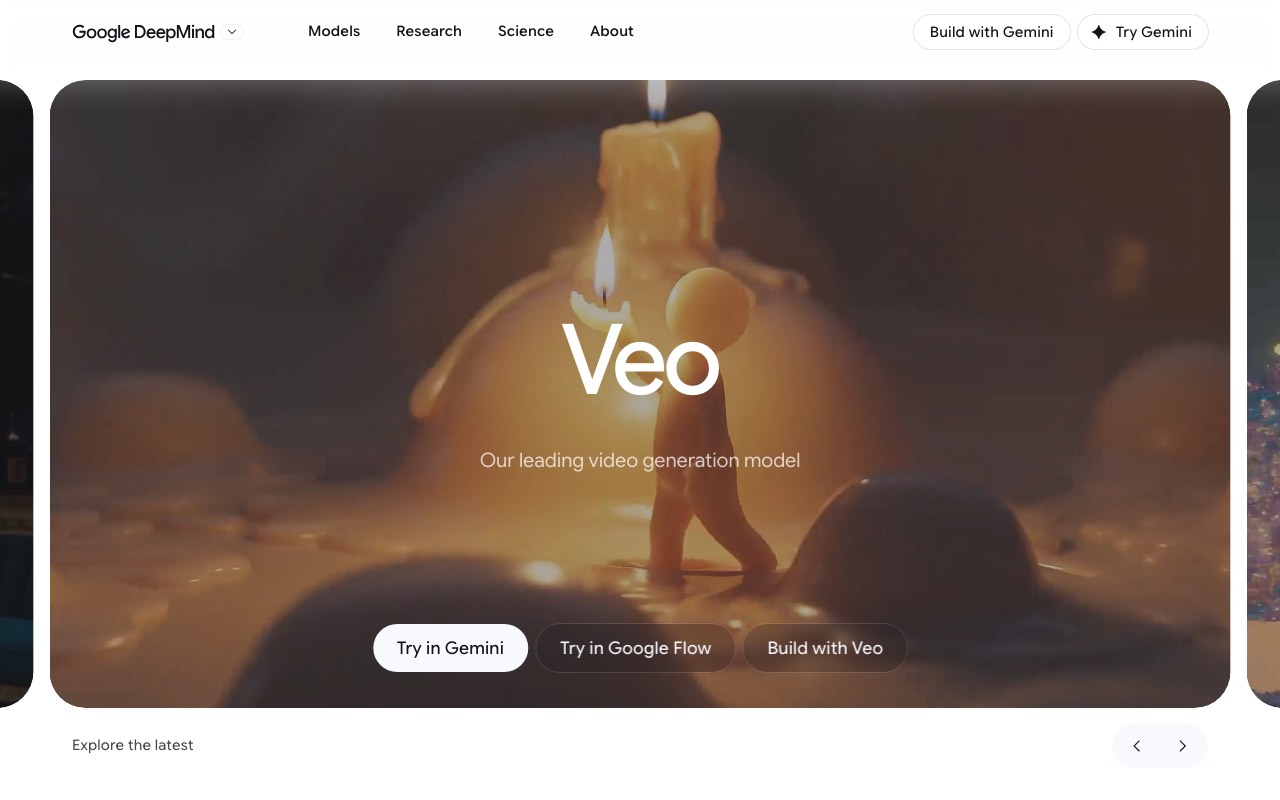
Google Veo 3.1 makes the best-looking text to video clips available in July 2026. It generates the audio with the video, which almost no rival does well. You reach it through Google’s Flow app or the Gemini API. It is a clip model, so it returns footage, not a finished video.
Key features
- Text to video with generated audio in one pass
- Standard, Fast, and Lite quality tiers at different prices
- Output up to 4K on the Standard and Fast tiers
- Image to video and scene extension inside the Flow app
- A documented API for building it into your own product
Pros
- The strongest visual quality and prompt following in this roundup
- Native audio generation, so clips do not sound silent or pasted over
- You are only charged when a video generates successfully
Cons
- No free tier on the API, and per-second pricing gets expensive fast
- It returns clips, so a full video still needs a script, a voice, and editing
- Veo 3 and Veo 2 were shut down on June 30, 2026, so older workflows had to move
Pricing (verified July 2026, Gemini API pricing): Standard is $0.40 per second at 720p and 1080p, and $0.60 per second at 4K. Fast is $0.10 per second at 720p, $0.12 at 1080p, and $0.30 at 4K. Lite is $0.05 per second at 720p. A 30-second Standard clip at 1080p costs $12.00. The same clip on Lite costs $1.50. Flow access is bundled with Google’s paid AI subscriptions, and those prices vary by country.
Best for: filmmakers and studios who need the highest clip quality and will edit the result themselves.
2. AITuber
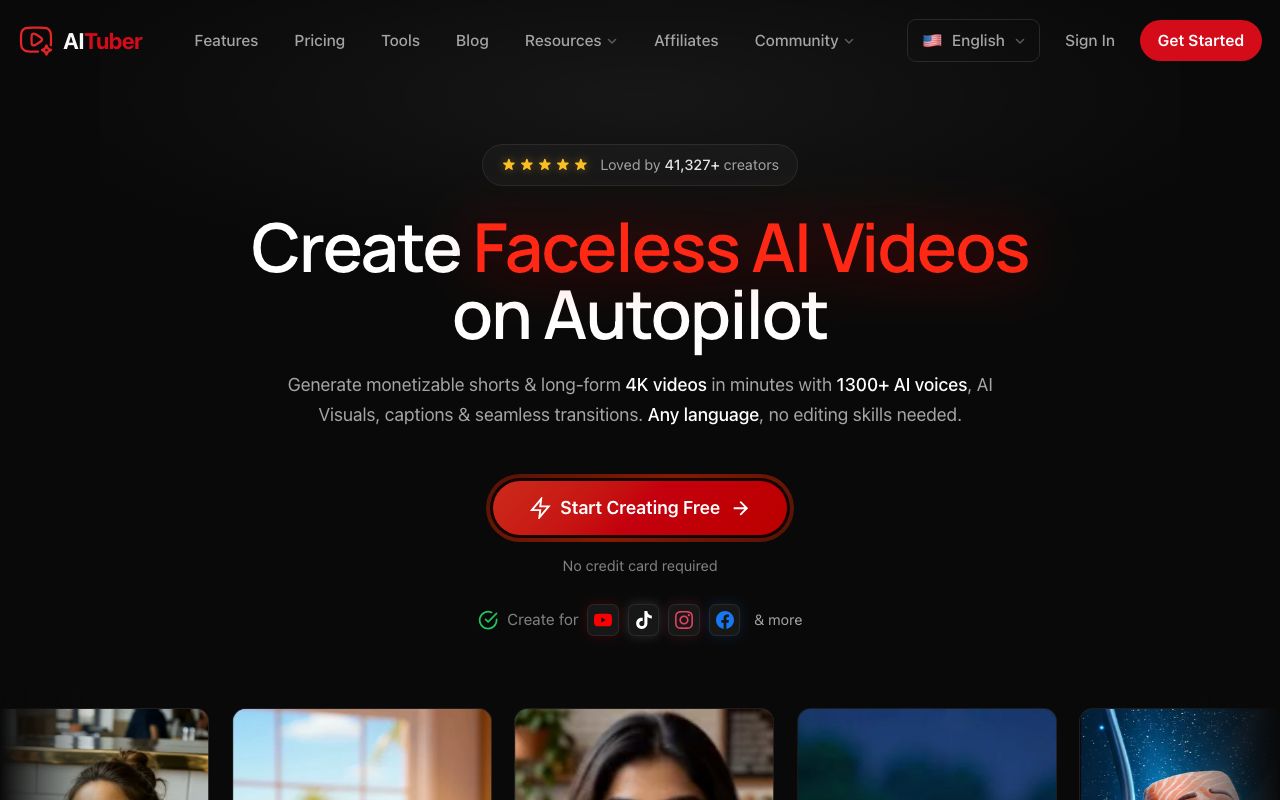
AITuber is the best pick if you want a finished video rather than footage. You give it an idea or a script. It writes the script, generates a matching AI voice and visuals, and adds word-synced captions. It can also post the result to your channel on a schedule. It is a pipeline, so individual shots are less cinematic than Veo’s. You get something publishable in about two minutes. Try it on the text to video page.
Key features
- Idea to finished video: script, AI voiceover, visuals, and captions in one flow
- Native 9:16 output for Shorts, Reels, and TikTok, plus long-form up to about 20 minutes
- Autopilot that writes, makes, and posts videos on a schedule
- 1,300+ AI voices across 140+ languages, and 29 visual styles
- 4K export, with every template, voice, and style on every paid plan
- An API and MCP server for generating video from your own code
Pros
- The only tool here that goes from one idea to a posted video with no editing
- Credits count on final output only, not on edits or previews, and failed jobs are refunded
- Credits roll over and do not expire while your plan is active
- Free tier of 100 credits, with no card and no watermark
Cons
- Individual shots are not as cinematic as Veo 3.1 or Runway output
- Built for faceless and social formats, not for film work
- Autopilot only pays off if you actually publish on a schedule
Pricing: Free to start with 100 credits and no card. Paid plans are Creator $29/mo (1,800 credits, 1 channel on autopilot), Pro $49/mo (4,000 credits, 2 channels), Studio $89/mo (8,000 credits, 4 channels), and Agency $149/mo (15,000 credits, unlimited channels). See the full pricing.
Best for: creators and marketers who publish regularly and want a complete AI video generator, not raw clips.
3. Runway
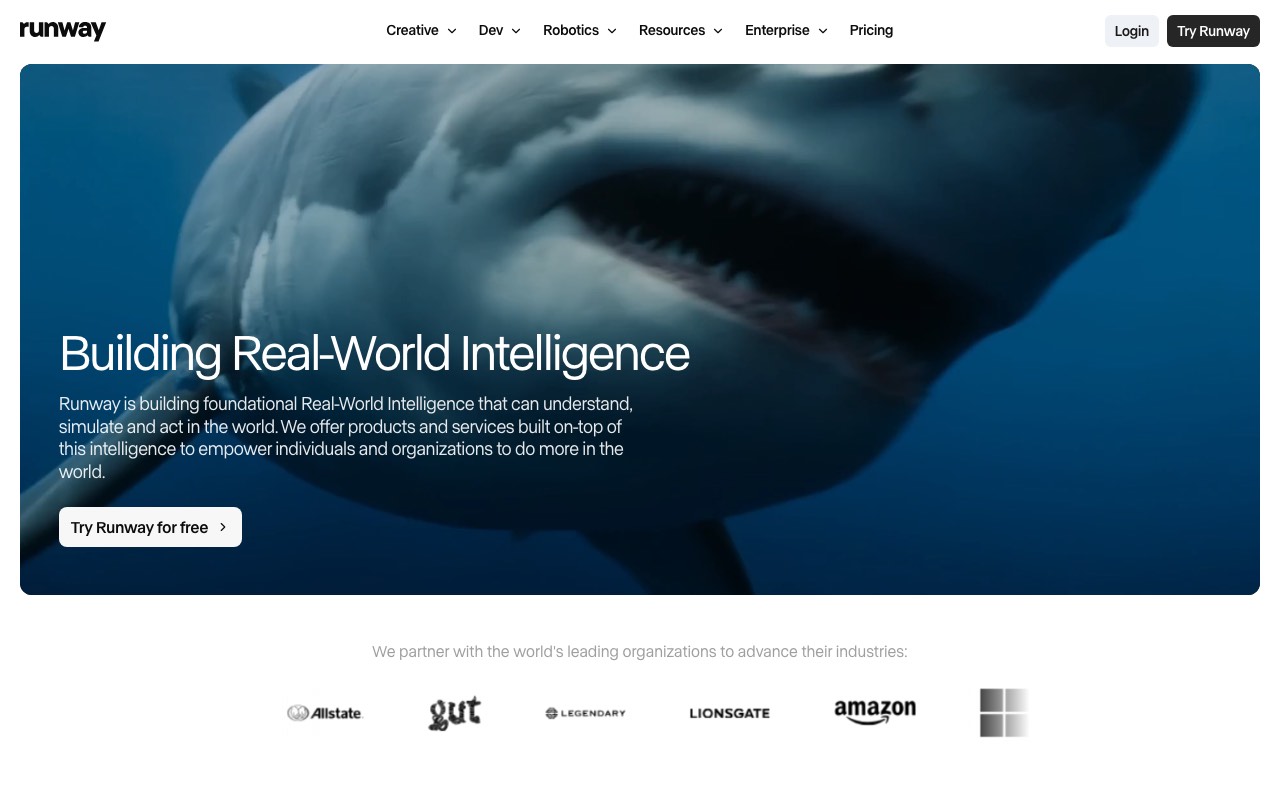
Runway is the pick for directing the shot. It pairs a strong text to video model with real editing tools: camera controls, generative editing, and a timeline. Teams that need control as much as raw quality pick Runway over Veo. It is still a clip model, so a finished video is your job.
Key features
- Text to video and image to video with camera and motion controls
- Generative editing tools for changing an existing shot
- 4K upscaling on paid plans
- Custom voice creation on the Pro plan
- A free plan with 125 one-time credits
Pros
- The best balance of model quality and hands-on control here
- A real free plan, so you can test before paying
- The Max plan rolls credits over for one month, which almost no rival does
Cons
- Free output is watermarked and limited to 3 video editor projects
- Credits on Standard and Pro do not roll over
- Still a clip tool, so you assemble the video yourself
Pricing (verified July 2026, Runway pricing): Free with 125 one-time credits, 5GB of storage, and watermarks. Standard is $12/mo billed annually, or $15 monthly, for 625 credits a month with no watermark. Pro is $28/mo billed annually, or $35 monthly, for 2,250 credits. Max is $76/mo billed annually, or $95 monthly, for 9,500 credits and one-month credit rollover. Enterprise is custom.
Best for: video teams and editors who want to direct the shot, not just prompt it.
4. Kling AI
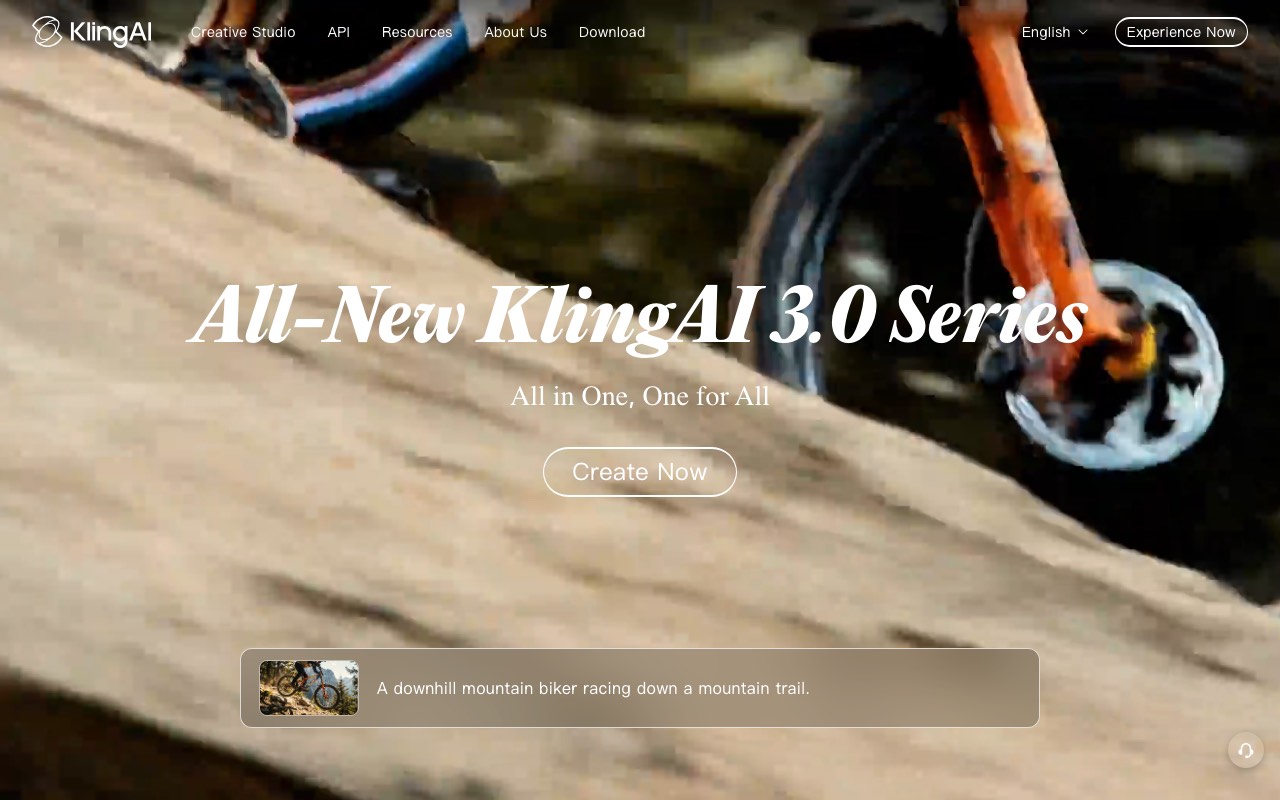
Kling AI is the value pick. Its Standard plan gives 660 credits a month for about $10, which covers roughly 33 clips at 720p. It handles human motion and lip-sync well, and it is strong on 9:16 social footage. The free plan exists but blocks commercial use, so treat it as a demo only.
Key features
- Text to video and image to video with strong human motion
- 1080p generation and watermark removal from the Standard plan up
- Video extension for stretching a clip past the default length
- Image upscaling included in the same credit pool
- Five tiers, from free up to a 26,000-credit Ultra plan
Pros
- The most credits per dollar in this roundup
- Commercial rights start at the cheapest paid tier
- Reliable at photorealistic human motion, which many models struggle with
Cons
- Free tier content is watermarked and cannot be used commercially
- Subscription credits expire at the end of each billing month
- Headline prices are first-subscription promotions, so the renewal costs more
Pricing (verified July 2026 on Kling’s membership page): Basic is free with no monthly credits and no commercial use. Standard lists at $10/mo for 660 credits, about 33 clips at 720p, and is discounted to $6.99 for a first subscription. Pro lists at $37/mo for 3,000 credits. Premier lists at $92/mo for 8,000 credits. Ultra lists at $180/mo for 26,000 credits. Yearly billing takes 34% off.
Best for: creators generating a lot of clips who need commercial rights on a small budget.
5. Synthesia
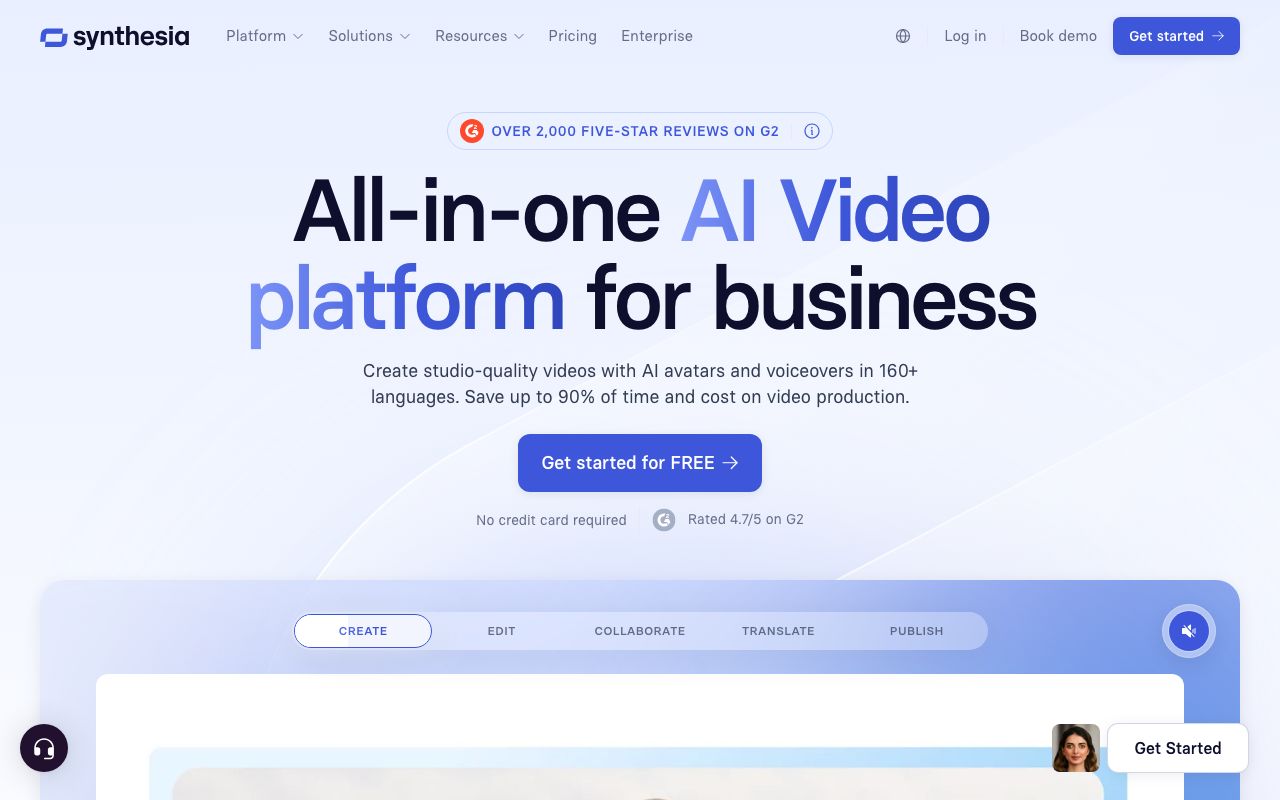
Synthesia is the pick when the video needs a presenter. You paste a script and it returns a polished AI person delivering it, in 140+ languages. It is a pipeline, not a clip model, and it aims at training, onboarding, and internal comms rather than social video.
Key features
- 240+ studio-quality AI avatars, plus custom avatars
- Script to video in 140+ languages with one-click translation
- Templates for training, onboarding, and explainer video
- SCORM export and LMS features for workplace learning
- API access on the Creator plan
Pros
- Among the most realistic avatars in the category
- Excellent multilingual dubbing and translation
- Safe and polished for business and training use
Cons
- Minutes feel tight for the price, at about 120 minutes a year on annual Starter
- Voice delivery can sound flat on long narrative scripts
- Not built for faceless social video or fast short-form output
Pricing (verified July 2026): Free plan with about 10 minutes a month and a watermark. Starter is $29/mo, or $18/mo billed annually. Creator is $89/mo, or $64/mo billed annually, and adds API access. Enterprise is custom with unlimited minutes.
User reviews: 4.7/5 on G2 from more than 2,300 reviews, and about 4.0/5 on Trustpilot.
Best for: businesses turning written material into training and explainer video with a presenter.
6. Fliki
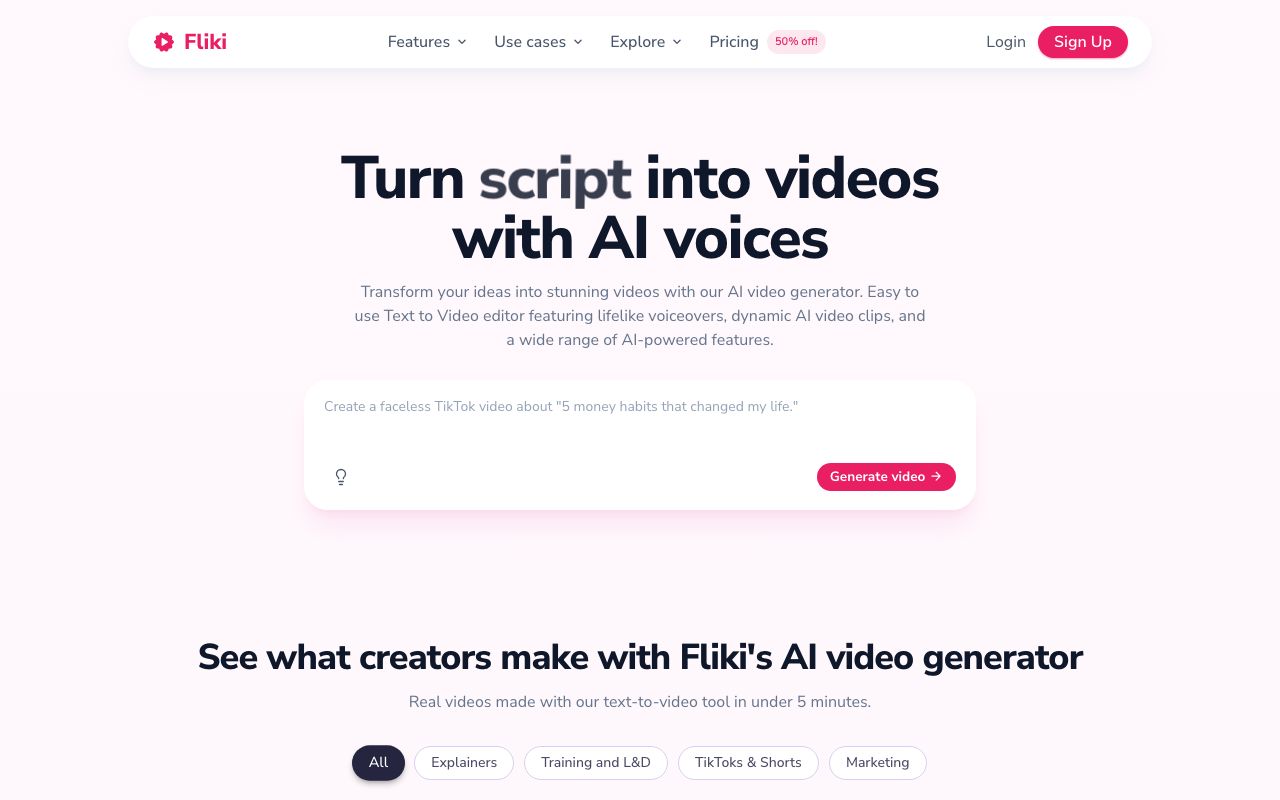
Fliki is the pick for turning existing writing into a narrated video. You paste an article, a blog post, or a script. Fliki splits it into scenes, adds stock visuals, and narrates it with an AI voice. It is text-first and voice-first, which makes it good at repurposing and weaker at original visuals.
Key features
- Article, blog post, or script to a narrated video
- About 1,000 AI voices on paid plans, across many languages
- Scene-based editor with stock footage and images
- Voice cloning on higher tiers
- Podcast and audio output as well as video
Pros
- The fastest way to turn something already written into video
- Strong, natural AI voice quality
- A free plan for testing the workflow
Cons
- Free output is watermarked, capped at 720p, and has no commercial rights
- Visuals come mostly from stock libraries, so videos can look generic
- Free minutes are limited to about 3 minutes a month
Pricing (verified July 2026): Free with a watermark, 720p, no commercial rights, and about 3 minutes a month. Standard is about $28/mo, or about $21/mo billed annually, for 1080p and videos up to 15 minutes. Premium is about $88/mo with team seats and videos up to 40 minutes. Enterprise is custom. See our full Fliki pricing breakdown.
Best for: bloggers and marketers repurposing written content into narrated video.
Quick comparison of all six tools
| Tool | Type | Lowest paid price | Free plan | Commercial use on free |
|---|---|---|---|---|
| Google Veo 3.1 | Clip model | $0.05 to $0.40 per second | No | Not applicable |
| AITuber | Pipeline | $29/mo | Yes, 100 credits | Yes |
| Runway | Clip model | $12/mo (annual) | Yes, 125 credits | Watermarked |
| Kling AI | Clip model | $10/mo list | Yes, no credits | No |
| Synthesia | Pipeline | $18/mo (annual) | Yes, ~10 min/mo | Watermarked |
| Fliki | Pipeline | About $21/mo (annual) | Yes, ~3 min/mo | No |
Which is cheaper for a one-minute video?
A pipeline is cheaper for a one-minute finished video. A clip model is cheaper for a few seconds of footage. The math is not close.
On Veo 3.1 Standard, 60 seconds of generated footage costs $24.00 at $0.40 per second. You would still write the script, add a voice, and edit it together. On Kling AI’s $10 Standard plan, 660 credits cover roughly 33 clips at 720p. That is enough raw material for several videos. The assembly work is still the same. On a pipeline like AITuber, one plan at $29/mo produces finished, captioned, voiced videos with no editing step at all.
The honest summary: clip models sell you seconds, pipelines sell you videos. Compare cost per finished minute, not per plan.
How to choose the right text to video AI tool
- Do you want footage or a finished video? Footage means Veo 3.1, Runway, or Kling AI. A finished video means AITuber, Synthesia, or Fliki.
- Are you posting to Shorts, Reels, or TikTok? If yes, AITuber, for native 9:16 output and scheduled posting.
- Is visual quality the only thing that matters? If yes, Google Veo 3.1, and budget about $24 per generated minute.
- Do you need to direct the shot? If yes, Runway, for camera controls and generative editing.
- Do you already have the writing? If yes, Fliki for narration, or Synthesia if it needs a presenter.
Use-case cheat sheet
- Scenario: You want to post a faceless YouTube Short today. Best choice: AITuber, for idea to posted video with captions.
- Scenario: You are making a short film and quality is everything. Best choice: Google Veo 3.1 Standard.
- Scenario: You need to re-cut and direct a shot until it is right. Best choice: Runway, for camera and generative editing controls.
- Scenario: You need 30 clips this month on a $10 budget. Best choice: Kling AI Standard.
- Scenario: You have a blog post and want a narrated video from it. Best choice: Fliki.
- Scenario: You need an onboarding video with a presenter. Best choice: Synthesia.
- Scenario: You want to test text to video free, with commercial rights. Best choice: AITuber’s 100 free credits, since Kling AI’s free tier blocks commercial use.
- Scenario: You are building video generation into your own app. Best choice: the Veo 3.1 API for clips, or AITuber’s API for finished videos.
- Scenario: You publish five videos a week and cannot edit them all. Best choice: AITuber on autopilot.
- Scenario: Your old Sora workflow stopped working. Best choice: see our guide to Sora alternatives.
Frequently Asked Questions
Basics
What is the best text to video AI in 2026?
Google Veo 3.1 makes the best-looking text to video clips in 2026, with generated audio and output up to 4K. It returns clips, not finished videos, and costs $0.40 per second on the Standard tier. AITuber is the best text to video tool if you want a complete video. It writes the script, adds an AI voice and visuals, and captions it. It can also post it for you.
What is the difference between a clip model and a video pipeline?
A clip model turns a prompt into a few seconds of footage. Veo 3.1, Runway, and Kling AI are clip models. A pipeline turns an idea or a script into a complete video with narration, visuals, and captions. AITuber, Synthesia, and Fliki are pipelines. Clip models produce better individual shots. Pipelines produce something you can publish without editing.
Is there a free text to video AI?
Yes. AITuber gives 100 free credits with no card and no watermark. Runway’s free plan includes 125 one-time credits, with watermarked output. Kling AI has a free tier, but its output is watermarked and cannot be used commercially. Synthesia gives about 10 watermarked minutes a month, and Fliki about 3 minutes. Veo 3.1 has no free API tier.
Pricing
How much does text to video AI cost?
Monthly plans start at about $10 and run to about $180 in July 2026. Kling AI Standard lists at $10/mo for 660 credits. Runway Standard is $12/mo billed annually. AITuber starts at $29/mo. Veo 3.1 is priced per second instead: $0.40 per second at 1080p, so a 30-second clip costs $12.00. Compare cost per finished minute, because a cheap clip plan still leaves you the editing.
Do text to video credits roll over?
Mostly no. Kling AI credits expire at the end of each billing month. Runway credits roll over only on the Max plan, and only for one month. AITuber credits roll over and do not expire while the plan is active. Check this before you buy if your work comes in bursts, because expiring credits quietly waste a month’s budget.
Comparisons
Veo 3.1 vs Runway: which is better?
Veo 3.1 produces better-looking clips and generates audio with the video. Runway gives you more control, with camera settings, generative editing, and a timeline, plus a free plan to test on. Choose Veo 3.1 for maximum quality per shot. Choose Runway if you need to direct and revise the shot, or if you want to try it before paying.
Can text to video AI make a full YouTube video?
Clip models cannot on their own, because they cap out at a few seconds per generation. A one-minute video needs 8 to 12 separate clips stitched together, plus a script, a voiceover, and captions. Pipelines can. AITuber generates full videos up to about 20 minutes with narration and captions included, and posts them to your channel.
Which text to video AI is best for YouTube Shorts and TikTok?
AITuber is the best fit for Shorts, Reels, and TikTok. It outputs native 9:16 video with word-synced captions, and it can publish on a schedule. Clip models output 16:9 by default, so vertical video means cropping or re-prompting. Our guides to the best AI YouTube Shorts generators and AI TikTok video generators go deeper on each platform.
How we researched this: we evaluated six text to video tools against the criteria above, using public sources (each vendor’s live pricing page, Google’s published Gemini API rates, and named review platforms like G2 and Trustpilot), checked in July 2026, combined with our own hands-on testing. AITuber is a product we build, so we have flagged every place we compare it to another tool and kept competitor pricing accurate as of the date above. Kling AI and Fliki show promotional or regional pricing, so their figures are marked approximate. Prices, credit costs, and model tiers change often; check each vendor’s site before you buy.