Best HeyGen Alternatives (2026)
The best HeyGen alternatives for AI avatar video in 2026. Real pricing, ratings, and honest pros and cons for 6 tools, tested and ranked.

The best HeyGen alternative for most creators is AITuber. It builds the whole video from one idea, not just a talking-avatar clip. And it does not burn credits while you edit. Below are six tools worth switching to, tested and ranked, with real pricing and honest tradeoffs.
TL;DR: the top picks
- AITuber: best for building a faceless channel end to end. It takes an idea to a posted video, and every feature is on every plan.
- Synthesia: best for enterprise training and internal comms with a polished AI presenter.
- D-ID: best for developers who want avatar video through an API, at the cheapest entry price.
- Colossyan: best for interactive training videos with quizzes and branching.
- Vidnoz AI: best free allowance, with daily credits for talking-photo avatars.
| Tool | Best for | Key strength |
|---|---|---|
| AITuber | Faceless channels on autopilot | Idea to posted video, all features on every plan |
| Synthesia | Enterprise training video | Polished avatars, 140+ languages |
| D-ID | Developers using an API | Cheapest paid entry, photo to video |
| Colossyan | Interactive L&D content | Quizzes, branching, SCORM export |
| Vidnoz AI | Budget and free avatars | Generous daily free credits |
| Argil | UGC-style social clips | Fast personal-clone videos |
Why look for a HeyGen alternative?
HeyGen is a strong AI avatar tool, and buyers rate it highly. It scores 4.8 out of 5 on G2 from more than 1,900 reviews. Creators still leave it for a few specific reasons, and the same complaints repeat across review sites.
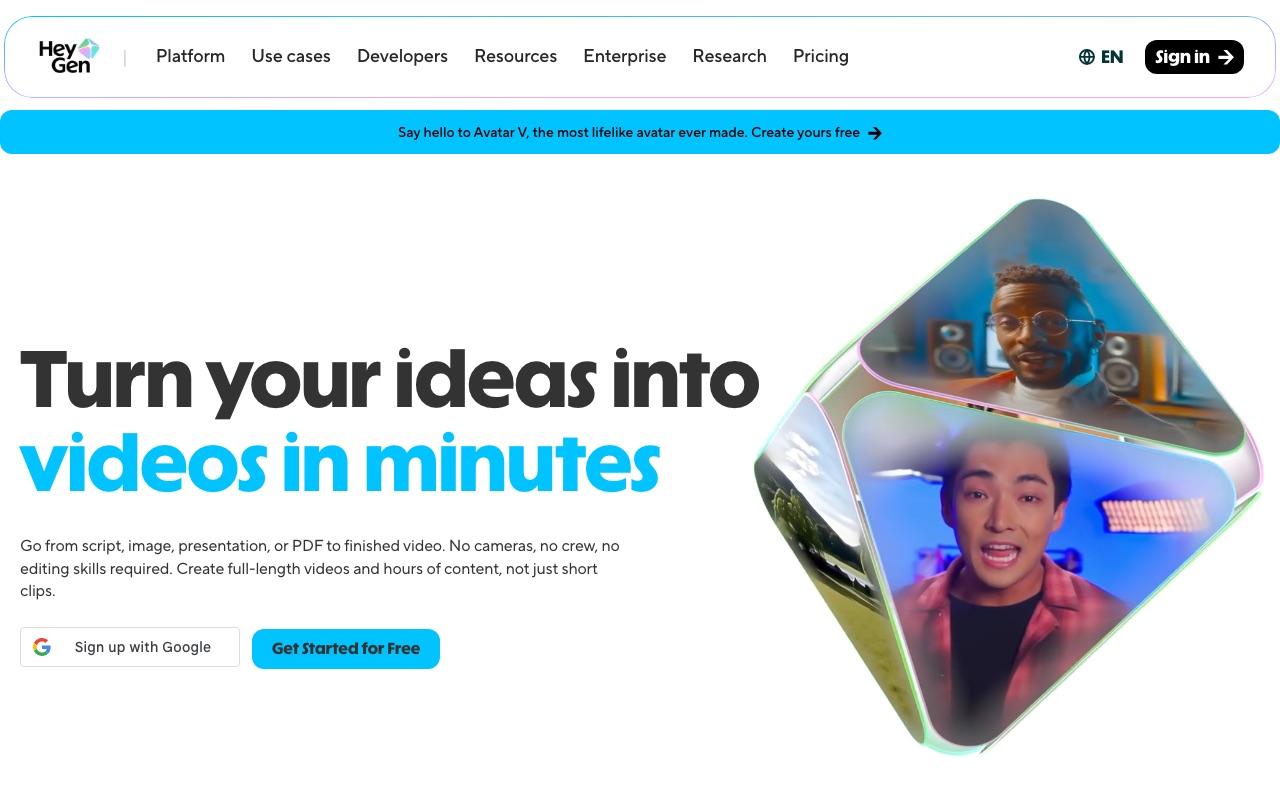
- Credits run out fast, and failed jobs still cost you. HeyGen’s best avatar model, Avatar IV/V, costs 20 credits per minute. The Creator plan gives 600 credits, so that is about 30 minutes of the flagship avatar a month. One Trustpilot reviewer wrote in July 2026 that they lost over 400 credits on generations that failed or never finished.
- “Unlimited” does not mean unlimited. A G2 reviewer says the “unlimited videos” claim is misleading. The best avatars use a premium credit pool that drains fast on the Creator plan. A Better Business Bureau complaint makes the same point about translation limits added after payment.
- Price is the top complaint. On G2, the most common cons are tagged “Pricing Issues” and “Expensive,” with hundreds of mentions each. Capterra lists “high and inflexible pricing” as the leading negative theme.
- Lip-sync glitches, mostly on long or non-English video. Reviewers on Product Hunt and HeyGen’s own community forum report the lip-sync breaking, so a clip has to be redone. That redo spends more credits.
- Billing and cancellation problems. Trustpilot reviewers report charges continuing after a downgrade or cancel. The Better Business Bureau lists 16 complaints over three years, and all 16 are marked unanswered.
- It makes avatar clips, not whole videos. HeyGen gives you a talking presenter. Maybe you want a faceless niche channel instead: script, voice, visuals, captions, and auto-posting. That is a different job from what HeyGen is built for.
How modern tools solve these problems
- Credit anxiety maps to tools that only spend credits on the final video. Editing is free, and failed jobs are refunded.
- Fake “unlimited” maps to plans that put every avatar, voice, and style on every tier. Nothing good is paywalled.
- Lip-sync glitches maps to tools that match the voice and visuals to your script, so you redo fewer clips.
- Billing friction maps to a real free tier and clear pricing. You can test and predict the bill before you pay.
- Avatar-only output maps to a full pipeline: script, voice, visuals, captions, and auto-posting for creators who run a channel.
What to look for in a HeyGen alternative
- Credits that only count on output. Editing, previewing, and regenerating should not drain your allowance. Look for included features and auto-refunds on failed jobs.
- Realistic avatars or characters. Lip-sync and delivery should hold up, in your language, at the length you actually publish.
- Clear, honest pricing. The good avatars should not sit behind a premium credit pool that empties in 30 minutes.
- A real free tier. You should be able to make a full video, or at least a real test, before you pay.
- The right output type. Some tools make a talking presenter; others build a whole faceless video. Pick the one that matches your goal.
- Auto-posting if you run a channel. If you publish on a schedule, the tool posting for you turns a hobby into a system.
- An API if you build. Developers should be able to generate video with a single call, not a manual studio.
The best HeyGen alternatives
1. AITuber
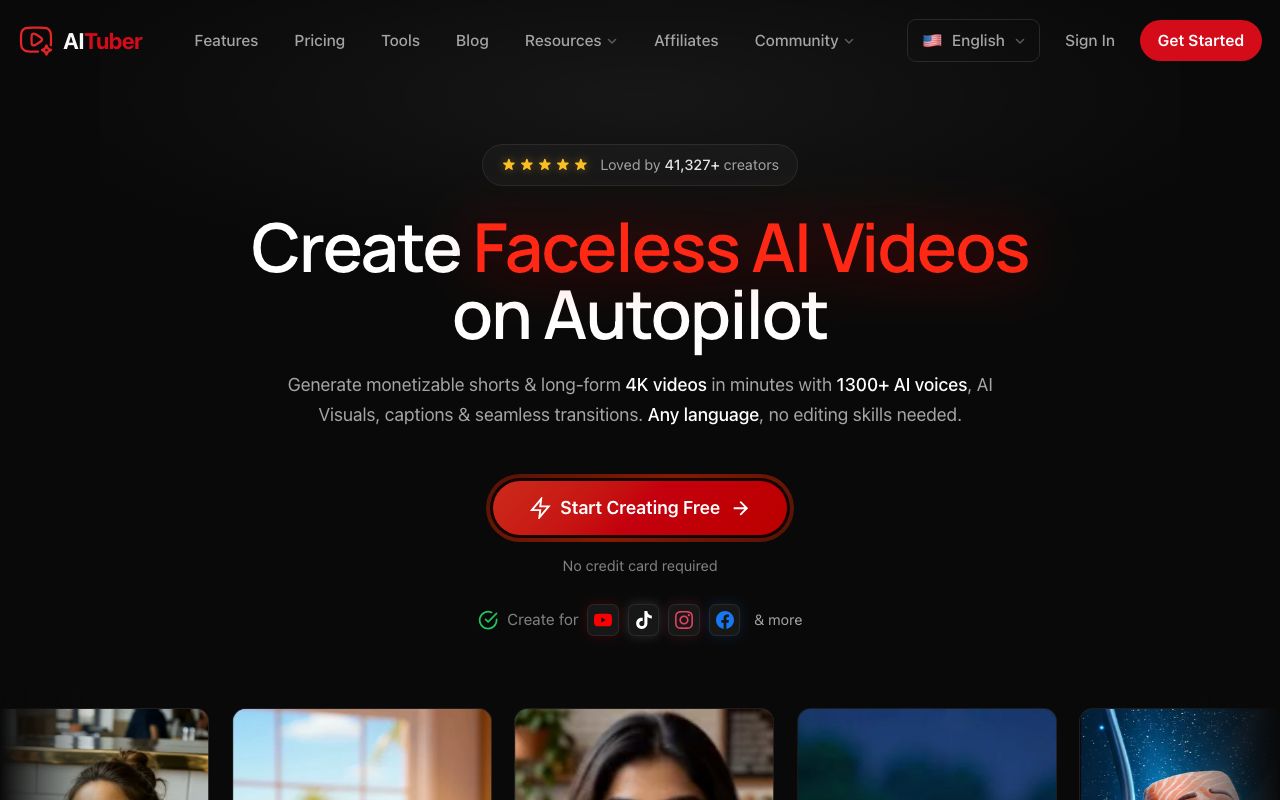
AITuber is the strongest HeyGen alternative for anyone building a channel rather than making one avatar clip at a time. You give it an idea. It writes the script, generates a matching voice and visuals, and adds captions. It can also post the finished video to your channel on a schedule. Where HeyGen hands you a talking presenter, AITuber builds the whole faceless video around a talking character. Credits are spent on the video you keep, not on every edit and preview. A failed generation is auto-refunded.
Key features
- Idea to finished video: script, AI voiceover, visuals, and captions in one flow
- AI avatar and talking-character video, plus faceless niche templates
- Autopilot that writes, makes, and posts videos to your channel on a schedule
- 1,300+ AI voices across 140+ languages
- 4K export, and every template, voice, and style included on every paid plan
Pros
- One idea becomes a complete, posted video, not a single avatar clip
- No feature gating: even the entry plan includes all templates, voices, styles, and 4K
- Credits are not spent on edits or previews, and failed jobs are refunded
- Unused credits never expire, so a slow month is not money wasted
- A free tier (100 credits) lets you make your first video before paying
Cons
- Built for faceless short-form and channel automation, not long-form talking-head editing
- Autopilot is most useful if you actually run a channel on a schedule
Pricing: Free to start with 100 credits (no card). Paid plans are Creator $39/mo (2,500 credits, 1 channel on autopilot), Pro $69/mo (5,000 credits, 2 channels), Studio $129/mo (10,000 credits, 4 channels), and Agency $249/mo (20,000 credits, unlimited channels). Every plan includes all templates, voices, styles, and 4K export. See the full pricing.
Best for: creators who want to run a faceless YouTube channel from idea to posted video. Avatars are one option in the pipeline.
2. Synthesia
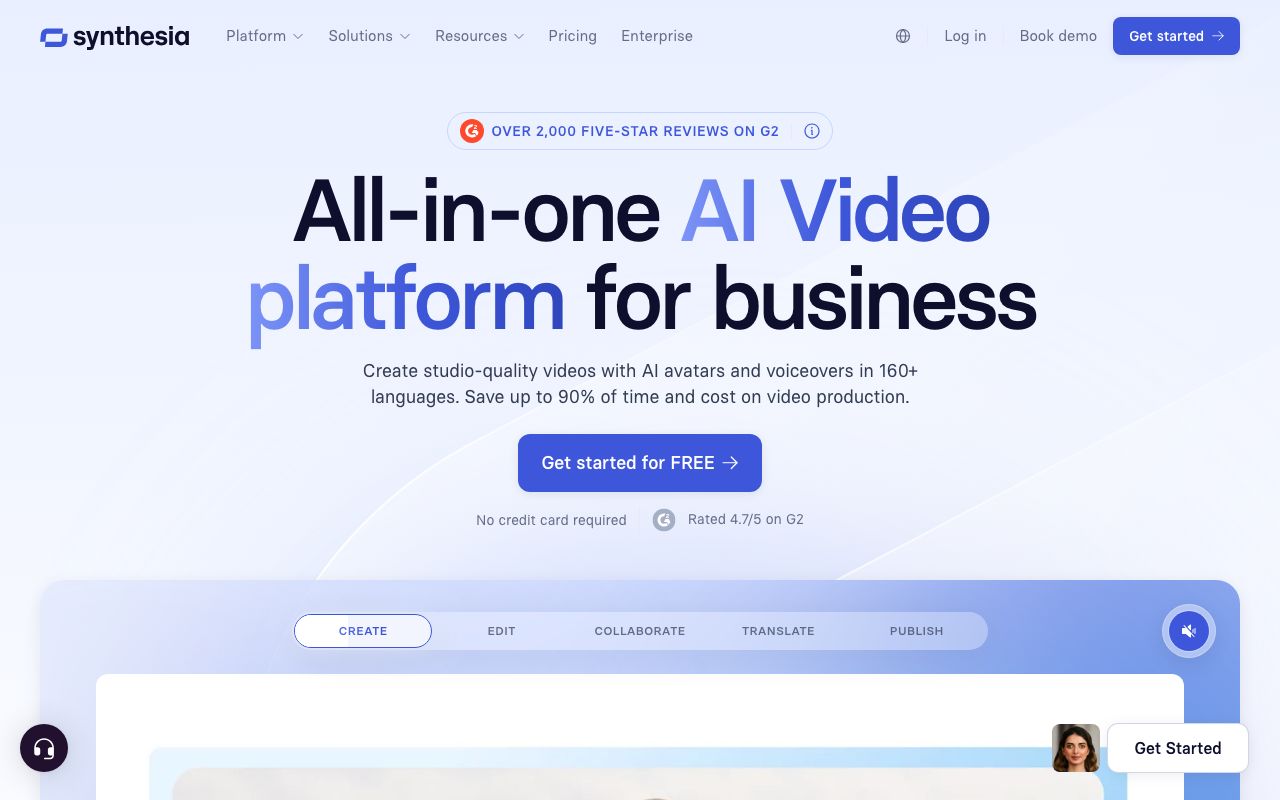
Synthesia is the closest head-to-head rival to HeyGen, and the safe pick for business. It turns a script into a video of a realistic AI presenter, in 140+ languages, with one-click translation. It leans toward training, onboarding, and internal comms, where a polished avatar matters more than social-video speed.
Key features
- 240+ studio-quality AI avatars, plus custom avatars
- Script to video in 140+ languages with one-click translation
- Templates for training, onboarding, and explainers
- SCORM export and LMS features for workplace learning
Pros
- Among the most realistic avatars in the category
- Excellent multilingual dubbing and translation
- Polished and safe for business and training use
Cons
- Minutes feel tight for the price; the annual Starter plan is about 120 minutes for the whole year
- Voice delivery can sound flat on long, narrative scripts
Pricing (verified July 2026): Free plan with about 10 minutes a month and a watermark. Starter is $29/mo, or $18/mo billed annually. Creator is $89/mo, or $64/mo billed annually, and adds API access. Enterprise is custom with unlimited minutes.
User reviews: 4.7/5 on G2 from more than 2,300 reviews (G2), and about 4.0/5 on Trustpilot (Trustpilot).
Best for: businesses making training, onboarding, and explainer videos with a presenter.
3. D-ID

D-ID is the pick for developers and quick photo-to-video tests. It turns a single photo into a talking video. It also runs interactive AI agents that talk back in real time. Its API is the real draw, and its paid entry price is the cheapest on this list.
Key features
- Talking-avatar video from one photo, no filmed presenter
- Interactive AI agents with real-time streaming
- Video Translate for multilingual output
- A developer API included across the Studio tiers
Pros
- Cheapest paid entry point here, from about $5.90/mo
- Strong API for embedding avatars in apps
- Fast for one-off photo-to-video clips
Cons
- Output can look robotic beyond the lips, with stiff expressions
- Minutes do not roll over, usage rounds up to 15 seconds, and the paid Lite plan keeps a watermark
Pricing (checked July 2026 via pricing trackers, as D-ID’s own page loads prices with JavaScript): Free 14-day trial with 3 minutes and a watermark. Lite is about $5.90/mo ($4.70/mo annual) for 10 minutes. Pro is about $29/mo (~$16/mo annual) for 15 minutes. Advanced is about $196/mo ($108/mo annual) for 100 minutes. Separate API plans start around $18/mo. Confirm the live figures before you buy.
User reviews: 4.6/5 on G2 from about 110 reviews (G2). But it scores only 1.5/5 on Trustpilot, where billing and refund complaints dominate (Trustpilot).
Best for: developers embedding avatar or streaming video through an API.
4. Colossyan
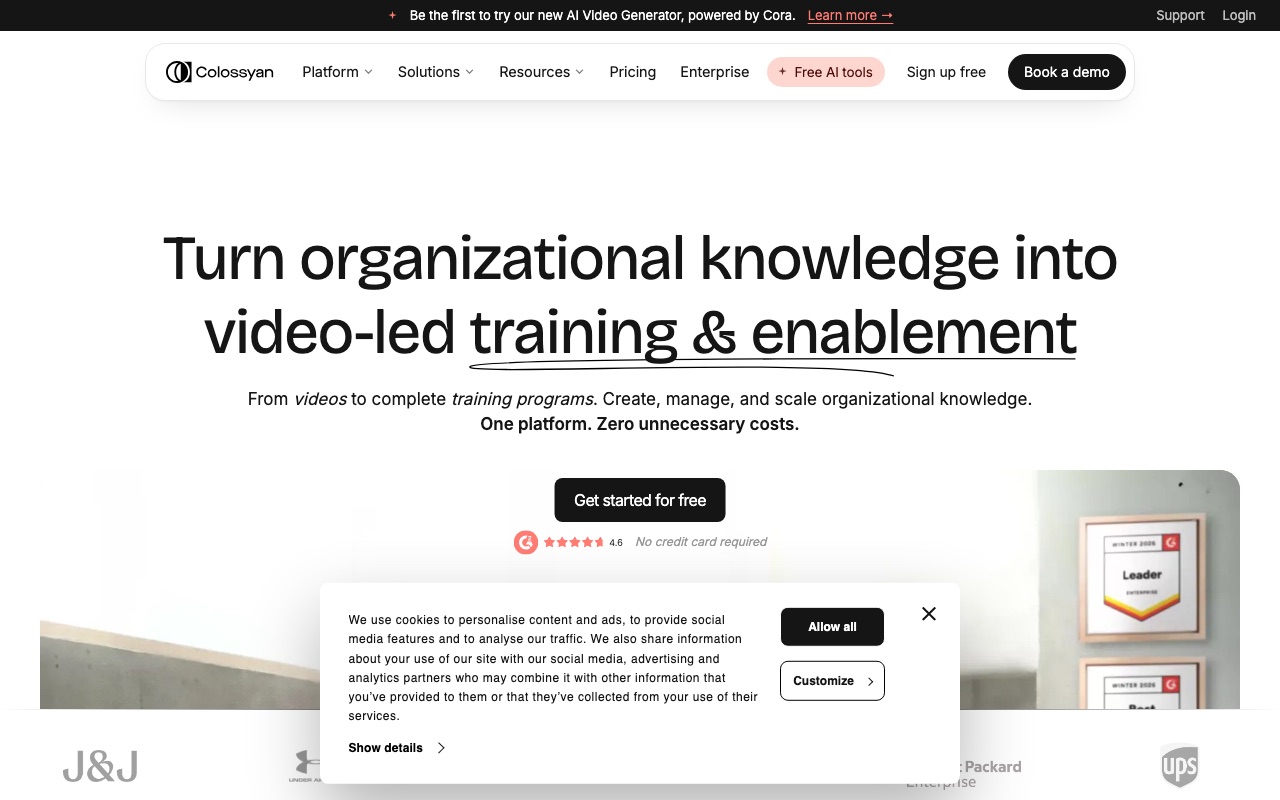
Colossyan is the value pick for workplace learning. It makes avatar training videos. Its real differentiator is interactive video: branching scenarios, quizzes, and SCORM export. It is priced below Synthesia, which makes it a fair swap for L&D teams on a smaller budget.
Key features
- Interactive video with branching and quizzes
- SCORM export and LMS-ready output
- Document, PDF, and slide-deck to video conversion
- Two avatar engines (NEO and the newer NEO2) plus auto-translation
Pros
- Interactive and quiz features that most avatar tools skip
- Cheaper than Synthesia for training content
- Beginner-friendly for turning docs into video
Cons
- Reviewers report lip-sync and audio inconsistencies
- Renders can be slow, and the newer NEO2 model is capped at 10 minutes a month even on the paid plan
Pricing (verified July 2026): Starter is free with 20 minutes a month and a watermark. Professional is $59/mo billed annually and removes the watermark. Enterprise is custom. The pay-monthly Professional price is not shown clearly on the page, so treat the annual figure as the reliable one.
User reviews: 4.6/5 on G2 from about 488 reviews (G2), and 4.4/5 on Capterra from a small sample of 10 reviews (Capterra).
Best for: L&D teams building interactive training on a smaller budget than Synthesia.
5. Vidnoz AI
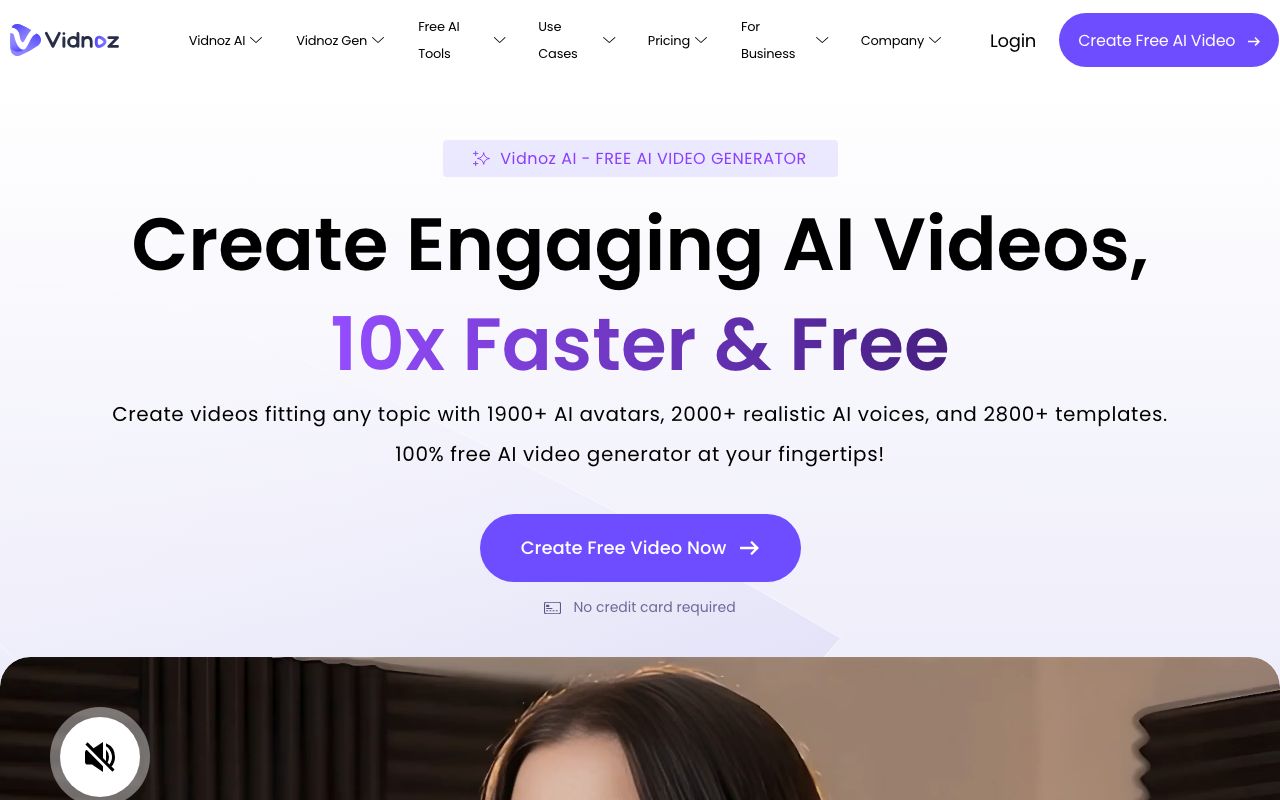
Vidnoz AI is the budget pick, with an unusually generous free tier. It centers on talking-photo avatars and voices. It also gives you daily free credits. That makes it a fair choice if HeyGen’s free plan feels too tight.
Key features
- 1,800+ avatars and a large voice library
- A free plan with daily credits that reset each day
- Talking-photo avatars from a single image
- Video translation and voice cloning on the Business plan
Pros
- One of the most generous free plans in the category
- Huge avatar and voice library for the price
- Low starting price on paid plans
Cons
- Free exports are capped at 720p with a watermark and a 3-minute limit
- A wide gap between review sites, with many billing and cancellation complaints on Trustpilot
Pricing: Free plan with daily credits, up to 3-minute videos, 720p, and a watermark. Paid plans start at $19.99/mo billed yearly (Starter), which removes the watermark and unlocks 1080p, with a Business tier at about $56.99/mo billed yearly. Pricing shifts with promos, so check the current page.
User reviews: about 4.9/5 on G2, but from just 16 reviews (G2). It scores about 2.3/5 on Trustpilot from roughly 79 reviews, where billing complaints dominate (Trustpilot). Read both before you buy.
Best for: budget users who want an avatar toolkit with a big free allowance.
6. Argil
Argil is the pick for UGC-style social clips. You make a video of an AI clone of yourself, or a generic avatar, aimed at short social posts. It is built for creators and personal brands who want a talking clip in minutes rather than a training course.
Key features
- AI clone of yourself, or 100+ generic avatars
- Vertical clips built for TikTok, Reels, and Shorts
- Gestures and multiple avatar styles
- An API for generating clips at scale
Pros
- Fast, social-first workflow for personal-brand video
- Good fit for UGC ads and talking-head hooks
- Backed by an active creator community
Cons
- Lip-sync can drift, so clips work best under 60 seconds
- Hand movements can clip through the body or repeat
- Too new for a large third-party review record, so quality is harder to verify
Pricing: No permanent free plan, only a 5-day trial. Classic is $39/mo ($27/mo billed annually) for about 25 minutes a month. Pro is $149/mo ($104/mo annually) for about 100 minutes. Higher Scale and Enterprise tiers add seats and credits. Confirm current pricing on their site.
User reviews: 5.0/5 on Product Hunt, but from only 7 reviews (Product Hunt). That sample is too small to lean on, so weigh it as an early signal, not a track record.
Best for: creators making UGC-style clips and personal-brand social video.
Quick comparison of all alternatives
| Tool | Starting price | Free tier | Output type | Best for |
|---|---|---|---|---|
| AITuber | Free, then $39/mo | Yes, 100 credits | Full faceless video | Idea to posted video |
| Synthesia | $18/mo (annual) | Yes, ~10 min/mo | Avatar presenter | Enterprise training |
| D-ID | About $5.90/mo | Trial only | Photo-to-video + API | Developers using an API |
| Colossyan | $59/mo (annual) | Yes, watermarked | Interactive avatar video | L&D with quizzes |
| Vidnoz AI | $19.99/mo (annual) | Yes, daily credits | Talking-photo avatar | Budget and free use |
| Argil | $27/mo (annual) | Trial only | UGC social clips | Personal-brand video |
Prices are the lowest paid tier as of July 2026, and are rounded. Some vendors render pricing dynamically, so check each site for the exact figure. If you want a talking avatar inside a full faceless video, see our AI avatar video generator.
How HeyGen rates versus its reputation
HeyGen is a genuinely good tool, and its buyer ratings are strong. The gap between 4.8 on G2 and 3.6 on Trustpilot tells one story. The avatars and translation are great. But credits, glitches, and billing can wear you down. If those are your pain points, the alternatives above are built to remove them.
How to choose the right HeyGen alternative
- Do you want a whole video, not just an avatar clip? If yes, AITuber. It goes from an idea to a posted video and runs on autopilot.
- Do you make enterprise training or onboarding? If yes, Synthesia for polish, or Colossyan for interactive quizzes on a smaller budget.
- Are you a developer who wants an API? If yes, D-ID has the cheapest entry and a strong API.
- Is budget your main limit? If yes, Vidnoz AI has the most generous free tier.
- Do you make UGC social clips? If yes, Argil is built for fast personal-brand video.
Use-case cheat sheet
- Scenario: You want to launch a faceless niche channel and post daily. Best choice: AITuber. It goes from idea to posted video on autopilot, with all features included.
- Scenario: You keep running out of HeyGen credits on the good avatar model. Best choice: AITuber. Credits count only on the video you keep, and failed jobs are refunded.
- Scenario: You make employee training videos with a presenter. Best choice: Synthesia, for the most polished avatars in 140+ languages.
- Scenario: You need quizzes and branching in your training video. Best choice: Colossyan, which is built for interactive learning.
- Scenario: You are a developer embedding avatar video in an app. Best choice: D-ID, with the cheapest entry and a strong API.
- Scenario: You want the biggest free allowance to experiment. Best choice: Vidnoz AI, or AITuber’s free credits.
- Scenario: You make UGC ads or personal-brand social clips. Best choice: Argil, or AITuber’s UGC video generator.
- Scenario: You want a talking avatar inside a full faceless video, not a bare clip. Best choice: AITuber’s avatar video generator.
- Scenario: You run many client channels as an agency. Best choice: AITuber’s Agency plan (unlimited channels).
Frequently Asked Questions
Basics
What is the best alternative to HeyGen?
For most creators, AITuber is the best HeyGen alternative. It builds the whole faceless video from one idea. Every feature is on every plan, and it does not spend credits while you edit. For enterprise training with a presenter, Synthesia is the closest match. For a developer API, D-ID is the cheapest entry.
Is there a free HeyGen alternative?
Yes. AITuber gives you 100 free credits with no card. Vidnoz AI has a generous free plan with daily credits. Synthesia and Colossyan have free tiers with watermarks. HeyGen also has a free plan. It is limited to 3 videos a month, up to 1 minute each, with a watermark you cannot remove.
Pricing
Why do HeyGen credits run out so fast?
HeyGen’s best avatar model, Avatar IV/V, costs 20 credits per minute. The Creator plan gives 600 credits a month, so that is about 30 minutes of the flagship avatar. Failed generations can still spend credits, which is the top billing complaint on Trustpilot. Tools that only charge for the video you keep, and that refund failed jobs, avoid that drain.
How much does HeyGen cost?
HeyGen has a free plan, then Creator at $29/mo ($24/mo billed annually), Pro at $49/mo, and Business at $149/mo plus $20 per extra seat. Higher plans add more credits, longer videos, 4K export, and team features. HeyGen shows some prices only after you toggle annual billing, so check the live page for the exact figure.
Comparisons
How does AITuber compare to HeyGen?
AITuber builds an original faceless video from one idea: script, voice, visuals, and captions. It can post that video to your channel on a schedule. All voices, styles, and 4K are on every plan. HeyGen makes a talking-avatar clip from a script and leaves the rest to you. AITuber also spends credits only on final output and refunds failed generations. Both have a free tier.
Is HeyGen or Synthesia better?
HeyGen and Synthesia are close rivals for AI avatar video. HeyGen rates higher on G2 (4.8 versus 4.7) and moves faster for social video. Synthesia leans toward enterprise training, with strong multilingual dubbing and SCORM export. If you want neither an avatar clip nor a training course, but a full faceless video, AITuber is the better fit.
How we researched this: we compared six tools against the criteria above, using public sources (each vendor’s live pricing page and named review platforms like G2, Trustpilot, Capterra, and Product Hunt), checked in July 2026, combined with our own hands-on testing. AITuber is a product we build, so we have flagged every place we compare it to another tool and kept the competitor pricing and ratings accurate as of the date above. D-ID renders its pricing with JavaScript, so its figures were confirmed through pricing trackers and should be treated as approximate. Prices and plans change often; check each vendor’s site for the latest.