Best Pictory AI Alternatives (2026)
The best Pictory alternatives for faceless AI video in 2026. Real pricing, ratings, and honest pros and cons for 7 tools, tested and ranked.

The best Pictory alternative for most creators is AITuber, because it makes original faceless videos from a single idea (script, AI voice, matching visuals, and captions) instead of stitching stock clips onto text. Below are seven tools worth switching to, tested and ranked, with real pricing and honest tradeoffs.
TL;DR: the top picks
- AITuber: best for building a faceless niche channel on autopilot. Every feature is on every plan.
- InVideo AI: best for prompt-to-video with stock footage, closest to Pictory’s style.
- Fliki: best for cheap text-to-video with lifelike AI voices.
- Synthesia: best when you want a talking AI presenter instead of stock clips.
- Revid.ai: best for auto-posting faceless short videos.
| Tool | Best for | Key strength |
|---|---|---|
| AITuber | Faceless niche channels on autopilot | Idea to posted video, all features on every plan |
| InVideo AI | Prompt-to-video repurposing | Text prompt edits the whole video |
| Fliki | Budget text-to-video | Lifelike voices in many languages |
| Synthesia | Talking-avatar explainers | Realistic AI presenters |
| Revid.ai | Auto-posted faceless Shorts | Schedules and posts for you |
| Vidnoz AI | Free AI video and avatars | Generous free tier |
| AutoShorts.ai | Hands-off faceless Shorts | Set-and-forget channel automation |
Why look for a Pictory alternative?
Pictory is a solid blog-to-video and repurposing tool, but creators leave it for a few specific reasons, and the pattern shows up across review sites. If turning posts into video is the job you came for, our list of the best blog to video AI tools sorts seven of them by how the video looks.
- It picks the wrong stock footage. The most common complaint is that Pictory matches words, not meaning. One Trustpilot reviewer described it pairing the phrase “open rates” with footage of someone opening physical mail. You end up swapping clips by hand, which is the exact work the tool was supposed to remove.
- The editor is buggy and slow. Reviewers report scenes that will not reorder without a page refresh, slow previews, and unstable rendering. Editing an AI draft can feel slower than editing from scratch.
- The AI voiceover glitches. Users report strange noises, mispronounced words, and no control over pacing or emphasis. Support has told people to work around it by removing punctuation, which is not a real fix.
- Credit-based pricing creates surprise limits. Pictory runs on credits and gates features people expect to be included, so you can hit a wall mid-project or pay more than the sticker price suggested.
- Buyer sites and real users disagree. Pictory scores well where buyers rate ease of use (4.6 on G2, 4.7 on Capterra) but only 3.7 out of 5 across 538 Trustpilot reviews, where 1 in 5 reviews is a single star. That gap is worth knowing before you commit.
- It is built for repurposing, not original faceless channels. Pictory turns blogs and long videos into short clips with stock footage. If your goal is an original faceless niche channel with a consistent voice, matching visuals, and automatic posting, that is not what Pictory is for.
How modern tools solve these problems
- Wrong footage maps to tools that generate or match visuals to your script’s meaning, or build a consistent visual style instead of pulling random stock.
- Slow editor maps to a single idea-to-video flow where the first draft is close, so you edit less.
- Robotic voice maps to natural AI voices with control over pacing, tone, and language.
- Credit surprises map to plans where the features you need are already included.
- Repurposing-only maps to faceless niche templates and autopilot posting for creators who run a channel, not just a marketing team recycling a blog.
What to look for in a Pictory alternative
- Makes original videos, not just repurposed clips. The tool should turn an idea or script into a finished video, not only chop up a blog post.
- Visuals that match meaning. Look for AI that understands the script, or a consistent generated style, so you stop swapping clips by hand.
- A natural voice you can control. Pacing, emphasis, and language options matter more than the number of voices.
- All features on the plan you can afford. Avoid tools that gate the basics behind extra credits.
- Faceless niche templates. Starting from a proven format (Reddit stories, history, psychology, and so on) beats a blank page.
- Auto-posting if you run a channel. If you publish on a schedule, the tool posting for you is the difference between a hobby and a system.
- Clear pricing and a real free tier. You should be able to try it, and predict the bill, before you pay.
The best Pictory alternatives
1. AITuber
AITuber is the strongest Pictory alternative for anyone building a faceless channel rather than repurposing a blog. You give it an idea, and it writes the script, generates a matching voice and visuals, adds captions, and can post the finished video to your channel on a schedule. It is built around faceless niches, so you start from a proven format instead of a blank timeline.
Key features
- Idea to finished video: script, AI voiceover, visuals, and captions in one flow
- Faceless niche templates (Reddit stories, true crime, mythology, history, psychology, and more)
- Autopilot that writes, makes, and posts videos to your channel on a schedule
- 1,300+ AI voices across 140+ languages
- 4K export, and every template, voice, and style included on every paid plan
Pros
- One idea becomes a complete, posted video, not a draft you finish by hand
- No feature gating: even the entry plan includes all templates, voices, styles, and 4K
- Unused credits never expire, so a slow month is not money wasted
- A free tier (100 credits) lets you make your first short before paying
Cons
- Focused on faceless short-form and channel automation, not long-form talking-head editing
- Autopilot is most useful if you actually run a channel on a schedule
Pricing: Free to start with 100 credits (no card). Paid plans are Creator $39/mo (2,500 credits, 1 channel on autopilot), Pro $69/mo (5,000 credits, 2 channels), Studio $129/mo (10,000 credits, 4 channels), Agency $249/mo (20,000 credits, unlimited channels), up to Business and Enterprise. Every plan includes all templates, voices, styles, and 4K export. See the full pricing.
Best for: creators who want to run a faceless YouTube channel end to end, from idea to posted video.
2. InVideo AI
InVideo AI is the closest tool to Pictory on this list. You give it a text prompt, a script, or a blog URL, and it assembles the scenes, stock footage, an AI voiceover, and captions. Its main trick is text-command editing: you type “make the intro shorter” instead of dragging clips on a timeline.
Key features
- Prompt, script, or blog URL to a full narrated video
- Text-command editing with no manual timeline
- Large iStock and Storyblocks library with multilingual AI voiceovers
- Voice cloning on paid plans
Pros
- Fast way to go from a prompt to a finished narrated video
- Huge stock and voice library
- Works well for long explainers, not only short videos
Cons
- No free plan since the July 2026 repricing, so testing means paying
- Unused credits expire at the end of each month
- The step from Plus to Max is five times the yearly price
- Output can be inconsistent and often needs re-prompting, which burns credits
Pricing (checked 27 July 2026 on InVideo’s pricing page): No free plan. Four paid tiers, each with unlimited exports and no watermark. Plus is $17/mo billed as $200 a year, for 75 credits a month. Max is $85/mo billed as $1,000 a year, for 390 credits. Generative is $170/mo billed as $2,000 a year, for 800 credits. Elite is $900/mo billed as $10,800 a year, for 4,250 credits. InVideo’s own FAQ says unused credits do not roll over, and generative models bill at their original API rates. Our best InVideo alternatives guide covers the change in full.
User reviews: 4.5/5 on Capterra from 413 reviews (Capterra).
Best for: turning a prompt or a blog post into a narrated stock-footage video, long or short.
3. Fliki
Fliki is a voice-first text-to-video tool. It turns a script, blog, or idea into a narrated video with matching stock visuals and captions, and its AI voices are among the most lifelike here.
Key features
- Text, blog, or script to video with 2,000+ voices in 80+ languages
- Voice cloning
- Auto-matched stock visuals and captions
Pros
- Best-in-class voice library and multilingual narration
- Clean and beginner-friendly
- Strong value for narration-heavy faceless content
Cons
- Credit limits feel tight on lower tiers, and long videos use credits fast
- Stock-visual matching is less cinematic than tools built only for shorts
Pricing: Free plan with about 5 minutes of content a month, a watermark, and 720p. Paid Standard and Premium tiers are credit-based and billed annually; Standard is commonly around $28/mo month to month and less on annual billing. Check the live page for the current promo.
User reviews: 4.7/5 on Capterra from 345 reviews (Capterra).
Best for: faceless creators who lead with voiceover, like explainers, listicles, and multilingual dubs.
4. Synthesia
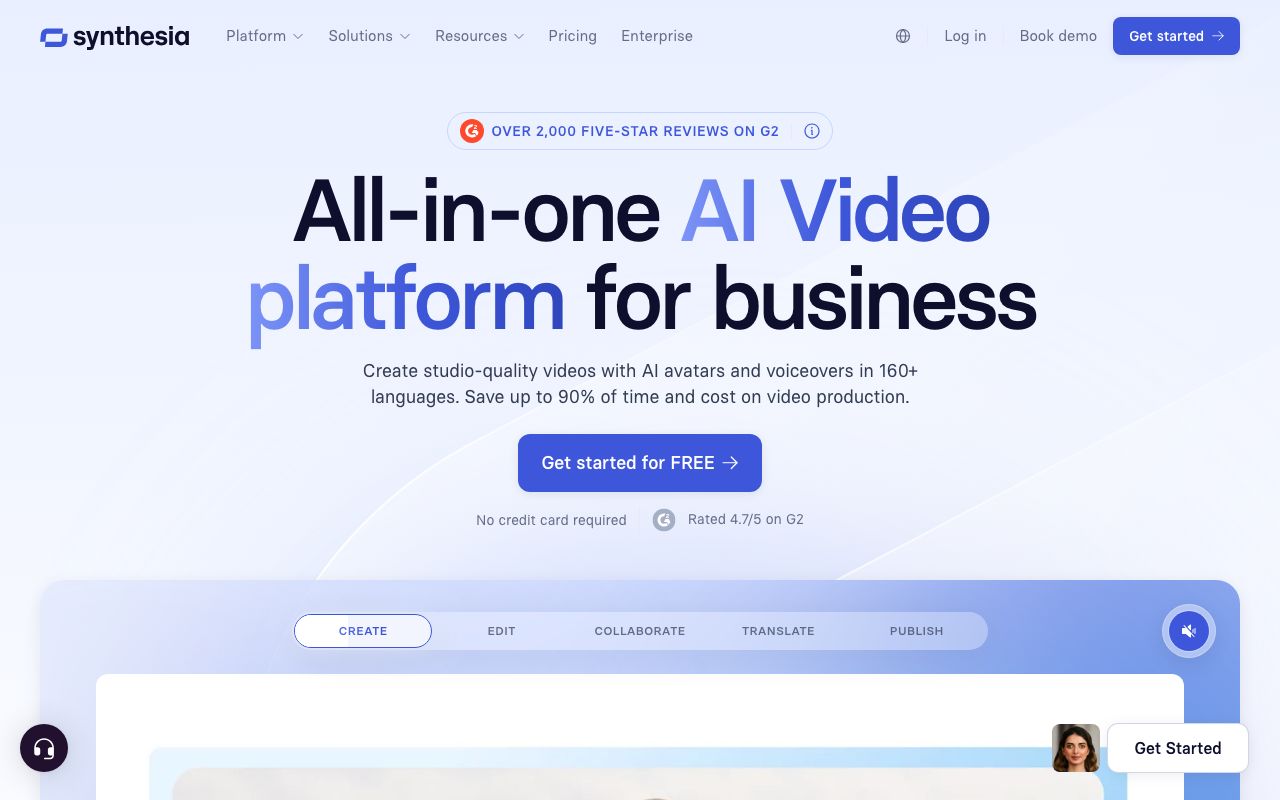
Synthesia is the pick when you want a person on screen without filming one. It turns a script into a video of a realistic AI avatar presenter, in 140+ languages. It is faceless only in the sense that no real human is filmed.
Key features
- 240+ studio-quality AI avatars, plus custom avatars
- Script to video in 140+ languages with one-click translation
- Templates for training, onboarding, and explainers
Pros
- The most realistic avatars in the category
- Excellent multilingual dubbing
- Polished for business and training use
Cons
- It is an avatar tool, not a faceless stock-video generator
- Low monthly-minute caps, and it is costly per minute for casual creators
Pricing (verified July 2026): Free plan with 10 minutes a month and a watermark. Starter is $29/mo, or $18/mo billed annually ($216/year). Creator is $89/mo, or $64/mo billed annually. Enterprise is custom.
User reviews: about 4.7/5 on G2 from 2,000+ reviews as of mid-2026 (G2), and around 4.0/5 on Trustpilot.
Best for: businesses making training, onboarding, and explainer videos with a presenter.
5. Revid.ai
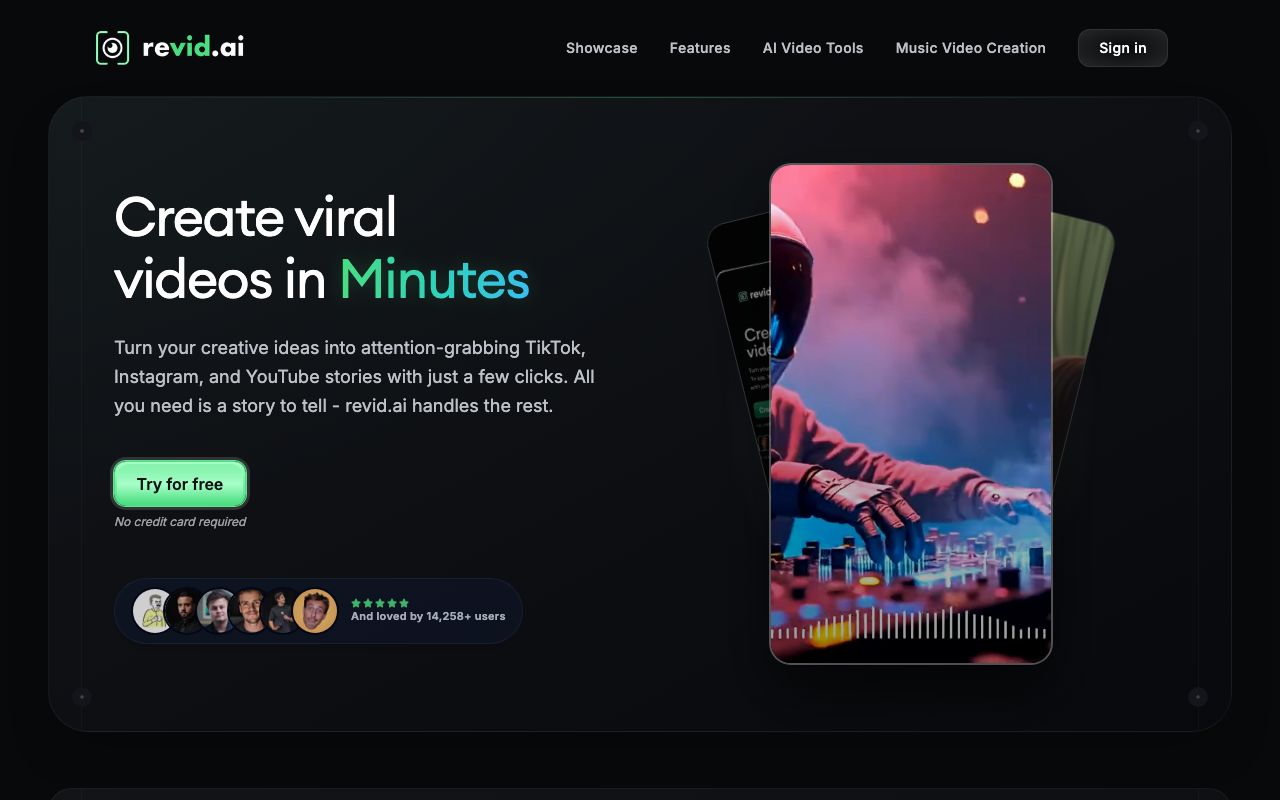
Revid.ai is built for viral faceless shorts. You give it a prompt, script, or link, and it makes a short with an AI voice, captions, and templated visuals, then it can auto-post to TikTok, Instagram, and YouTube.
Key features
- Prompt, script, or URL to a faceless short
- Auto-Mode workers that generate and post on a schedule
- Voiceovers in 70+ languages and a large viral-video remix library
Pros
- Purpose-built for faceless short-form
- Strong auto-generate-and-post automation
- Fast, simple workflow
Cons
- Recurring reliability complaints: credits lost on failed generations, characters that drift between scenes, and freezes
- Demo samples can look better than the real output
Pricing: Paid plans start around $32 to $39/mo, rising to about $166 to $199/mo for more credits, voice cloning, and more auto workers. Annual billing gives two months free. There is no permanent free plan, only a limited trial. Verify current pricing on their site.
User reviews: Trustpilot sentiment is mixed, around 3.x out of 5, with a high share of 1-star reviews citing reliability (Trustpilot).
Best for: solo creators mass-producing faceless TikTok and Shorts content on autopilot.
6. Vidnoz AI
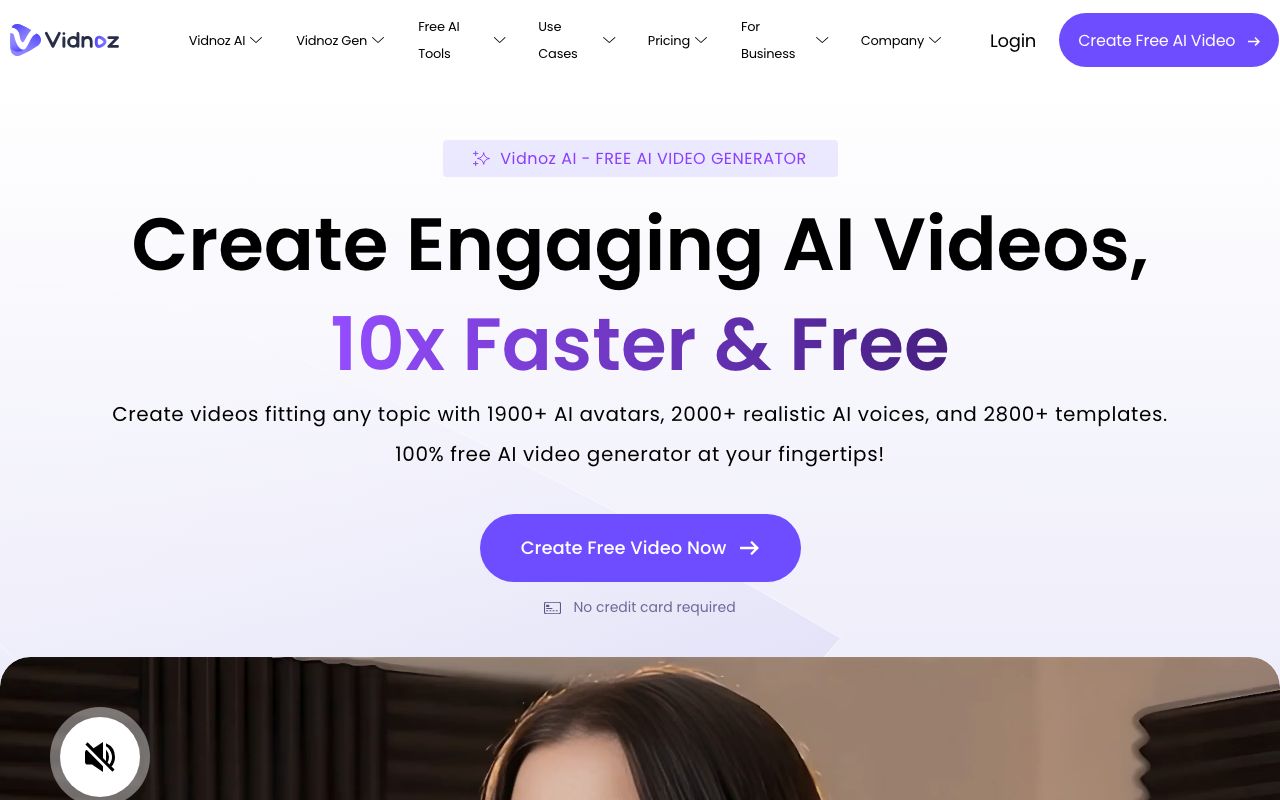
Vidnoz AI is a budget, all-in-one video toolkit with an unusually generous free tier. It centers on AI avatars and voices, and it can also make narrated clips, so it leans more avatar than faceless-shorts.
Key features
- 1,800+ avatars and 2,600+ voices
- A large free plan with daily credits
- Extras like face-swap, photo-to-avatar, and video translation
Pros
- Very generous free plan
- Huge avatar, template, and voice library
- Broad toolkit for the price
Cons
- A big gap between review sites: strong on G2 but many billing and cancellation complaints on Trustpilot
- The credit system is confusing, and the free tier is watermarked and length-capped
Pricing: Free plan with daily credits, up to 3-minute videos, 720p, and a watermark. Paid Starter and Business tiers are credit-based, with 25% off on annual billing. Pricing shifts with promos, so check the current page.
User reviews: about 4.9/5 on G2 but from a small sample of roughly 16 reviews (G2), versus about 2.3/5 on Trustpilot from roughly 79 reviews, where billing complaints dominate (Trustpilot). Read both before you buy.
Best for: budget users who want an avatar-driven toolkit with a big free allowance.
7. AutoShorts.ai
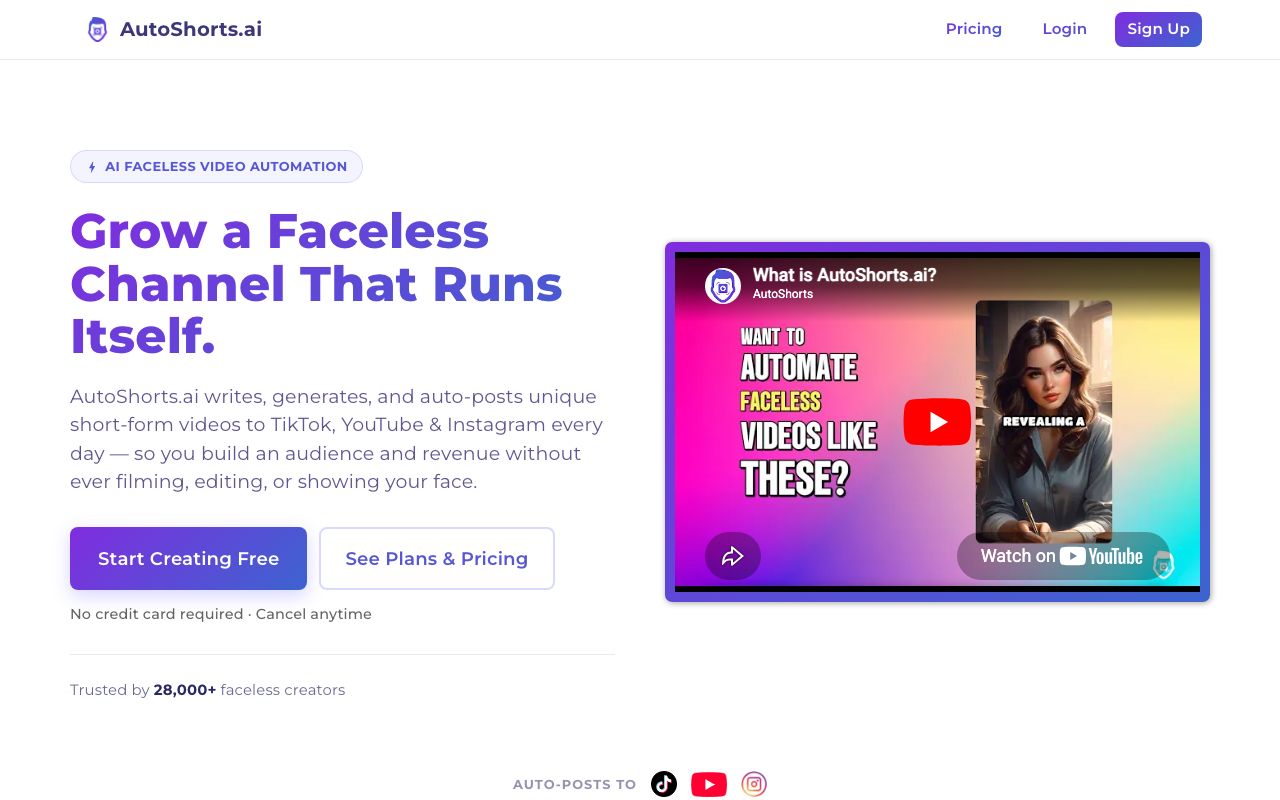
AutoShorts.ai is the most hands-off faceless tool here. You pick a niche, and it generates and auto-posts a faceless video series to your channels on a schedule.
Key features
- Fully automated faceless series from a niche or topic
- Auto-posting to TikTok, YouTube Shorts, and Instagram Reels
- Script, AI visuals, AI voice, and voice cloning, all hands-off
Pros
- True set-and-forget automation
- Cheap entry point
- Purpose-built for faceless channels
Cons
- A thin third-party review footprint, so quality is harder to verify
- Output can be templated and repetitive, with limited fine editing
Pricing: Free plan with 1 video. Paid plans are commonly around $19/mo for about 3 posts a week, $39/mo for daily posting, and $69/mo for twice-daily posting. Confirm current pricing on their site.
User reviews: limited third-party reviews so far; most feedback comes from hands-on test articles rather than large review platforms, so weigh it carefully.
Best for: people who want a fully automated faceless channel with minimal touch.
Quick comparison of all alternatives
| Tool | Starting price | Free tier | Faceless fit | Best for |
|---|---|---|---|---|
| AITuber | Free, then $39/mo | Yes, 100 credits | Faceless channel + autopilot | Idea to posted faceless video |
| InVideo AI | $17/mo (annual, $200/yr) | No, free plan dropped | Faceless, stock-based | Prompt or blog to narrated video |
| Fliki | About $28/mo | Yes, 5 min/mo | Faceless, voice-first | Narration-led videos |
| Synthesia | $18/mo (annual) | Yes, 10 min/mo | Avatar, not faceless | Presenter explainers |
| Revid.ai | About $32/mo | Trial only | Faceless shorts + auto-post | Viral Shorts on autopilot |
| Vidnoz AI | Free plus credits | Yes, daily credits | Avatar-leaning | Budget all-in-one toolkit |
| AutoShorts.ai | About $19/mo | Paused since July 2026 | Faceless, hands-off | Fully automated channel |
Prices are the lowest paid tier as of July 2026 and are rounded; some vendors render pricing dynamically, so check each site for the exact figure. InVideo repriced on 27 July 2026 and dropped its free plan, which our best InVideo alternatives guide covers in full. AutoShorts.ai still lists a $0 free plan, but has suspended it. Its FAQ blames bot abuse and says the plan will come back. Checked 31 July 2026. See our best YouTube automation tools guide for more on the auto-posting tools above.
How Pictory rates versus its reputation
How to choose the right Pictory alternative
- Do you want an automated faceless channel? If yes, AITuber. It takes an idea to a posted video and runs on autopilot.
- Do you mainly repurpose blogs or long videos? If yes, InVideo AI is the closest to Pictory’s style, or stay with a repurposing tool.
- Do you want a person on screen? If yes, Synthesia gives you a talking AI presenter instead of stock clips.
- Are you weighing Pictory against Lumen5? The two make the same kind of video. Our best Lumen5 alternatives guide compares them on price.
- Is budget your main limit? If yes, Fliki or Vidnoz AI both start low and have free options.
- Do you want it to post for you? If yes, Revid.ai or AutoShorts.ai focus on scheduling and publishing.
Use-case cheat sheet
- Scenario: You want to launch a faceless niche channel and post daily. Best choice: AITuber. It goes from idea to posted video on autopilot, with all features included.
- Scenario: You have a blog and want to turn each post into a narrated video. Best choice: InVideo AI. Paste the URL and it builds the video.
- Scenario: You make explainers in several languages on a budget. Best choice: Fliki. Its voices and dubbing are the strongest for the price.
- Scenario: You want a presenter on screen for training videos. Best choice: Synthesia. Realistic avatars in 140+ languages.
- Scenario: You want to mass-produce viral Shorts and post them automatically. Best choice: Revid.ai or AutoShorts.ai, with the reliability caveats above in mind.
- Scenario: You want the biggest free allowance to experiment. Best choice: Vidnoz AI, or AITuber’s free credits.
- Scenario: You are leaving Pictory because it kept picking the wrong stock clips. Best choice: AITuber, which builds visuals to match your script instead of keyword-matched stock.
- Scenario: You need a natural voice with control over pacing. Best choice: Fliki or AITuber.
- Scenario: You are an agency running many client channels. Best choice: AITuber’s Agency plan (unlimited channels) or InVideo AI’s higher tiers.
- Scenario: You only need an occasional talking-head video for your team. Best choice: Synthesia’s free or Starter plan.
Frequently Asked Questions
Basics
What is the best alternative to Pictory?
For faceless channels, AITuber is the best alternative because it takes an idea all the way to a posted video and includes every feature on every plan. For blog and long-video repurposing, InVideo AI is the closest match to how Pictory works.
Is there a free Pictory alternative?
Yes. AITuber gives you 100 free credits with no card, and Vidnoz AI and Fliki both have free plans. Pictory itself only offers a 14-day trial, not a free plan.
Pricing
Is Pictory worth it?
Pictory is worth it if your main job is turning existing blogs or long videos into short clips and you are fine editing the stock footage it picks. If you want original faceless videos or automatic posting, a tool built for that will save you more time for a similar price. Pictory starts at $25/mo on annual billing; AITuber starts free, then $39/mo with all features included.
Why is Pictory more expensive than it looks?
Pictory runs on a credit system and gates some features by plan, so the effective cost can rise once you use premium voices or higher volumes. Check how many credits your workflow needs before choosing a tier.
Comparisons
How does AITuber compare to Pictory?
AITuber makes original faceless videos from an idea and can post them for you, with all templates, voices, and 4K on every plan. Pictory focuses on repurposing blogs and long videos into clips with stock footage. AITuber has a free tier; Pictory has a 14-day trial.
Pictory vs InVideo AI: which is closer?
InVideo AI is the closest alternative to Pictory because both turn text into videos with stock footage. InVideo AI leans on a single text prompt to edit the whole video, which many users find faster than Pictory’s scene-by-scene editor.
How we researched this: we compared seven tools against the criteria above, using public sources (each vendor’s live pricing page and named review platforms like G2, Capterra, and Trustpilot), checked in July 2026, combined with our own hands-on testing. AITuber is a product we build, so we have flagged every place we compare it to another tool and kept the competitor pricing and ratings accurate as of the date above. Prices and plans change often; check each vendor’s site for the latest.