Best InVideo Alternatives: 6 Tools Tested
InVideo just repriced. Its cheapest plan is now $200 a year, and the free tier is gone. Here are 6 tested alternatives with pricing checked in July 2026.

InVideo changed its prices this month, and the change is big. The pricing page now lists four paid plans and no free plan. The cheapest one costs $200 for a year. For most creators the better pick is AITuber, which turns one idea into a finished video and posts it for you. Below are six alternatives, with every price checked on 27 July 2026.
TL;DR: the top picks
- AITuber: best overall. One idea becomes a finished video, and autopilot posts it for you.
- Fliki: best free plan. You can make a video today without paying anything.
- Synthesia: best when you want a person on screen reading your script.
- Pictory: best for cutting long videos you already own into shorts.
- Runway: best raw clip quality, and the only one here with credit rollover.
- Revid.ai: best for pushing a lot of shorts out on a schedule.
| Tool | Best for | Key strength |
|---|---|---|
| AITuber | Idea to posted video | Autopilot posting, credits that do not expire |
| Fliki | Starting for free | A real free plan and a huge voice library |
| Synthesia | Presenter-led video | 125+ AI avatars in 80+ languages |
| Pictory | Reusing long video | Long video to captioned shorts |
| Runway | Clip quality | Credit rollover on its top plan |
| Revid.ai | High volume shorts | Auto-posting to three platforms |
Why look for an InVideo alternative?

InVideo is a capable tool. These are the four reasons people go looking anyway, and each one is checkable.
1. The entry price jumped, and the free plan left the pricing page. We loaded InVideo’s pricing page on 27 July 2026. It lists four plans: Plus, Max, Generative, and Elite. There is no free plan on it. Plus is shown at $17 a month, billed as $200 for the year. As recently as 1 July 2026, pricing trackers still listed a free tier and a Plus plan near $28 a month. So this is a fresh change, not old news.
2. Unused credits disappear each month. This is not a claim we are making. It is in InVideo’s own pricing FAQ, which says unused credits do not roll over to the next month. Plus gives you 75 credits a month. If you have a slow month, those credits are gone.
3. The cost per video is hard to predict. InVideo’s FAQ also says generative models are billed at their original API pricing. Your credits drain at different speeds depending on which model you pick. A plan price tells you what you pay. It does not tell you how many videos you get.
4. The jump to the next plan is steep. Plus costs $200 a year. Max costs $1,000 a year. That is five times more. If 75 credits a month is not enough, there is no gentle step up.
What users say. The picture is split. On G2, invideo holds 4.3 out of 5 from 177 reviews. On Trustpilot, invideo AI sits at 3.3 out of 5 from 827 reviews, and the shape of that score is unusual: 65% are 5-star and 25% are 1-star. Very few people land in the middle. The separate Invideo Studio listing is rated 2.0 from 999 reviews. All three were checked on 27 July 2026.
How modern tools solve these problems
Each complaint above maps to something a different tool does better.
- Credits expiring maps to tools that let credits roll over, or that only charge you for output you keep.
- Unpredictable cost per video maps to tools priced in minutes or videos instead of model API calls.
- No free plan maps to tools with a real free tier you can test before paying.
- A steep plan ladder maps to tools with small steps between tiers.
- Making a video but not posting it maps to tools with autopilot publishing built in.
What to look for in an InVideo alternative
- Check what happens to unused credits. Ask if they roll over, expire, or never expire. This changes your real cost more than the sticker price does.
- Work out the cost per finished video. Divide the yearly price by the videos you will actually publish. A cheap plan with few credits can cost more per video.
- Look for a free tier, not a trial. A free plan lets you test output quality on your own topic before you pay.
- Check whether edits burn credits. Some tools charge you every time you tweak a scene. That is where budgets go.
- Decide if you need posting, not just making. If you publish on a schedule, a tool that uploads for you saves hours every week.
- Confirm you can download the files. If videos only live inside the tool, you lose them if you leave.
- Read the 1-star reviews, not just the average. A split score like InVideo’s tells you more than the number does.
The best InVideo alternatives
1. AITuber
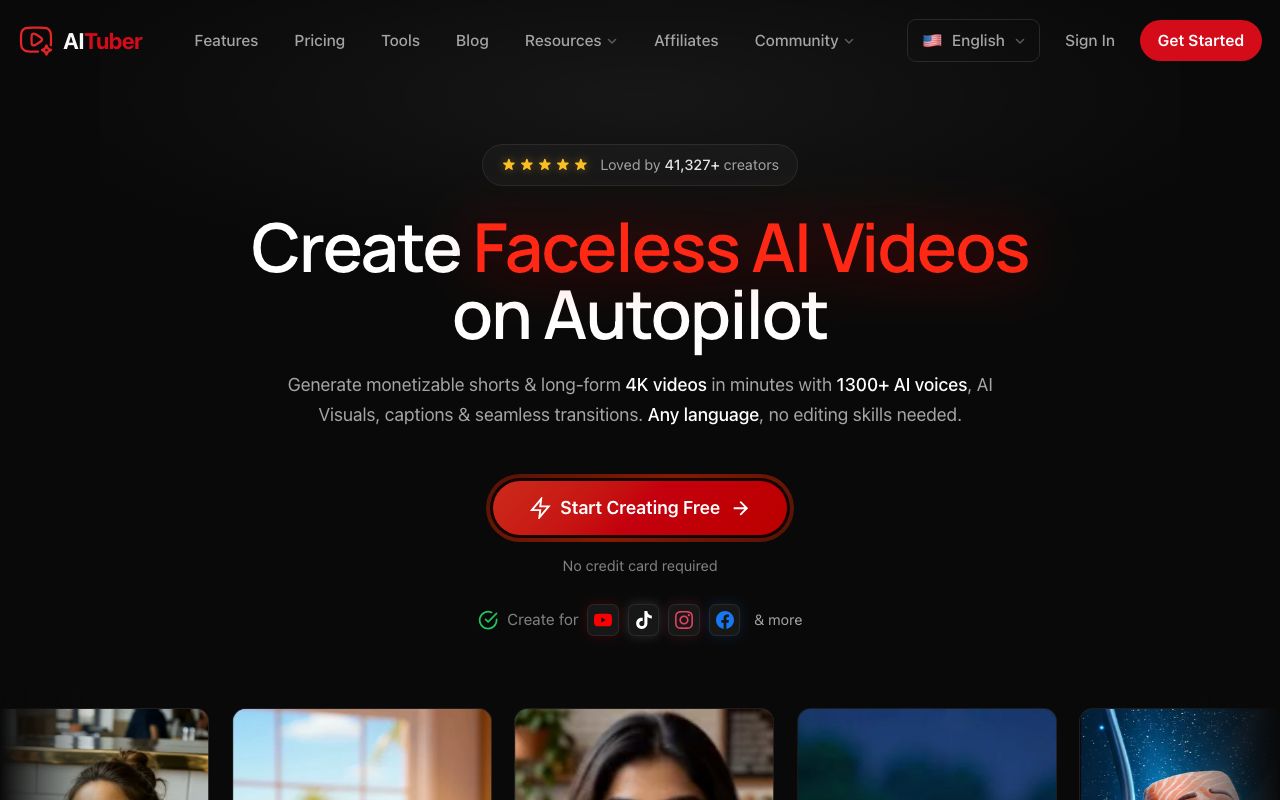
AITuber is the closest match for anyone who used InVideo to feed a channel. You give it an idea. It writes the script, records an AI voiceover, makes matching visuals, and adds captions. Autopilot then posts the finished video to your channel on the schedule you set. It is a complete AI video generator, not a clip maker.
The pricing works the other way round from InVideo. Credits are spent on the video you keep, not on edits or previews. They do not expire. A failed job is refunded automatically. That removes the two things that make InVideo’s cost hard to plan.
Key features
- Idea to finished video: script, AI voiceover, visuals, and captions in one flow
- Autopilot that writes, makes, and posts to your channel on a schedule
- Niche templates for faceless formats, plus 1,300+ AI voices across 140+ languages
- Text to video and script to video if you already have the words
- 4K export and downloadable files on every paid plan
Pros
- Credits never expire, and edits and previews do not spend them
- Every plan includes all templates, voices, styles, and 4K, with no feature gating
- Failed generations are refunded automatically
- A free tier of 100 credits, with no card and no watermark
Cons
- Built for faceless short-form and channel automation, not long-form timeline editing
- Fewer third-party generative models than InVideo offers
Pricing: Free to start with 100 credits and no card. Creator is $29/mo (1,800 credits, 1 channel on autopilot). Pro is $49/mo (4,000 credits, 2 channels). Studio is $89/mo (8,000 credits, 4 channels). Agency is $149/mo (15,000 credits, unlimited channels). See the full pricing.
User reviews: We build AITuber, so we do not quote a third-party score for it here. Judge it on the free tier, which needs no card.
Best for: creators who want a faceless video generator that also posts for them.
2. Fliki
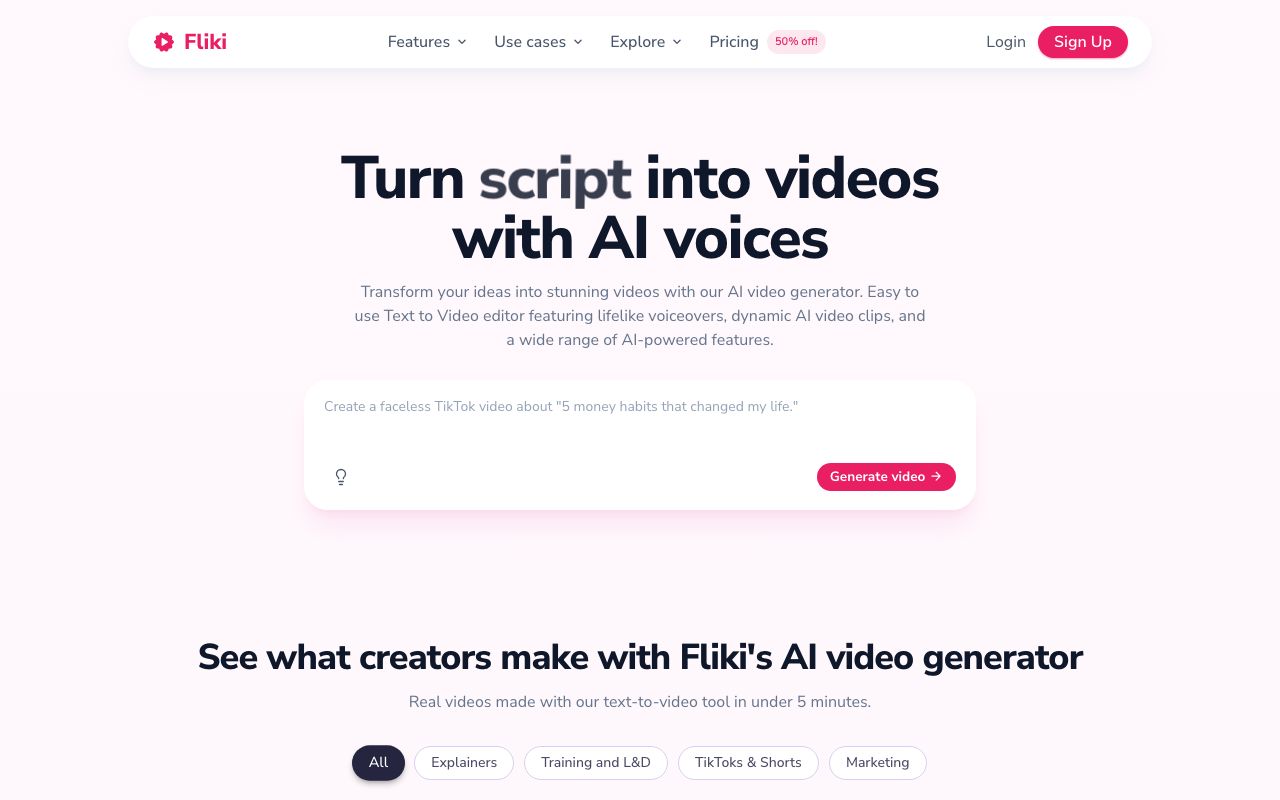
Fliki is the cheapest way to replace InVideo today, because you can start without paying. It turns a script, a blog post, or an idea into a narrated video with stock visuals and captions. Its voice library is the best part. It does not post for you, so you upload to YouTube yourself.
Key features
- Script, blog post, or idea to a narrated video
- 1,000+ voices, with ultra-realistic options on paid plans
- Voice cloning and 80+ language translation on the Standard plan
- Free forever plan, so you can test before paying
- Videos up to 5, 15, or 40 minutes depending on plan
Pros
- A real free plan, which InVideo’s pricing page no longer offers
- Strong voice quality across many languages
- Simple enough to learn in one sitting
Cons
- The free plan is watermarked, capped at 720p, and has no commercial rights
- No auto-posting, so every upload is manual
Pricing (checked July 2026): Free forever, about 3 minutes of video a month, watermarked and 720p. Basic is yearly-only with 720 credits a year. Standard is about $28/mo month to month, or roughly $21/mo billed yearly, with 2,160 credits a year and videos up to 15 minutes. Premium is about $88/mo with 7,200 credits a year and videos up to 40 minutes. Fliki shows regional and promo pricing, so check the live page. Our Fliki pricing breakdown has the detail.
User reviews: 4.3 out of 5 from about 3,000 reviews on Trustpilot, checked 27 July 2026. That is the highest score of any tool here.
Best for: making a video this week without spending anything.
3. Synthesia

Synthesia is the pick when you want a person on screen. You type a script, choose an avatar, and it produces a presenter-led video in your chosen language. It is built for training, onboarding, and product explainers rather than social shorts. If you used InVideo’s avatar features, this is the specialist version.
Key features
- 125+ stock AI avatars, rising to 180+ on higher plans
- Custom avatars made from your own footage
- AI dubbing and one-click translation into many languages
- A free plan with 10 minutes of video a month
- Screen recording and slide import for training content
Pros
- The best avatar quality and lip sync in this list
- A genuinely free tier for testing
- Strong fit for corporate and training video
Cons
- The free plan cannot download videos and keeps the Synthesia logo
- Minutes are capped per year, and 120 minutes is not much for a channel
- Not built for faceless social video
Pricing (checked 27 July 2026): Basic is free with 1,200 credits a month, usable for about 10 minutes of video, with no downloads and the Synthesia logo. Starter is $18/mo billed yearly, or $29 month to month, with 120 minutes a year. Creator is $64/mo billed yearly, or $89 month to month, with 360 minutes a year. Enterprise is custom.
User reviews: 3.9 out of 5 from about 2,000 reviews on Trustpilot, checked 27 July 2026.
Best for: training videos and explainers with a presenter on screen.
4. Pictory

Pictory is here for one job, and it does it well. If you already have webinars, long videos, or blog posts, Pictory cuts them into captioned shorts. It also prices in minutes rather than model credits, which makes the cost per video easy to work out. It does not invent a video from an idea the way the others do.
Key features
- Long video to short, captioned clips
- Article or blog URL to a narrated video
- 2,400 video minutes a year on the entry plan
- Getty Images and Storyblocks stock library
- Voice cloning and custom avatars on the Professional plan
Pros
- Priced in minutes, so cost per video is predictable
- The best tool here for reusing content you already own
- No watermark, even on the entry plan
Cons
- No free plan, only a trial
- Not built for making videos from scratch
- No auto-posting
Pricing (verified 27 July 2026 on Pictory’s pricing page): No free plan, only a trial. Starter is $25/mo billed annually, listed at $29 month to month, with 2,400 minutes and 1,200 AI credits a year. Professional is $35/mo billed annually, listed at $59, with 7,200 minutes and 12,000 AI credits. Team is $119/mo billed annually, listed at $199, for 3+ users. Enterprise is custom.
User reviews: 4.1 out of 5 from 598 reviews on Trustpilot, checked 27 July 2026.
Best for: creators with a back catalogue of long videos to cut down.
5. Runway
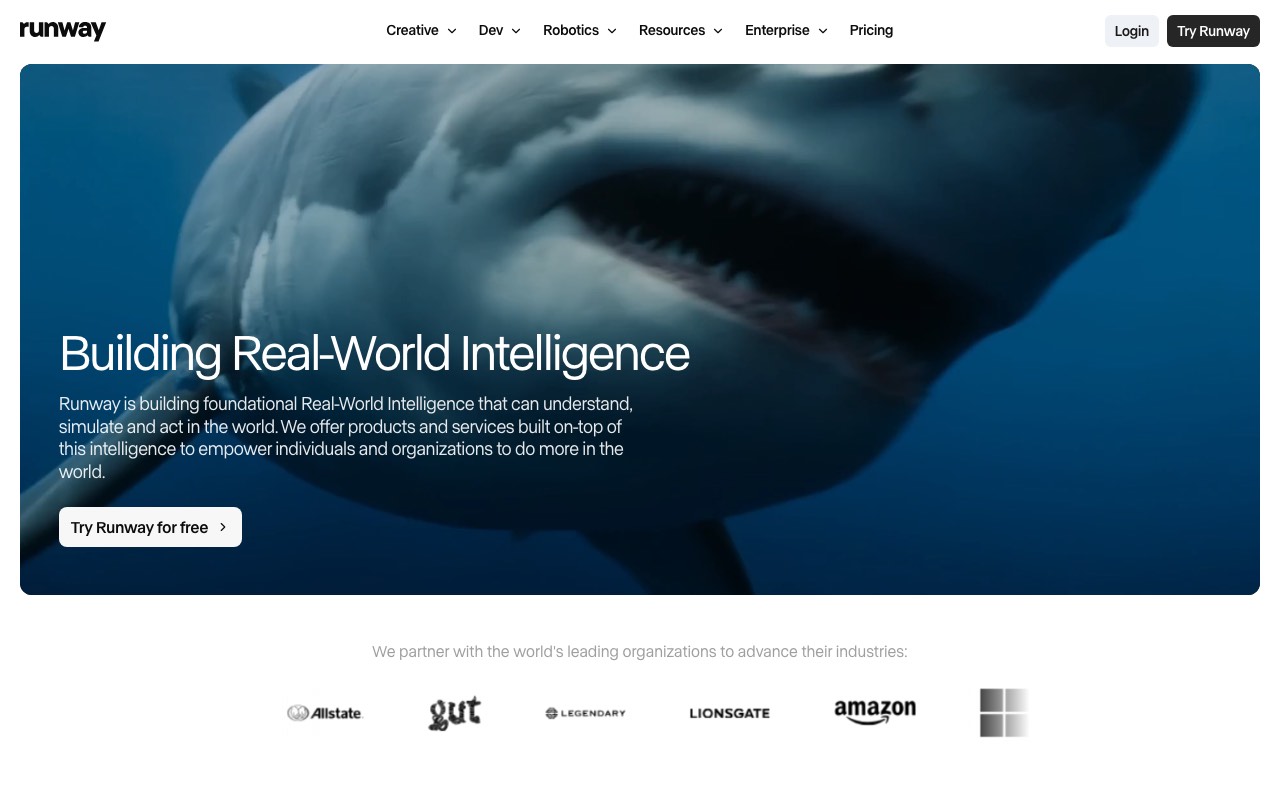
Runway is the choice when the look of each shot matters more than the finished edit. It generates clips from a prompt or an image, and gives you camera and motion controls that prompt-only tools do not. It is also the only tool here that rolls unused credits over, though only on its top plan. You still assemble the clips into a video yourself.
Key features
- Text to video and image to video generation
- Camera, motion, and reference controls per shot
- Video-to-video restyling of footage you already have
- One month of credit rollover on the Max plan
- Free tier with 125 one-time credits
Pros
- The strongest clip quality and creative control here
- The cheapest paid entry point in this list at $12/mo
- Credit rollover on Max, which nothing else here offers
Cons
- It makes clips, not finished videos, so you still edit and add voice
- Free output is watermarked, and the free credits are one-time only
- No script writing, captions, or posting
Pricing (verified July 2026, Runway pricing): Free with 125 one-time credits, 5GB of storage, and watermarks. Standard is $12/mo billed annually, or $15 monthly, for 625 credits a month. Pro is $28/mo billed annually, or $35 monthly, for 2,250 credits. Max is $76/mo billed annually, or $95 monthly, for 9,500 credits and one month of credit rollover. Enterprise is custom.
User reviews: Runway’s Trustpilot listing is an unclaimed profile rated 1.2 out of 5 from 283 reviews, checked 27 July 2026. Unclaimed profiles attract complaints and rarely reflect the whole user base, so we would not weigh that score heavily. Runway’s reputation among editors is much stronger than that number suggests.
Best for: editors and video teams who want to direct the shot.
6. Revid.ai
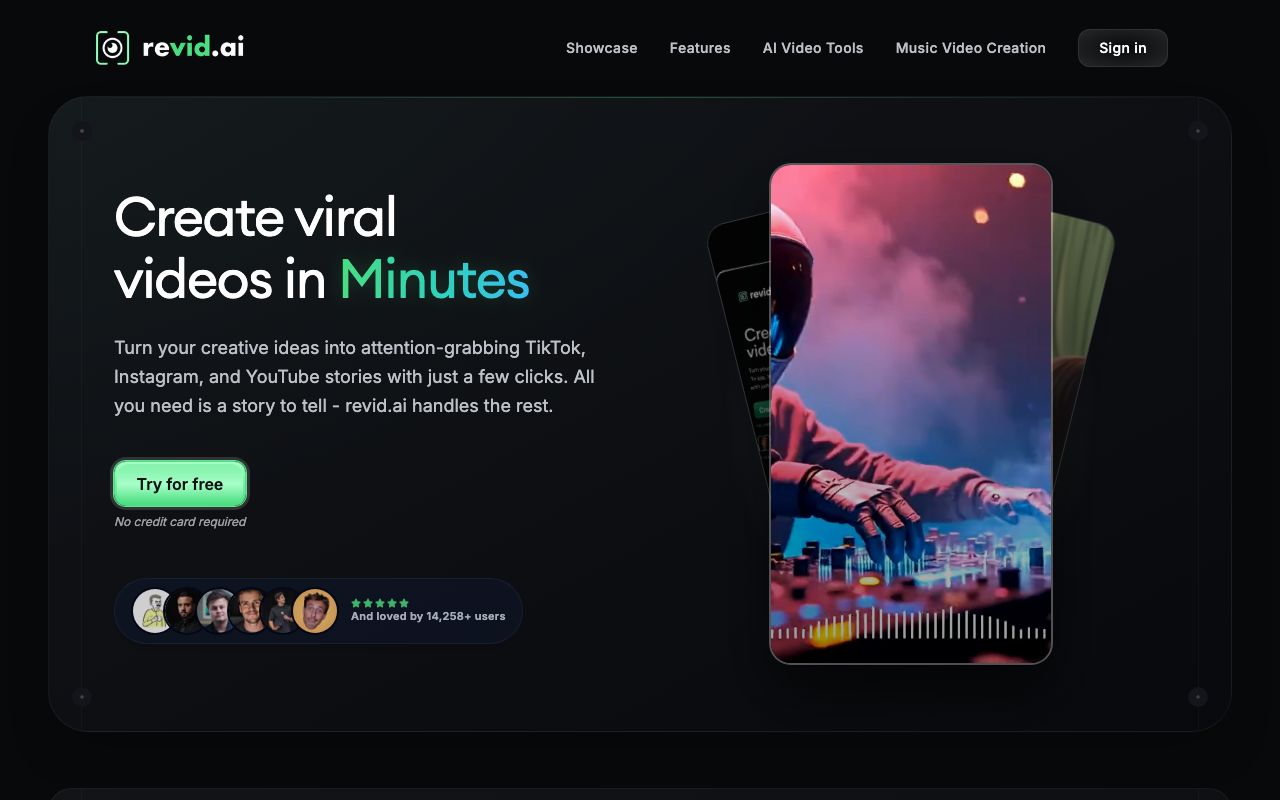
Revid.ai is the volume pick. You give it a prompt, a script, or a link, and it builds a vertical short with an AI voice, captions, and templated visuals. Its Auto-Mode workers keep generating on a schedule and post to YouTube, TikTok, and Instagram. Like AITuber, it covers the publishing step, which InVideo does not.
Key features
- Prompt, script, or URL to a finished vertical short
- Auto-Mode workers that generate and post on a schedule
- Auto-posting to YouTube, TikTok, and Instagram
- A large template library tuned for short-form hooks
Pros
- Fast at producing many shorts in one sitting
- Auto-posting is included, not an add-on
- Trustpilot score has climbed to 4.0
Cons
- No standing free plan, so testing means paying
- Pricing changes often because of promotions
- Less control over each video than a real editor
Pricing (checked July 2026): No free plan. Hobby is listed at $39/mo. Growth is promoted at $39/mo, down from a $99 list price, with 2,000 AI credits a month. Ultra is $199/mo with 12,000 credits. Revid runs frequent promotions, so the live page is the number to trust.
User reviews: 4.0 out of 5 from 297 reviews on Trustpilot, checked 27 July 2026.
Best for: creators pushing several shorts a day to more than one platform.
Quick comparison of all alternatives
| Tool | Starting price | Free tier | Credits expire | Auto-posts |
|---|---|---|---|---|
| InVideo | $200/year (Plus) | No | Yes, monthly | No |
| AITuber | Free, then $29/mo | Yes, 100 credits | No | Yes |
| Fliki | Free, then ~$21/mo | Yes, ~3 min/mo | Yearly credit pool | No |
| Synthesia | $18/mo (annual) | Yes, 10 min/mo | Yearly minute pool | No |
| Pictory | $25/mo (annual) | Trial only | Yearly minute pool | No |
| Runway | $12/mo (annual) | Yes, one-time | Rollover on Max only | No |
| Revid.ai | About $39/mo | No | Monthly | Yes |
Prices are the lowest paid tier as of July 2026. Fliki and Revid.ai show regional or promotional pricing, so confirm on their sites.
How to choose the right InVideo alternative
- Do you want the tool to post for you? If yes, AITuber for the full pipeline, or Revid.ai for raw volume.
- Do you need to spend nothing today? If yes, Fliki’s free plan, or AITuber’s 100 free credits.
- Do you want a person on screen? If yes, Synthesia.
- Do you already have long videos? If yes, Pictory to cut them into shorts.
- Do you care most about how each shot looks? If yes, Runway.
- Is credit expiry your main worry? If yes, AITuber, where credits do not expire, or Runway’s Max plan.
Use-case cheat sheet
- Scenario: Your InVideo plan renewed at the new price and you want out. Best choice: AITuber, where credits do not expire and every plan has every feature.
- Scenario: You will not pay a second tool until you see the output. Best choice: Fliki’s free plan, or AITuber’s 100 free credits.
- Scenario: You run a faceless channel that needs a video a day. Best choice: AITuber on autopilot, or Revid.ai for pure volume.
- Scenario: You make staff training videos. Best choice: Synthesia.
- Scenario: You have 40 webinars nobody watches. Best choice: Pictory to cut them into shorts.
- Scenario: You need one beautiful hero shot for an ad. Best choice: Runway.
- Scenario: Your budget is under $15 a month. Best choice: Runway Standard at $12/mo, or a free plan.
- Scenario: You post to YouTube, TikTok, and Instagram at once. Best choice: AITuber or Revid.ai, since both publish for you.
- Scenario: You want more options than these six. Best choice: our best AI faceless video generators roundup.
Frequently Asked Questions
Basics
What is the best InVideo alternative?
AITuber is the best InVideo alternative for most creators. It takes one idea to a finished video and posts it to your channel on a schedule, which InVideo does not do. Its credits never expire and are only spent on output you keep. For a free start, Fliki has the strongest free plan. For presenter-led business video, Synthesia is the specialist.
Is InVideo still free?
InVideo’s pricing page listed no free plan when we checked it on 27 July 2026. It showed four paid plans: Plus, Max, Generative, and Elite. Pricing trackers as recent as 1 July 2026 still listed a free tier, so this looks like a recent change. If you want a free plan today, AITuber gives 100 credits with no card, Fliki has a free forever tier, and Synthesia offers 10 minutes a month.
Are there tools like InVideo that post videos for me?
Yes. AITuber and Revid.ai both publish on a schedule after you connect your channel once. AITuber writes, makes, and posts the video from a single idea. Revid.ai runs Auto-Mode workers that keep generating and posting. Fliki, Synthesia, Pictory, and Runway all make the video and leave the upload to you.
Pricing
How much does InVideo cost in 2026?
InVideo’s pricing page on 27 July 2026 showed Plus at $17 a month billed as $200 yearly, Max at $85 a month billed as $1,000 yearly, Generative at $170 a month billed as $2,000 yearly, and Elite at $900 a month billed as $10,800 yearly. Credits per month are 75, 390, 800, and 4,250. All paid plans include unlimited exports with no watermark.
Is there a cheaper alternative to InVideo?
Yes, several. Runway Standard is $12/mo billed annually. Synthesia Starter is $18/mo billed annually. Fliki Standard is about $21/mo billed yearly. Pictory Starter is $25/mo billed annually. AITuber Creator is $29/mo and includes autopilot posting plus every feature. Compare cost per finished video, not just the monthly price.
Do InVideo credits roll over?
No. InVideo’s own pricing FAQ states that unused credits do not roll over to the next month. Among the alternatives here, AITuber’s credits do not expire at all, and Runway rolls credits over for one month on its Max plan. The others reset on a monthly or yearly cycle.
Comparisons
AITuber vs InVideo: which is better for a faceless channel?
AITuber is better for a faceless channel because it finishes the job. It writes the script, makes the video, and posts it on a schedule, while InVideo stops at the export. AITuber also includes every feature on every plan and never expires credits. InVideo is the stronger pick if you want access to many third-party generative models in one place and plan to edit each video closely.
Which InVideo alternative is best for beginners?
Fliki is the easiest starting point. The free plan needs no card, the interface is simple, and turning a script into a narrated video takes a few clicks. AITuber is close behind and goes further, since it also handles posting. Both let you make a first video before deciding anything.
What do users say about InVideo?
Opinions split sharply. On Trustpilot, invideo AI holds 3.3 out of 5 from 827 reviews, with 65% rating it 5 stars and 25% rating it 1 star. The separate Invideo Studio listing sits at 2.0 from 999 reviews. On G2, invideo is rated 4.3 from 177 reviews. All were checked on 27 July 2026. Reading the 1-star reviews is more useful than the average here.
How we researched this: we evaluated six alternatives against six criteria: credit and expiry rules, cost per finished video, whether a free tier exists, whether the tool publishes for you, export and download rights, and third-party review scores. InVideo’s plans, credit counts, and the “credits do not roll over” statement were read directly from its pricing page on 27 July 2026, which renders plans with JavaScript. Pictory’s and Synthesia’s plans were read from their own pricing pages on the same date, and Synthesia’s US dollar figures were cross-checked because its page prices by region. Runway’s pricing was verified in July 2026. Fliki and Revid.ai show regional or promotional pricing and are marked approximate. Every rating was read directly on Trustpilot and G2 on 27 July 2026, with review counts as those sites displayed them. AITuber is a product we make, so we have flagged every place we compare it to another tool and we do not quote a review score for it. Prices change often; check each vendor’s site before you buy.