Best Blog to Video AI Tools
Seven blog to video AI tools sorted by what the video looks like: stock footage, AI visuals, or a presenter. With prices, free tiers, and watermark rules.

The best blog to video AI tool depends on what you want the video to look like. For AI-made visuals and a finished Short, we’d pick AITuber. Pictory is our pick for stock footage with text on screen, and HeyGen for a presenter who reads the post to camera. All seven tools below take a blog link or a pasted post and return a first cut.
The top picks
| Tool | What the video looks like | Best for |
|---|---|---|
| AITuber | AI-made visuals, narrated, captioned | A Short from a blog link |
| Pictory | Stock footage with text on screen | Marketers who edit scene by scene |
| Lumen5 | Branded slide-style video | Brand and comms teams |
| Fliki | Stock footage mixed with AI clips | Many languages and voices |
| Steve AI | Stock or animated scenes | Simple social cuts |
| HeyGen | An AI presenter on screen | Sales and product posts |
| VEED | Stock media with a voice or presenter | People who want a full editor |
Three kinds of blog video
Every blog to video tool does the same first step. It reads your post and writes a short script. The tools split on what they put on screen while that script plays.
Stock footage tools match each line of the script to a licensed clip and lay your words over it. The result looks like a brand video. It can also look like every other brand video, because everyone draws on the same libraries.
AI visual tools draw a new image or clip for each scene. The video matches the post more closely, and nobody else has the same shots. You give up real-world footage.
Presenter tools put an AI avatar on screen to read the script. That suits a product update or a sales post, where a face builds trust.
We think most people choose badly because they compare prices first. Decide which of the three you’d be happy to post, and the list gets short fast.
What to look for
- It takes a link. Pasting a URL beats copying text, and it keeps the headings.
- You can edit the script before the video renders.
- Captions are burned into the file, since most feeds start muted.
- It exports 9:16 for Shorts, Reels, and TikTok, and 16:9 for YouTube.
- The free tier lets you finish one real video and see the watermark rule.
- The price sits on a public page. We flag every price we could not read in dollars.
The best blog to video AI tools
1. AITuber
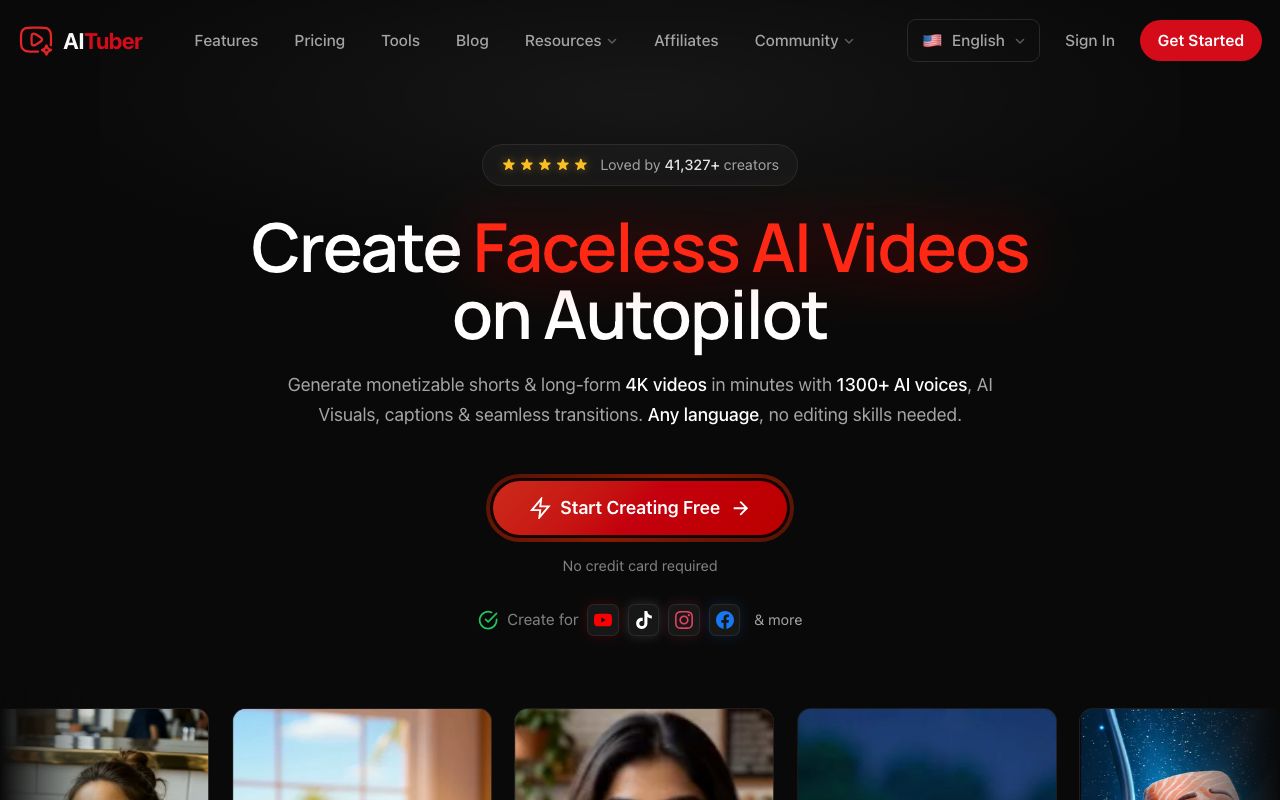
AITuber is our own tool, and it is our pick for AI-made visuals. Paste the link to a public post into the blog to video AI. AITuber reads the page, writes a script, draws new visuals for each scene, adds a voice, and burns in word-synced captions. One short note steers the script, so the same post can give you a summary, a single tip, or a hot take.
Key features
- Paste a public link. No plugin and no CMS login
- Two modes: Summarize it, or Read it out in your own wording
- Any length from 15 seconds to 20 minutes
- 1,300+ voices in 50+ languages
- 9:16, 16:9, or 1:1, chosen before you generate
- MP4 export with no watermark, or publish to YouTube from the app
Pros
- Visuals are made for your post, so they match it
- A one-line note changes the angle without a rewrite
- Captions come burned in
- 100 free credits at signup, no card
Cons
- No stock footage library. If you want real-world clips, look at Pictory or Lumen5
- No avatar presenter built for reading a post to camera
- The page must be public. A post behind a login or a paywall will not load
- It does not show your blog’s own images or screenshots
Pricing: AITuber is free to start with 100 credits. The AITuber Creator plan is $39 a month for 2,500 credits, and AITuber Pro is $69 a month for 5,000. A 30-second Short with AI images costs about 35 credits on AITuber, so Creator covers about 71 of them at about $0.55 each. See the full pricing.
Best for: bloggers and marketers who want Shorts from an archive. Our guide on how to turn a blog post into a video walks through one post from link to export.
2. Pictory
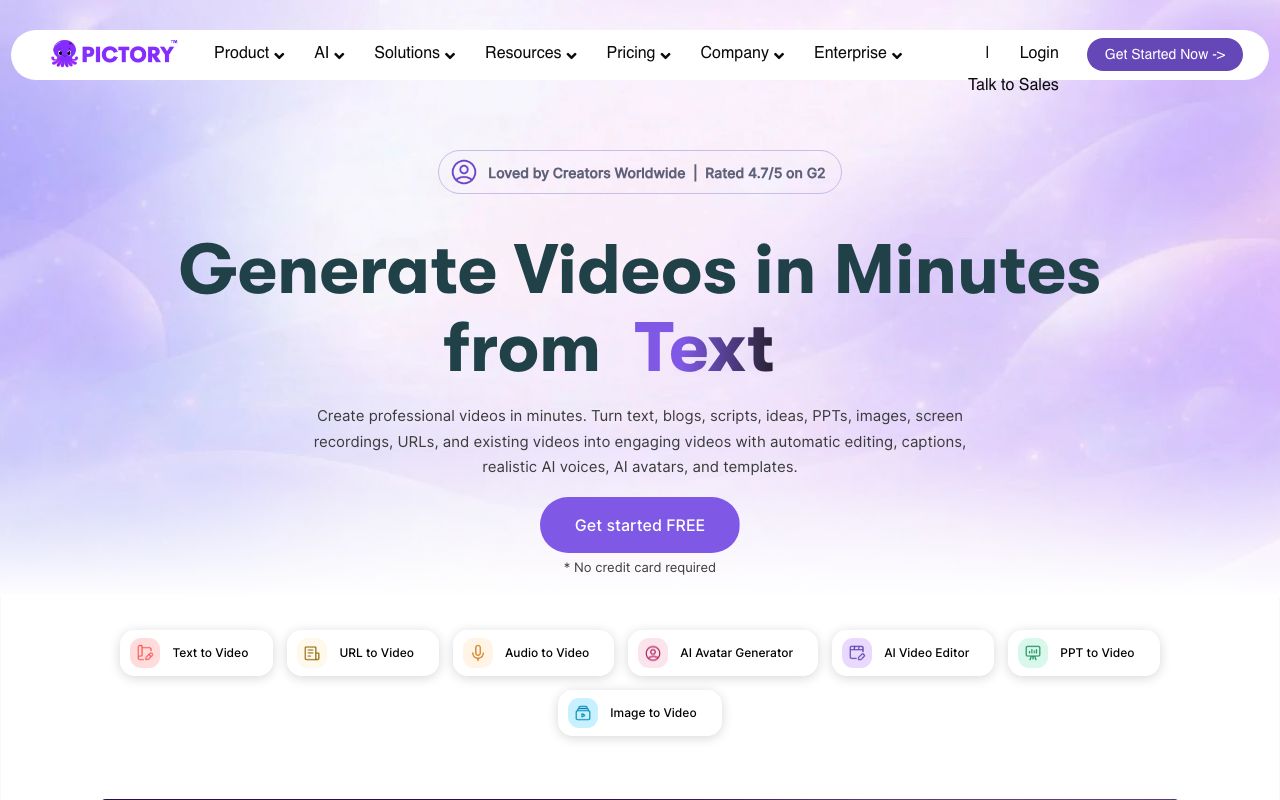
Pictory is the tool most people search for by name here, and it earns that. Its blog to video page says you paste a blog URL or upload text, and AI turns it into an editable script. It then picks stock footage for each scene and builds a storyboard you can change.
Key features
- Paste a blog URL or upload text
- Scene-by-scene storyboard built from the post’s sections
- Stock video from Getty Images and Storyblocks
- Brand kit with fonts, colors, and logo
- AI voices, with ElevenLabs voices on paid plans
- Export in 16:9, 9:16, or 1:1
Pros
- The storyboard gives you control over every scene
- A big licensed footage library
- A free trial with 15 video minutes
Cons
- The trial exports at 720p, and “No watermark” starts on the Starter plan
- Prices are shown for annual billing
- Stock clips can feel generic on a niche topic
Pricing: Pictory Starter showed $25 a month and Professional $35 a month, both billed annually. Professional carried an “Exclusive Pictory 2.0 offer” label, so that price may not last. Team showed $119 a month for three or more users. Enterprise is custom.
Best for: marketers who want stock footage and like to edit scene by scene.
3. Lumen5

Lumen5 has been making video tools since 2017, by its own account. You paste a URL, upload a PDF, or add text. Its AI Script Composer then offers several script versions with different angles, and you pick one. The video comes out as branded slides: text over stock media in your colors.
Key features
- Paste a URL, upload a PDF, add text, or start from an outline
- Several script versions to choose from
- Brand kits with logo, colors, and fonts
- 1,000+ AI voices on paid plans
- Talking Head, to drop a clip of a real presenter into the video
Pros
- Choosing between script angles is quicker than rewriting one
- The output looks like a brand team made it
- A real free plan: 5 videos a month
Cons
- Free videos carry a Lumen5 branded outro and stop at 2 minutes
- 1080p starts on the $59 Starter plan
- AI voice minutes are counted per year, 240 on Basic
Pricing: Lumen5 Free gives 5 videos a month. Lumen5 Basic is $19 a month, Starter is $59, and Pro is $149, all billed yearly. Team is custom.
Best for: brand and comms teams that need every video to match the style guide. If Lumen5 is the tool you are leaving, our guide to the best Lumen5 alternatives sorts six options by the reason.
4. Fliki
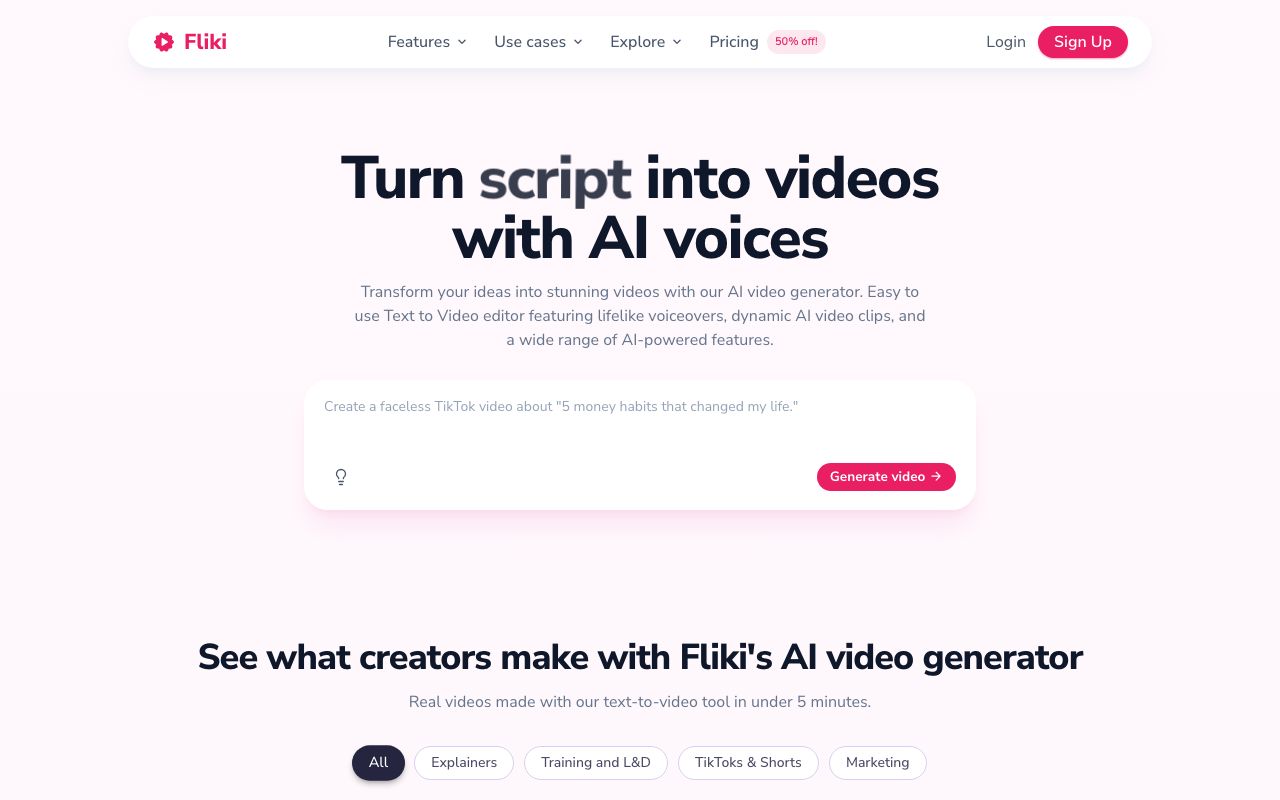
Fliki sits between the stock tools and the AI ones. Its blog to video page says you drop a blog URL, paste the article, or upload a doc. You then pick a length: short at 1 minute, medium at 2 to 3 minutes, or full-length. Each paragraph gets stock footage, an image, or an AI clip.
Key features
- Blog URL, pasted article, or uploaded doc
- Three target lengths
- 2,000+ AI voices in 80+ languages
- Stock footage, with AI images and clips when stock falls short
- Burned-in captions and optional AI avatars
- 1080p MP4 in 9:16, 1:1, or 16:9, plus an embed code for the post
Pros
- The widest voice and language range on this list
- The embed code puts the video back into the original post
- A free plan with no card
Cons
- The free plan allows 5 minutes of audio and video a month
- Credits rise fast once you turn on AI clips or avatars
Pricing: Fliki prices by country, and we saw the India page. Fliki Basic was ₹799 a month with 60 credits. Standard was ₹2,499 with 180 credits, and Premium was ₹7,999 with 600. Check the page from where you live.
Best for: teams that publish the same post in several languages.
5. Steve AI
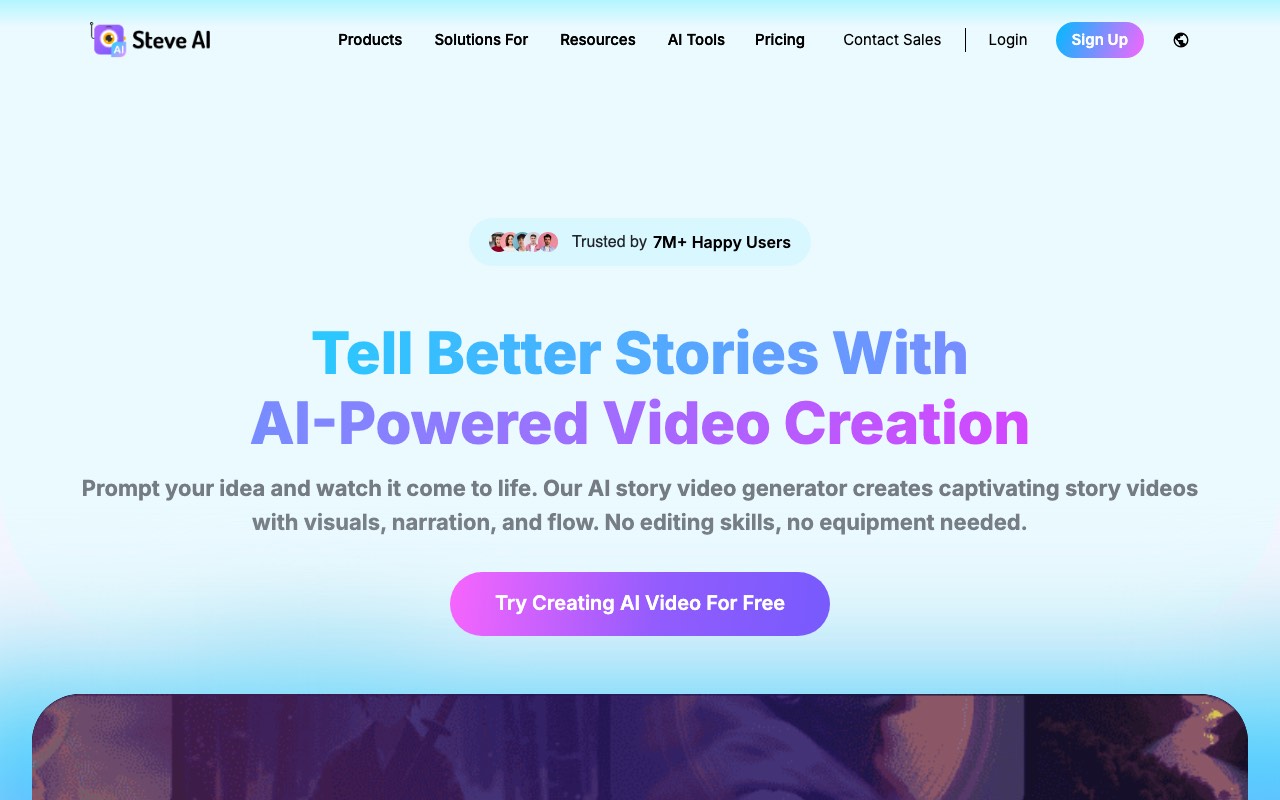
Steve AI comes from the makers of Animaker. Its blog to video page lists five steps: create a project, import the blog from the URL, let it write the script and scenes, change the look, then save and share. The page points to a library of stock photos and video, and the site also lists animated and cartoon video makers.
Key features
- Import a blog from its URL
- Script and scenes written for you
- Stock photo, video, and audio library
- Animated and cartoon styles elsewhere on the site
- 1080p export on the Starter plan
Pros
- Few steps and few settings to learn
- Animation is an option if stock footage feels dull
- The Starter plan lists no Steve AI watermark and unlimited exports
Cons
- The pricing page showed us no free plan. The blog page says no card is needed to start
- Yearly billing on the prices we saw
- The blog to video page is thin on detail, such as voice counts and caption control
Pricing: Steve AI Starter was ₹1,666 a month, Pro ₹3,416, and Generative AI ₹6,916, all billed yearly. Starter includes 100 minutes of AI video a month. The page shows local currency, so dollar prices will differ.
Best for: small teams that want a quick social cut and may want animation.
6. HeyGen
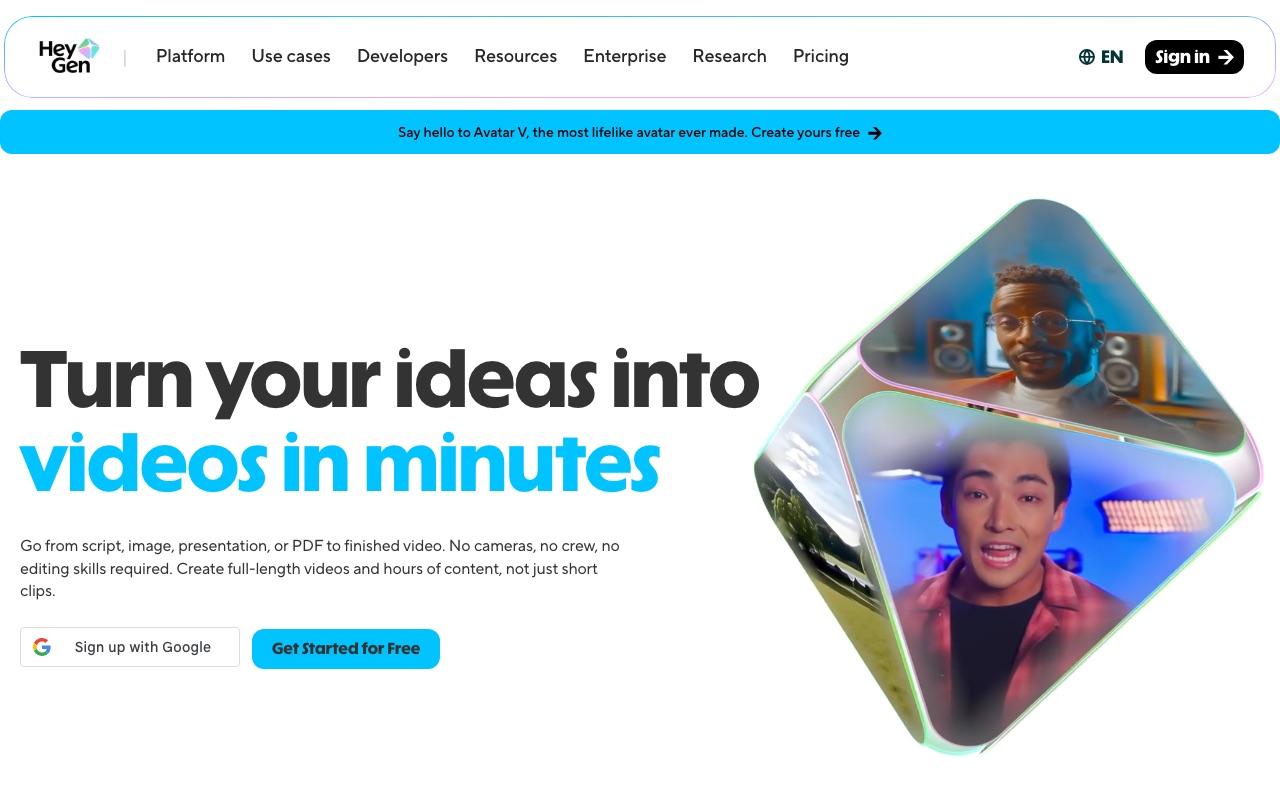
HeyGen is our pick when a person should read the post to camera. Its URL to video page says you paste a link, and AI pulls out the body, headlines, and key points. It then writes a script and builds scenes, and you edit the script before it renders. An AI avatar presents each scene.
Key features
- Paste any URL, including a blog post
- Script editor before rendering
- AI avatar presenter, with your brand kit applied
- Voice-over, subtitles, and music built in
- Translation into 175+ languages with lip sync
Pros
- A face suits product news and sales posts
- A free plan with no card
- One render can become many language versions
Cons
- The free plan allows 3 videos a month, each up to 1 minute
- Watermark removal starts on the Creator plan
- An avatar is a poor fit for a faceless channel
Pricing: HeyGen has a free plan. HeyGen Creator is $29 a month with 600 credits and 1080p export. HeyGen Pro is $49 a month with 1,000 credits and 4K export.
Best for: sales, product, and training posts where a presenter helps.
7. VEED
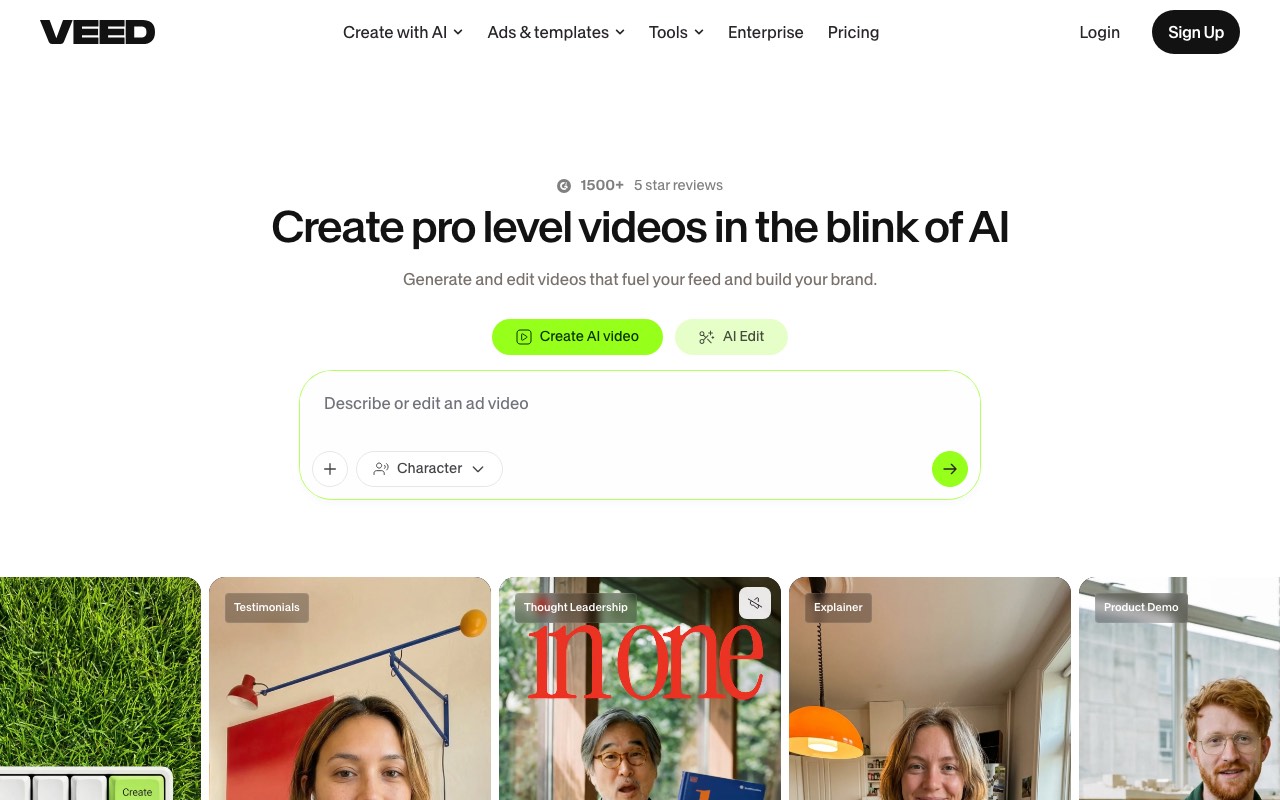
VEED is an editor first. Its blog to video page lists three steps. Choose a video type, such as social media or business. Set the aspect ratio, a presenter or voice, and a subtitle style, then paste your article into the script box. Download the result or keep editing. The page names no URL field, so plan to copy and paste.
Key features
- Paste the article as the script
- Video types for social, business, and training
- Presenter or voice, your choice
- Stock media, music, and text animation
- A full editor for the second pass
Pros
- The editor is the strongest on this list for fixing a first cut
- You can start with no card
- The Creator plan lists no watermark and unlimited auto subtitles
Cons
- Paste only, going by its page. Headings and structure may not carry over
- Plans run on credits, and the page gives only rough video counts
Pricing: VEED Creator was ₹490 per user a month, Pro ₹1,068, and Studio ₹1,722, all billed yearly. VEED’s own FAQ says it lists prices in your local currency when it can.
Best for: people who will edit the video by hand after the AI draft.
Free tiers and watermarks
| Tool | Takes a link | Free tier | Watermark rule | Lowest paid price we saw |
|---|---|---|---|---|
| AITuber | Yes | 100 credits, no card | No watermark | AITuber Creator, $39 a month |
| Pictory | Yes | Trial, 15 video minutes | ”No watermark” from Starter | $25 a month, billed annually |
| Lumen5 | Yes | 5 videos a month | Branded outro on Free | $19 a month, billed yearly |
| Fliki | Yes | 5 minutes a month | Not stated in the page text we read | ₹799 a month (India) |
| Steve AI | Yes | Not on the pricing page | None on Starter | ₹1,666 a month, billed yearly (India) |
| HeyGen | Yes | 3 videos, 1 minute each | Removed on Creator | $29 a month |
| VEED | Paste only | Free start, limits not listed | None on Creator | ₹490 a month, billed yearly (India) |
Every figure was read on the vendor’s own page on 11 October 2026. Three vendors showed us local prices, and we have not converted them. A converted number would look exact and be wrong.
How we compared them
We’ll be straight about the method. We did not run one post through all seven tools for this guide. Doing that fairly needs a paid account on each, and we chose to read what every vendor publishes and date it.
So we checked three things on each vendor’s own pages. Does the blog to video page say it takes a link or a pasted post? What does it put on screen? What do the free tier and the lowest plan include?
You can run the hands-on test yourself in an afternoon, and we’d do it this way:
- Pick one post of about 1,000 words with clear headings.
- Ask each tool for a 60-second vertical video.
- Change nothing on the first run.
- Check the opening line, the match between words and pictures, and the captions.
- Export on the free tier and look for a watermark.
Most of these tools have a free tier, so the test costs you time and no money.
Which one to pick
| Your job | Best choice | Why |
|---|---|---|
| Turn an archive of posts into Shorts | AITuber | Link in, captioned Short out, new visuals each time |
| Make a stock-footage video you can edit scene by scene | Pictory | Storyboard built from the post’s sections |
| Keep every video on brand | Lumen5 | Brand kits and several script angles |
| Publish one post in many languages | Fliki | 2,000+ voices in 80+ languages |
| Try an animated cut | Steve AI | Animated and cartoon styles on the same site |
| Put a presenter on a product post | HeyGen | Avatar per scene, script editor first |
| Polish the result by hand | VEED | Full editor behind the AI draft |
| Turn a product page or news page into a video | AITuber | The URL to video AI reads any public page |
Frequently Asked Questions
Basics
What is a blog to video AI tool?
A blog to video AI tool reads a blog post and turns it into a video. It writes a short script from the post, then adds visuals, a voice, and captions. Most take a pasted link.
Which blog to video AI tool is best?
It depends on the look. We’d pick AITuber for AI-made visuals, Pictory for stock footage, and HeyGen for a presenter on screen.
Can I turn a blog post into a video for free?
Yes, within limits. AITuber gives 100 free credits with no card. Lumen5 allows 5 free videos a month with a branded outro. HeyGen allows 3 free videos a month of up to 1 minute each.
Tools
Does Pictory turn a blog into a video?
Yes. Pictory’s blog to video page says you paste a blog URL or upload text. It writes an editable script and matches stock footage to each scene.
Which tools take a blog URL?
AITuber, Pictory, Lumen5, Fliki, Steve AI, and HeyGen all say they take a link. VEED’s blog to video page asks you to paste the article text.
Do free plans add a watermark?
Often, yes. Lumen5 adds a branded outro on its free plan. Pictory lists “No watermark” from its Starter plan, and HeyGen removes its watermark on Creator. AITuber exports with no watermark.
Using the video
How long should a blog video be?
For Shorts, Reels, and TikTok, we’d aim for 30 to 60 seconds and one idea. A long post makes several short videos better than one long one.
Will the video show images from my blog post?
That depends on the tool. AITuber draws new visuals and does not use your post’s images. Lumen5 says it pulls in text and imagery from the URL.
Does a blog video help SEO?
A video does not change how the post ranks by itself. It reaches people on feeds who would never search for the post, and a video on YouTube can rank there too.
How we researched this: we read each vendor’s own blog to video or URL to video page and its pricing page on 11 October 2026, from India. We did not run a hands-on test of the seven tools for this guide, and we say so above. Pictory, Lumen5, and HeyGen showed prices in US dollars. Fliki, Steve AI, and VEED showed prices in Indian rupees, which we have quoted as shown and not converted. Feature claims come from the vendors’ pages and are theirs. The AI usage figure comes from Wyzowl’s 2026 video marketing statistics page. AITuber is a product we build, so we have named the tool we’d pick for each look we don’t cover. Prices and plans change often; check each vendor’s site.