Best Lumen5 Alternatives
Six Lumen5 alternatives sorted by why people leave: AI visuals, a presenter on screen, or a lower price. Plans and free tiers read on each vendor's page.

The best Lumen5 alternative depends on why you want to leave. We’d pick AITuber if you want AI-made visuals in place of stock footage. Synthesia is our pick for a presenter on screen, and Pictory for the same stock look at a lower price. Kapwing and InVideo AI suit teams that need shared seats without a sales call.
What Lumen5 does well

Lumen5 deserves a fair hearing first. Its homepage says it turns blogs, articles, and documents into videos, and that it has done so since 2017. You start from a link, a PDF, or a few bullet points. The video comes out as branded slides, with your words over stock photos and clips.
Brand teams like it for good reasons. Brand kits hold your logo, colors, and fonts. Paid plans add 1,000+ AI voices. The Team plan lists a video approval process and single sign-on. If twenty people make videos and every one must match the style guide, we’d stay on Lumen5.
Its reviews are steady too. Lumen5’s pricing page shows 4.6 out of 5 on G2 and Capterra from 200+ reviews. Its Trustpilot profile is claimed and shows 4.0 from 73 reviews. Only one of those reviews came in the last 12 months, so we’d treat that score as old news.
Why people look for an alternative
We read Lumen5’s pricing page on 13 October 2026. Three things on it explain most of the searches for a new tool.
- Full HD costs $59 a month. Lumen5 Basic is $19 a month billed yearly, and 1080p starts on the $59 Starter plan. Pay monthly and those prices are $29 and $79.
- The look leans on stock. Starter lists 50M+ stock photos and videos. Lumen5 does list AI image and video generation, but Basic includes 12 animation minutes a year. That is one minute a month.
- The free plan is a trial in practice. It allows 5 videos a month, each up to 2 minutes, and every one ends with a Lumen5 branded outro.
A fourth point matters to teams. The page lists “Collaboration features” only on the Team plan, and Team has no public price. A small team that wants shared seats has to talk to sales first.
Lumen5 alternatives compared
| Tool | Answers which reason | What the video looks like | Free tier | Lowest paid price we saw |
|---|---|---|---|---|
| AITuber | Stock look | AI-made visuals, narrated, captioned | 100 credits, no card | AITuber Creator, $39 a month |
| Fliki | Stock look | Stock footage mixed with AI clips | ”Free forever” plan | ₹799 per user a month (India) |
| Synthesia | No presenter | An AI avatar reads the script | 10 video minutes a month, watermarked | ₹1,499 a month, billed yearly (India) |
| Pictory | Price | Stock footage with text on screen | Trial, 15 video minutes | $25 a month, billed annually |
| Kapwing | Team seats | Stock and AI footage in a full editor | Watermarked, 4-minute exports | $16 a month on the annual toggle |
| InVideo AI | Team seats | Whatever you direct its editing agents to build | None on the pricing page | $9 per seat a month |
For scale, Lumen5 Basic is $19 a month billed yearly, and Lumen5 Starter with 1080p is $59. Every price was read on the vendor’s own page on 13 October 2026. Fliki and Synthesia showed us Indian rupees, and we have not converted them.
The best Lumen5 alternatives
1. AITuber
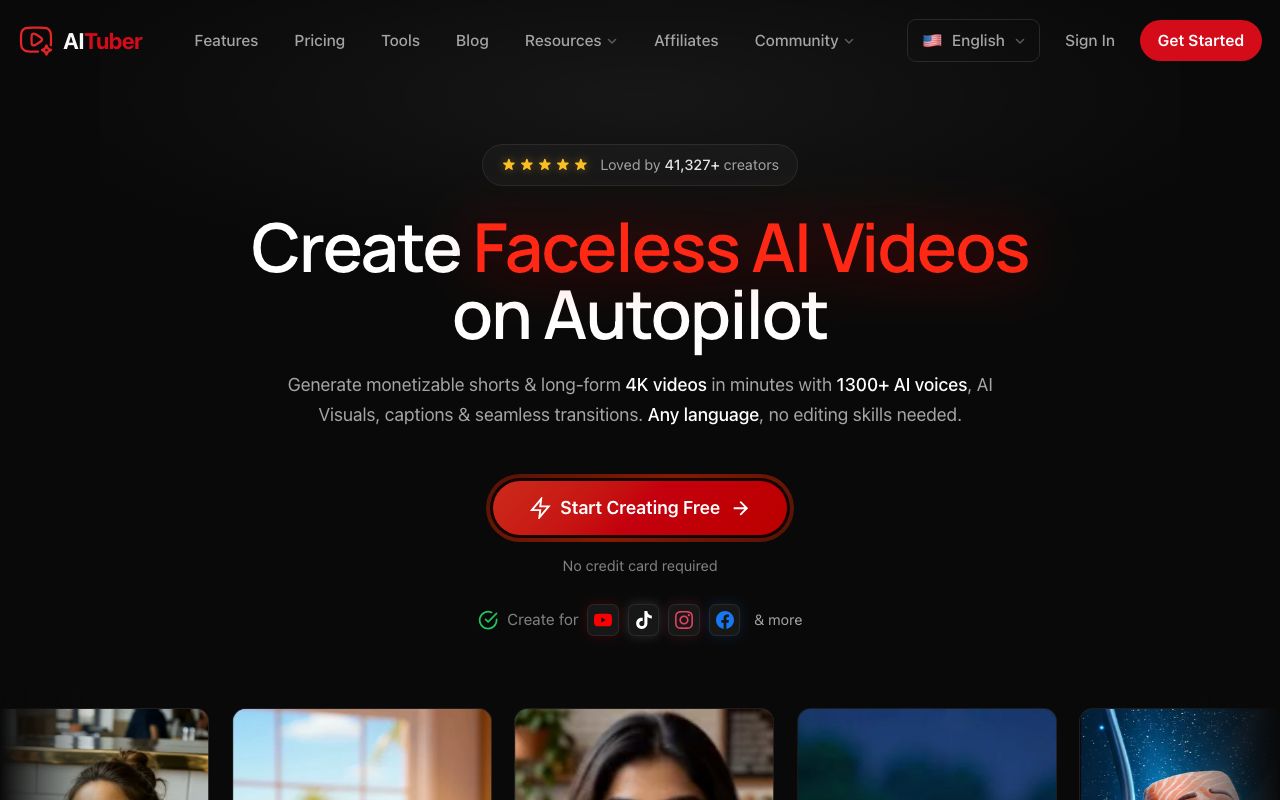
AITuber is our own tool, and it is our pick if the stock look is your reason for leaving. Paste the link to a public post into the blog to video AI. AITuber reads the page and writes a script. It then draws new visuals for each scene, adds a voice, and burns in word-synced captions. Nobody else has the same shots, because none of them came from a library.
Key features
- Paste a public link. No plugin and no CMS login
- Two modes: Summarize it, or Read it out in your own wording
- Any length from 15 seconds to 20 minutes
- 1,300+ voices in 50+ languages
- 9:16, 16:9, or 1:1, chosen before you generate
- MP4 export with no watermark
Pros
- Visuals are made for your post, so they match it
- Free videos carry no branded outro
- Captions come burned in
- Team seats start on AITuber Pro, with a public price
Cons
- No stock footage library. If you like Lumen5’s look, pick Pictory
- No brand template system like Lumen5’s. You choose a visual style per video
- No avatar presenter built for reading a post to camera
- The page must be public. A post behind a login will not load
Pricing: AITuber is free to start with 100 credits and no card. The AITuber Creator plan is $39 a month for 2,500 credits, and AITuber Pro is $69 a month for 5,000. A 30-second Short with AI images costs about 35 credits on AITuber, so Creator covers about 71 of them at about $0.55 each. See the full pricing.
Best for: bloggers and marketers who want Shorts that look like their post. It also works past blogs: the URL to video AI reads a product page or a news page the same way.
2. Fliki
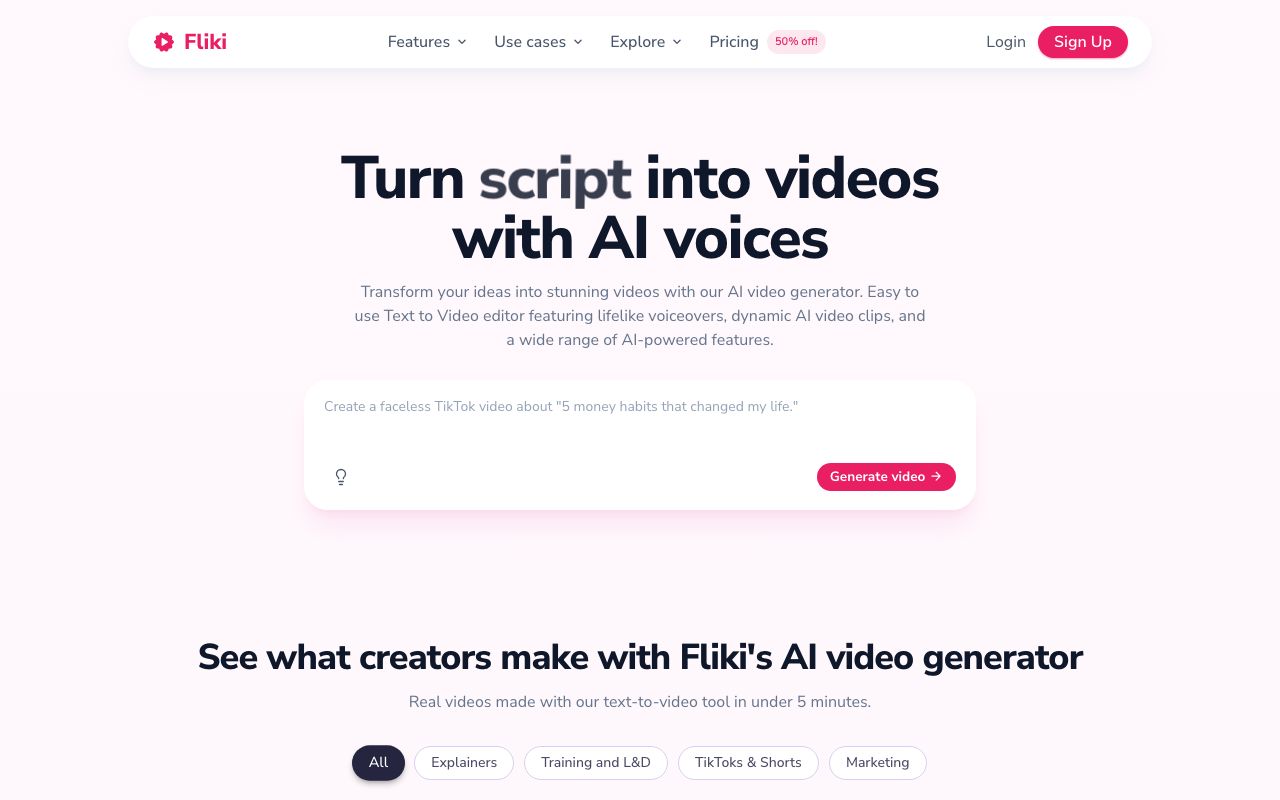
Fliki is the halfway step. It still uses stock footage, and it fills the gaps with AI images and clips. That makes it a soft landing for a team that wants a fresher look without giving up real-world shots. Its blog to video page, which we read on 11 October, says it takes a blog URL, pasted text, or an uploaded doc.
Key features
- 1080p video on the lowest paid plan
- 1,000 voices on Basic, 2,000+ on Premium
- Translation into 80+ languages from Standard
- Voice cloning and stock avatars from Standard
- AI video clips and photo avatars on Premium
Pros
- Full HD on the first paid plan. Lumen5 holds it for Starter
- “Free forever” plan, in Fliki’s own words
- Monthly billing with no commitment
Cons
- Priced per user, so a team pays for each seat
- Basic stops at 5-minute videos and 60 credits a month
- AI video clips sit on the top plan
Pricing: Fliki prices by country, and we saw the India page. Fliki Basic was ₹799 per user a month with 60 credits. Standard was ₹2,499 with 180 credits, and Premium was ₹7,999 with 600. Yearly billing takes 25% off. Check the page from where you live.
Best for: teams that publish one post in several languages and want some AI visuals.
3. Synthesia

Synthesia is the pick when a person should present the post. Lumen5 can drop a clip of a real presenter into a video. Synthesia builds the whole video around an AI avatar. Its homepage says you drop in a file or paste a URL, and its Assistant returns a draft with a script, scenes, and a presenter.
Key features
- Start from a document, a PowerPoint, or a link
- 125+ AI avatars on Starter, 180+ on Pro
- 140+ languages and voices
- Publish as a link, an embed, or SCORM for an LMS
- Edits update shared links and embeds
Pros
- A face suits training, sales, and product news
- A free plan with 10 minutes of video a month
- Starter includes 1 editor and 3 guests
Cons
- Free videos carry a Synthesia watermark
- An avatar is a poor fit for a faceless channel
- Live team collaboration and brand kits are listed under Enterprise
Pricing: Synthesia showed us rupees. Synthesia Starter was ₹1,999 a month, or ₹1,499 a month billed yearly, with 15,000 credits a year. Pro was ₹6,199 a month, or ₹4,649 billed yearly. Its own calculator counts 100 credits per video minute.
Best for: training and comms teams. We’d skip it for social Shorts.
4. Pictory

Pictory is the closest match to Lumen5 on this list. It makes the same kind of video: stock footage with your words on screen. So it will not fix the stock look. It fixes the bill. Pictory Starter lists no watermark at $25 a month. Lumen5 asks $59 before it gives you 1080p, and Pictory’s page lists 1080p under what all plans include.
Key features
- Generate a video from a script or a URL
- Stock video from Getty Images and Storyblocks
- ElevenLabs AI voices in 29 languages
- Brand kits: 1 on Starter, 5 on Professional
- Team workspace on the Team plan, for 3 or more users
Pros
- The same look as Lumen5, so nobody has to relearn the format
- No watermark from the first paid plan
- Team has a public price
Cons
- Prices are shown for annual billing
- The free trial stops at 15 video minutes
- Stock clips can feel generic on a niche topic
Pricing: Pictory Starter showed $25 a month for one user, billed annually. Professional showed $35 a month under an “Exclusive Pictory 2.0 offer” label, so that price may not last. Team showed $119 a month for three or more users. Enterprise is custom.
Best for: marketers who like Lumen5’s output and want to pay less for it.
5. Kapwing
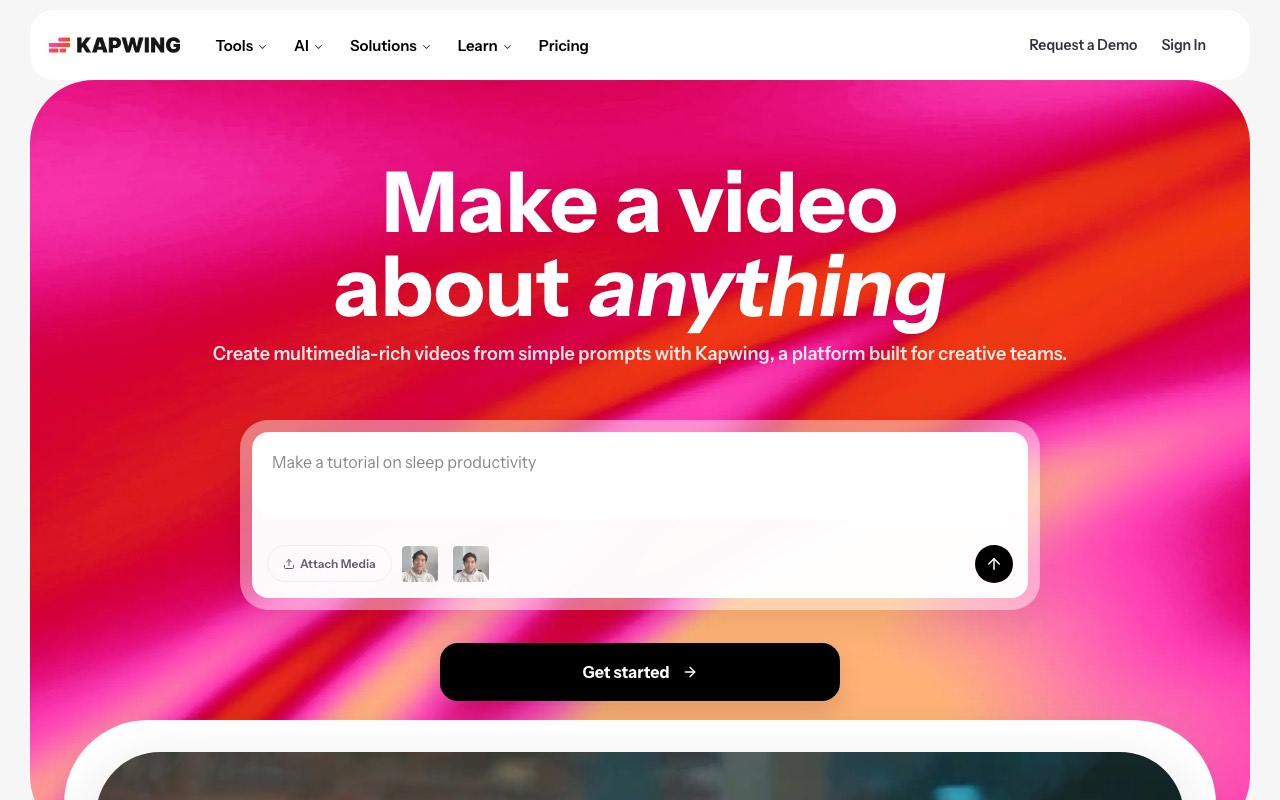
Kapwing is an online editor with an article to video tool inside it. Its page says an AI assistant reads your article and writes a script. It then matches stock visuals and AI-made footage, and adds a voice, subtitles, and music. You get an editable project on a timeline. One catch: the page asks you to save the article as a PDF and upload it, or paste the text. It names no link field.
Key features
- Upload the article as a PDF, or paste it
- Stock visuals mixed with AI-generated footage
- Translation into 100+ languages
- 16:9, 9:16, and 1:1 exports
- Brand Kit and a shared workspace on Pro
Pros
- A collaborative shared workspace on the $16 plan. Lumen5 lists collaboration on Team only
- 4K export on Pro
- A free plan with unlimited exports
Cons
- Free exports carry a watermark, stop at 4 minutes, and render at 720p
- No link input for articles, going by its page
- AI work draws on monthly credits: 1,000 on Pro
Pricing: Kapwing Pro showed $16 a month and Business $50 a month, with the annual toggle on. That toggle says it saves 33%, so expect more if you pay monthly. Enterprise is custom.
Best for: small teams that edit together and want one tool for the AI draft and the polish.
6. InVideo AI
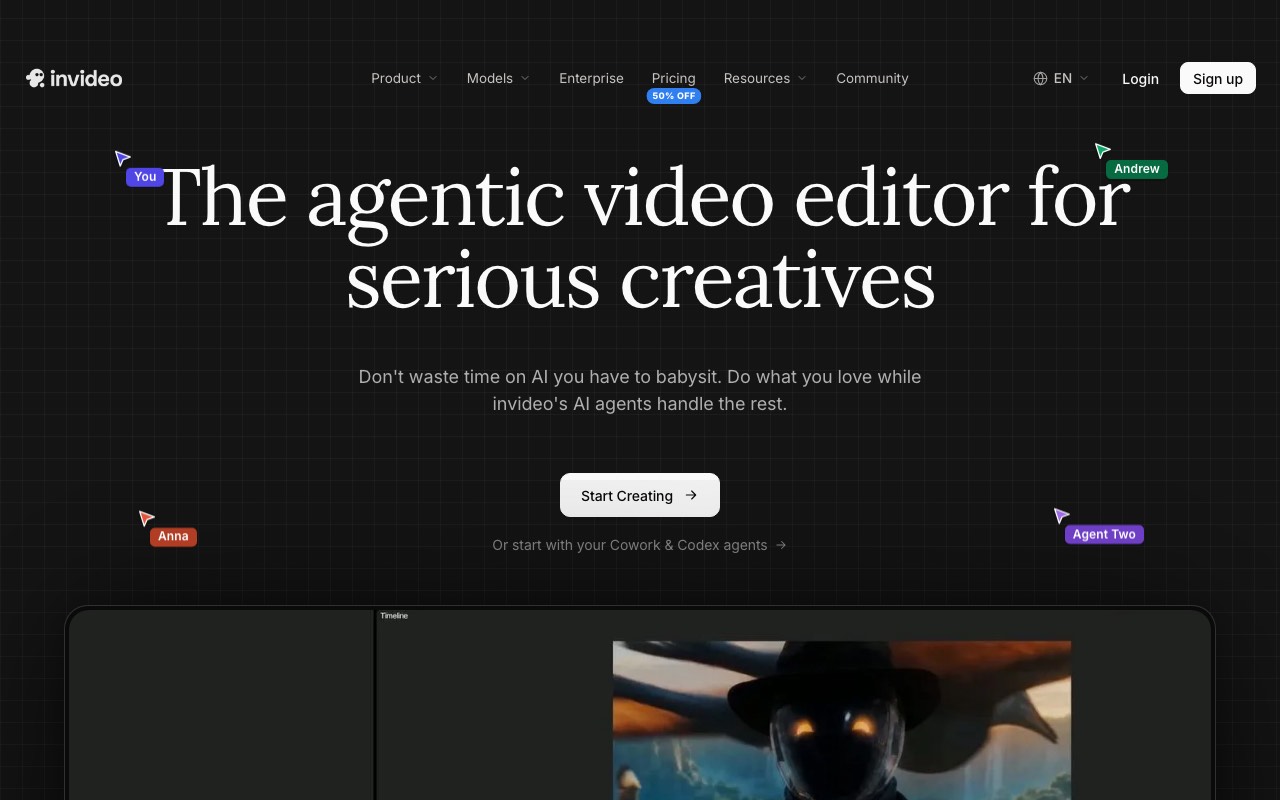
InVideo AI has changed a lot. Its homepage now calls it “the agentic video editor”. You describe an edit, and its AI agents carry it out on a real timeline. It also turns a script or an idea into a shot-by-shot storyboard. We include it for one reason: it sells seats cheaply and in public.
Key features
- Storyboards from a script or an idea
- AI agents that edit on a multitrack timeline
- Multiplayer editing with live cursors
- Up to 5 seats on Basic, 10 on Pro, 20 on Ultra
- Your own footage and 4K export on every plan
Pros
- The lowest seat price on this list
- Guest seats come free on Pro
- A full editor, not a slide builder
Cons
- Its homepage names no blog link input. Plan to paste your script
- The pricing page showed us no free plan
- Credits do not roll over, by InVideo’s own FAQ
Pricing: InVideo Basic was $9 per seat a month with 190 credits. Pro was $30 per seat with 1,000 credits, and Ultra was $80 with 3,000. A “50% off” label cut those to $4, $15, and $40 on annual billing when we looked. We would not plan a budget around a sale price.
Best for: video teams that want hands-on editing and many seats. It is the least like Lumen5 of the six.
How to switch from Lumen5
Switching costs an afternoon if you do it in order.
- Download every finished video as an MP4 before you change your plan.
- Save your brand kit by hand: logo files, hex colors, and font names.
- Pick one post that did well as a Lumen5 video.
- Run that same post through the new tool on its free tier.
- Put the two videos side by side and check the first five seconds, the captions, and the watermark.
- Check your Lumen5 renewal date. Its plans are priced for yearly billing, so cancel before that date.
We’d run step 4 on two tools, one from each reason that applies to you. A test like that tells you more than any table here. Our guide on how to turn a blog post into a video shows one post going from link to export.
Want a wider field? Our roundup of the best blog to video AI tools sorts seven tools by what the video looks like.
Frequently Asked Questions
Basics
What is the best Lumen5 alternative?
It depends on why you are leaving. We’d pick AITuber for AI-made visuals, Synthesia for a presenter on screen, and Pictory for the same stock look at a lower price.
Is there a free Lumen5 alternative?
Yes, within limits. AITuber gives 100 free credits with no card and no watermark. Fliki has a free plan. Kapwing’s free plan exports with a watermark, and Synthesia’s free plan allows 10 watermarked minutes a month.
What tools are like Lumen5?
Pictory is the most like Lumen5. Both turn a blog post into stock footage with text on screen. Fliki is close too, and it adds AI images and clips.
Lumen5 itself
How much does Lumen5 cost?
On 13 October 2026, Lumen5 Basic was $19 a month, Starter was $59, and Pro was $149, all billed yearly. Monthly billing was $29, $79, and $199. Team is custom.
Is Lumen5 free?
Lumen5 has a free plan. It allows 5 videos a month, each up to 2 minutes, and adds a Lumen5 branded outro.
Does Lumen5 use AI to make the visuals?
Mostly it uses stock. Its pricing page lists AI image and video generation, and Lumen5 Basic includes 12 animation minutes a year. Starter lists 50M+ stock photos and videos.
Choosing
Which Lumen5 alternative is best for teams?
Kapwing lists a collaborative shared workspace on its $16 Pro plan. InVideo AI sells up to 5 seats on Basic at $9 per seat a month. Pictory Team is $119 a month for three or more users.
Which alternative makes videos without stock footage?
AITuber. It draws new visuals for each scene and has no stock library. Fliki and Kapwing mix stock footage with AI clips.
Can I move my Lumen5 videos to another tool?
You can move the finished MP4 files. The editable projects stay in Lumen5, so remake the videos you still need to change.
How we researched this: we read each vendor’s pricing page and homepage on 13 October 2026, from India. We did not run a hands-on test of the six tools for this guide. Lumen5, Pictory, Kapwing, and InVideo showed prices in US dollars. Fliki and Synthesia showed prices in Indian rupees, which we have quoted as shown and not converted. Fliki’s blog to video page was read on 11 October 2026. Lumen5’s G2 and Capterra score is the one printed on its own pricing page, and the Trustpilot figures come from its Trustpilot profile. Feature claims come from the vendors’ pages and are theirs. The AI usage figure comes from Wyzowl’s 2026 video marketing statistics page. AITuber is a product we build, so we have named the tool we’d pick for each reason we don’t cover. Prices and plans change often; check each vendor’s site.