Best AI YouTube Shorts Generator (2026)
The best AI YouTube Shorts generators for 2026, tested and ranked. Real pricing, free tiers, auto-posting, and honest pros and cons for 7 tools.

The best AI YouTube Shorts generator for most creators is AITuber, because it turns one idea into a finished vertical Short and posts it to YouTube on a schedule, instead of asking you to narrate a script and upload it by hand. It makes 9:16 video, word-synced captions, and no watermark on paid plans, and it can make long-form videos too, not just Shorts. Below are seven tools worth using, tested and ranked, with real pricing and honest tradeoffs. If you are new to this, start with our guide on how to make AI videos for YouTube.
TL;DR: the top picks
- AITuber: best overall for a faceless YouTube channel on autopilot. It goes from idea to posted 9:16 Short with word-synced captions and no watermark, makes long-form too, and every feature is on every plan.
- Revid.ai: best for mass-producing faceless shorts that auto-post to YouTube.
- InVideo AI: best for turning a prompt or a blog post into a Short.
- AutoShorts.ai: best for a fully hands-off faceless Shorts series.
- Fliki: best if you only need a clean AI voiceover over stock clips.
- Vidnoz AI: best free allowance to experiment.
- Synthesia: best when you want a talking AI presenter on screen.
| Tool | Best for | Auto-posts to YouTube? |
|---|---|---|
| AITuber | Faceless channel on autopilot | Yes |
| Revid.ai | Auto-posted viral faceless shorts | Yes |
| InVideo AI | Prompt or blog to a Short | No |
| AutoShorts.ai | Fully hands-off faceless series | Yes |
| Fliki | Clean AI voiceover videos | No |
| Vidnoz AI | Free AI video and avatars | No |
| Synthesia | Talking-avatar explainers | No |
What makes a great AI YouTube Shorts generator
YouTube Shorts has its own rules, so a good general video maker is not always a good Shorts maker. These are the things that actually matter for the format.
- True 9:16 vertical, at 4K. Shorts play full-screen and vertical. The tool should export tall video, not a cropped landscape clip, and it should look sharp on a phone.
- Word-synced captions. Most people watch with the sound off at first. Captions that highlight each word as it is spoken keep viewers watching, and they are the single biggest retention win on Shorts.
- No watermark. A watermark makes a video look cheap and can get it treated as recycled content. You want clean output you can post as your own.
- Auto-posting to YouTube on a schedule. Posting every day is what grows a channel. A tool that publishes for you turns a hobby into a system.
- Faceless niche templates. Starting from a proven format (Reddit stories, history, psychology, and so on) beats staring at a blank page, and it keeps a channel looking consistent.
- A real free tier. You should be able to make a Short and see the quality before you pay.
The best AI YouTube Shorts generators
1. AITuber
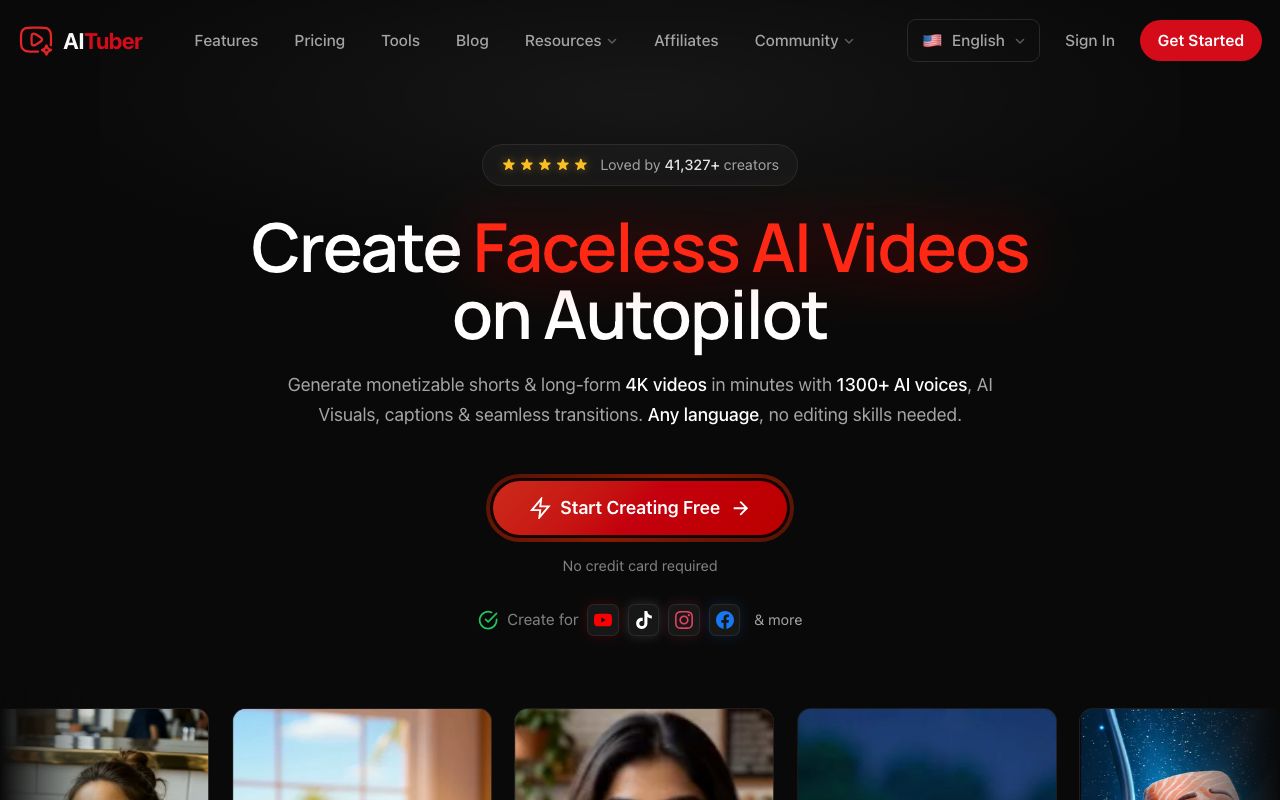
AITuber is the strongest AI YouTube Shorts generator for anyone building a channel rather than making one video at a time. You give it an idea, and it writes the script, generates a matching voice and visuals, adds word-synced captions, and posts the finished 9:16 Short to your YouTube on a schedule. It also makes long-form videos, so the same tool covers your Shorts and your main uploads. Credits are spent on the video you keep, not on every edit and preview, and a failed generation is auto-refunded.
The part that sets it apart is the YouTube integration. You link your YouTube channel in one click, pick a niche, and set how often you want to post. After that, Autopilot finds ideas, writes the script, makes the video, and publishes it straight to YouTube on your schedule, daily or whatever cadence you choose. You never open the YouTube upload page. The same one-click connect covers TikTok, Instagram, Facebook, Threads, and X, so one setup posts a Short everywhere.
Key features
- Idea to finished vertical video: script, AI voiceover, visuals, and word-synced captions in one flow
- One-click YouTube integration: connect your channel and let Autopilot publish Shorts straight to YouTube on a schedule
- Autopilot that finds ideas, writes, makes, and publishes to YouTube, TikTok, Instagram, Facebook, Threads, and X on your chosen cadence
- Shorts and long-form output, with a consistent channel look across styles
- Faceless niche templates (Reddit stories, true crime, mythology, history, psychology, and more)
- 1,300+ AI voices across 140+ languages, 9:16 and 4K export, no watermark, every feature on every paid plan
Pros
- One idea becomes a complete, posted Short, not a script you narrate and upload
- Connect YouTube once, then publishing is fully hands-off on your schedule
- No feature gating: even the entry plan includes all templates, voices, styles, 4K, and auto-posting
- Credits are not spent on edits or previews, and failed jobs are refunded
- Unused credits never expire, so a slow month is not money wasted
- A free tier (100 credits) lets you make your first Short before paying
Cons
- Focused on faceless short-form and channel automation, not long-form talking-head editing
- Autopilot is most useful if you actually run a channel on a schedule
Pricing: Free to start with 100 credits (no card). Paid plans are Creator $39/mo (2,500 credits, 1 channel on autopilot), Pro $69/mo (5,000 credits, 2 channels), Studio $129/mo (10,000 credits, 4 channels), and Agency $249/mo (20,000 credits, unlimited channels), up to Business and Enterprise. Every plan includes all templates, voices, styles, 4K, and auto-posting. See the full pricing.
Best for: creators who want to run a faceless YouTube channel end to end, from idea to posted Short. For a step-by-step setup, see how to automate YouTube Shorts.
2. Revid.ai
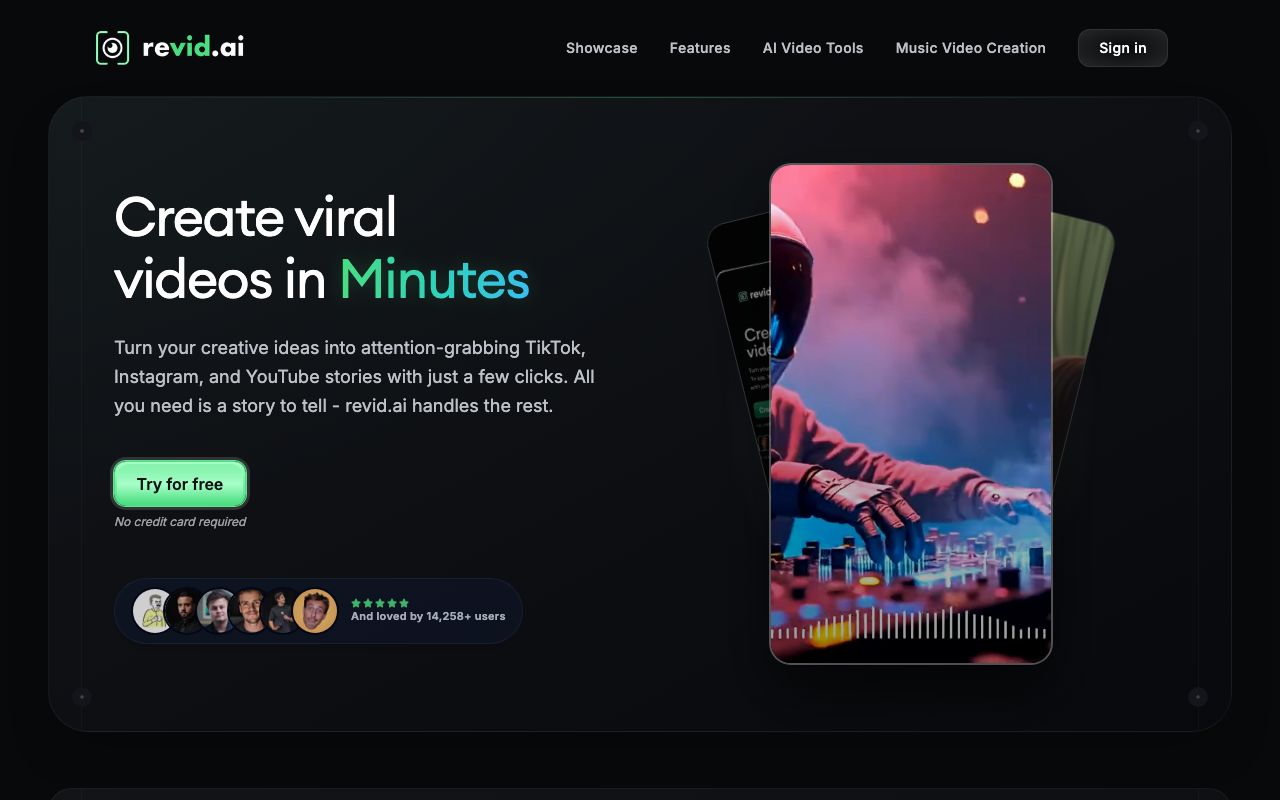
Revid.ai is built for viral faceless shorts. You give it a prompt, script, or link, and it makes a vertical Short with an AI voice, captions, and templated visuals, then it can auto-post to YouTube, Instagram, and TikTok. That auto-posting is the piece most narration tools leave to you.
Key features
- Prompt, script, or URL to a faceless YouTube Short
- Auto-Mode workers that generate and post on a schedule
- Voiceovers in 70+ languages and a large viral-video remix library
Pros
- Purpose-built for faceless short-form
- Strong auto-generate-and-post automation for YouTube
- Fast, simple workflow
Cons
- Recurring reliability complaints: credits lost on failed generations, characters that drift between scenes, and freezes
- Demo samples can look better than the real output
Pricing: Paid plans start around $32 to $39/mo, rising to about $166 to $199/mo for more credits, voice cloning, and more auto workers. Annual billing gives two months free. There is no permanent free plan, only a limited trial. Verify current pricing on their site.
User reviews: Trustpilot sentiment is mixed, around 3.x out of 5, with a high share of 1-star reviews citing reliability (Trustpilot).
Best for: solo creators mass-producing faceless YouTube shorts on autopilot.
3. InVideo AI
InVideo AI is the best general-purpose pick for YouTube Shorts. You give it a text prompt, a script, or a blog URL, and it assembles the scenes, stock footage, an AI voiceover, and captions in a vertical format. Its main trick is text-command editing: you type “make the intro shorter” instead of dragging clips on a timeline.
Key features
- Prompt, script, or blog URL to a full narrated vertical video
- Text-command editing with no manual timeline
- Large iStock and Storyblocks library with multilingual AI voiceovers
- Voice cloning on paid plans
Pros
- Fast way to go from a prompt or a blog post to a finished Short
- Huge stock and voice library
- Works for long explainers too, not only shorts
Cons
- No free plan since the July 2026 repricing, so testing means paying
- Unused credits expire at the end of each month
- The step from Plus to Max is five times the yearly price
- No built-in auto-posting to YouTube; you download and upload yourself
- Output can be inconsistent and often needs re-prompting, which burns credits
Pricing (checked 27 July 2026 on InVideo’s pricing page): No free plan. Four paid tiers, each with unlimited exports and no watermark. Plus is $17/mo billed as $200 a year, for 75 credits a month. Max is $85/mo billed as $1,000 a year, for 390 credits. Generative is $170/mo billed as $2,000 a year, for 800 credits. Elite is $900/mo billed as $10,800 a year, for 4,250 credits. InVideo’s own FAQ says unused credits do not roll over, and generative models bill at their original API rates. Our best InVideo alternatives guide covers the change in full.
User reviews: 4.5/5 on Capterra from 413 reviews (Capterra).
Best for: turning a prompt or a blog post into a narrated Short, short or long.
4. AutoShorts.ai
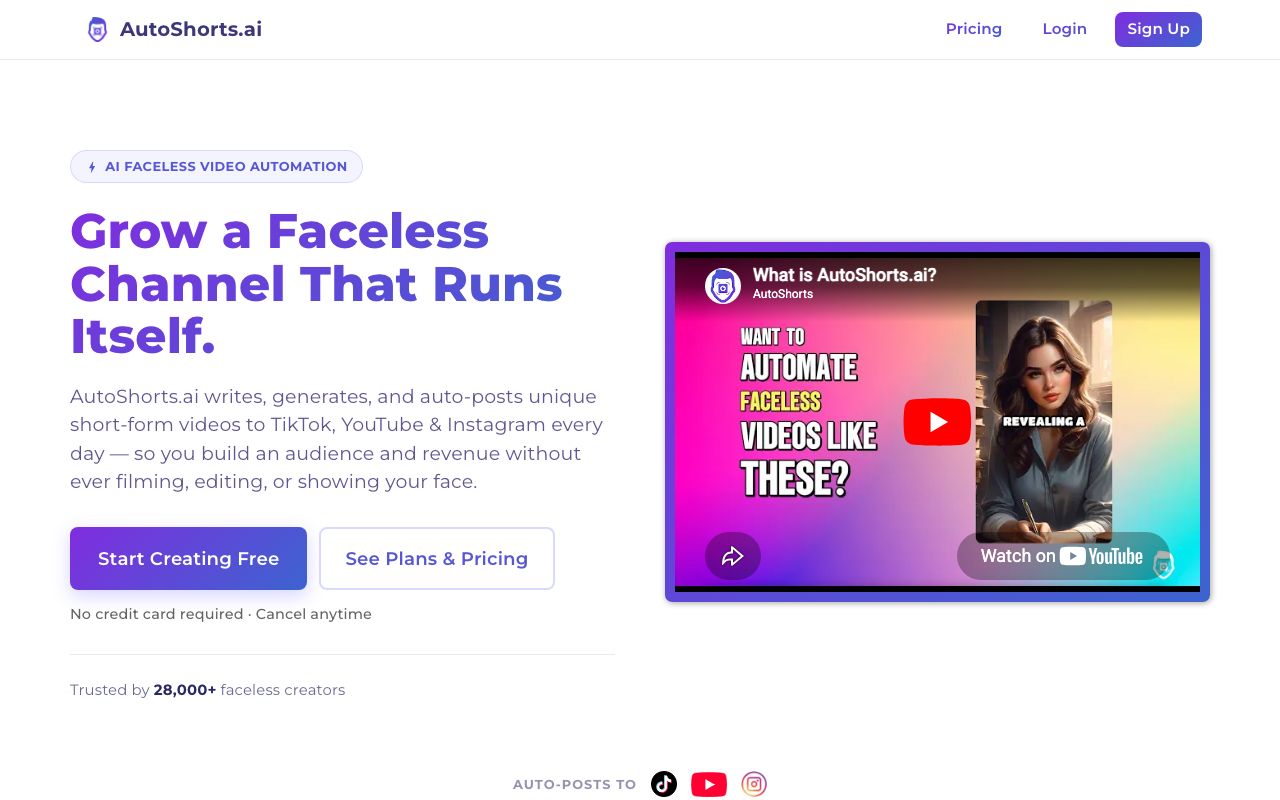
AutoShorts.ai is the most hands-off faceless tool here. You pick a niche, and it generates and auto-posts a faceless video series to YouTube Shorts, TikTok, and Instagram Reels on a schedule. It handles both the making step and the manual uploading that most tools leave you with.
Key features
- Fully automated faceless series from a niche or topic
- Auto-posting to YouTube Shorts, TikTok, and Instagram Reels
- Script, AI visuals, AI voice, and voice cloning, all hands-off
Pros
- True set-and-forget automation
- Cheap entry point
- Purpose-built for faceless channels
Cons
- A thin third-party review footprint, so quality is harder to verify
- Output can be templated and repetitive, with limited fine editing
Pricing: Free plan with 1 video. Paid plans are commonly around $19/mo for about 3 posts a week, $39/mo for daily posting, and $69/mo for twice-daily posting. Confirm current pricing on their site.
User reviews: limited third-party reviews so far; most feedback comes from hands-on test articles rather than large review platforms, so weigh it carefully.
Best for: people who want a fully automated faceless YouTube Shorts channel with minimal touch.
5. Fliki
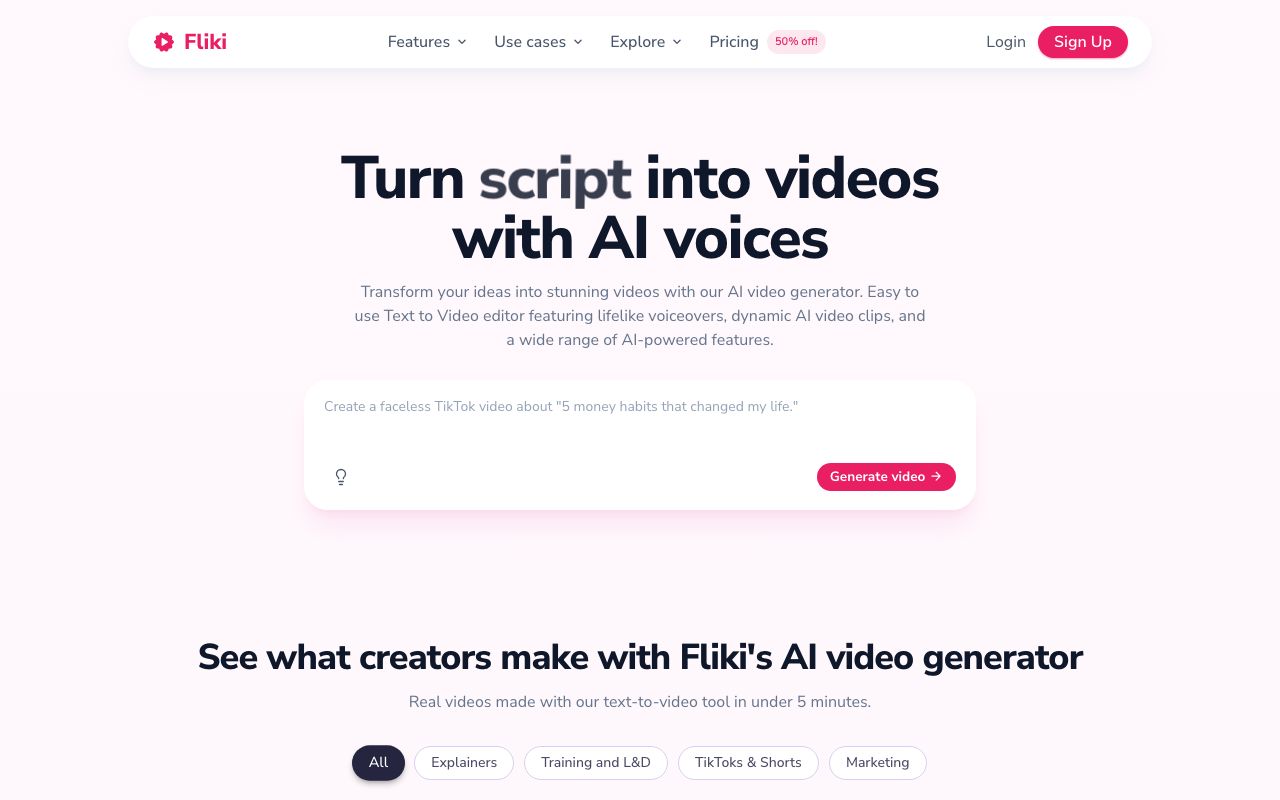
Fliki is the pick when the voice is the whole job. It turns a script or a blog post into a narrated video with lifelike AI voices in many languages, and it exports vertical clips for YouTube Shorts. It is a text-to-speech video maker, so it narrates and matches stock visuals rather than building an original faceless channel or posting for you.
Key features
- Script or blog to a narrated vertical video
- Lifelike AI voices across many languages, with voice cloning
- Auto-captions and a stock media library
Pros
- Some of the most natural AI voices in the category
- Strong multilingual support
- Simple, beginner-friendly workflow
Cons
- Credits are spent while you edit and preview, not only on export, so trial and error eats your allowance
- The AI voice sometimes skips or mispronounces words, forcing a regenerate
- No auto-posting to YouTube; you download and upload each time
Pricing: Free plan (720p, watermark, no commercial rights). Paid Standard and Premium tiers are credit-based; Standard commonly lands around $28/mo month to month, or about $21/mo billed annually, and Premium is higher. Fliki shows dynamic promo pricing, so check the live page. See our Fliki pricing guide for the full breakdown.
User reviews: 4.7/5 on G2 and 4.7/5 on Capterra, but 3.7/5 on its Trustpilot app profile, where the credit and word-skipping complaints show up.
Best for: creators who mainly need a clean, multilingual AI voiceover and are happy to upload to YouTube themselves.
6. Vidnoz AI
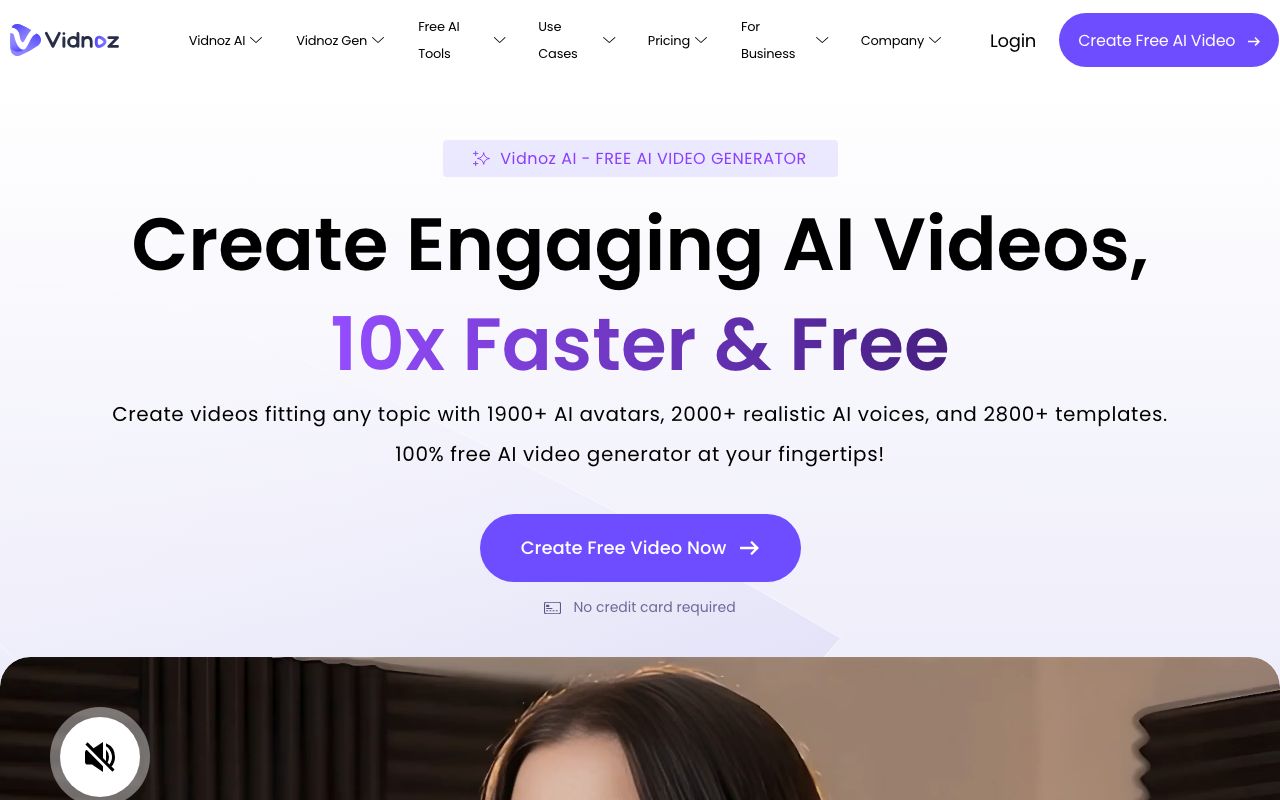
Vidnoz AI is a budget, all-in-one toolkit with an unusually generous free tier, so it is the pick if you just want to experiment for free. It centers on AI avatars and voices, and it can also make narrated vertical clips for YouTube Shorts.
Key features
- 1,800+ avatars and 2,600+ voices
- A large free plan with daily credits
- Extras like face-swap, photo-to-avatar, and video translation
Pros
- Very generous free plan
- Huge avatar, template, and voice library
- Broad toolkit for the price
Cons
- A big gap between review sites: strong on G2 but many billing and cancellation complaints on Trustpilot
- The free tier is watermarked, capped at 720p and about 3 minutes, with no auto-posting to YouTube
Pricing: Free plan with daily credits, up to 3-minute videos, 720p, and a watermark. Paid Starter and Business tiers are credit-based, with 25% off on annual billing. Pricing shifts with promos, so check the current page.
User reviews: about 4.9/5 on G2 but from a small sample of roughly 16 reviews (G2), versus about 2.3/5 on Trustpilot from roughly 79 reviews, where billing complaints dominate (Trustpilot). Read both before you buy.
Best for: budget users who want the biggest free allowance to test AI YouTube Shorts.
7. Synthesia
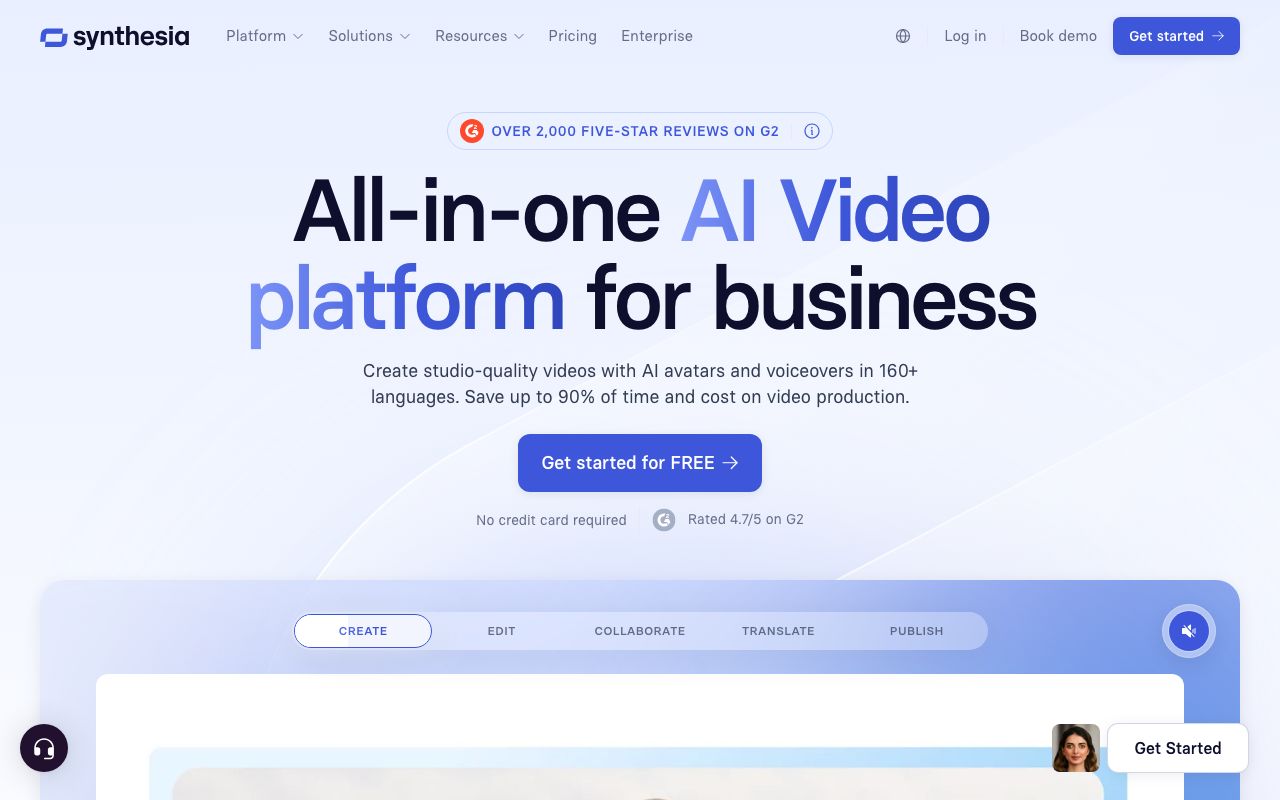
Synthesia is the pick when you want a person on screen without filming one. It turns a script into a video of a realistic AI avatar presenter in 140+ languages, and it exports vertical video you can post to YouTube Shorts. Where the tools above give you a voice over stock visuals, Synthesia gives you a face delivering the lines.
Key features
- 240+ studio-quality AI avatars, plus custom avatars
- Script to video in 140+ languages with one-click translation
- Templates for explainers, training, and product clips
Pros
- The most realistic avatars in the category
- Excellent multilingual dubbing
- Polished for talking-head and explainer content
Cons
- It is an avatar tool, not a faceless stock-video generator
- Low monthly-minute caps, and it is costly per minute for casual Shorts creators
- No auto-posting to YouTube
Pricing (verified July 2026): Free plan with 10 minutes a month and a watermark. Starter is $29/mo, or $18/mo billed annually ($216/year). Creator is $89/mo, or $64/mo billed annually. Enterprise is custom.
User reviews: about 4.7/5 on G2 from 2,000+ reviews as of mid-2026 (G2), and around 4.0/5 on Trustpilot.
Best for: creators and teams who want a talking AI presenter for YouTube Shorts explainers.
Quick comparison of all tools
| Tool | Starting price | Free tier | Auto-post to YouTube | Best for |
|---|---|---|---|---|
| AITuber | Free, then $39/mo | Yes, 100 credits | Yes | Idea to posted faceless Short |
| Revid.ai | About $32/mo | Trial only | Yes | Viral shorts on autopilot |
| InVideo AI | $17/mo (annual, $200/yr) | No, free plan dropped | No | Prompt or blog to a Short |
| AutoShorts.ai | About $19/mo | Paused since July 2026 | Yes | Fully hands-off series |
| Fliki | About $21/mo (annual) | Yes, watermarked | No | Clean AI voiceover |
| Vidnoz AI | Free plus credits | Yes, daily credits | No | Biggest free allowance |
| Synthesia | $18/mo (annual) | Yes, 10 min/mo | No | Presenter explainers |
Prices are the lowest paid tier as of July 2026 and are rounded; some vendors render pricing dynamically, so check each site for the exact figure. InVideo repriced on 27 July 2026 and dropped its free plan, which our best InVideo alternatives guide covers in full. AutoShorts.ai still lists a $0 free plan, but has suspended it. Its FAQ blames bot abuse and says the plan will come back. Checked 31 July 2026.
Can you make AI YouTube Shorts for free?
Yes, and three of these tools are good places to start without paying.
- AITuber gives you 100 free credits with no card, enough to make your first faceless Short and see the full idea-to-posted flow.
- Vidnoz AI has the biggest free allowance, with daily credits, though clips are watermarked, capped at 720p, and about 3 minutes.
- Synthesia has a free tier, but it adds a watermark and caps you at 10 minutes a month. InVideo AI dropped its free plan in July 2026.
The catch with most free tiers is the watermark. A visible logo makes a Short look recycled, and recycled-looking content gets less reach. If you plan to post for real, use a free tier to test quality, then move to a plan that exports clean, no-watermark video.
How to choose the right AI YouTube Shorts generator
- Do you want an automated faceless channel? If yes, AITuber. It takes an idea to a posted 9:16 Short, makes long-form too, and runs on autopilot without spending credits while you edit.
- Do you want to mass-produce and auto-post shorts? If yes, Revid.ai or AutoShorts.ai focus on scheduling and publishing.
- Do you mainly repurpose prompts or blog posts? If yes, InVideo AI is closer to that job.
- Is a clean AI voice the whole point? If yes, Fliki has some of the best voices, if you do not mind uploading yourself.
- Is a free allowance your main limit? If yes, Vidnoz AI or AITuber’s free credits.
- Do you want a presenter on screen? If yes, Synthesia gives you a talking AI avatar.
Use-case cheat sheet
- Scenario: You want to launch a faceless niche channel and post Shorts daily. Best choice: AITuber. It goes from idea to posted video on autopilot, with all features included.
- Scenario: You want to mass-produce viral shorts and post them automatically. Best choice: Revid.ai or AutoShorts.ai, with the reliability caveats above in mind.
- Scenario: You have a blog and want to turn each post into a Short. Best choice: InVideo AI. Paste the URL and it builds the video.
- Scenario: You want the most natural AI voice and will upload yourself. Best choice: Fliki.
- Scenario: You want the biggest free allowance to experiment. Best choice: Vidnoz AI, or AITuber’s free credits.
- Scenario: You want a presenter on screen for explainers. Best choice: Synthesia.
- Scenario: You keep running out of credits from editing and re-generating. Best choice: AITuber. Credits count only on the video you keep, and failed jobs are refunded.
Frequently Asked Questions
Basics
What is the best AI YouTube Shorts generator?
For a faceless YouTube channel, AITuber is the best because it takes an idea all the way to a posted 9:16 Short, makes long-form video too, includes every feature on every plan, and does not spend credits while you edit. For auto-posting a high volume of shorts, Revid.ai or AutoShorts.ai are strong. For turning a prompt or blog post into a video, InVideo AI is closest to that job.
Can an AI really make a full YouTube Short from one idea?
Yes. Tools like AITuber write the script, pick a voice, generate visuals, add word-synced captions, and export a vertical video, all from a single idea or topic. AITuber can then post it to your YouTube on a schedule, so you do not touch an editor at all.
Free and pricing
What is the best free AI YouTube Shorts generator?
AITuber gives you 100 free credits with no card and the full idea-to-posted flow. Vidnoz AI has the biggest free allowance with daily credits, though clips are watermarked and capped at 720p. Synthesia also has a free tier, but it adds a watermark. InVideo AI used to have one, but its July 2026 pricing page lists paid plans only.
Can I make YouTube Shorts with AI without a watermark?
Yes, on paid plans. AITuber exports 9:16 4K video with no watermark on every paid plan. Most other tools add a watermark on their free tier and remove it once you upgrade, so check each plan before you post.
How much does an AI YouTube Shorts generator cost?
Most sit between $17 and $39 a month for the entry plan. AITuber is $39/mo (or free to start), AutoShorts.ai starts around $19/mo, InVideo AI shows $17/mo but bills yearly at $200, and Fliki lands around $21/mo billed annually. Always check the cost per video, not just the monthly price, since credits and caps change the real cost.
YouTube-specific
Will AI YouTube Shorts get demonetized or down-ranked?
YouTube does not ban AI content, but its policies target low-effort, mass-produced, and reused content, and it asks you to disclose realistic AI-generated video. Post clean, no-watermark Shorts, add a real point of view in the script, keep a clear niche, and disclose AI where YouTube asks. Well-made AI Shorts perform fine and are a large share of what goes viral now.
Do these tools post to YouTube for me?
AITuber, Revid.ai, and AutoShorts.ai can auto-post to YouTube on a schedule after you link your account once. InVideo AI, Fliki, Vidnoz AI, and Synthesia make the video, but you download it and upload it to YouTube yourself.
How does AITuber’s YouTube integration work?
You connect your YouTube channel to AITuber in one click, pick a niche, and set how often you want to post. Autopilot then finds ideas, writes the script, makes the video, and publishes it straight to YouTube on that schedule, so you never open the upload page. The same one-click connect also covers TikTok, Instagram, Facebook, Threads, and X, so a single setup can post the same Short to all six.
Comparisons
AITuber vs Revid.ai for YouTube Shorts: which is better?
Both auto-post faceless shorts to YouTube. AITuber includes every feature on every plan, makes long-form as well as Shorts, spends credits only on final output, and refunds failed jobs, which avoids the reliability and credit complaints Revid.ai users report. Revid.ai has a large viral-remix library. For a channel you want to run long-term, AITuber is the safer pick; for quick volume experiments, Revid.ai is worth a trial.
Is a general AI video tool good enough for YouTube Shorts?
It can be, but check three things: does it export true 9:16 vertical, does it add word-synced captions, and does it remove the watermark on your plan. Tools built for short-form (AITuber, Revid.ai, AutoShorts.ai) handle all three by default, while general tools sometimes need extra steps. For the wider set of automation tools beyond Shorts generators, see our best YouTube automation tools guide.
How we researched this: we compared seven tools against the YouTube Shorts criteria above, using public sources (each vendor’s live pricing page and named review platforms like G2, Capterra, and Trustpilot), checked in July 2026, combined with our own hands-on testing. AITuber is a product we build, so we have flagged every place we compare it to another tool and kept the competitor pricing and ratings accurate as of the date above. Some vendors render pricing dynamically, so treat dollar figures as approximate and confirm on each site. Prices and plans change often; check each vendor’s site for the latest.