Best Pixar Style AI Video Generators (2026)
The best Pixar style AI video generators in 2026. Live pricing for five tools, which ones are free, and what Disney's trademark actually allows.

The best Pixar style AI video generator depends on one thing: whether you are starting from a photo or from an idea. To turn a photo you already have into a 3D animated clip, Pollo AI does it in the fewest clicks. To go from an idea to a finished, narrated video you can actually publish, AITuber does the whole job in one pass. Below are five tools, with pricing read off each vendor’s live page on 9 August 2026.
Key takeaways
| Tool | Cheapest paid plan | Free tier | Best for |
|---|---|---|---|
| AITuber | $39/mo | 100 credits, no card | An idea turned into a finished video |
| Pollo AI | $15/mo billed yearly | Yes, watermarked | Animating one photo fast |
| GoEnhance AI | $17.50/mo billed yearly | Not shown on the purchase page | Restyling video you already have |
| Revid.ai | $39/mo | Trial, no card | Short animated story videos |
| RunComfy | Pay as you go, from $0.99/hr | None, you must fund the account | Total control over the model |
Why no tool gives you real Disney Pixar characters
Start here, because it decides what you can publish.
Pixar is a Disney trademark, and its characters are copyrighted. No AI tool licenses them. Every product in this guide generates an imitation of the look: soft rounded 3D forms, big expressive eyes, warm studio lighting, and skin that scatters light. None of them can legally hand you Woody, Buzz, or any other Pixar character, and none of them claim to.
The vendors know this. Revid.ai’s own Pixar tool page tells users to “create your own unique animated stories rather than attempting to replicate specific Disney/Pixar properties.” That is the correct advice, and it is worth repeating.
If you are building a channel rather than making one meme, this matters more than any feature in the comparison table. Design your own characters once and reuse them.
The two kinds of Pixar style tool
Every tool here does one of two very different jobs. Picking the wrong kind is the most common mistake.
Restylers take media you already have and repaint it. You give them a photo or a video clip, and they return the same thing in a 3D animated style. Pollo AI and GoEnhance AI work this way. They are fast and the result looks impressive immediately. The catch is that you need source material, and the output is usually a few seconds long.
Generators start from words. You describe a story or paste a script, and the tool invents the visuals, the voice, and the edit. AITuber and Revid.ai work this way. They take longer to learn, but they produce something you can publish on a schedule without filming anything.
RunComfy is neither. It rents you a GPU and a ComfyUI workspace, and you assemble the pipeline yourself.
What to look for in a Pixar style AI video generator
- Does it produce a finished video or a clip? Most of these tools return three to ten seconds. A clip is not a video. If you need narration, captions, and an edit, check that the tool does those too.
- How long can the output be? This is the limit vendors bury. GoEnhance caps video-to-video at 20 seconds on its entry plan. That decides whether you can tell a story.
- Does the style hold across scenes? A single shot is easy. Keeping the same character across six shots is the hard part, and it is what separates a video from a demo.
- Are commercial rights included on the plan you can afford? Some tools put commercial use behind a higher tier. Check before you build a channel on it.
- What does one video actually cost? Credit systems hide this. Divide the monthly price by the videos the plan claims to allow.
- Do the credits expire? Most reset monthly, so unused credits are lost. A few roll over.
- Is the free tier watermarked? A watermark makes the free tier a demo, not a publishing route.
The best Pixar style AI video generators
1. AITuber
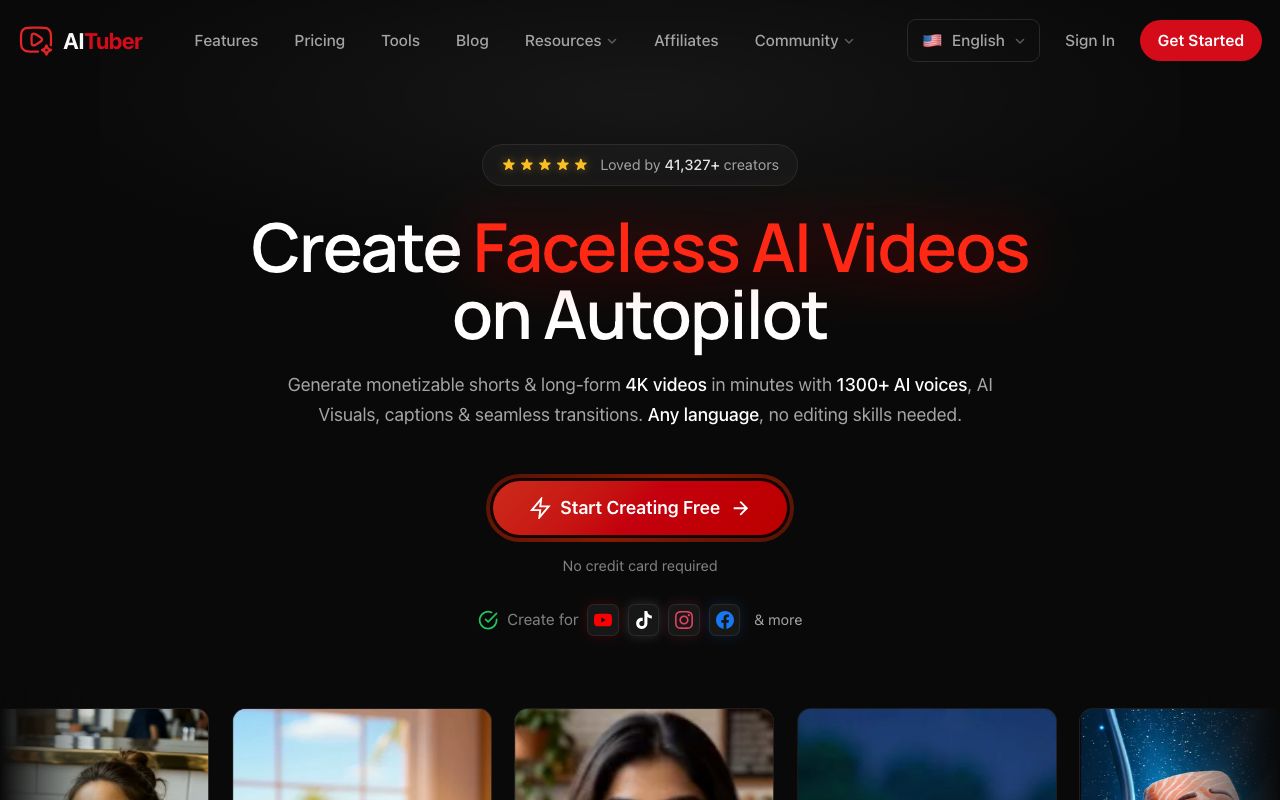
AITuber is the only tool here that returns a finished video rather than a clip. You give it a topic or a script. It writes the narration, generates the visuals in your chosen style, reads them aloud, and adds word-synced captions. The Pixar-inspired look is a built-in style called 3D Cartoon, and it powers the dedicated AI 3D video generator and AI cartoon video generator pages.
Key features
- One pass from an idea to a finished, narrated, captioned video
- 3D Cartoon as a named style, alongside Claymation, Low Poly 3D, and Storybook
- A dedicated AI talking character generator for the talking-object format
- Large AI voice library with word-synced captions
- Autopilot publishing to YouTube, TikTok, Instagram, Facebook, Threads, and X
- Every template, voice, and style included on every paid plan
- Credits never expire, and failed generations are refunded
Pros
- The only option here that produces something publishable without extra editing
- Style stays consistent across every scene in a video, not just one shot
- No per-feature upsell, so the cheap plan is not crippled
- Unused credits roll forward instead of vanishing each month
Cons
- It generates from a script, so it cannot restyle a video you already shot
- Less granular control over a single frame than a manual pipeline gives you
- The style is called 3D Cartoon in the app, not Pixar, which can confuse first-time users
Pricing: Free with 100 credits and no card. Paid plans are Creator $39/mo (2,500 credits, 1 channel), Pro $69/mo (5,000 credits, 2 channels), Studio $129/mo (10,000 credits, 4 channels) and Agency $249/mo (20,000 credits, unlimited channels). Business and Enterprise run to $449 and $999. A 30-second short is about 35 credits, roughly $0.55 on the Creator plan.
Best for: anyone building a channel of 3D animated videos rather than making one clip.
2. Pollo AI
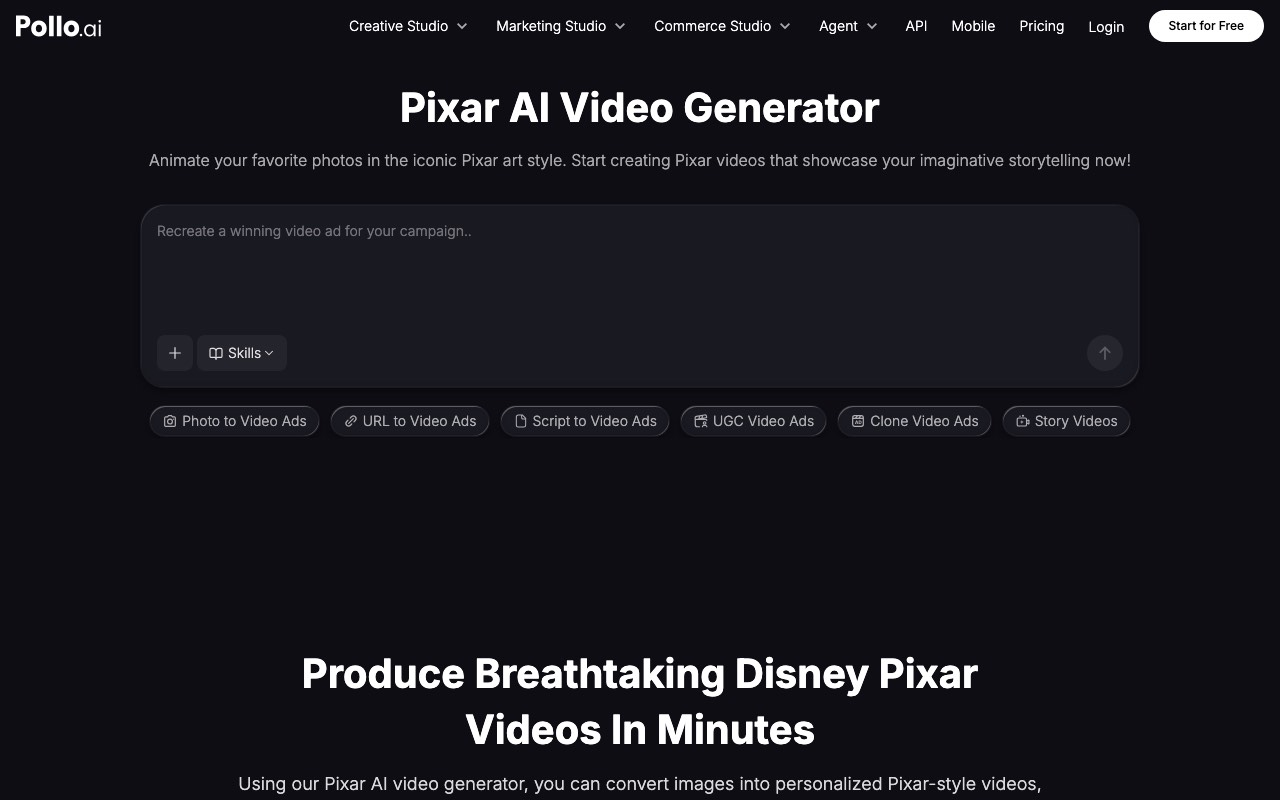
Pollo AI is the fastest route from a photo to a Pixar-style clip. It is a large multi-model suite that resells access to many video and image models, with a dedicated Pixar generator page on top. Upload an image, and it animates it in the style. We dig into its ratings, complaints, and credit costs in our full Pollo AI review.
Key features
- Dedicated Pixar generator with image-to-video and text-to-video modes
- Access to many third-party models from one subscription
- Parallel generation, from 2 jobs on Lite up to 6 on Ultra
- Credit allowance shared across video and image generation
Pros
- Genuinely quick from a single photo, with very little to learn
- One subscription covers a lot of different models
- The cheapest entry point of the restylers
Cons
- Output is a short clip, so narration and editing are still your job
- The pricing page defaults to annual billing and was running a countdown sale when we checked, so the headline price is not the standing price
- Credits are shared with image generation, so heavy image use eats your video budget
Pricing (read 9 August 2026, annual billing): Lite $15/mo (300 credits, up to 60 videos), Pro $29/mo (800 credits, up to 160 videos), Ultra $139/mo (5,000 credits, up to 1,000 videos). A “flash sale” banner was active, and monthly billing is higher.
User reviews: 4.7 out of 5 from 87 reviews on G2, and 4.9 out of 5 from 124 reviews on Capterra. On G2, 80% of reviewers give it five stars and only 1% give it one. Capterra breaks the score down further, and the pattern is telling: Ease of Use and Features both score 5.0, Customer Service 4.8, but Value for Money is the weakest at 4.0. Reviewers like the product more than they like the price, which matches what we found on the pricing page.
Best for: turning one photo into a shareable clip today.
3. GoEnhance AI
GoEnhance AI is the strongest video-to-video restyler here. You upload footage you shot, and it repaints it in one of roughly thirty styles while keeping the original motion. That last part is the point: the movement is real because you filmed it.
Key features
- Video-to-video restyling that preserves the motion of your source clip
- Around 30 styles, including a Pixar-inspired 3D look and claymation
- Commercial licence and no watermark on every paid tier
- Private generation and 180-day storage on paid plans
Pros
- Best-looking results when you have real footage to work from
- Commercial rights included even on the entry plan, which is not always true elsewhere
- Concurrent job limits are generous relative to price
Cons
- Video-to-video is capped at 20 seconds on the entry plan, and 60 seconds above it, so long-form is off the table
- The marketing site’s own
/pricinglink returned a 404 when we checked, and real plans live in the app - Unlimited-model perks were dated “Until Aug 31”, so the value of a tier may change
- No free plan visible on the purchase page
Pricing (read 9 August 2026): Standard $17.50/mo billed yearly ($24.99 monthly) with 1,600 tokens; Pro $35/mo yearly ($49.99 monthly) with 3,500 tokens; Mega $70/mo yearly ($99.99 monthly) with 8,000 tokens. Yearly billing saves about 30%.
Best for: restyling footage you already filmed into 3D animation.
4. Revid.ai
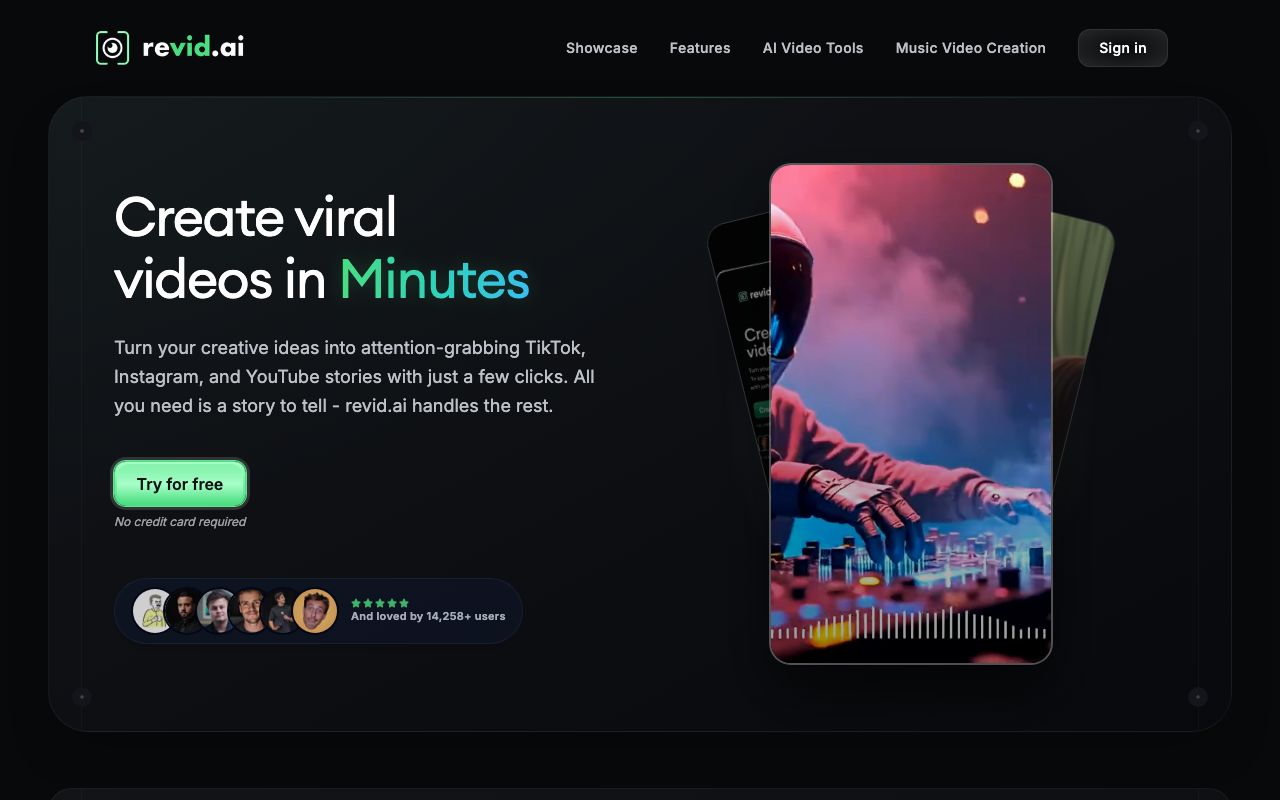
Revid.ai sits between the restylers and the full generators. Its Pixar tool takes a written story and returns an animated short with a voiceover and captions. We compare it in depth in our AITuber vs Revid.ai vs AutoShorts.ai breakdown.
Key features
- Story-to-animation with AI voiceover and automatic captions
- Portrait, landscape, square, and feed aspect ratios
- Bracketed prompt syntax to steer specific visuals
- Publishing to TikTok, Instagram, and YouTube on higher tiers
Pros
- Produces a narrated short, not just a silent clip
- Free trial with no card required
- Clear guidance on staying away from copyrighted characters
Cons
- The most expensive entry point in this guide at $39/mo
- The Growth plan’s headline price was a struck-through promo when we checked
- Credit costs scale with script length, so a long video is not 3 credits
Pricing (read 9 August 2026, monthly billing): Hobby $39/mo; Growth listed at $99 but selling at $39/mo with 2,000 credits; Ultra $199/mo with 12,000 credits and a slider up to 200,000. The Pixar tool quotes 3 credits for a base video, rising with script length.
User reviews: 4.5 out of 5 from 22 reviews on G2, where 68% give five stars and nobody gives fewer than three. Its Capterra profile shows a much harsher 2.5 out of 5, with Customer Service at 1.5. That score rests on two reviews, so treat it as an anecdote rather than a rating. See the section below on why the two numbers disagree.
Best for: short animated story videos when you want voice and captions handled.
5. RunComfy
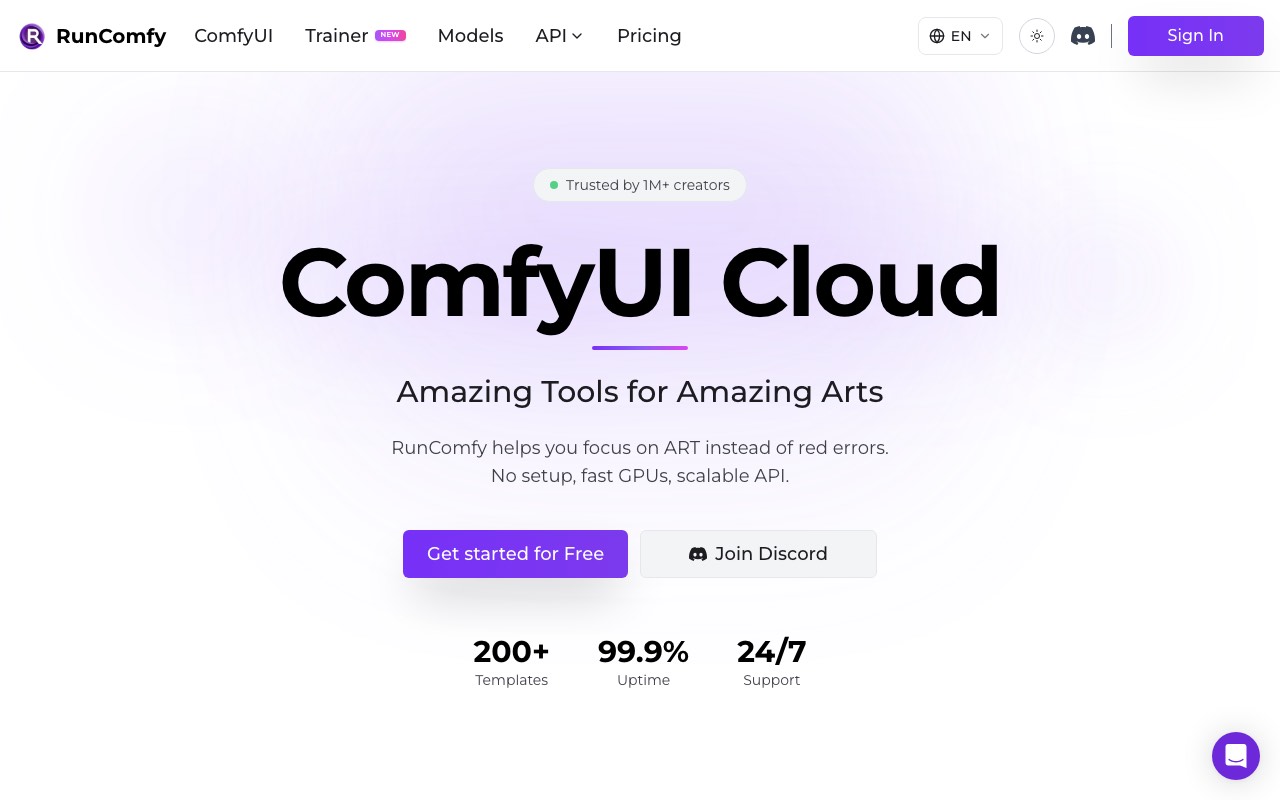
RunComfy is a different animal. It is ComfyUI in the cloud: you rent a GPU by the second and run open-source workflows, including Pixar-style ones, with nothing installed locally. There is no one-click Pixar button, which is the whole point.
Key features
- Hosted ComfyUI with 200+ workflow templates
- GPU tiers from T4 up to H200, billed by the second
- LoRA training for a consistent custom character
- Scalable API for running a workflow in production
Pros
- Total control over the model, the style, and every parameter
- LoRA training means you can lock in one character across many videos
- No subscription needed, so occasional users pay only for compute
Cons
- Steep learning curve, and you must understand ComfyUI to get anything out of it
- No free trial. You have to fund the account first, and the funds expire after 365 days
- Costs are unpredictable, because you pay for time rather than outputs
- Nothing here writes a script, adds narration, or edits for you
Pricing (read 9 August 2026): Pay as you go with GPU rates from $0.99/hr (T4, A4000) up to $9.59/hr (H200), billed by the second. An optional Pro plan is $19.99/mo ($239.90/yr) and cuts GPU rates by 20% or more, plus 20 CPU hours and a $10 monthly credit.
Best for: technical users who want to build and control the pipeline themselves.
Quick comparison of all five tools
| Tool | What it does | Max output length | Commercial rights | Cheapest paid |
|---|---|---|---|---|
| AITuber | Idea to finished video | Long-form supported | All paid plans | $39/mo |
| Pollo AI | Photo or text to clip | Short clips | Paid plans | $15/mo yearly |
| GoEnhance AI | Video to video restyle | 20s entry, 60s above | All paid plans | $17.50/mo yearly |
| Revid.ai | Story to animated short | Short-form | Paid plans | $39/mo |
| RunComfy | You build the workflow | Depends on workflow | Your own outputs | Pay as you go |
What the ratings actually say
Only two of these five tools have enough public reviews to be worth reading. Here is every score we could verify, with the review count attached, because the count is the part most roundups leave out.
Pollo AI is the best reviewed tool here. It holds 4.9 on Capterra across 124 reviews and 4.7 on G2 across 87. Four out of five reviewers on G2 give it the full five stars. The one soft spot is consistent across both platforms: Capterra scores Ease of Use and Features at 5.0 but Value for Money at only 4.0. People like the tool more than they like what it costs.
Revid.ai looks contradictory until you check the sample size. G2 gives it 4.5 from 22 reviews, with 68% at five stars and nothing below three. Capterra shows 2.5, with Customer Service at 1.5. But that Capterra figure is an average of two reviews. Two unhappy customers can move a two-review average to anywhere they like. The G2 number is the more meaningful of the two, and the honest summary is that Revid is generally well received with some billing and support complaints.
The other three have no usable public rating. GoEnhance AI and RunComfy have no Capterra profile we could find, and AITuber is not listed on either platform. We are not going to fill those gaps with numbers from content-farm sites that recycle each other.
Can you make Pixar style AI videos for free?
Partly, and the honest answer is that free gets you a test, not a channel.
Three of the five have a genuine free route. AITuber gives 100 credits with no card, enough for a first short video with no watermark. Pollo AI has a free tier, but output is watermarked. Revid.ai offers a trial without a card.
Two do not. GoEnhance shows no free plan on its purchase page. RunComfy states plainly that there is no free trial, and you must add funds before running anything.
The practical route is to test the style free, then pay on the tool whose output shape matches your plan. Paying for a restyler when you needed a finished video is the expensive mistake.
How to choose
Do you already have the footage or photo? Yes, and it is a still: Pollo AI. Yes, and it is video: GoEnhance AI.
Do you need narration and captions on the finished thing? Yes: AITuber, or Revid.ai for shorter pieces. No: any of the restylers will do.
Are you publishing on a schedule? Yes: AITuber, because it is the only one that generates and publishes without you assembling anything.
Do you need the same character in twenty videos? Yes: RunComfy with a trained LoRA gives the tightest control. AITuber is the easier route if you do not want to manage a pipeline.
Is your budget under $20 a month? Pollo AI at $15 or GoEnhance at $17.50, both billed yearly. Note that both are restylers.
Use-case cheat sheet
| What you want to make | Best pick | Why |
|---|---|---|
| Animate a family photo | Pollo AI | Fewest clicks from a still image |
| Turn your holiday clip into animation | GoEnhance AI | Keeps your real motion |
| A talking-food or talking-object channel | AITuber | Purpose-built for the format |
| A kids’ bedtime story channel | AITuber | Script, voice, captions, and scheduling |
| One viral meme clip this afternoon | Pollo AI | Fast and cheap for a single output |
| A narrated 60-second story | Revid.ai | Story-to-short with voice included |
| Explainer videos in a friendly 3D look | AITuber | Style holds across every scene |
| The same custom character in 20 videos | RunComfy | LoRA training locks the character |
| A 3-minute long-form video | AITuber | The others cap out well short |
| Testing whether the style suits you | AITuber free tier | 100 credits, no card, no watermark |
Frequently Asked Questions
Basics
What is a Pixar style AI video generator?
It is a tool that produces video in the 3D animated look associated with Pixar films: soft rounded characters, large expressive eyes, warm lighting, and detailed textures. Some tools restyle a photo or clip you upload. Others generate the whole video from a text description. None of them are made by or affiliated with Pixar.
Can I make Disney Pixar characters with AI?
No, and you should not try. Pixar characters are copyrighted and Pixar is a Disney trademark. No tool in this guide licenses them. You can create original characters in a similar visual style, which is what these tools are built for and what their own guidance recommends.
Is it legal to make Pixar style videos?
Making a video in a similar art style is generally fine, because a visual style is not protected the same way a specific character is. Copying named characters, logos, or scenes is not. If you plan to monetize, use original characters and original stories.
Pricing
What is the cheapest Pixar style AI video generator?
Pollo AI at $15 a month billed yearly, followed by GoEnhance at $17.50 billed yearly. Both restyle existing media rather than making a finished video. If you need narration and captions too, AITuber starts at $39 a month.
Is there a free Pixar AI video generator?
Yes, with limits. AITuber gives 100 credits with no card and no watermark. Pollo AI has a free tier but watermarks the output. Revid.ai offers a trial without a card. GoEnhance shows no free plan, and RunComfy has none at all.
How much does one Pixar style video cost?
On AITuber’s Creator plan, a 30-second short is about 35 credits, roughly $0.55. On Pollo’s Lite plan, 300 credits covers up to 60 videos, so about $0.25 each. RunComfy is billed by GPU time instead, so the cost depends entirely on how long your workflow runs.
Comparisons
Which is better for a YouTube channel, AITuber or Pollo AI?
AITuber, if the channel is the goal. Pollo returns short clips that you still have to narrate, caption, and edit. AITuber returns a finished video and can publish it on a schedule. Pollo is the better tool for a one-off clip from a photo.
What is the difference between GoEnhance and Pollo AI?
GoEnhance is strongest at video-to-video, repainting footage you filmed while keeping its motion. Pollo is strongest at image-to-video, animating a single still. GoEnhance includes commercial rights on every paid tier and caps video-to-video at 20 seconds on its entry plan.
Which Pixar style AI video generator has the best reviews?
Pollo AI, by a clear margin. It holds 4.9 out of 5 from 124 reviews on Capterra and 4.7 out of 5 from 87 reviews on G2, with 80% of G2 reviewers giving five stars. Revid.ai scores 4.5 from 22 reviews on G2. Its 2.5 on Capterra is based on only two reviews, so it should not be read as a rating. GoEnhance AI, RunComfy, and AITuber have no listing on either platform.
Do I need ComfyUI skills to make Pixar style videos?
Only for RunComfy. The other four are point-and-click. RunComfy gives you more control and the ability to train a custom character, but you have to build the workflow and understand the tooling.
How we researched this: pricing, plans, and limits here were read directly from each vendor’s own live pricing page on 9 August 2026, not from third-party trackers. Two caveats worth stating. Pollo AI and Revid.ai were both running countdown or struck-through promotional pricing when we checked, so their headline figures are not standing prices. GoEnhance’s marketing-site pricing URL returned a 404, so its plans were read from its in-app purchase page instead. Review scores were read from the live G2 and Capterra listings for Pollo AI and Revid.ai on 9 August 2026, including each platform’s own star distribution and category sub-scores, and we report the review count beside every score. We found no Capterra or G2 listing for GoEnhance AI or RunComfy, and AITuber is not listed on either, so those entries carry no rating rather than a borrowed one. We did not use third-party rating aggregators: the figures circulating in search results for these tools disagreed with each other badly, with Pollo’s review count appearing variously as 74, 98, and 4,358, none of which matched the live listings. AITuber is a product we build, so we have flagged every comparison involving it. Prices and ratings change often, so check the vendor before you buy.