Best AI Anime Video Generators (2026)
The best AI anime video generators in 2026. Live pricing for six tools, which free tiers you can actually publish from, and what each one is for.

The best AI anime video generator depends on whether you want a clip or a finished video. For one striking anime shot, Kling AI gives the best motion for the money. For a finished anime story with narration and captions, ready to upload, AITuber does the whole job in one pass. Below are six tools, with pricing read off each vendor’s live page on 31 July 2026. Two of the six would not show us a price at all, and we say so plainly.
Key takeaways
| Tool | Cheapest paid plan | Free tier | Best for |
|---|---|---|---|
| AITuber | $29/mo | 100 credits, no card | A finished anime video, start to end |
| Kling AI | $6.99/mo promo | Yes, but not for commercial use | Action and fight motion |
| Pika | $8/mo | 80 credits, 480p, watermarked | Testing an idea for free |
| DomoAI | $6.99/mo | None | Turning real footage into anime |
| PixVerse | Not shown publicly | Not shown publicly | Anime templates and effects |
| Vidu | Not shown publicly | Not shown publicly | Consistent characters across scenes |
Free does not mean publishable
Start here, because it is the mistake that costs anime creators the most time. Most of these tools have a free tier. Almost none of them let you publish what it makes.
There are three separate traps, and they are not the same thing:
- A watermark. The video is fine but has the vendor’s logo burned in.
- A resolution cap. The video is clean but 480p, which looks bad on a phone.
- A commercial-use ban. The video looks perfect and you are not allowed to earn from it.
The third one is the dangerous trap, because nothing about the file tells you. Kling AI’s free Basic plan says it directly: generated content is not for commercial use. If you are building a monetized anime channel, that free tier cannot be used, no matter how good the output is.
What to look for in an AI anime video generator
Six things decide whether a tool works for anime specifically, rather than video in general.
- Character consistency. Anime lives on recognisable characters. A tool that redraws your protagonist every scene cannot make a series.
- Motion quality. Anime action is fast. Weak motion models turn a fight scene into a slideshow.
- Clip length. Most models make 5 to 10 seconds. A 60-second video means stitching six or more clips.
- Narration and captions. Anime shorts on YouTube and TikTok are narrated. If the tool stops at silent visuals, you still have that work ahead.
- Commercial rights. Check the free tier terms before building on it, not after.
- Cost per finished minute, not cost per clip. A cheap clip is not cheap if you need eight of them.
The best AI anime video generators
AITuber
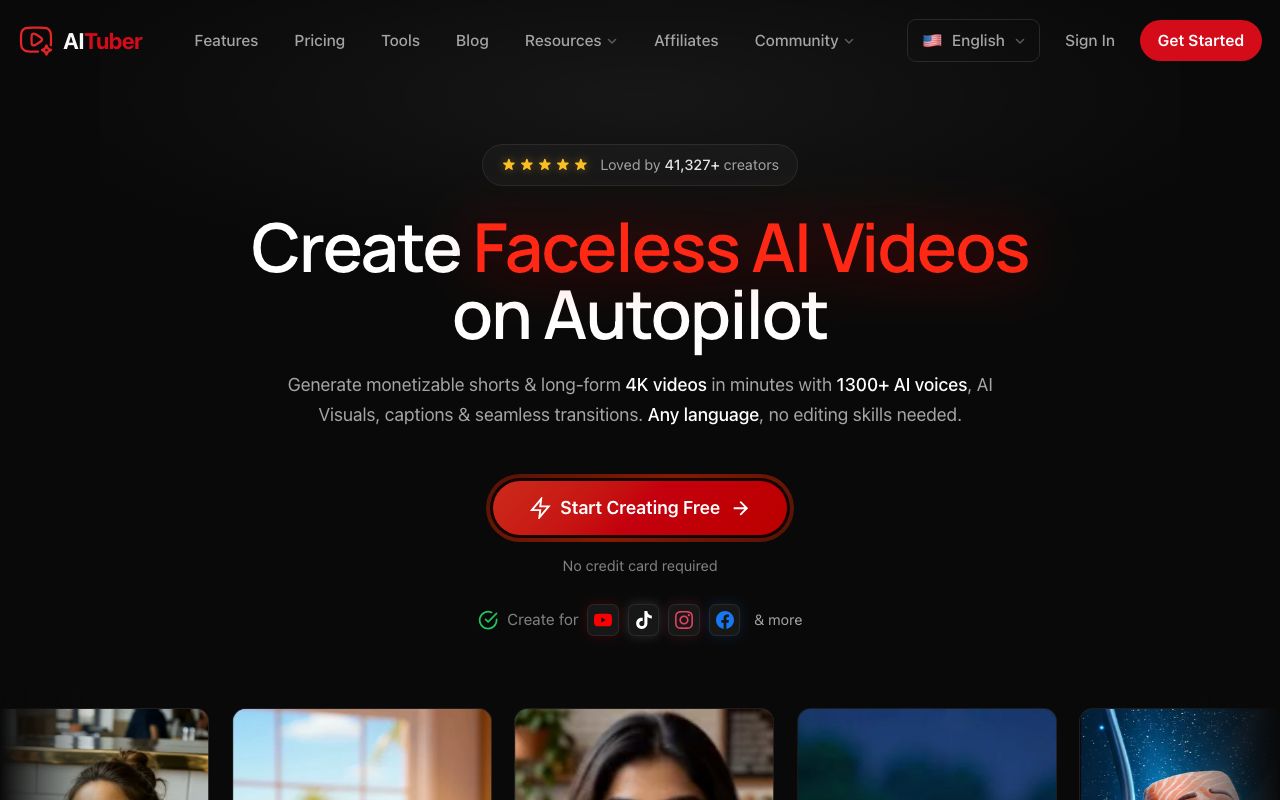
AITuber is the only tool here that hands back a finished video rather than a clip. You give it a story idea. It writes the script, generates anime-style visuals, narrates it, and adds word-synced captions. It can also post on a schedule. Its dedicated AI anime video generator covers the anime style directly, and its AMV maker turns a music track into an anime music video with original footage.
Key features
- One pass from a story idea to a finished, captioned anime video
- Anime as a named style, alongside horror, true crime, and history niches
- AI narration with a large voice library, plus word-synced captions
- Autopilot publishing to YouTube, TikTok, Instagram, Facebook, Threads, and X
- Every template, voice, and style on every paid plan
- Credits never expire, and failed generations are refunded automatically
- Long-form video as well as shorts
Pros
- No editing or stitching, so a 60-second anime short is one job, not eight
- Free tier makes a publishable video with no watermark and no card
- Predictable cost per finished video, not per clip
Cons
- Less control over an individual shot than a dedicated model tool
- Not the tool if you want to art-direct a single hero frame
- We build it, so weigh our verdict accordingly
Pricing: Free with 100 credits and no card. Paid plans are Creator $29/mo (1,800 credits, 1 channel), Pro $49/mo (4,000 credits, 2 channels), Studio $89/mo (8,000 credits, 4 channels) and Agency $149/mo (15,000 credits, unlimited channels). Business and Enterprise run to $349 and $499. A 30-second short is about 35 credits, so roughly $0.57 on the Creator plan.
User reviews: AITuber has no Trustpilot or G2 profile yet, so there is no third-party score to quote. We have not invented one.
Best for: an anime channel where the goal is finished videos on a schedule.
Kling AI
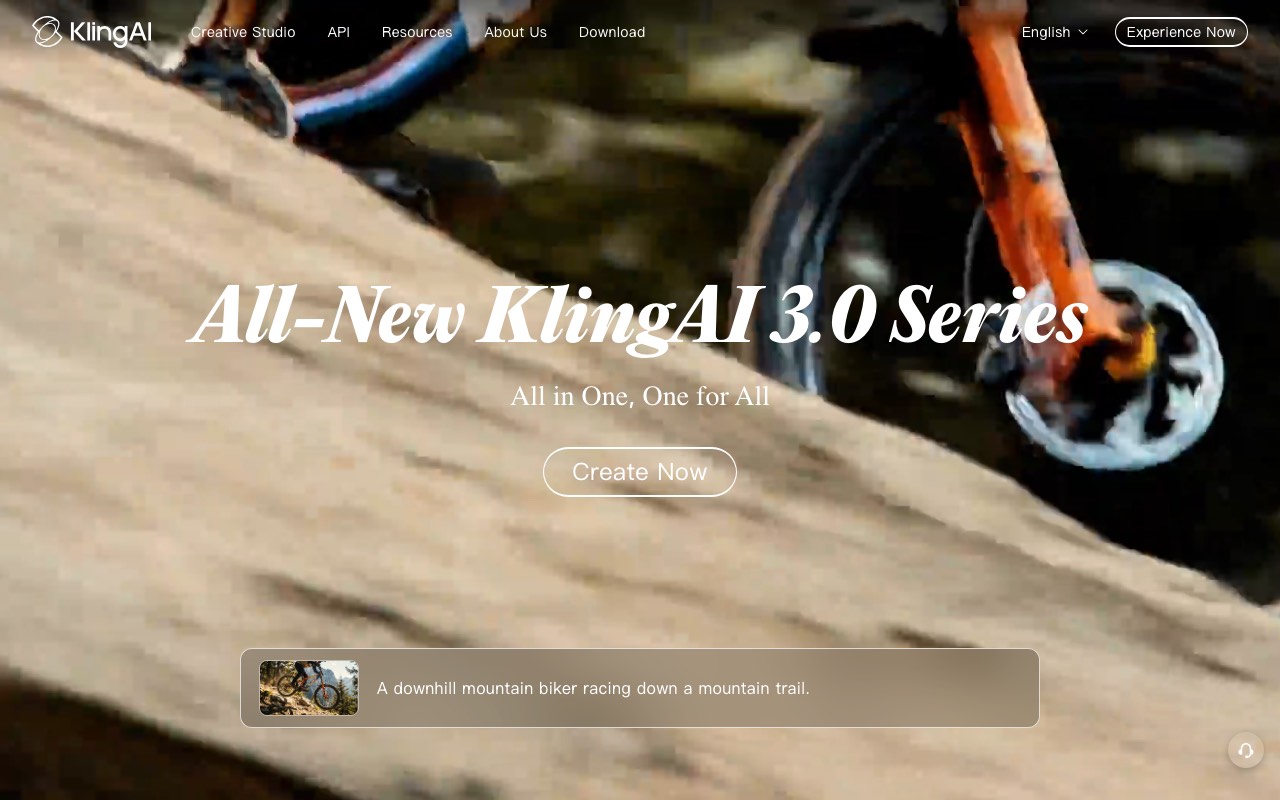
Kling AI has the strongest motion of the tools here for the price, which matters more for anime than for most genres. Fight scenes, hair and cloth movement, and fast camera work are where weaker models fall apart. Kling holds up.
Key features
- Strong motion handling for fast action and fight choreography
- Text to video and image to video, so you can animate an existing anime frame
- Element AI multi-shot for building scenes from parts
- 1080p generation and video extension on paid plans
- Image upscaling and watermark removal on paid plans
Pros
- The cheapest paid entry here at $6.99 for the first month
- Very strong motion quality for the money
- A genuinely free tier for trying the model out
Cons
- The free tier bans commercial use, so it cannot feed a monetized channel
- Clips are short, so a full anime short needs several plus an edit
- No narration or captions, so that work is still yours
- The cheap first-month price is promotional and renews higher
Pricing: Basic is free forever with no monthly credits, and its output is not for commercial use. Standard is $6.99 for the first month, listed at $10 and renewing at $8.80. It carries 660 credits, which Kling equates to 33 videos at 720p. Pro is $25.99 first month, listed at $37, with 3,000 credits and 150 videos. Premier is $64.99 with 8,000 credits, and Ultra is $127.99 with 26,000 credits. Yearly billing is advertised at 34% off.
User reviews: Kling’s Trustpilot profile is unclaimed with a very small number of reviews, so we have not quoted a score. Treat community opinion as the better signal here.
Best for: anime action shots where motion quality is the whole point.
Pika
Pika has the most usable free tier here. Eighty credits a month is not much, but it is enough to test whether a look works before you commit money to it. That is the job it is best at.
Key features
- Free tier with 80 monthly video credits
- Stylized and cartoon-leaning output that suits anime looks
- Simple prompt-first interface with very little setup
- All resolutions unlocked on any paid plan
Pros
- The only free tier here you can actually experiment on
- Cheap first paid step at $8 a month
- Fast and easy to learn
Cons
- Free output is 480p and watermarked, so it is for testing only
- Short clips, so a finished anime short still needs stitching
- No narration or captions built in
- Weaker character consistency than the anime specialists
Pricing: Free with 80 monthly credits, 480p only and watermarked. Standard is $8/mo or $96 a year with 700 credits and no watermark. Pro is $28/mo or $336 a year with 2,300 credits. Fancy is $76/mo or $912 a year with 6,000 credits.
User reviews: no claimed profile on the major review platforms with a sample worth quoting, so we have not cited a score.
Best for: testing an anime look for free before paying for anything.
DomoAI
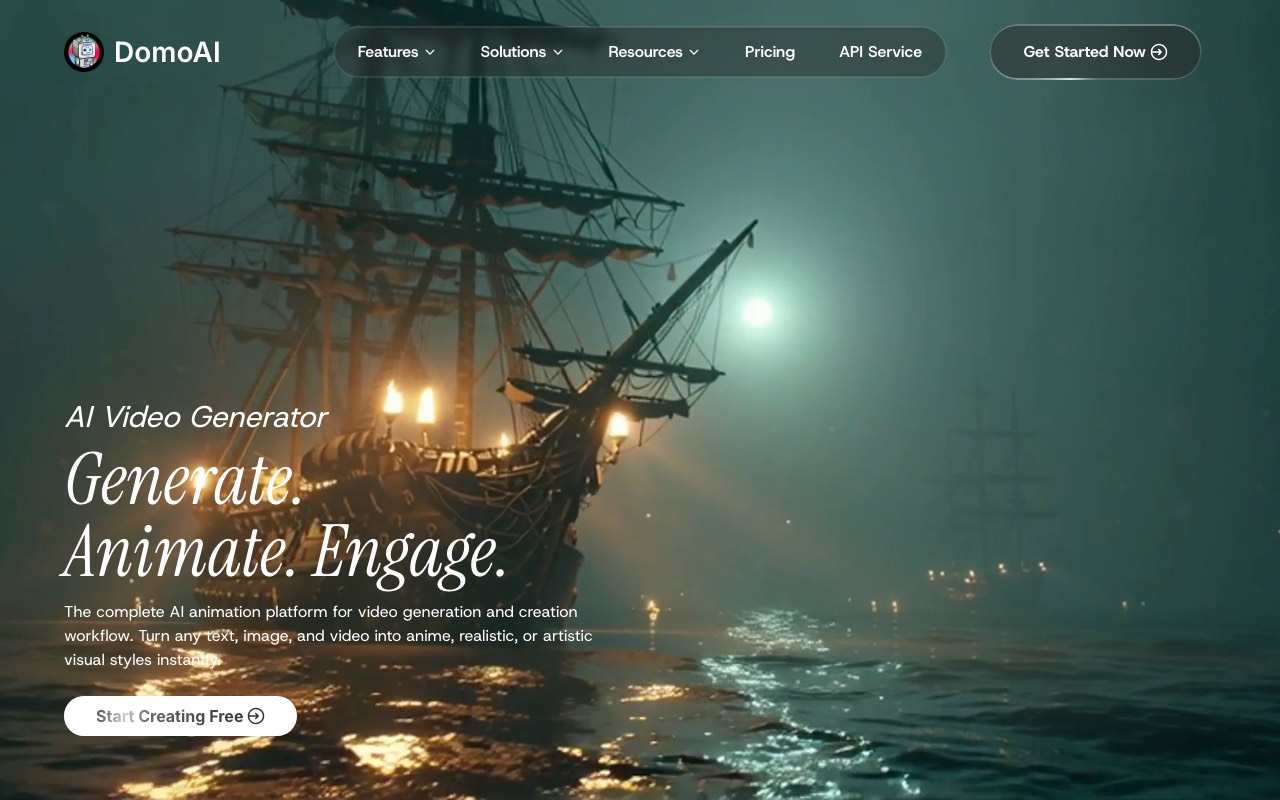
DomoAI does a job none of the others here do well: it restyles video you already have. Its own homepage describes turning any text, image, or video into anime, realistic, or artistic styles. If you have footage and want it to look like anime, this is the tool.
Key features
- Video to video restyling, so real footage becomes anime
- Text to image and image to video as well
- Character animation and video upscaling
- Access to newer cinematic video models alongside the restyle tools
Pros
- The clearest fit for converting existing footage to an anime look
- Cheap entry at $6.99 a month
- No watermark on any paid plan
Cons
- No free plan at all, so evaluating it costs money
- The restyle job depends on your source footage being good
- It has broadened well past anime, so it is not an anime specialist any more
- No narration, captions, or publishing
Pricing: No free plan. Basic is $6.99/mo with 500 credits, Standard is $19.59/mo with 1,500 credits, and Pro is $48.99/mo with 4,000 credits. All paid plans export without a watermark.
User reviews: no claimed profile with a large enough sample to quote fairly, so we have not cited a score.
Best for: turning footage you already filmed into anime.
PixVerse
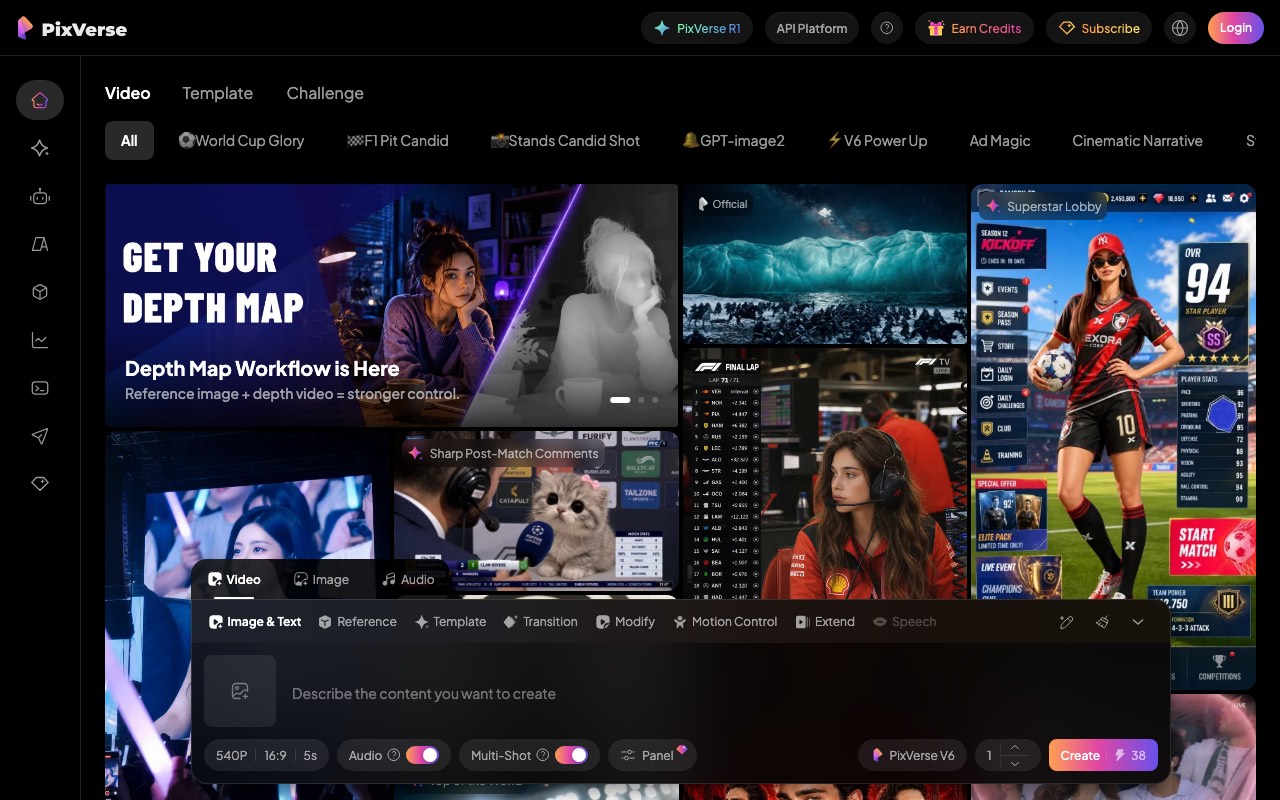
PixVerse is built around templates and effects. You pick a look, drop in a prompt or an image, and it applies the style. That template-first approach is why it has a large following among stylized and anime creators.
Key features
- A large template library, refreshed often
- PixVerse V6 model with multi-shot generation and native audio
- Motion control, transitions, and an extend function
- Reference images to steer the style
Pros
- Templates make a consistent look easy to repeat
- Multi-shot generation reduces the stitching problem
- Native audio is unusual at this level
Cons
- Plan pricing is not shown to logged-out visitors
- The public homepage leads with research positioning rather than the product
- Short clips, so long anime pieces still need assembly
Pricing: we could not verify it. PixVerse puts subscription pricing behind an account. Its public site had no working pricing page for logged-out visitors when we checked on 31 July 2026. Sign in to see current plans. We have not quoted figures we could not read ourselves.
User reviews: no claimed profile with a sample worth quoting.
Best for: repeatable anime looks driven by templates.
Vidu
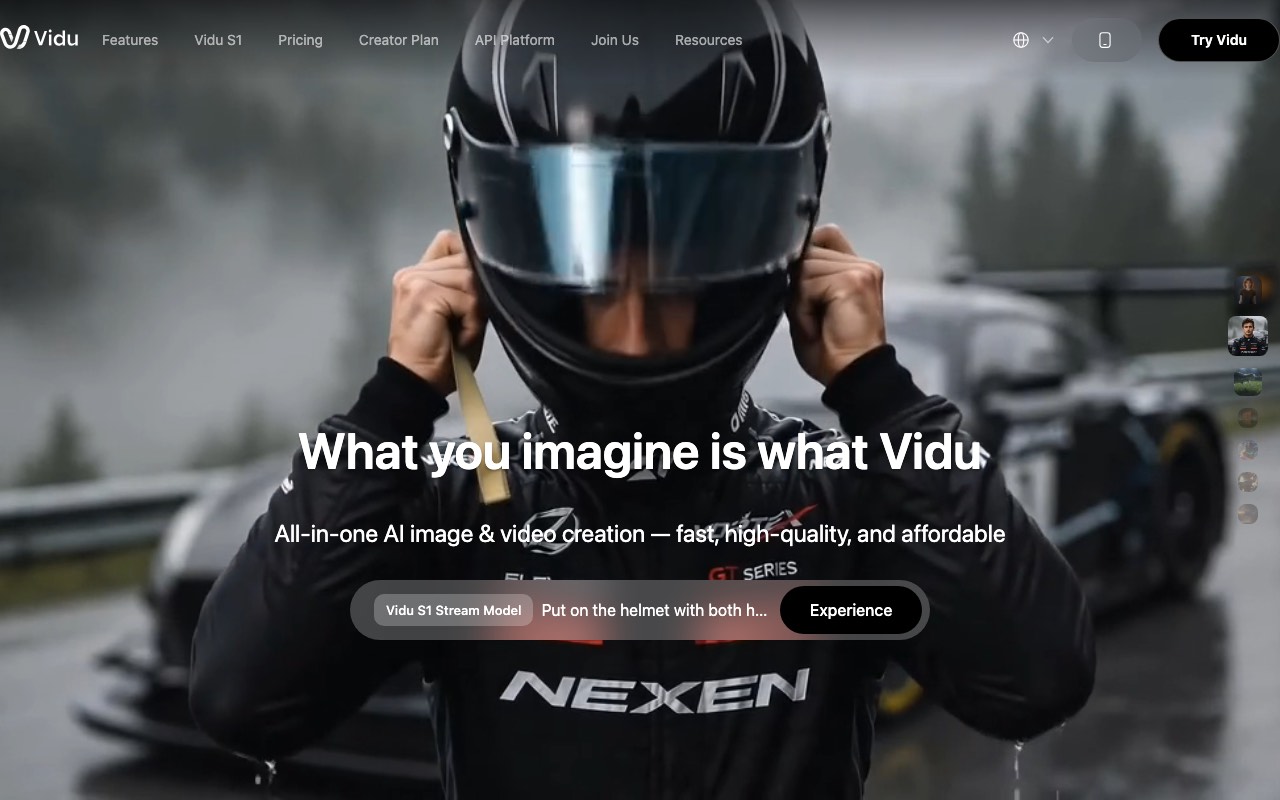
Vidu is the most anime-focused engine of the six. Its multi-reference workflow targets the hardest problem in AI anime. That problem is keeping one character looking the same across many scenes. It is the difference between clips and an actual series.
Key features
- Multi-reference consistency for holding a character across scenes
- Aimed explicitly at animated series production, not just single clips
- Text, image, and reference-driven generation
- A separate API platform for developers
Pros
- The strongest answer here to character consistency
- Built with episodic animation in mind rather than one-off clips
- Fast generation modes
Cons
- Plan pricing is not visible without an account
- The homepage leads with live-action footage, which undersells the anime strength
- No narration, captions, or publishing
Pricing: we could not verify it. We loaded Vidu’s own pricing page twice on 31 July 2026. It never rendered its plans for a logged-out visitor, showing only a loading message. Check it while signed in. We have not quoted figures we could not read ourselves.
User reviews: no claimed profile with a sample worth quoting.
Best for: anime with recurring characters across many scenes.
Quick comparison
| Tool | Entry price | Free tier usable to publish | Narration and captions | Clip or finished video |
|---|---|---|---|---|
| AITuber | $29/mo | Yes | Yes | Finished video |
| Kling AI | $6.99 first month | No, commercial use banned | No | Clip |
| Pika | $8/mo | No, 480p and watermarked | No | Clip |
| DomoAI | $6.99/mo | No free plan | No | Clip |
| PixVerse | Not published | Not published | Partly, native audio | Clip |
| Vidu | Not published | Not published | No | Clip |
Prices checked 31 July 2026. Kling’s $6.99 is a promotional first month and renews higher.
Two jobs, two kinds of tool
The comparison above only makes sense once you see the split. Five of these tools make clips. One makes a finished video. They are not competing for the same job.
This is why a cheap clip price can be misleading. Kling’s Standard plan works out to about 20 credits per 720p clip. A 30-second anime short needs roughly six of those, plus your own narration, captions, and editing time. The clip is cheap. The video is not.
The tools that will not show you a price
Two of the six here, PixVerse and Vidu, do not publish plan pricing to logged-out visitors. We tried both on 31 July 2026. PixVerse routes subscription details behind an account. Vidu’s own pricing page loaded but never rendered its plans. It showed a loading message instead.
We are flagging this rather than filling the gap with numbers from a pricing tracker. Trackers go stale, and both tools are actively shipping new model versions.
How to choose
Use-case cheat sheet
| Your situation | Best pick | Why |
|---|---|---|
| Daily anime shorts on YouTube or TikTok | AITuber | Finished, narrated videos on a schedule |
| One dramatic fight scene | Kling AI | Best motion quality per dollar here |
| Testing an anime look, no budget | Pika | The only free tier you can experiment on |
| You filmed something and want it anime | DomoAI | Video to video restyling is its core job |
| A series with one recurring character | Vidu | Built for multi-reference consistency |
| Repeating one style across many posts | PixVerse | Template-first workflow |
| Monetized channel, free tools only | AITuber | The only free tier here without a commercial-use block |
| Long-form anime storytelling | AITuber | The others cap out at short clips |
| You want to art-direct every frame | Kling AI or Vidu | Most control over the individual shot |
| You do not want to edit at all | AITuber | Nothing to stitch |
Frequently Asked Questions
Basics
What is the best AI anime video generator?
It depends on the job. For a finished anime video with narration and captions, AITuber does the whole thing in one pass. For a single anime action shot, Kling AI gives the best motion for the price. For testing an idea free, Pika has the only workable free tier.
Can AI actually make anime-style video?
Yes, for short-form content. Every tool here produces anime-style visuals from a prompt or an image. The weak spot is still keeping one character identical across many scenes. That is why Vidu markets multi-reference consistency as its main feature.
How long can an AI anime video be?
Most models here generate 5 to 10 seconds per clip, so longer pieces mean stitching several together. AITuber is the exception, because it assembles the full video for you and also supports long-form.
Do these tools add voices and subtitles?
Mostly no. AITuber includes AI narration and word-synced captions. PixVerse has native audio on its newer model. Kling, Pika, DomoAI, and Vidu hand back visuals, so narration and captions are your job.
Pricing
Which AI anime video generator is cheapest?
Kling AI and DomoAI both start at $6.99 a month, though Kling’s is a promotional first month that renews at $8.80. Pika starts at $8. AITuber starts at $29 but is the only one producing a finished video rather than a clip, so compare cost per finished minute.
Is there a free AI anime video generator?
Several have free tiers, but read the terms. Pika’s free tier is 480p and watermarked. Kling’s free tier bans commercial use. AITuber gives 100 free credits with no card and no watermark. DomoAI has no free plan at all.
Why can I not find PixVerse or Vidu pricing?
Both put plan pricing behind an account. We checked on 31 July 2026: PixVerse routes subscriptions through a logged-in page, and Vidu’s public pricing page did not render its plans for a logged-out visitor. You have to sign up to see current figures.
What does one anime video actually cost?
On AITuber, a 30-second short is about 35 credits, or roughly $0.57 on the $29 plan, finished. On Kling’s Standard plan, 660 credits buys about 33 clips at 720p. A 30-second short built from six clips is around 120 credits. You still have to edit, narrate, and caption it.
Comparisons
Kling AI or Pika for anime?
Kling for motion, Pika for testing. Kling handles fast action better, which matters for anime fight scenes. Pika is the one you can trial for free, though its free output is 480p with a watermark.
Can I use free AI anime videos on a monetized channel?
Not from every tool. Kling’s free Basic plan states that generated content is not for commercial use, so it cannot feed a monetized channel. Check each vendor’s free tier terms before you build a channel on one.
Is AITuber better than Vidu for anime?
They solve different problems. Vidu is stronger at keeping one character consistent across many scenes, which matters for a series. AITuber is stronger at producing a finished, narrated, captioned video with no editing. We build AITuber, so weigh that.
Do I still need a video editor?
With five of the six here, yes, because they return short clips you have to assemble. With AITuber, no, because the video comes back finished.
How we researched this: pricing, plans, and free tier terms here were read directly from each vendor’s live pages on 31 July 2026, not from pricing trackers. Kling AI’s plans and its free tier commercial-use restriction were read from its membership page while logged out. Pika’s and DomoAI’s plans came from their public pricing pages. PixVerse and Vidu do not show plan pricing to logged-out visitors, so we have reported that rather than quoting figures we could not verify. Where a tool has no claimed third-party review profile with a meaningful sample, we have said so instead of citing a score. The anime market figures come from the Association of Japanese Animations’ Anime Industry Report as reported in October 2025. AITuber is a product we build, so we have flagged every place we compare it to another tool. Prices and plans change often; check each vendor’s site for the latest.