Best AI Horror Video Generators (2026)
The best AI horror video generators in 2026. Live pricing for six tools, what each one refuses to generate, and which one fits a horror channel.

There is no single best AI horror video generator, because “horror video” means two different jobs. If you want one striking, custom shot, Runway gives you the most control. If you want a finished horror story with narration and captions, ready to upload, AITuber does the whole thing in one pass. Below are six tools, with pricing read off each vendor’s live page in July 2026.
TL;DR: the top picks
| Tool | Best for | Entry paid price | What it actually gives you |
|---|---|---|---|
| AITuber | Horror channels that post often | $29/mo | A whole narrated video, captioned and ready to upload |
| Runway | One custom horror shot | $12/mo billed yearly | 52 seconds of Gen-4.5 video a month |
| Google Veo | Scenes with sound built in | $19.99/mo | 1,000 Flow credits a month |
| Kling AI | Cheap cinematic clips | $79.20/yr | 660 credits a month, about 33 short clips |
| Revid.ai | High-volume horror shorts | $39/mo | 2,000 credits and auto-posting to three platforms |
| Fliki | Long narrated creepypasta | About $28/mo | Videos up to 15 minutes with cloned voices |
The two kinds of horror video tools
Almost every “best AI horror generator” list mixes up two products that do different work. Knowing which one you need saves you a wasted subscription.
Clip generators turn a prompt into a few seconds of new video. Runway, Google Veo, and Kling AI are clip generators. They are how you get a hallway that stretches, or a face that is slightly wrong. They do not write your story, record narration, or add captions. You still edit.
Story-to-video tools turn a written story into a finished video. AITuber, Revid.ai, and Fliki are story-to-video tools. They write or take a script, generate visuals for each scene, record a voice, and burn in captions. You get an upload, not a clip.
What AI will and will not generate for horror
This is the part most guides skip, and it will shape your whole channel.
Every major generator blocks graphic violence. Google’s Generative AI Prohibited Use Policy bans “violence or the incitement of violence” outright, and Veo enforces it. Runway, Kling, and the rest apply similar filters. Prompt a stabbing and you get a refusal, not a video.
That sounds like a problem. It is not.
The horror that performs best on YouTube and TikTok is atmosphere and implication, not gore. A dark hallway. A door that is open when it should not be. A voice that pauses too long. All of that generates fine. Slow-burn dread is both the safest prompt and the better video.
There is a second rule worth knowing before you upload. YouTube requires creators to label realistic synthetic content, and AI horror sits right in that zone. We cover what that means in our guide to YouTube’s AI labels, and AI videos do still earn ad revenue when the content is original.
What to look for in an AI horror video generator
Five things matter more than the model name.
- Dark visual styles. Not every tool renders low light well. Look for named styles like Dark Gothic or Film Noir rather than a generic “cinematic” slider.
- Voice range. Horror lives on narration. A whispering voice, a slow measured voice, and a pause you can control are worth more than a sharper image.
- Video length. Creepypasta channels run 5 to 20 minutes. Many clip generators cap out at 8 seconds.
- Cost per finished video, not cost per month. A $12 plan that gives you 52 seconds of footage is not cheap for a weekly channel.
- Whether it posts for you. Uploading is the step that quietly kills consistency.
The best AI horror video generators
1. AITuber
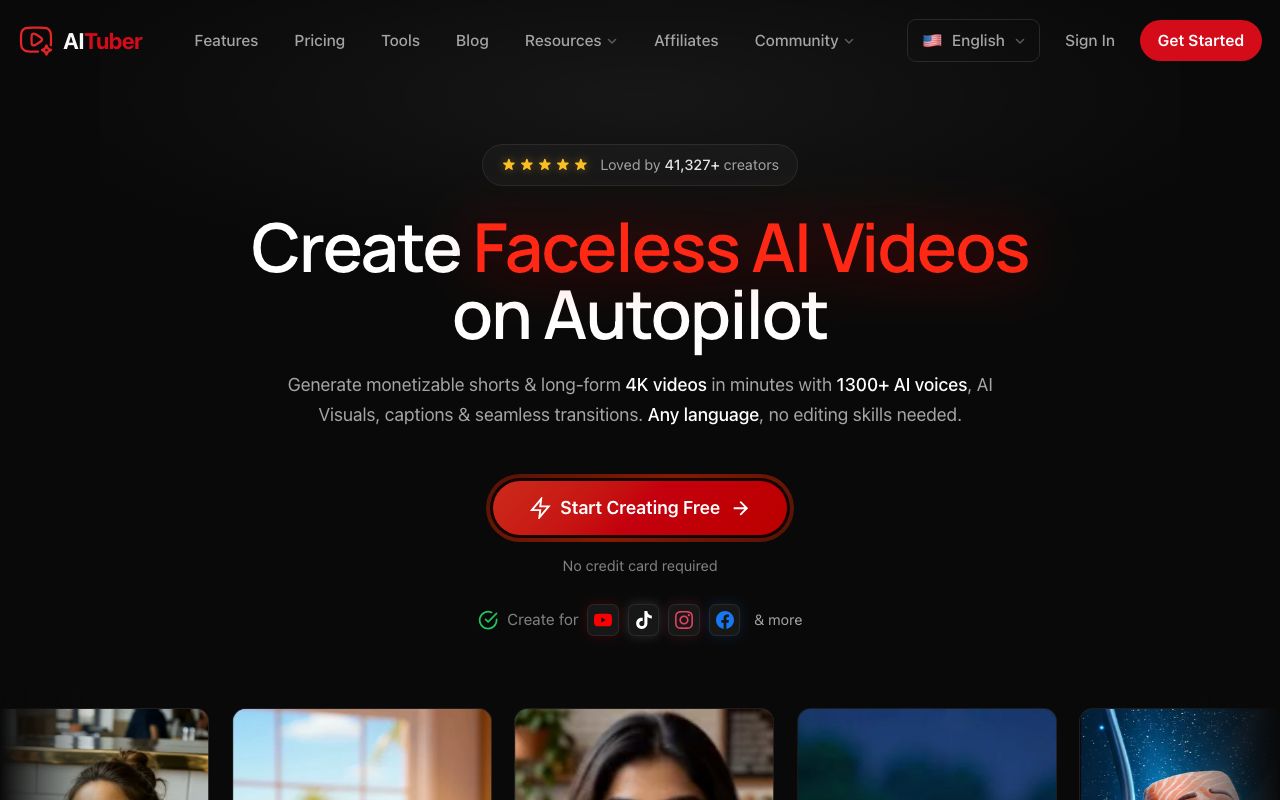
AITuber turns a written horror story into a finished video. You paste a creepypasta or describe a premise, and it writes the narrative, generates atmospheric visuals scene by scene, records narration, and burns in word-synced captions. Its AI horror story video generator defaults to Dark Gothic styling and slower pacing, so you are not fighting a tool built for product demos.
Key features
- 29 visual styles, including Dark Gothic and Film Noir for horror
- 1,300+ voices in 50+ languages, with whispering and slow measured deliveries
- Videos up to 7 minutes, exported in up to 4K
- Word-synced captions, which matter because a lot of horror is watched muted
- Direct YouTube publishing and Autopilot, which generates and posts a horror series on a schedule
Pros
- One pass gets you an upload, not a clip you still have to edit
- Every plan includes every style, voice, and template. You are only buying credits and channels
- Unused credits never expire, unlike Runway’s, which roll over one month on the Max plan only
- The free plan gives you 100 credits and no card, enough for a first short
- Cheapest per finished video of the six tools here
Cons
- Visuals are AI images with motion, not fully generated video clips, so a single hero shot looks better out of Runway or Veo
- Caps at 7 minutes, so a 30-minute creepypasta compilation needs splitting
- We build it, so read this entry with that in mind
Pricing: Free to start with 100 credits and no card. Creator is $29/mo for 1,800 credits and 1 channel on autopilot. Pro is $49/mo for 4,000 credits and 2 channels. Studio is $89/mo for 8,000 credits and 4 channels. Agency is $149/mo for 15,000 credits and unlimited channels. A 30-second short costs about 35 credits, so Creator is roughly 51 shorts a month. See the full pricing.
Best for: creators building a horror storytelling channel who want to publish every week without editing.
2. Runway
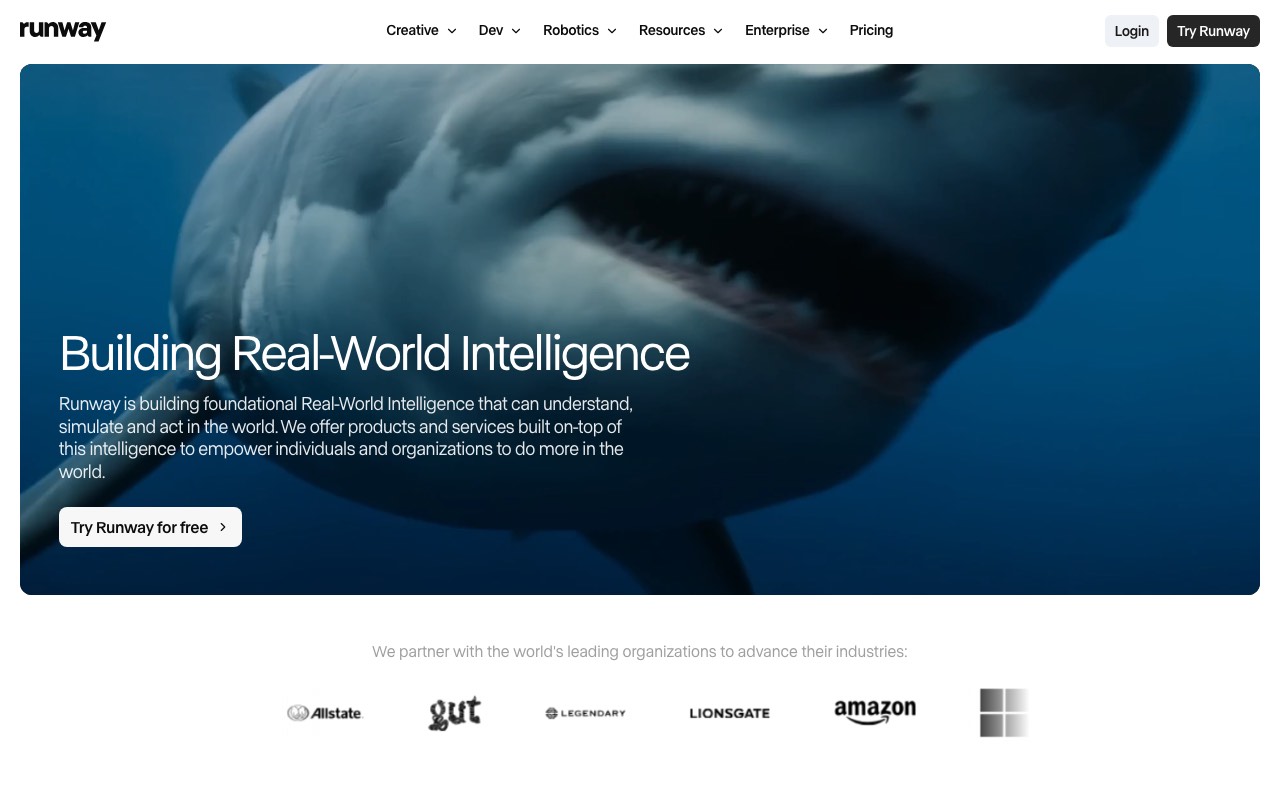
Runway is the strongest pure generator on this list. Gen-4.5 handles low light, fog, and slow camera moves better than anything else we tested, which is most of what horror is made of. Aleph 2.0 restyles footage you already have, so you can shoot a hallway on your phone and turn it into something wrong.
Key features
- Gen-4.5 for text-to-video and image-to-video, plus Aleph 2.0 for restyling existing footage
- Access to other models in the same plan, including Seedance 2.0, Kling 3.0, and Veo 3.1
- 4K upscaling and no watermark on every paid plan
- Custom voices for lip sync and text to speech from the Pro plan up
- Credits roll over for one month on the Max plan
Pros
- Best control over a single shot, which is where horror is won
- One subscription reaches several competing models
- Free plan gives 125 one-time credits to test the look before you pay
Cons
- Very expensive per second. Gen-4.5 costs 60 credits per 5 seconds
- No script writing, no narration workflow, no captions. You edit everything yourself
- Trustpilot shows 1.2 out of 5 from 284 reviews, but the profile is unclaimed, so treat it as noise rather than a score
Pricing (read live July 29, 2026): Free is $0 with 125 one-time credits. Standard is $15/mo, or $12/mo billed yearly, for 625 credits a month. Runway states that is 52 seconds of Gen-4.5 or 104 seconds of Gen-4 Turbo. Pro is $35/mo, or $28/mo yearly, for 2,250 credits. Max is $95/mo, or $76/mo yearly, for 9,500 credits with one month of rollover. Enterprise is custom.
Best for: creators who need one perfect horror shot and already know how to edit.
3. Google Veo (through Flow)
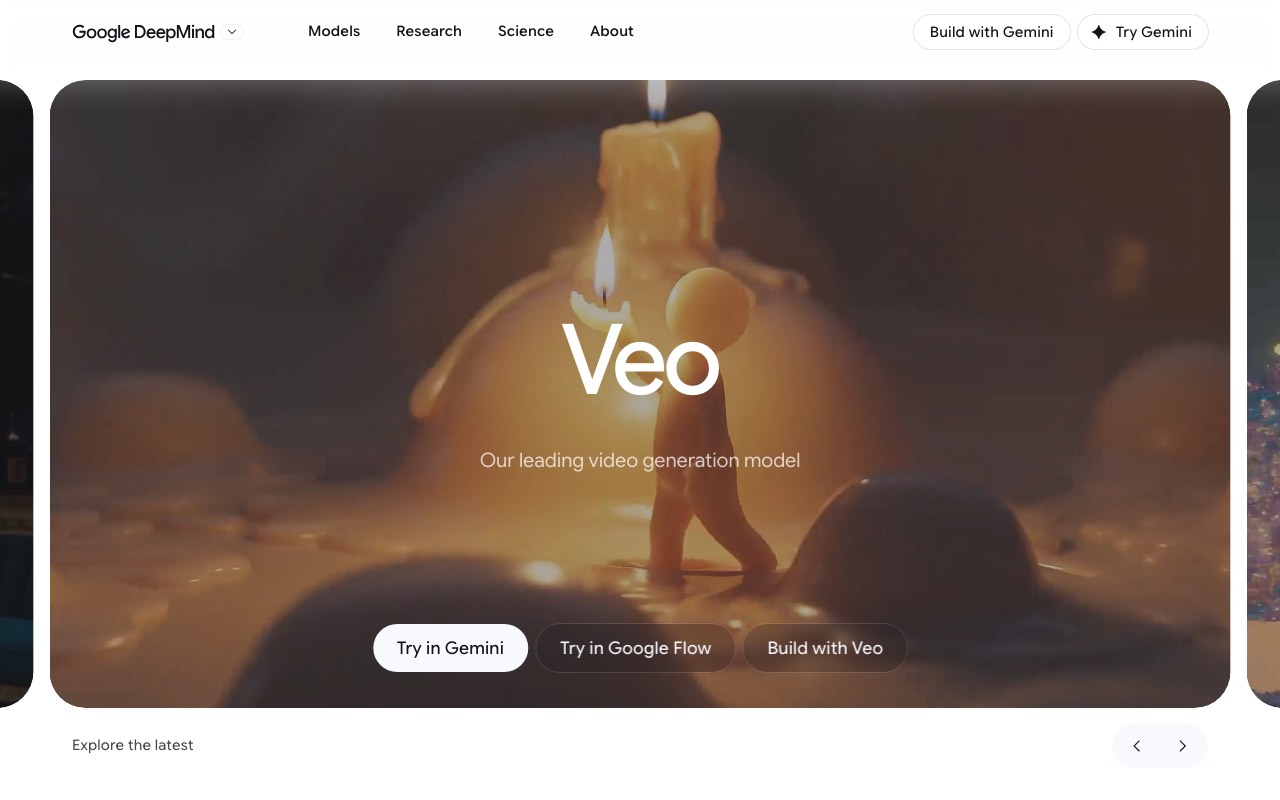
Veo 3.1 generates sound with the picture. For horror that is a real advantage, because a footstep or a breath in the same generation lands better than audio you paste on afterwards. You reach it through Google Flow, which comes with a Google AI subscription rather than being sold on its own.
Key features
- Native audio, so ambience and dialogue are generated with the shot
- Flow gives you a scene builder rather than a single prompt box
- Bundled with a Google AI plan alongside Gemini, storage, and other tools
- Also available through the Gemini API if you want to script it
Pros
- The only tool here that generates sound and picture together
- Strong prompt adherence on lighting and camera direction
- If you already pay for Google AI Pro, the video is included
Cons
- The strictest content filters of the six. Anything close to violence gets refused
- Credits go fast. Google AI Pro’s 1,000 monthly Flow credits are roughly 10 top-quality Veo 3.1 videos
- No horror-specific presets, no narration workflow, no captions
Pricing: Google AI Pro is $19.99/mo in the US and includes 1,000 Flow credits a month. Google AI Ultra is $249.99/mo and includes 25,000 credits. Google One geo-prices its plans, and it showed rupee pricing when we checked on July 29, 2026, so confirm the figure for your country before subscribing.
Best for: a short, sound-led horror scene where the audio is doing the work.
4. Kling AI
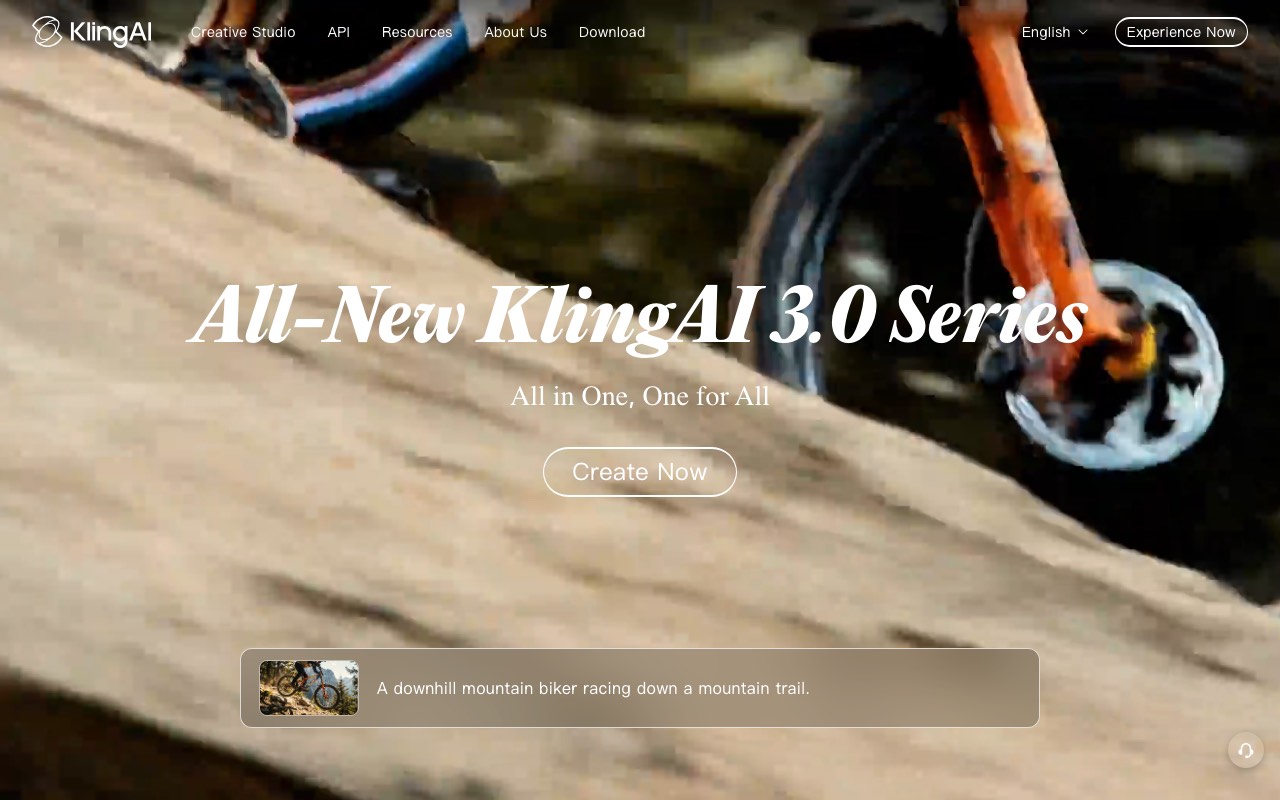
Kling is the value pick among clip generators. The Standard plan gives you 660 credits a month, which Kling states is about 33 videos at 720p. That is far more raw output per dollar than Runway, and the model handles dark, slow scenes well.
Key features
- 660 to 26,000 credits a month depending on plan
- 1080p generation, image upscaling, and watermark removal on paid plans
- Video extension, up to a maximum of 3 minutes
- A free tier for testing, though output is not licensed for commercial use
Pros
- The cheapest credible cinematic clips here, at $79.20 a year on Standard
- Video extension is genuinely useful for a slow horror build
- Commercial rights on every paid plan
Cons
- The free tier gives no monthly credits and no commercial use, so it is a demo, not a plan
- Heavy promotional pricing makes the real renewal cost hard to read
- Almost no verified review record. G2 shows 4.6 from only 5 reviews, and its Trustpilot profile is unclaimed
- No script, voice, or caption workflow
Pricing (read live July 29, 2026): Basic is free with no monthly credits and no commercial rights. Standard lists at $10/mo, discounts to $8.80/mo on monthly billing, or $79.20 a year, for 660 credits a month. Pro lists at $37/mo, or $293.04 a year, for 3,000 credits. Premier lists at $92/mo, or $728.64 a year, for 8,000 credits. Ultra lists at $180/mo, or $1,429.99 a year, for 26,000 credits. First-time discounts are heavy, so check what renewal costs.
Best for: stocking up on atmospheric B-roll without paying Runway prices.
5. Revid.ai
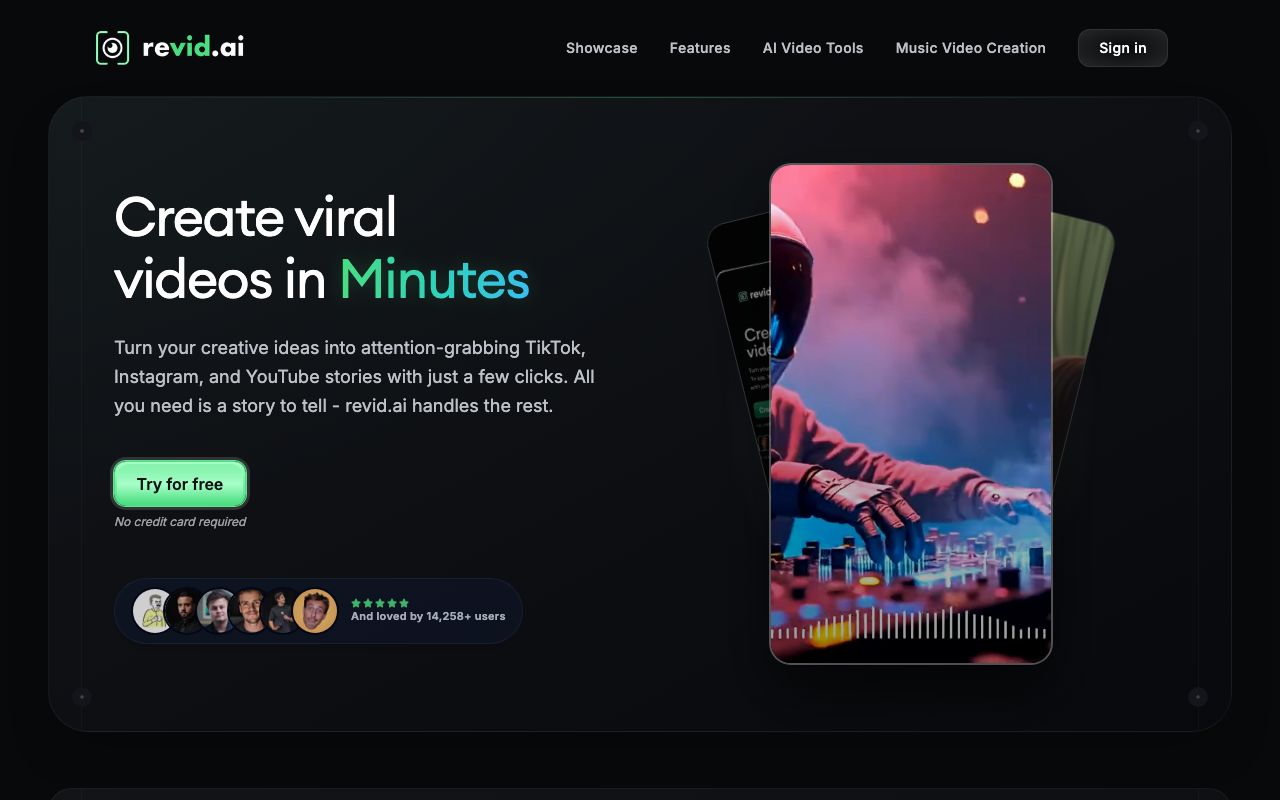
Revid is built for volume. It creates short-form video from text, links, or recordings, and its Auto-Mode Workers keep generating and posting to TikTok, Instagram, and YouTube on their own. For a horror shorts channel that lives on frequency, that matters more than picture quality.
Key features
- Auto-Mode Workers that generate and publish without you
- Publishing built in for TikTok, Instagram, and YouTube
- Voiceovers in 70+ languages, plus voice cloning on the top plan
- API, MCP, and CLI access from the Growth plan up
- A library of viral videos to remix for format ideas
Pros
- Genuine hands-off posting, which few tools here offer
- Developer access is unusual at this price
- Trustpilot shows 4.0 from 297 reviews on a claimed profile, the second deepest record here
Cons
- No free plan on the pricing page, so testing costs money
- Nothing horror-specific. No dark style presets, no dread-paced narration
- Pricing leans on a promotion. Growth lists at $99 and sells at $39
- Short-form only, so long creepypasta is out
Pricing (read live July 29, 2026): Hobby is $39/mo. Growth lists at $99/mo and was selling at $39/mo, described as locked in for as long as you stay subscribed, with 2,000 credits and 3 Auto-Mode Workers. Ultra is $199/mo with 12,000 credits and 10 workers. There is no free plan.
Best for: a horror shorts channel that needs daily posting more than it needs a perfect shot.
6. Fliki
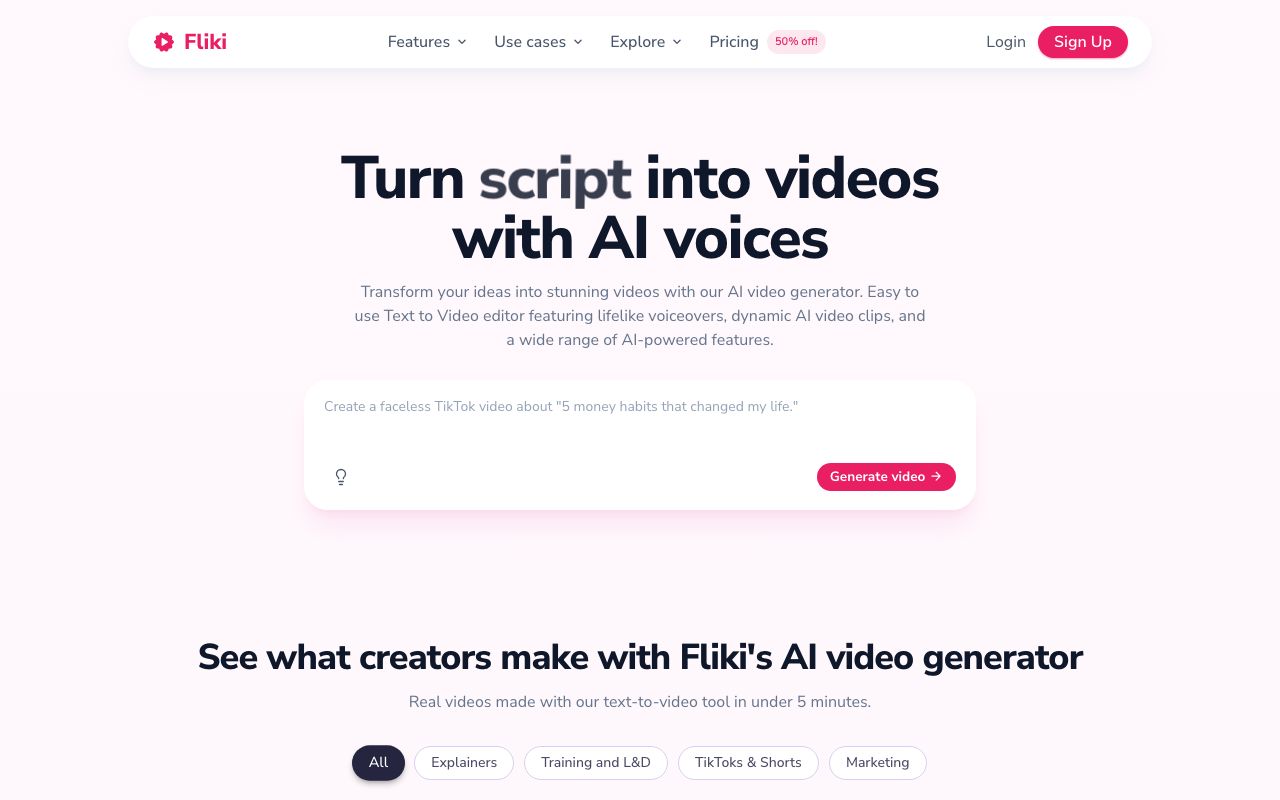
Fliki is the long-form option. It goes up to 40 minutes on its top plan, has the largest voice library here, and clones voices from the Standard plan. If your channel is a narrator reading creepypasta over slow visuals, Fliki is built for that shape.
Key features
- 2,000+ voices on the top plan, with 1,000+ ultra-realistic
- Voice cloning from the Standard plan
- Videos up to 5, 15, or 40 minutes depending on plan
- Translation into 80+ languages
- Premium stock images, clips, and music included
Pros
- The deepest verified review record of the six, at 4.7 on G2 from 179 reviews and 4.3 on Trustpilot from 3,014
- Longest videos here by a wide margin
- Credits are efficient for stock-footage narration, roughly 0.5 credits a minute
- A real free plan, at 36 credits a month with a 1-minute cap
Cons
- Visuals lean on stock footage, which looks generic next to generated horror
- Fliki does not post for you, so uploading stays manual
- Credits are annual pools, so a heavy month can strand you
- Prices vary by country, so the number you see may not be the number we saw
Pricing: Free is $0 with 36 credits a month and a 1-minute cap. Basic is billed yearly only and gives 720 credits a year with 5-minute videos. Standard is about $28/mo for 2,160 credits a year, 15-minute videos, and voice cloning. Premium is about $88/mo for 7,200 credits a year and 40-minute videos. Fliki geo-prices, and its page showed rupee pricing when we checked on July 29, 2026, so we have marked the dollar figures approximate. Our Fliki pricing breakdown has the full plan detail.
Best for: long narrated horror stories where the voice carries the video.
Quick comparison of all six tools
| Tool | Type | Entry paid price | Max video length | Posts for you | Free plan |
|---|---|---|---|---|---|
| AITuber | Story to video | $29/mo | 7 minutes | Yes, autopilot | Yes, 100 credits |
| Runway | Clip generator | $12/mo yearly | Seconds per clip | No | Yes, 125 credits once |
| Google Veo | Clip generator | $19.99/mo | Seconds per clip | No | No |
| Kling AI | Clip generator | $79.20/yr | 3 min with extension | No | Demo only |
| Revid.ai | Story to video | $39/mo | Short-form only | Yes | No |
| Fliki | Story to video | About $28/mo | 40 minutes | No | Yes, 36 credits/mo |
What the ratings say about this category
Reviews here are thin and messy, and pretending otherwise would not help you.
Fliki has the only deep record: 4.7 on G2 from 179 reviews and 4.3 on Trustpilot from 3,014, on a profile claimed since May 2022. Revid.ai is second, at 4.0 on Trustpilot from 297 reviews on a claimed profile.
The other three cannot be scored fairly. Kling AI has 4.6 on G2 from just 5 reviews. Runway and Kling both have unclaimed Trustpilot profiles, sitting at 1.2 and 1.3. Unclaimed listings collect complaints without the vendor ever replying, so they are not comparable to a claimed score. Google Veo is a model inside a Google subscription, so it has no product listing at all. AITuber is ours, and we are not going to chart our own rating next to theirs.
The practical read: start every tool on its free plan or smallest month, and judge the output yourself.
How to choose
Start with output, not price. Ask how many finished videos you need each month, then divide the plan cost by that number. A clip generator that looks cheap monthly gets expensive fast once you count the editing hours.
Then check the ceiling. If your format is 12-minute narrated stories, three of these six tools cannot reach that length at all.
Use-case cheat sheet
- Creepypasta narration channel, weekly: AITuber for the whole video, or Fliki if you need past 7 minutes.
- Daily horror shorts on TikTok: Revid.ai for the auto-posting, or AITuber if you want horror-specific styling.
- One cinematic scene for a trailer: Runway for control, Google Veo if you want sound in the same shot.
- B-roll to cut into a video you already edit: Kling AI.
- Testing whether horror is your niche: AITuber’s free plan or Fliki’s free plan. Neither needs a card.
- Analog horror with a found-footage look: Runway’s Aleph 2.0, restyling footage you shot yourself.
Frequently Asked Questions
Basics
What is the best AI horror video generator?
It depends on the job. For a finished horror story with narration and captions, AITuber is the strongest pick and starts free. For one custom horror shot, Runway gives you the most control. For a scene with sound generated alongside the picture, Google Veo is the only option here that does it.
Can AI actually write a scary story?
Yes, and it is one of the better uses of AI in this genre. Give it a premise like “a family hears footsteps upstairs but they live alone” and most tools will build it into a full narrative with a buildup and a payoff. The writing is usually fine. The pacing is what you edit.
Will AI generate gore?
No. Every major generator blocks graphic violence, and Google’s Generative AI Prohibited Use Policy bans it explicitly. This is less limiting than it sounds. Atmosphere, implication, and slow dread generate cleanly and perform better than explicit imagery anyway.
Do I need to label AI horror videos on YouTube?
Yes, if the content looks realistic. YouTube requires a disclosure for realistic synthetic media. Stylized or clearly unreal horror visuals are treated differently. Our guide to YouTube’s AI labels covers where the line falls.
Pricing
What is the cheapest AI horror video generator?
By monthly price, Kling AI at $79.20 a year, or about $6.60 a month. By cost per finished video, AITuber at $29 a month, because that produces about 51 complete 30-second videos rather than raw clips you still have to assemble.
Is there a free AI horror video generator?
Three of the six have a usable free tier. AITuber gives 100 credits with no card, enough for a first short. Fliki gives 36 credits a month with a 1-minute cap. Runway gives 125 one-time credits. Kling’s free tier gives no monthly credits and no commercial rights, so it is a demo. Revid.ai has no free plan.
Why is Runway so expensive for horror?
Because you pay per second of generated footage, and horror is a slow genre. Gen-4.5 costs 60 credits per 5 seconds, so the $12 Standard plan is 52 seconds of video a month. A single 6-minute creepypasta would need many months of that allowance, plus your own editing.
Comparisons
AITuber or Runway for a horror channel?
AITuber, if you are publishing regularly. Runway makes better individual footage, but it stops at the clip. AITuber writes, narrates, captions, and can publish to YouTube on a schedule. Runway is the right buy when you want one striking shot and will edit the rest yourself.
Fliki or AITuber for creepypasta?
Fliki if your stories run past 7 minutes, since it reaches 40 minutes and has the larger voice library. AITuber if you want horror-specific visual styles, generated scene imagery instead of stock footage, and automatic posting. Fliki also has the deeper review record, at 4.7 on G2 and 4.3 on Trustpilot.
Is Kling AI good enough to replace Runway?
For atmospheric B-roll, often yes, and it costs a fraction as much. For a specific shot you have in your head, no. Runway’s control over camera and restyling is the difference, and Runway also gives you access to several other models in one plan.
Do any of these post to YouTube for me?
Two. AITuber publishes directly to YouTube and can run a horror series on autopilot. Revid.ai posts to TikTok, Instagram, and YouTube through its Auto-Mode Workers. Runway, Google Veo, Kling AI, and Fliki all leave uploading to you.
How we researched this: we evaluated six tools against the criteria above, using public sources and our own hands-on testing. Pricing for Runway, Kling AI, Revid.ai, and Fliki was read directly from each vendor’s live pricing page on July 29, 2026, because several render pricing with JavaScript and third-party trackers were out of date. Google One and Fliki both geo-price and showed rupee figures from our location, so their dollar amounts are US list prices marked approximate where we could not read them directly. Ratings were read on G2 and Trustpilot on the same date; we have said which Trustpilot profiles are unclaimed, because unclaimed listings skew negative and are not comparable to claimed ones. AITuber is a product we build, so we have flagged every place we compare it to another tool, and we have not charted our own rating. Prices, credits, and promotional discounts change often; check each vendor’s site before you buy.