AutoTuber AI Alternatives After the Shutdown
AutoTuber was pulled from Google Play and its site is offline. Here are 6 tested alternatives for faceless video, with real pricing and honest tradeoffs.

AutoTuber is no longer usable. The Android app was pulled from Google Play, and the website now serves a maintenance page. If you used it to make and post faceless videos, you need a new tool. The best replacement for most people is AITuber, which takes an idea all the way to a posted video. Below are six options, with pricing checked in July 2026.
TL;DR: the top picks
- AITuber: best overall. It turns one idea into a finished video and posts it on a schedule.
- AutoShorts.ai: closest match to what AutoTuber promised. Pick a niche, and it posts for you.
- Revid.ai: best for making a lot of shorts fast, with auto-posting built in.
- Fliki: best free plan, so you can restart without paying anything today.
- InVideo AI: best when you want to change the video by typing an instruction.
- Pictory: best for cutting long videos you already own into shorts.
| Tool | Best for | Auto-posts for you |
|---|---|---|
| AITuber | Idea to posted faceless video | Yes |
| AutoShorts.ai | Hands-off niche series | Yes |
| Revid.ai | High volume shorts | Yes |
| Fliki | Restarting on a free plan | No |
| InVideo AI | Editing by text command | No |
| Pictory | Reusing long-form video | No |
What happened to AutoTuber?
AutoTuber is dead in every way that matters to a creator. Two things are true today, and we checked both on 26 July 2026.
The Android app is gone. The Google Play listing for com.autotuberapp now returns a 404. According to AppBrain, the app was removed from Google Play on 21 September 2025. It had been listed since August 2024 and had roughly 150,000 downloads. Its last release was version 41.0, in November 2024. So the app sat without an update for about ten months before it was pulled.
The website is offline too. Loading autotuber.app returns a single line: “Service is down for maintenance. Please try again later.” There is no timeline and no notice, just a support email. That message has been up long enough that review sites now flag it as a reliability problem, not a blip.
AutoTuber was rated 2.71 out of 5 from 310 ratings before it went, per AppBrain. The recurring complaints in published review roundups were crashes, login failures, and videos that would not download. One review roundup, AIChief, also collected user reports of videos appearing on YouTube channels the creator did not recognise. We could not verify those reports ourselves, and the app is gone, so treat them as unconfirmed user claims.
What you actually need to replace
AutoTuber bundled four jobs into one app. A replacement has to cover all four, or you end up stitching tools together.
- Writing the script. You gave it a topic, and it produced the words.
- Making the video. It generated a voiceover, visuals, and captions.
- Posting to YouTube. It uploaded straight to your linked channel.
- Doing it on a schedule. It kept the channel fed without you opening the app daily.
Most AI video tools only do the first two. The posting and scheduling steps are where the list gets short.
What to look for in an AutoTuber alternative
- It runs on the web, not only in an app store. A web tool cannot be delisted out from under you overnight.
- It auto-posts to YouTube. Otherwise you are back to downloading and uploading every video by hand.
- You can download your videos. If the files live only inside the tool, you lose them when the tool goes.
- It has a real free tier. Test the output quality before you pay a second company.
- The company is still shipping. Check for recent updates and a support channel that answers.
- Pricing is clear. You should know the monthly cost and the video cap before you enter a card.
The best AutoTuber alternatives
1. AITuber
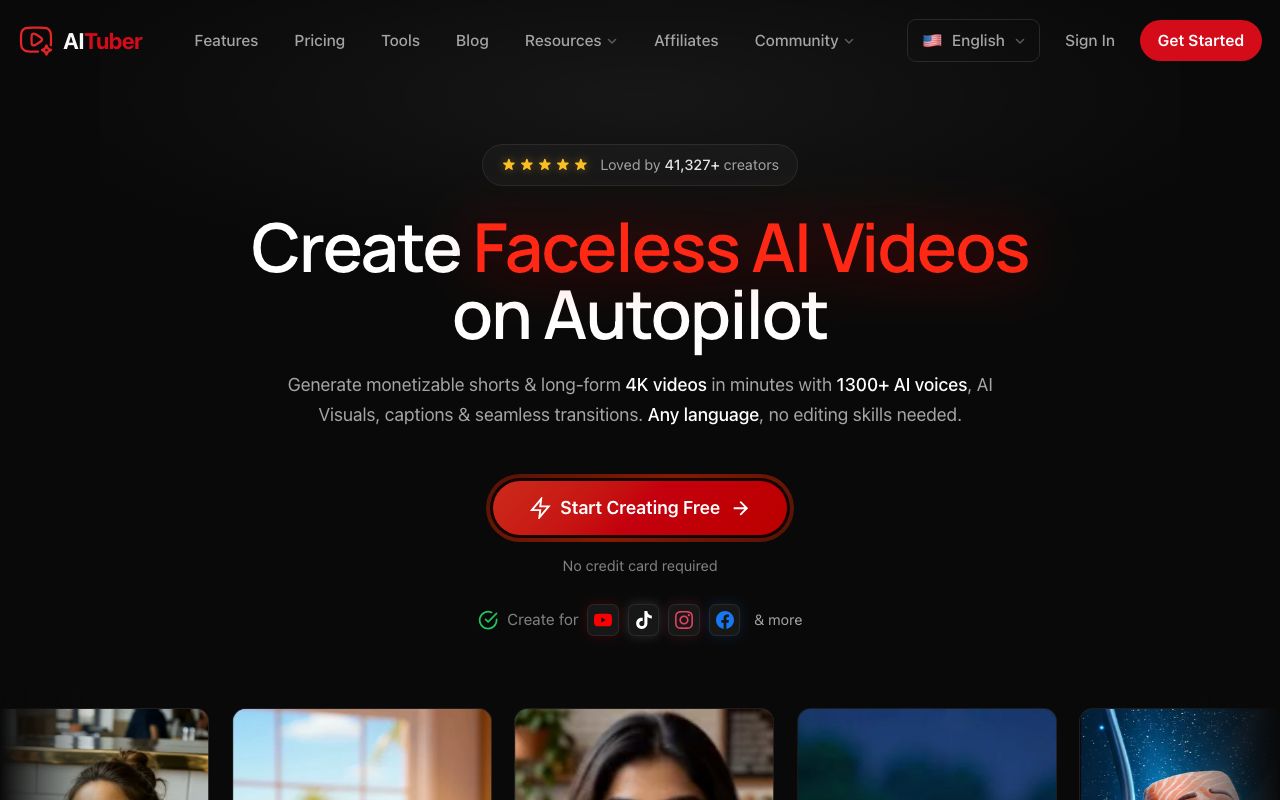
AITuber is the closest thing to what AutoTuber was supposed to be, built as a web product instead of a phone app. You give it an idea. It writes the script, makes an AI voiceover, generates matching visuals, and adds captions. Autopilot then posts the finished video to your channel on the schedule you pick. You approve the channel connection, and you can download every video as a file.
Credits are spent on the video you keep, not on edits or previews. A failed generation is refunded automatically. That matters if you came from a tool where a crash cost you the work.
Key features
- Idea to finished video: script, AI voiceover, visuals, and captions in one flow
- Autopilot that writes, makes, and posts to your channel on a schedule
- Niche templates for faceless formats, plus 1,300+ AI voices across 140+ languages
- 4K export and downloadable files on every paid plan
- Runs in the browser, so there is no app store to be delisted from
Pros
- Covers all four jobs AutoTuber did, including scheduled posting
- No feature gating: the entry plan includes all templates, voices, styles, and 4K
- Credits are not spent on edits or previews, and failed jobs are refunded
- Unused credits never expire, so a slow month is not money wasted
- A free tier (100 credits) lets you make a video before paying
Cons
- Built for faceless short-form and channel automation, not long-form timeline editing
- There is no native mobile app, so you work in a mobile or desktop browser
Pricing: Free to start with 100 credits (no card). Paid plans are Creator $29/mo (1,800 credits, 1 channel on autopilot), Pro $49/mo (4,000 credits, 2 channels), Studio $89/mo (8,000 credits, 4 channels), and Agency $149/mo (15,000 credits, unlimited channels). Every plan includes all templates, voices, styles, and 4K export. See the full pricing.
Best for: anyone who wants their faceless YouTube channel running again without babysitting it. See the faceless YouTube automation tool for the autopilot side on its own.
2. AutoShorts.ai
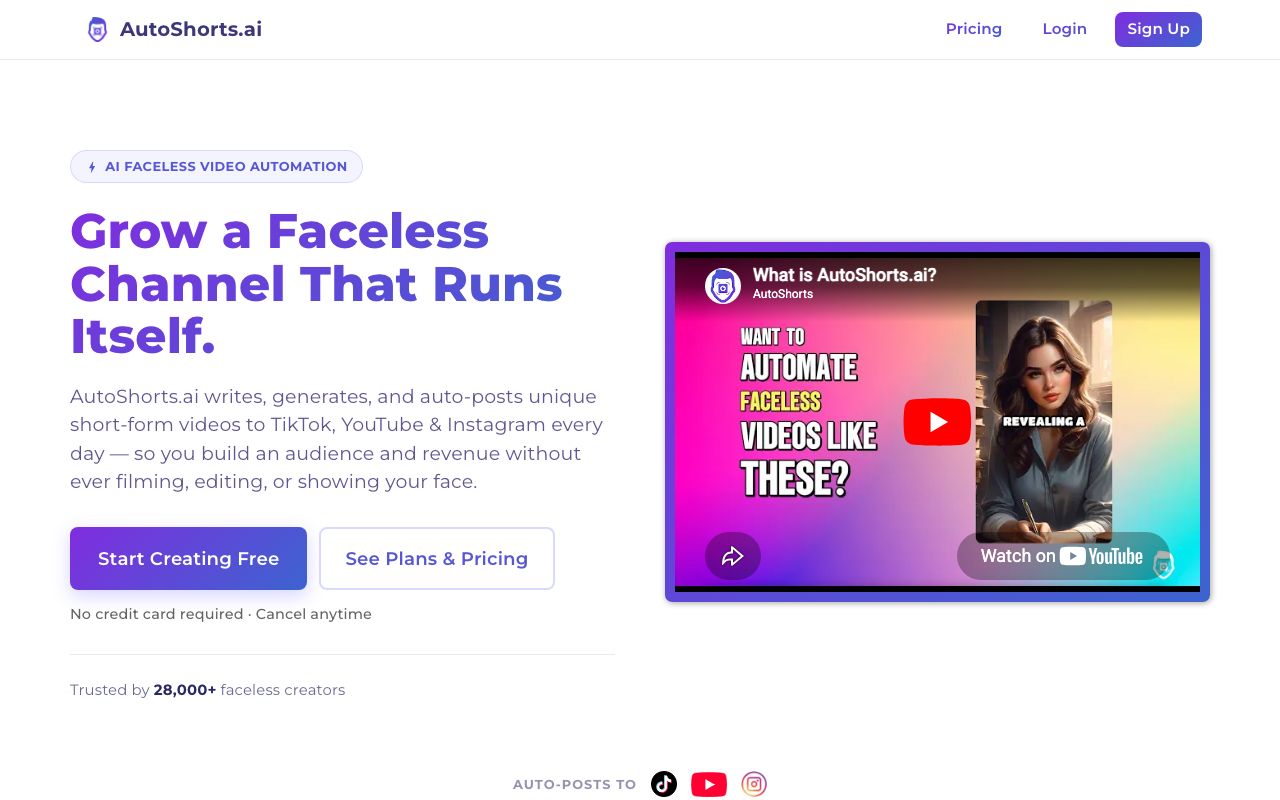
AutoShorts.ai is the closest match to AutoTuber’s original pitch. You pick a niche and a posting frequency. It then generates and posts a faceless video series to YouTube Shorts, TikTok, and Instagram Reels without you opening it again. Its pricing is built around how often you post, which is a simple way to think about cost.
Key features
- Niche-based series that generate and post on their own
- Publishes to YouTube Shorts, TikTok, and Instagram Reels
- Voice cloning and background music on the free plan
- A free plan that lets you make one video to test quality
Pros
- The least hands-on option here, which is what most AutoTuber users wanted
- Cheap entry at about $19/mo
- Free plan is enough to judge the output before paying
Cons
- Less fine control over each video than a full editor
- A thin third-party review record, so long-term reliability is hard to judge
Pricing (checked July 2026): Free plan capped at 1 video. Starter is $19/mo for posting about 3 times a week. Daily is $39/mo for daily posting. Hardcore is $69/mo for twice-daily posting. Confirm current pricing on their site.
Best for: creators who want to set a niche once and let the channel run.
3. Revid.ai
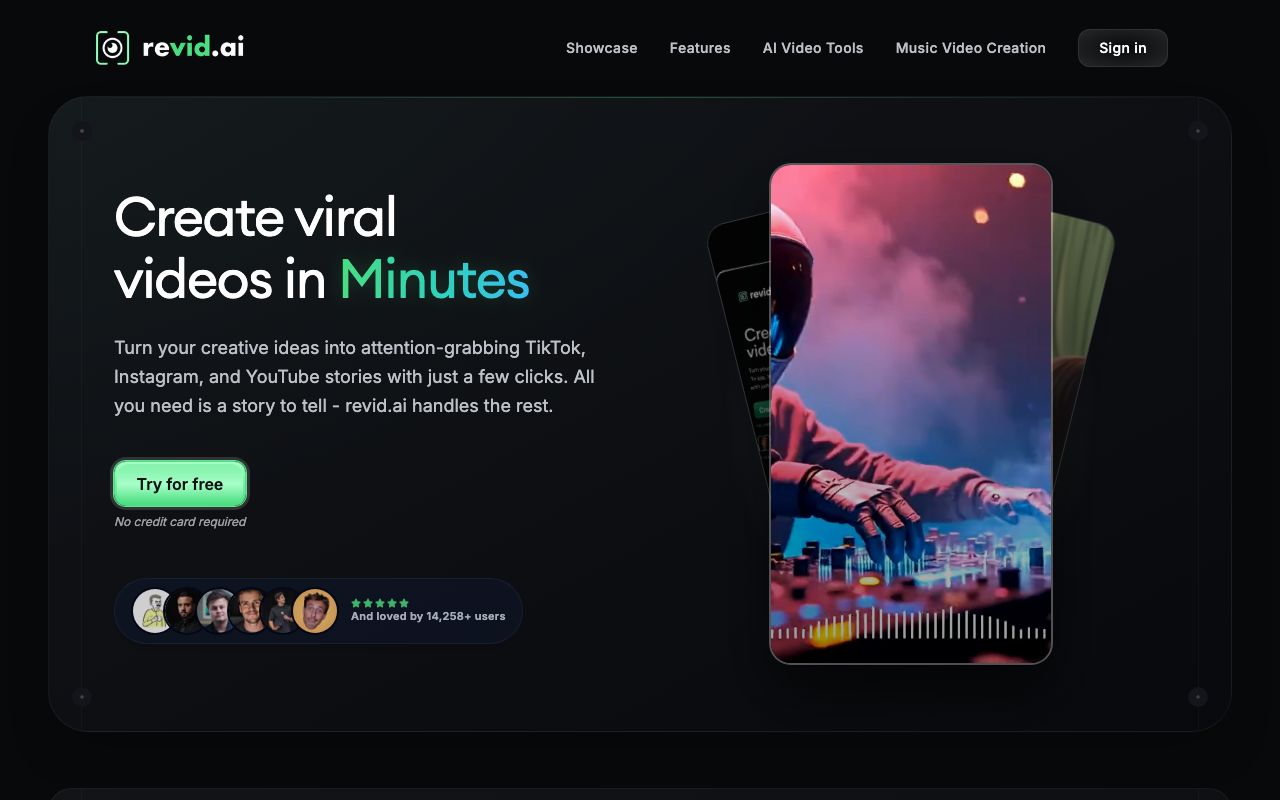
Revid.ai is the volume pick. You give it a prompt, a script, or a link. It builds a vertical short with an AI voice, captions, and templated visuals, then auto-posts to YouTube, TikTok, and Instagram. Its Auto-Mode workers keep generating on a schedule, so it covers the posting job too.
Key features
- Prompt, script, or URL to a finished vertical short
- Auto-Mode workers that generate and post on a schedule
- Auto-posting to YouTube, TikTok, and Instagram
- A large template library tuned for short-form hooks
Pros
- Fast at producing many shorts in one sitting
- Auto-posting is included, not an add-on
- Strong template variety for short-form formats
Cons
- No standing free plan, so testing means paying or using a limited trial
- Cost is the most common complaint in reviews, and credits go fast when results need re-running
Pricing (checked July 2026): No free plan. Hobby is listed at $39/mo. Growth is promoted at $39/mo, down from a $99 list price, and includes 2,000 AI credits a month. Ultra is $199/mo with 12,000 credits. Revid runs frequent promotions, so the live page is the number to trust.
User reviews: 4.0/5 on Trustpilot from 297 reviews, on a claimed profile (Trustpilot). Reviewers praise the interface and the visual quality. Price is where the criticism lands.
Best for: creators who want to publish a lot of shorts and can live with the credit cost.
4. Fliki
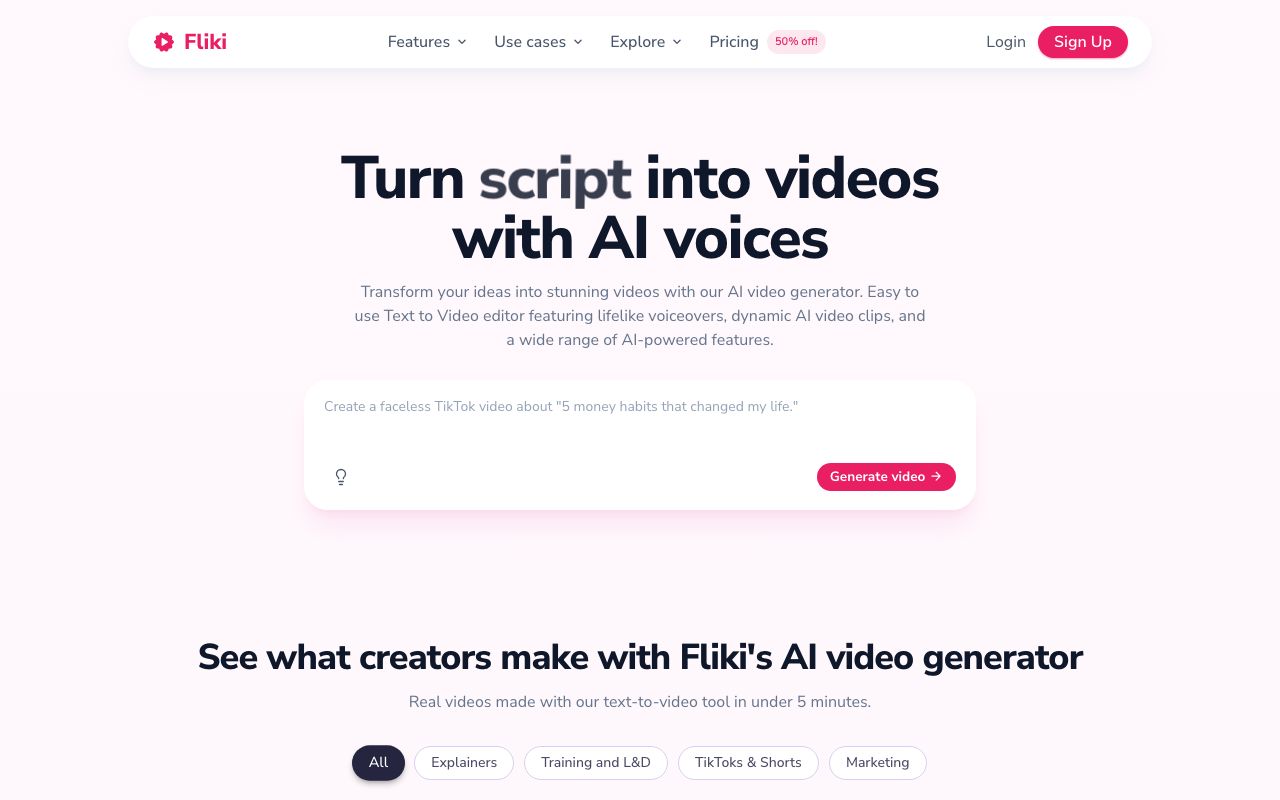
Fliki is the cheapest way to start making videos again today. It turns a script, a blog post, or a plain idea into a narrated video with stock visuals and captions. Its voice library is the standout, and the free plan is genuinely usable for testing. It does not auto-post, so you upload to YouTube yourself.
Key features
- Script, blog post, or idea to a narrated video
- A very large AI voice library with voice cloning on paid plans
- Free forever plan with about 5 minutes of content a month
- Downloadable video files on paid plans
Pros
- The best free plan of the six, so you can restart at no cost
- Voice quality is strong across many languages
- Simple enough to learn in one sitting
Cons
- No auto-posting, so you upload every video by hand
- Free exports are watermarked and capped at 720p
Pricing (checked July 2026): Free forever with about 5 minutes of content a month, a watermark, and 720p. Paid Standard and Premium tiers are credit-based, with a discount for yearly billing. Fliki loads its prices dynamically, so check the live page for the current figure. Our Fliki pricing breakdown has the full detail.
Best for: getting back to making videos this week without spending anything.
5. InVideo AI

InVideo AI is the pick when you want a say in how the video turns out. You give it a prompt, a script, or a blog URL, and it assembles the scenes, stock footage, an AI voiceover, and captions. Its useful trick is text-command editing. You type “make the intro shorter” instead of dragging clips around a timeline.
Key features
- Prompt, script, or URL to a full video with stock footage
- Text-command editing to change scenes, pacing, and voice
- A large stock library, with iStock assets on paid plans
- Voice cloning on paid tiers
Pros
- The most control here without learning a real editor
- Every paid plan exports unlimited video with no watermark
- Good for longer explainer videos, not just shorts
Cons
- No auto-posting to YouTube
- No free plan since the July 2026 repricing, so testing means paying
- Unused credits expire at the end of each month
- The step from Plus to Max is five times the yearly price
Pricing (checked 27 July 2026 on InVideo’s pricing page): No free plan. Four paid tiers, each with unlimited exports and no watermark. Plus is $17/mo billed as $200 a year, for 75 credits a month. Max is $85/mo billed as $1,000 a year, for 390 credits. Generative is $170/mo billed as $2,000 a year, for 800 credits. Elite is $900/mo billed as $10,800 a year, for 4,250 credits. InVideo’s own FAQ says unused credits do not roll over, and generative models bill at their original API rates. Our best InVideo alternatives guide covers the change in full.
Best for: creators who want to shape the video, not just accept the first cut.
6. Pictory

Pictory is the odd one out, and it is here for a specific case. If you already have long videos, webinars, or blog posts, Pictory cuts them into captioned shorts. It does not invent a video from an idea the way the others do. That makes it a poor AutoTuber swap on its own, but a good partner tool if you have a back catalogue.
Key features
- Long video to short, captioned clips
- Article or blog URL to a narrated video
- Automatic captions and subtitle burn-in
- Brand kits for a consistent channel look
Pros
- The best of these at reusing content you already own
- Captioning is fast and accurate
- Clean, simple interface
Cons
- No free plan, only a trial
- No auto-posting, and it is not built for making videos from scratch
Pricing (verified July 2026): No free plan, only a trial. Starter is $29/mo month to month, or $25/mo billed annually, with 200 video minutes a month. Professional is $59/mo, or $35/mo billed annually, with 600 minutes. Team is $199/mo, or $119/mo annually. Enterprise is custom.
Best for: creators with existing long videos to cut down. See our Pictory alternative for faceless YouTube if you want to build from scratch instead.
Quick comparison of all alternatives
| Tool | Starting price | Free tier | Auto-posts | Best for |
|---|---|---|---|---|
| AITuber | Free, then $29/mo | Yes, 100 credits | Yes | Idea to posted video |
| AutoShorts.ai | $19/mo | Paused since July 2026 | Yes | Hands-off niche series |
| Revid.ai | About $39/mo | No | Yes | High volume shorts |
| Fliki | Free, then credit tiers | Yes, ~5 min/mo | No | Restarting for free |
| InVideo AI | $17/mo (annual, $200/yr) | No, free plan dropped | No | Editing by text command |
| Pictory | $25/mo (annual) | Trial only | No | Reusing long videos |
Prices are the lowest paid tier as of July 2026, and are rounded. Fliki and Revid.ai load pricing dynamically or run promotions, so check each site for the exact figure. InVideo repriced on 27 July 2026 and dropped its free plan, which our best InVideo alternatives guide covers in full. AutoShorts.ai still lists a $0 free plan, but has suspended it. Its FAQ blames bot abuse and says the plan will come back. Checked 31 July 2026.
How to move your channel off AutoTuber
The app is gone, so there is nothing to export. The move is really a fresh setup, and it takes about an hour.
- Revoke AutoTuber’s access to your YouTube channel. Do this first. Go to your Google Account, then Security, then third-party connections, and remove it.
- Cancel any subscription. If you paid through Google Play, check Play’s subscription list. If you paid the site directly, email the support address on their maintenance page and check your card statement.
- List what your channel actually published. Note the niche, the video length, the voice, and the posting frequency. That list is your setup checklist for the new tool.
- Save any videos you can still reach. Videos already on YouTube are yours and are safe. Anything that only existed inside the app is likely gone.
- Pick one tool and rebuild the series. Use a free tier first. Make three videos before you pay, and check they match your old style.
- Reconnect your channel and set the schedule. Then watch the first two automated posts before you leave it alone.
How to choose the right AutoTuber alternative
- Do you want the channel to run itself? If yes, AITuber for full control of the pipeline, or AutoShorts.ai for the least setup.
- Do you need to spend nothing right now? If yes, Fliki’s free plan, or AITuber’s 100 free credits.
- Do you want to publish a lot, fast? If yes, Revid.ai, with the credit cost above in mind.
- Do you want to shape each video? If yes, InVideo AI and its text-command editing, now that it is paid only.
- Do you already have long videos? If yes, Pictory to cut them into shorts.
Use-case cheat sheet
- Scenario: Your faceless channel stopped posting when AutoTuber died. Best choice: AITuber, which rebuilds the whole pipeline and posts on a schedule.
- Scenario: You want to pick a niche and never touch it again. Best choice: AutoShorts.ai.
- Scenario: You are not paying for a second tool until you see the output. Best choice: Fliki’s free plan, or AITuber’s 100 free credits.
- Scenario: You post several shorts a day. Best choice: Revid.ai, or AITuber’s Pro plan for two channels.
- Scenario: You want to fix the intro and swap a scene. Best choice: InVideo AI.
- Scenario: You have 40 old long videos sitting unused. Best choice: Pictory to cut them into shorts.
- Scenario: You run several client channels. Best choice: AITuber’s Agency plan, which covers unlimited channels.
- Scenario: You want more options than these six. Best choice: our faceless YouTube automation tools roundup.
Frequently Asked Questions
Basics
What happened to AutoTuber AI?
AutoTuber’s Android app was removed from Google Play on 21 September 2025, according to AppBrain. Its website, autotuber.app, now shows “Service is down for maintenance” with no timeline. We checked both on 26 July 2026. The app’s last release was version 41.0 in November 2024, so it had not been updated for about ten months before removal.
Is AutoTuber coming back?
There is no public sign that it is. The maintenance page has no date and no status updates, and the Google Play listing is gone rather than temporarily unavailable. Treat the service as closed and move to a supported tool.
What is the best AutoTuber alternative?
AITuber is the best replacement for most people. It covers all four jobs AutoTuber did: writing the script, making the video, posting to YouTube, and doing it on a schedule. For the most hands-off setup, AutoShorts.ai is the closest match. For a free restart, Fliki has the strongest free plan.
Safety
Should I remove AutoTuber’s access to my YouTube channel?
Yes. If you connected your channel, revoke it now. Open your Google Account, go to Security, then “Your connections to third-party apps and services”, and remove AutoTuber. Leaving upload permission with an unsupported service is an unnecessary risk.
Are my old AutoTuber videos gone?
Anything already published to your YouTube channel is safe, because it lives on YouTube and not in the app. Drafts, scripts, and unexported videos that only existed inside AutoTuber are almost certainly gone, since both the app and the site are down.
Pricing
Is there a free AutoTuber alternative?
Yes, several. AITuber gives 100 free credits with no card. Fliki has a free forever plan with about 5 minutes of content a month. AutoShorts.ai lists a free plan but has suspended it, so you cannot use it today. InVideo AI used to have a free plan, but its July 2026 pricing page lists paid tiers only. Revid.ai and Pictory offer trials only.
How much do these tools cost per month?
The cheapest paid entry is AutoShorts.ai at about $19/mo. AITuber and Pictory start around $25 to $29/mo. InVideo AI shows $17/mo, but it is billed yearly at $200. Revid.ai starts near $39/mo. Compare the video cap and the posting limit too, not just the monthly price.
Comparisons
Which alternative auto-posts to YouTube like AutoTuber did?
AITuber, AutoShorts.ai, and Revid.ai all publish to YouTube on a schedule after you link your channel once. Fliki, InVideo AI, and Pictory make the video but leave the upload to you. If scheduled posting was the reason you used AutoTuber, pick from the first three.
AITuber vs AutoShorts.ai: which should an AutoTuber user pick?
Both run a faceless channel on autopilot. AutoShorts.ai is the fastest to set up and the cheapest to start, but gives you less control over each video. AITuber includes every feature on every plan, spends credits only on final output, refunds failed jobs, and has a much larger voice and style library for a consistent channel look. For a channel you plan to grow, AITuber is the safer long-term pick.
How we researched this: AutoTuber’s status was checked directly on 26 July 2026 by loading its Google Play listing (which returns a 404) and autotuber.app (which serves a maintenance page). Store history, download counts, and the 2.71/5 rating come from AppBrain. Reports of unrecognised channel uploads come from published review roundups and are unconfirmed user claims, not something we could verify. Competitor pricing was checked in July 2026 against each vendor’s live pricing page, with named pricing trackers used where a vendor renders plans with JavaScript (Fliki). InVideo’s plans were re-checked in a browser on 27 July 2026 after it repriced and removed its free tier; the Revid.ai Trustpilot score was read from the live profile the same day. AITuber is a product we build, so we have flagged every place we compare it to another tool. Prices and plans change often; check each vendor’s site for the latest.