NotebookLM Video Overview Alternatives
NotebookLM alternatives for video. Six tools that turn a PDF or a link into a video you can post, with prices, free tiers, and watermark rules.

The best NotebookLM alternative for video depends on where the video is going. To post a Short made from a PDF or a link, we’d pick AITuber. Pick HeyGen or Colossyan for a presenter on screen, and Lumen5 or Google Vids for a slide-style explainer. If you only study from your own sources, stay with NotebookLM. Google renamed it Gemini Notebook in July 2026, and it is the same product.
The top picks
| Tool | Best for | Key strength |
|---|---|---|
| AITuber | A Short you can post | PDF or link to a narrated, captioned video |
| Lumen5 | A slide-style explainer for a brand team | Link, script, or document to a templated video |
| Google Vids | Teams that live in Google Workspace | Turns a Slides deck into a video |
| HeyGen | A talking presenter | PowerPoint and PDF imports, 1,000+ voices |
| Colossyan | Training videos with a presenter | PPT and PDF import, SCORM export |
| ElevenReader | Listening only | Reads PDFs and articles aloud |
What NotebookLM Video Overviews do today
A Video Overview turns the sources in one notebook into a narrated video. Every fact in this section comes from Google’s help pages.
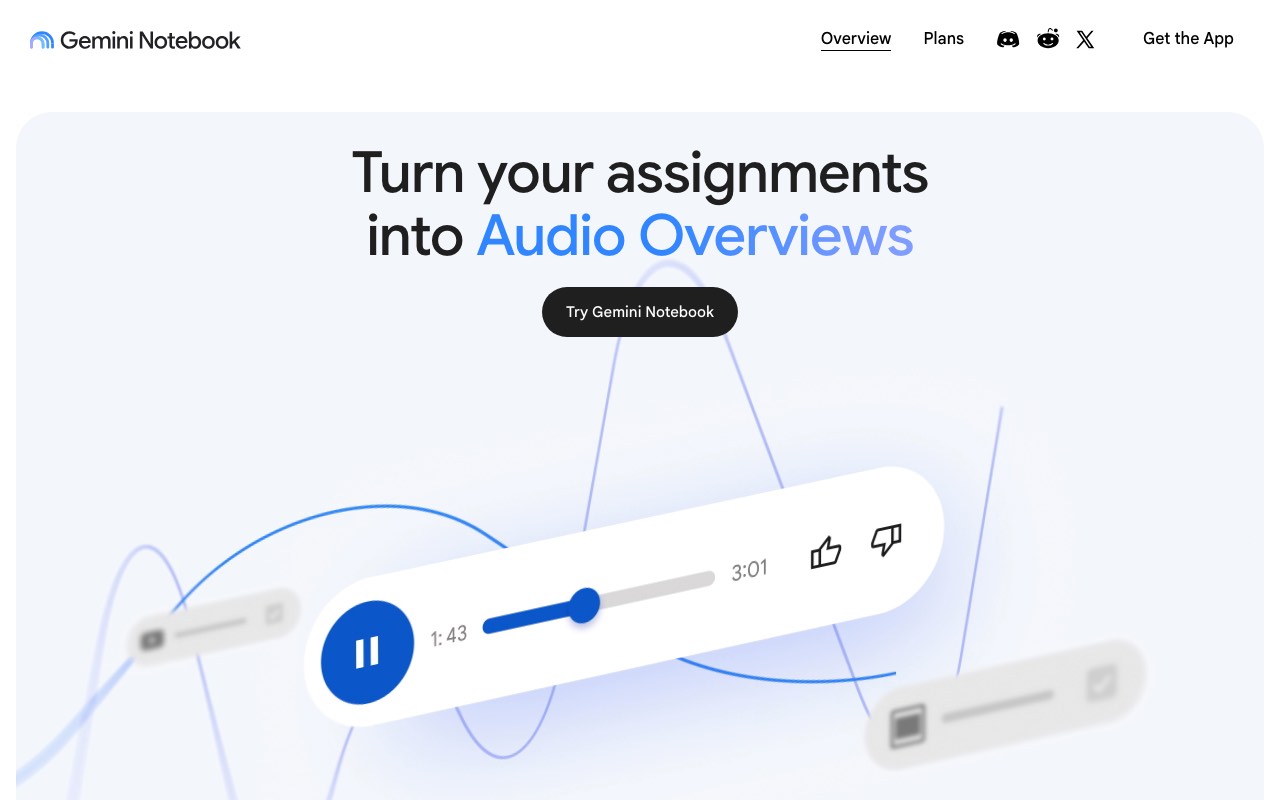
First, the name. The homepage FAQ says “NotebookLM is now Gemini Notebook as of July 2026” and that your old notebooks still work. We’ll keep saying NotebookLM, because that is what most people still type.
The Video Overview help page lists three formats:
- Cinematic tells the story of your sources with rich visuals. It is English only and limited to users aged 18 and over.
- Explainer is a structured overview that connects the ideas in your sources.
- Short covers the key ideas in about 60 seconds.
You can set four things before you generate: the format, the narration language, a visual style, and a steering prompt. The styles include Classic, Whiteboard, Watercolor, and Anime, plus a custom one you describe. Style choice is for users over 18 and does not apply to Cinematic or Short.
Sharing works three ways: a link, the whole notebook, or a downloaded video file. Public links only work on personal accounts.
Three limits matter if you plan to post the result.
Generation is slow. Google’s page says a Video Overview “may take a while,” sometimes more than 30 minutes.
The video carries a visible watermark. Google’s plans page says only AI Pro and Ultra subscribers can switch it off. In India, South Korea, and Vietnam it stays on for everyone.
Usage is capped by compute. The limits page says your quota refreshes every 5 hours until you hit a weekly limit. Google does not publish a count of videos per day.
One gap in the help page is worth knowing. It names no voice picker, no aspect ratio setting, and no caption control. We could not test inside the app for this guide, so treat that as what the documentation says today.
When NotebookLM is the better pick
Stay with NotebookLM if the video is for you. It answers questions from your own sources and shows inline citations, so you can check each claim. It takes PDFs, websites, YouTube videos, audio files, Google Docs, and Google Slides. It also makes flashcards, quizzes, mind maps, and Audio Overviews from the same notebook.
None of the tools below do that; they make a video and stop. We think of NotebookLM as a study desk and of the tools below as a small video studio, and plenty of people will want both.
Why people look for an alternative
People who search for an alternative usually want to publish the video. Four needs come up.
- A voice they choose. A channel needs the same voice every week.
- Captions burned into the picture, because most feeds start muted.
- A clean file with no watermark, in the right shape for Shorts, Reels, or YouTube.
- Speed. A 30-minute wait is fine for study and painful for a posting schedule.
Some want a different format altogether, like a person on screen or a branded slide video.
What to look for in an alternative
- It takes your source as it is. Check for PDF upload, a pasted link, or both.
- You choose the voice and can keep it across videos.
- Captions are part of the video file.
- The export is a clean MP4 in 9:16, 16:9, or 1:1.
- The free tier lets you finish one real video before you pay.
- The price is on a public page. We flag every price we could not read.
The best NotebookLM Video Overview alternatives
1. AITuber
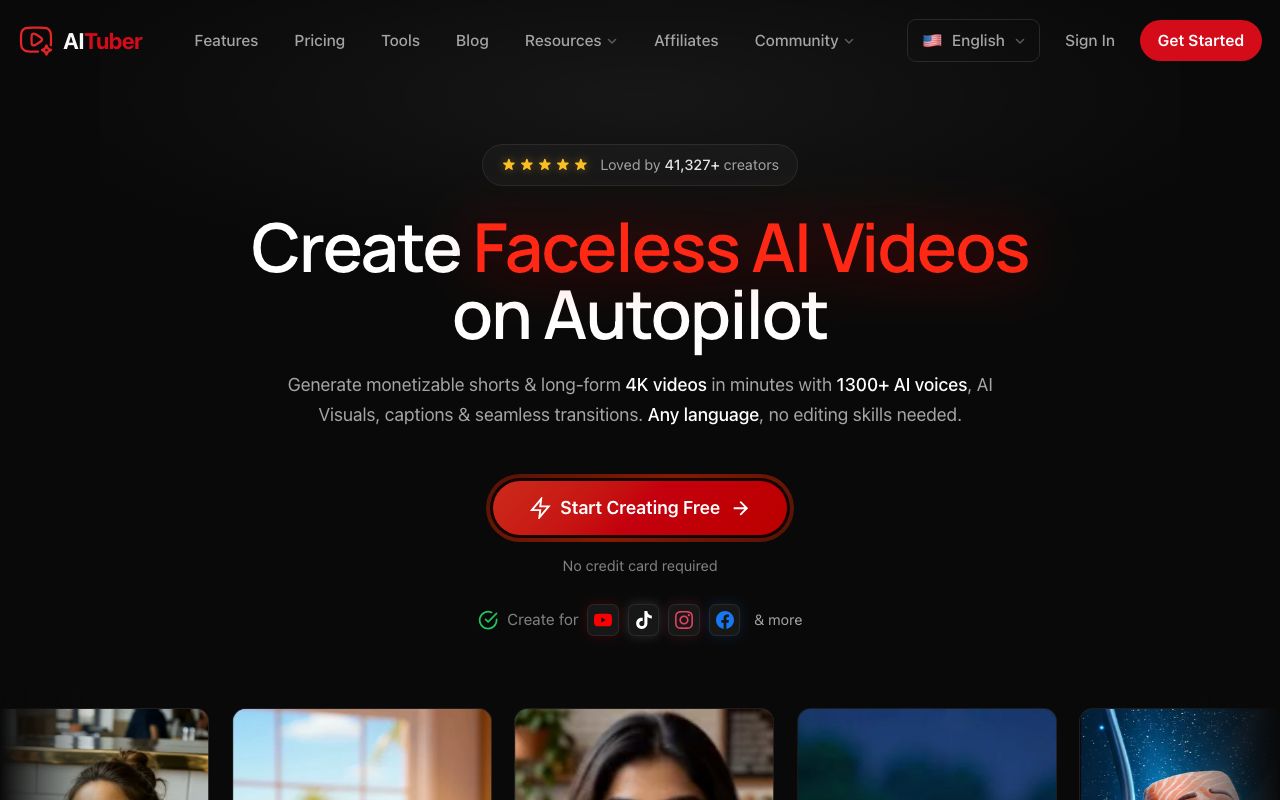
AITuber is our own tool, and it is the pick for a video you plan to post. Upload a PDF or paste a public link, and AITuber reads it, writes a script, and builds a narrated Short with visuals and word-synced captions. It works as a PDF to video AI and as a document to video AI from the same form.
Key features
- PDF upload up to 25 MB, with OCR for scanned files
- Paste a public link in place of a file
- Two modes: Summarize it, or Read it out
- Any length from 15 seconds to 20 minutes
- 1,300+ voices in 50+ languages
- 9:16, 16:9, or 1:1, chosen before you generate
- MP4 export up to 4K with no watermark, or publish to YouTube
Pros
- You pick the voice and the visual style
- Captions are burned in
- A one-line note steers the script
- 100 free credits at signup, no card
Cons
- No chat with your sources and no citations. It is not a study tool
- One source per video. NotebookLM mixes many
- No YouTube link or video file as a source
- It generates its own visuals. Your pages and charts do not appear
Pricing: AITuber is free to start with 100 credits. The AITuber Creator plan is $39 a month for 2,500 credits, and AITuber Pro is $69 a month for 5,000. A 30-second Short with AI images costs about 35 credits on AITuber, so Creator covers about 71 of them. See the full pricing.
Best for: creators, marketers, and teachers who want a Short from a document. Researchers can start from the video abstract generator.
2. Lumen5
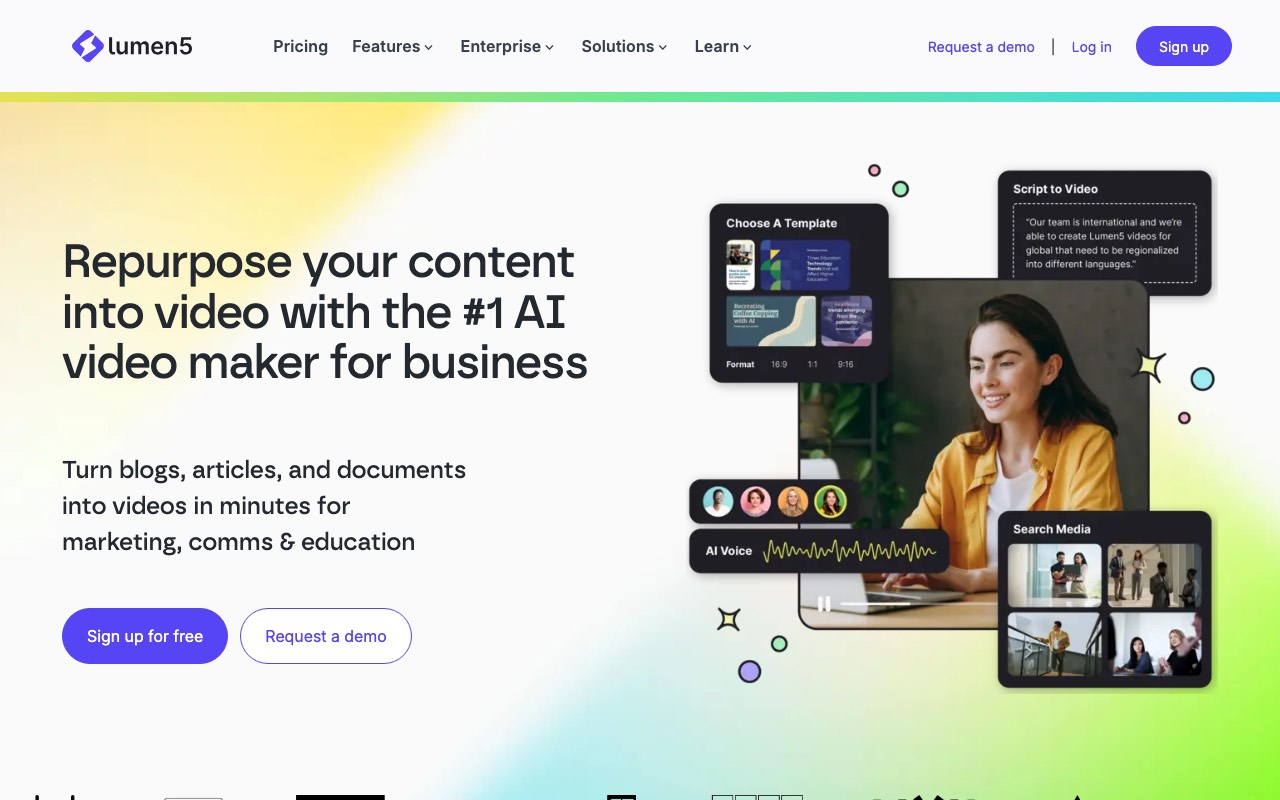
Lumen5 is the closest match to an Explainer overview with your brand on it. Its site says you can start with a link, a script, or a document, and AI builds the first cut. The result is a slide-style video: text on screen over stock footage, in your colors and fonts.
Key features
- Start from a link, script, or document
- Templates in 16:9, 1:1, and 9:16
- Brand kits with your logo, colors, and fonts
- 1,000+ AI voices on paid plans
- Stock photo and video library
Pros
- Output looks like a brand made it
- A real free plan for testing
- Built for teams, with workspaces on higher plans
Cons
- The free plan adds a Lumen5 branded outro and caps videos at 2 minutes
- AI voice minutes are counted per year, 240 on Basic
- 1080p starts on the Starter plan
Pricing: Lumen5 Free gives 5 videos a month. Lumen5 Basic is $19 a month, Starter is $59, and Pro is $149, all billed yearly. Team is custom.
User reviews: Lumen5’s own pricing page shows 4.6 out of 5 on G2 and Capterra from 200+ reviews. We did not check those sites ourselves.
Best for: marketing and comms teams that want on-brand slide videos.
3. Google Vids
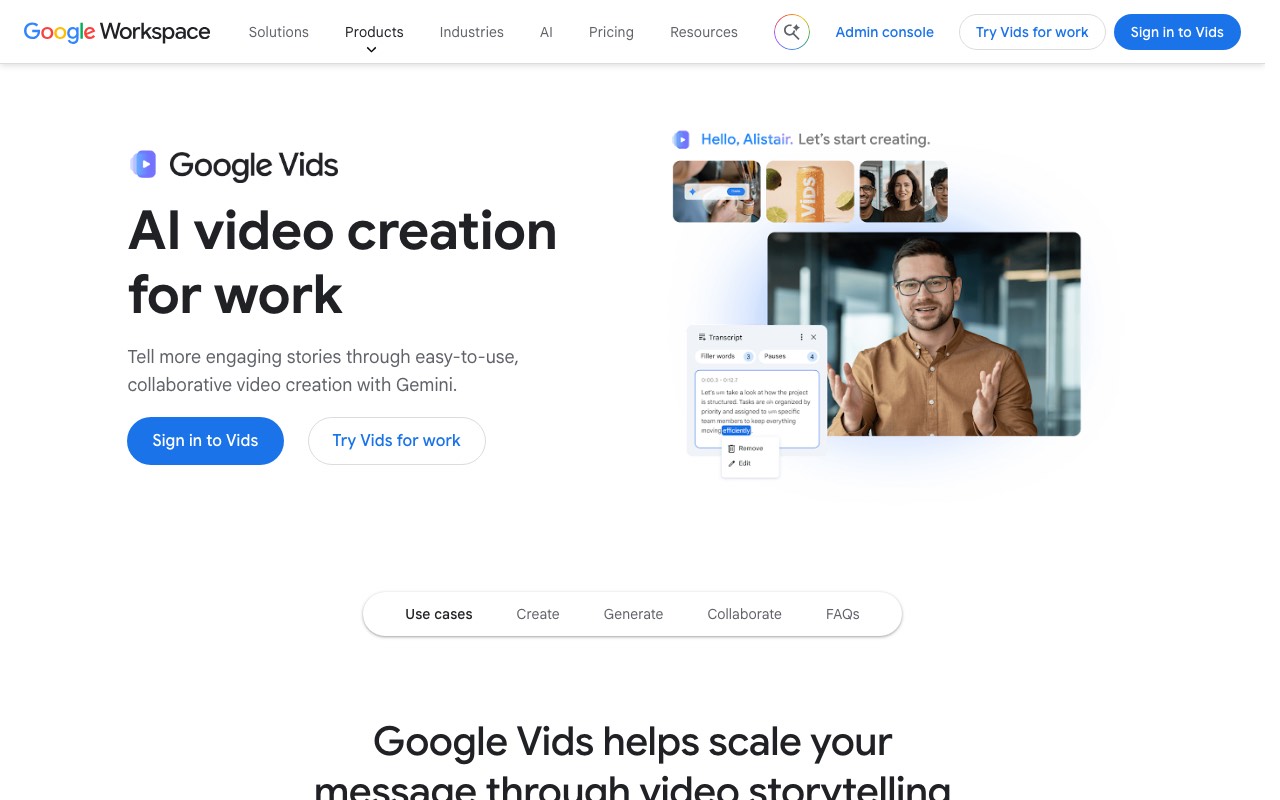
Google Vids is the alternative that keeps you inside Google. Its product page says the Slides integration turns a presentation into a video. You can also start from templates and stock media, or generate clips from a prompt. Sharing works like Docs.
Key features
- Turn a Google Slides deck into a video
- Templates and stock media
- AI avatars and voiceovers
- Clips generated from a text prompt
- Export to YouTube
Pros
- Familiar if your team already works in Docs and Slides
- Sharing and comment controls match the rest of Workspace
- Free to try with a Google account
Cons
- Its product page names Slides as the document source. We found no PDF upload there
- Built for work videos, so it suits a channel less
- Google does not put a single price on the page
Pricing: Google Vids is free to try with a Google account. The page says advanced features and higher limits come with Workspace plans and Google AI plans. Google prices those by country, so we have not quoted a number.
Best for: Workspace teams that already have the content in Slides.
4. HeyGen
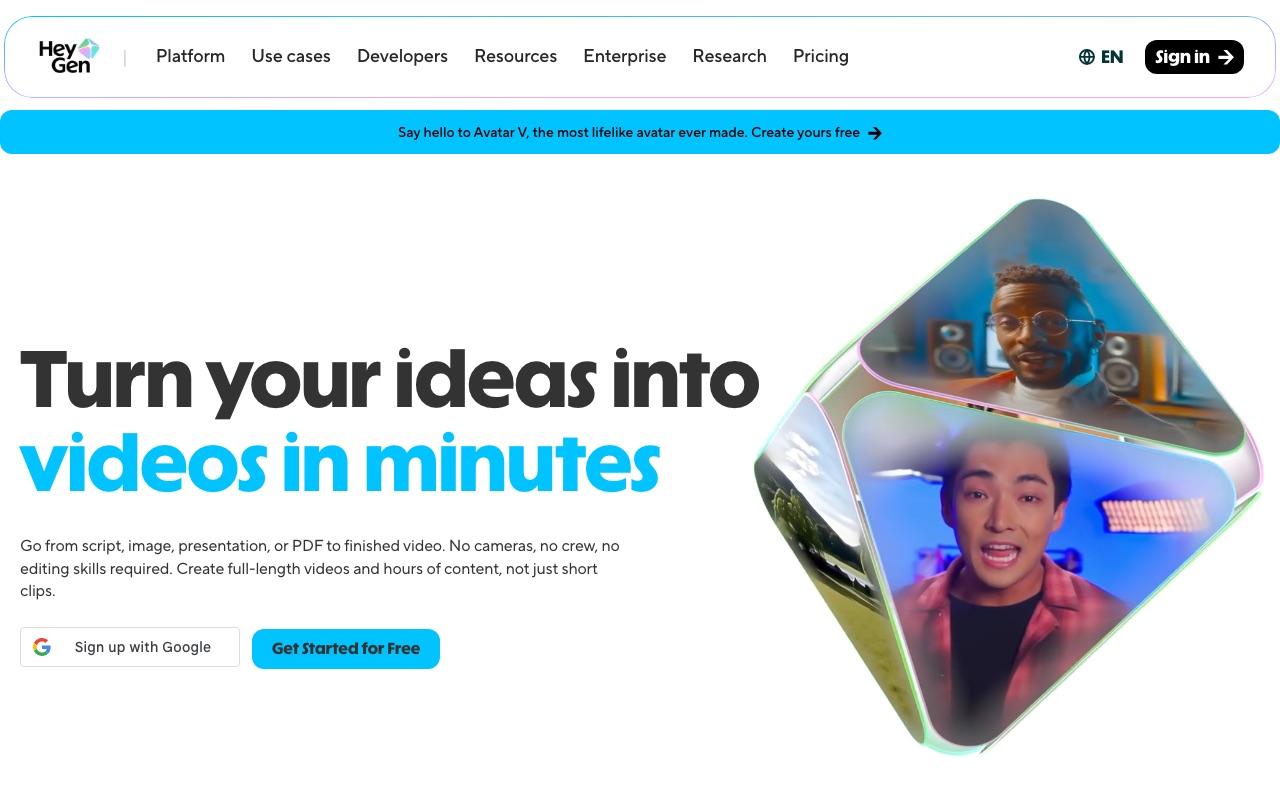
HeyGen is the pick when you want a person on screen. An AI avatar reads your script to camera. HeyGen’s plan table lists PowerPoint and PDF imports, so a deck or a document can be the starting point.
Key features
- 500+ stock avatars on the free plan, 700+ on paid plans
- PowerPoint and PDF imports listed in the plan table
- 1,000+ AI voices
- 175 languages and dialects on paid plans
- 4K export on the Pro plan
Pros
- A presenter holds attention on training and sales videos
- Free plan with no card
- Unused credits roll over for one month on monthly plans
Cons
- The free plan allows 3 videos a month, each up to 1 minute
- Credit costs vary by model and length, so the bill is hard to guess
- An avatar suits a faceless channel poorly
Pricing: HeyGen has a free plan. HeyGen Creator is $29 a month, or $24 a month paid yearly, with 600 credits. HeyGen Pro starts at $49 a month with 1,000 credits. Business is $149 a month plus $20 a seat.
Best for: sales, training, and updates where a face helps.
5. Colossyan
Colossyan also puts a presenter on screen, and it leans toward training. Its plan table lists PPT and PDF import under preparation. It adds quizzes, courses, and SCORM export for learning systems.
Key features
- PPT and PDF import
- 300+ stock avatars and 700+ stock voices
- Interactive videos and course creation
- Auto-translation, with 120+ languages supported
- SCORM export on paid plans
Pros
- The free Starter plan includes 20 video minutes a month
- Strong fit for a learning team
- No card needed to start
Cons
- Watermark removal and unlimited MP4 downloads sit on the Professional plan
- The Professional price needs yearly billing
- More tool than a single social video needs
Pricing: Colossyan Starter is free. Colossyan Professional is $59 a month on an annual plan, with 30 video minutes a month. Extra editors cost $30 a month each. Enterprise is custom.
Best for: HR and training teams turning policy PDFs into lessons.
6. ElevenReader
ElevenReader, from ElevenLabs, is the pick if you only want to listen. It turns books, PDFs, and articles into audio, with no video at all. It reads your file aloud, which is a different thing from NotebookLM’s Audio Overview summary.
Key features
- Upload a PDF or an ebook and listen
- 1,000+ voices
- Syncs between web and mobile
- Speed control up to 4x, a sleep timer, and bookmarks
- Offline downloads on the paid plan
Pros
- The free plan gives 10 hours of text to audio a month
- You hear the full text, with nothing cut
- Simple to use on a commute
Cons
- Audio only
- No summary. A 40-page report stays 40 pages long
- Nothing to post
Pricing: ElevenReader Free gives 10 hours a month. ElevenReader Ultra is $11 a month, or $8.25 a month billed yearly, with unlimited text to audio.
Best for: readers who want their own documents in their ears.
Quick comparison of all six
| Tool | Starts from | You get | Free tier | Lowest paid price |
|---|---|---|---|---|
| AITuber | PDF or public link | Narrated Short with captions | 100 credits, no card | AITuber Creator, $39 a month |
| Lumen5 | Link, script, or document | Slide-style brand video | 5 videos a month, branded outro | $19 a month, billed yearly |
| Google Vids | Slides deck, prompt, or media | Work video in Workspace | Free to try | Not on the page |
| HeyGen | Script, PowerPoint, or PDF | Avatar presenter video | 3 videos a month, 1 minute each | $29 a month |
| Colossyan | Script, PPT, or PDF | Avatar training video | 20 minutes a month | $59 a month, billed yearly |
| ElevenReader | PDF, ebook, or article | Audio only | 10 hours a month | $11 a month |
Every price was read on the vendor’s own page on 9 October 2026. NotebookLM is free with a Google account, and higher limits come with Google AI Plus, Pro, and Ultra. Google prices those plans by country, so check your local page.
The same source, two ways
Take one 30-page industry report and run it through both tools.
In NotebookLM, add the PDF to a notebook and pick Video Overview in the Studio panel. Choose Short for a 60-second version. Wait for it to finish, then download the file. Use the chat to check any claim against the report.
In AITuber, upload the same PDF, pick Summarize it, and set the length to 60 seconds and the shape to 9:16. Add one line, such as “open with the biggest finding and write for beginners.” Pick a voice and generate. Export the MP4, or publish it to YouTube from inside the app.
We’d do both. Study the report in NotebookLM until you know which finding matters, then put that finding in the AITuber note. Our guide on how to turn a PDF into a video walks through each step.
Which one for which job
| Your job | Best choice | Why |
|---|---|---|
| Post a Short from a report or paper | AITuber | Finished vertical video with your voice pick and captions |
| Turn a blog post into a Short | AITuber | Paste the public link |
| Make a branded explainer for LinkedIn | Lumen5 | Brand kit and slide-style templates |
| Turn a Slides deck into a team video | Google Vids | Slides integration inside Workspace |
| Put a presenter on a sales or product video | HeyGen | Avatars, with PowerPoint and PDF imports |
| Build a training course from policy PDFs | Colossyan | PDF import, quizzes, and SCORM |
| Listen to a paper on a walk | ElevenReader | Reads the full text aloud |
| Study for an exam from your notes | NotebookLM | Chat with citations, flashcards, quizzes |
| Ask questions across many sources | NotebookLM | Up to 50 sources a notebook on the free plan |
Frequently Asked Questions
Basics
What is a NotebookLM Video Overview?
A Video Overview is a narrated video that NotebookLM builds from the sources in one notebook. Google’s help page lists three formats: Cinematic, Explainer, and Short. The Short format runs about 60 seconds.
Is NotebookLM now called Gemini Notebook?
Yes. Google’s FAQ says NotebookLM became Gemini Notebook in July 2026. It is the same product, and existing notebooks still work.
Can I download a NotebookLM Video Overview?
Yes. Google’s help page lists a Download option, next to sharing a link or sharing the whole notebook.
Limits
Do NotebookLM videos have a watermark?
Yes. Google adds a visible watermark to generated videos. AI Pro and Ultra subscribers can switch it off, except in India, South Korea, and Vietnam.
How long does a Video Overview take to make?
Google says it may take a while, sometimes more than 30 minutes. It runs in the background, so you can keep working.
How many Video Overviews can I make a day?
Google does not publish a number. Limits are based on compute. Your quota refreshes every 5 hours until you reach a weekly limit.
Alternatives
What is the best NotebookLM alternative for video?
For a video you plan to post, we’d pick AITuber. It turns a PDF or a public link into a narrated Short with captions. For a presenter on screen, HeyGen and Colossyan fit better.
Is there a free NotebookLM alternative for video?
Yes. AITuber gives 100 free credits with no card. Lumen5, HeyGen, and Colossyan all have free plans with limits. Google Vids is free to try.
Can AITuber replace NotebookLM?
No. AITuber makes videos. It has no chat with your sources, no citations, and no flashcards. Use NotebookLM to study and AITuber to publish.
Which alternative keeps my slides on screen?
Google Vids turns a Slides deck into a video. AITuber does not show your pages. It makes new visuals for each scene.
How we researched this: every NotebookLM fact comes from Google’s own help pages for Gemini Notebook (Video Overviews, plans, and usage limits) and the notebook.google homepage FAQ, read on 9 October 2026. We did not test inside the NotebookLM app for this guide. Prices for Lumen5, HeyGen, Colossyan, ElevenReader, and Google Vids were read on each vendor’s public pricing or product page the same day, from India, so local prices may differ. We compared six tools on source types, voice choice, captions, export, free tier, and price. We have not charted third-party ratings. AITuber is a product we build, so we have said where NotebookLM or another tool is the better choice. Prices and plans change often; check each vendor’s site.