Best MCP Servers for AI Video Generation (2026)
Eight video generation MCP servers compared. What each one returns, live pricing, setup URLs, and the one that hands back a finished video, not a clip.

Most video MCP servers are model wrappers. You ask for a video, and they hand back a raw clip of 5 to 15 seconds with no voice, no captions, and no edit. AITuber’s MCP server is the one that returns a finished video you can publish. The eight servers below are split by that single test, with pricing read off each vendor’s live page on 17 August 2026.
Key takeaways
| Server | What it hands back | Cheapest paid plan | Best for |
|---|---|---|---|
| AITuber | Finished MP4 with voice and captions | $39/mo | Publishing on a schedule |
| Higgsfield | Clip up to 15 seconds, up to 4K | $9/mo billed yearly | One cinematic shot |
| fal.ai | Clip from any of 1,000+ models | Pay per run, no plan | Comparing models |
| Replicate | Clip from any public model | Pay per run, no plan | Developers who script it |
| Kling | Clip from Kling models only | $10/mo | Kling subscribers |
| Runway | Clip from Runway’s model set | $15/mo | Existing Runway users |
| Comfy | Whatever your workflow outputs | Free locally, $20/mo cloud | Total control |
| Remotion | A code rendered MP4 | Free under 4 people | Data driven graphics |
What a video generation MCP server actually is
An MCP server is a bridge. It gives your AI assistant a set of tools it can call on your behalf.
MCP stands for Model Context Protocol. Anthropic released it in November 2024 and donated it to the Agentic AI Foundation in December 2025. It is now an open standard, so the same server works in Claude, ChatGPT, Cursor, Codex, and others.
For video, that means you stop clicking through a web app. You type “make me a 30 second video about the Roman aqueducts” in your chat window. Your assistant calls the tools, waits for the render, and shows you the result.
The catch is what “the result” means. That varies wildly between servers, and it is the only thing you need to compare carefully.
Clip or finished video: the split that decides your pick
Every server in this guide sits on one side of a line. Get this wrong and you will spend your evening in an editor.
Model wrappers expose a text-to-video model and stop there. You get a silent clip, usually 5 to 15 seconds, with no narration and no captions. Higgsfield, fal.ai, Replicate, Kling, and Runway all work this way. They are excellent at what they do. They just do one step of the job.
Full pipelines run the whole production. Script, voice, visuals, captions, an MP4, and in some cases the upload. AITuber works this way.
Render engines are a third, smaller group. Comfy and Remotion do not invent your video. They execute a workflow or some code that you defined, which is powerful if you know exactly what you want.
What to look for in a video MCP server
Six things separate a server you keep from one you remove after a week.
- What it returns. A silent clip or a finished video. Read the tool list, not the marketing headline.
- Hosted or local. A hosted URL needs no install and updates itself. A local server means Node, Python, or a GPU on your machine.
- How you sign in. Signing in with your account is easier than pasting an API key into a config file, and it is safer to revoke.
- Clip length. Most models cap out between 5 and 15 seconds. If you need three minutes, one clip will not do it.
- What a credit really costs. Every vendor prices by model, length, and resolution. Compare cost per finished video, not per credit.
- Whether your plan works through MCP. This one catches people. Some vendors hold features back from their MCP surface, so check the small print.
The best MCP servers for AI video generation
1. AITuber (best overall)
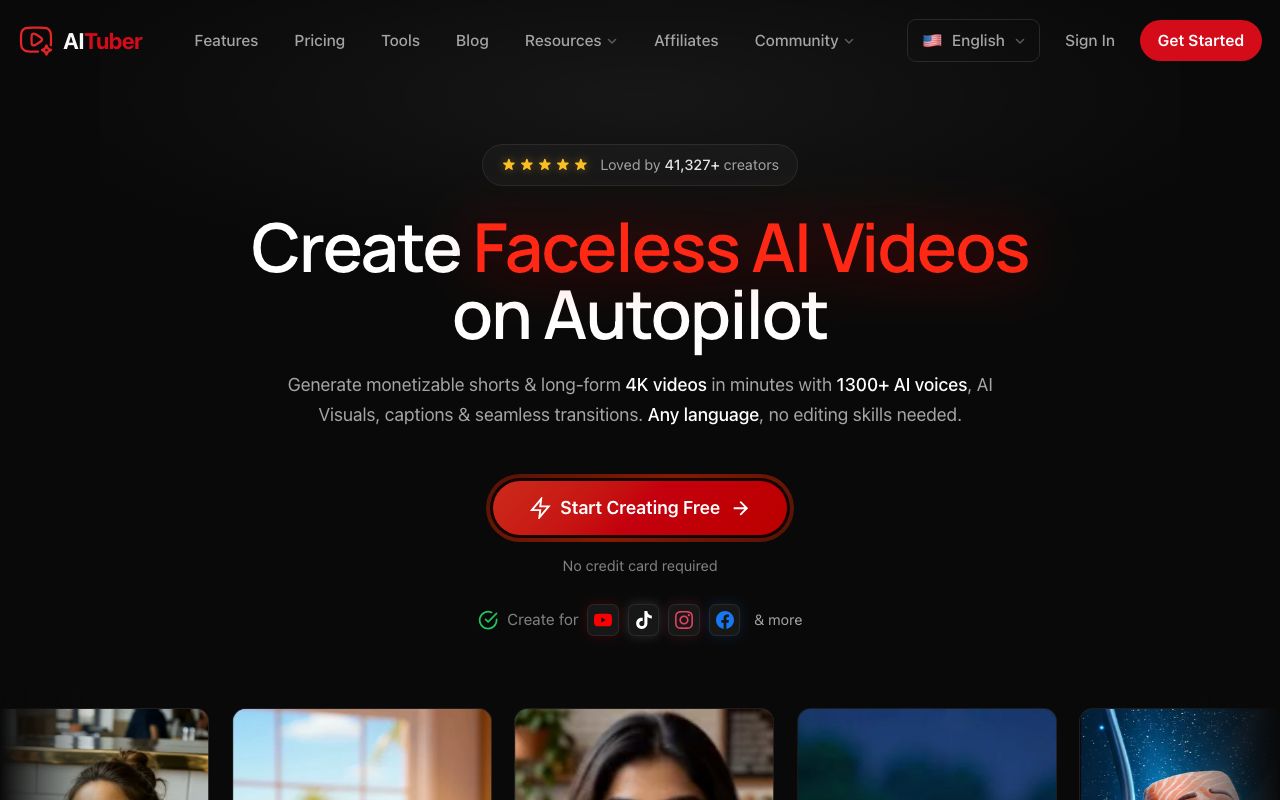
AITuber is the only server here that treats a video as a whole job. You ask for a video, and it writes the script and picks a voice. Then it generates the visuals, adds word synced captions, renders an MP4, and can publish it to your channels. It is a hosted server, so there is nothing to install.
Key features
- Hosted at
https://mcp.aituber.app, with no local install and no npx command - Writes the script, then narrates it with any of 1,300+ multilingual voices
- Word synced captions and viral templates built in
- Exports MP4 in 9:16, 16:9, or 1:1
- Publishes straight to connected YouTube, TikTok, Instagram, Facebook, Threads, and X accounts
- Works in Claude, ChatGPT, Codex, Cursor, Notion AI, OpenClaw, Hermes, and any MCP client
- Same account and credits as the REST API, so you can start in chat and automate later
Pros
- One request produces something you can post, not an asset you still have to assemble
- Sign in with your account through the browser, no API key to paste
- Videos run minutes, not seconds, because the pipeline stitches clips to the narration
- Included on every plan, so MCP access is not an upsell
Cons
- It is a production pipeline, not a model playground, so you do not pick the underlying video model per shot
- Cinematic single shot quality is not the goal, and dedicated model wrappers beat it there
- A finished video costs more credits than a bare clip, because it is doing five more steps
Pricing
Creator is $39 a month with 2,500 credits, Pro is $69 with 5,000, and Studio is $129 with 10,000. New accounts get 100 free credits with no card. Audio narration costs 50 credits a minute and clips are priced per second, so a short video is a few hundred credits.
Best for: anyone who wants to publish videos regularly and does not want to open an editor.
2. Higgsfield (best for one cinematic clip)
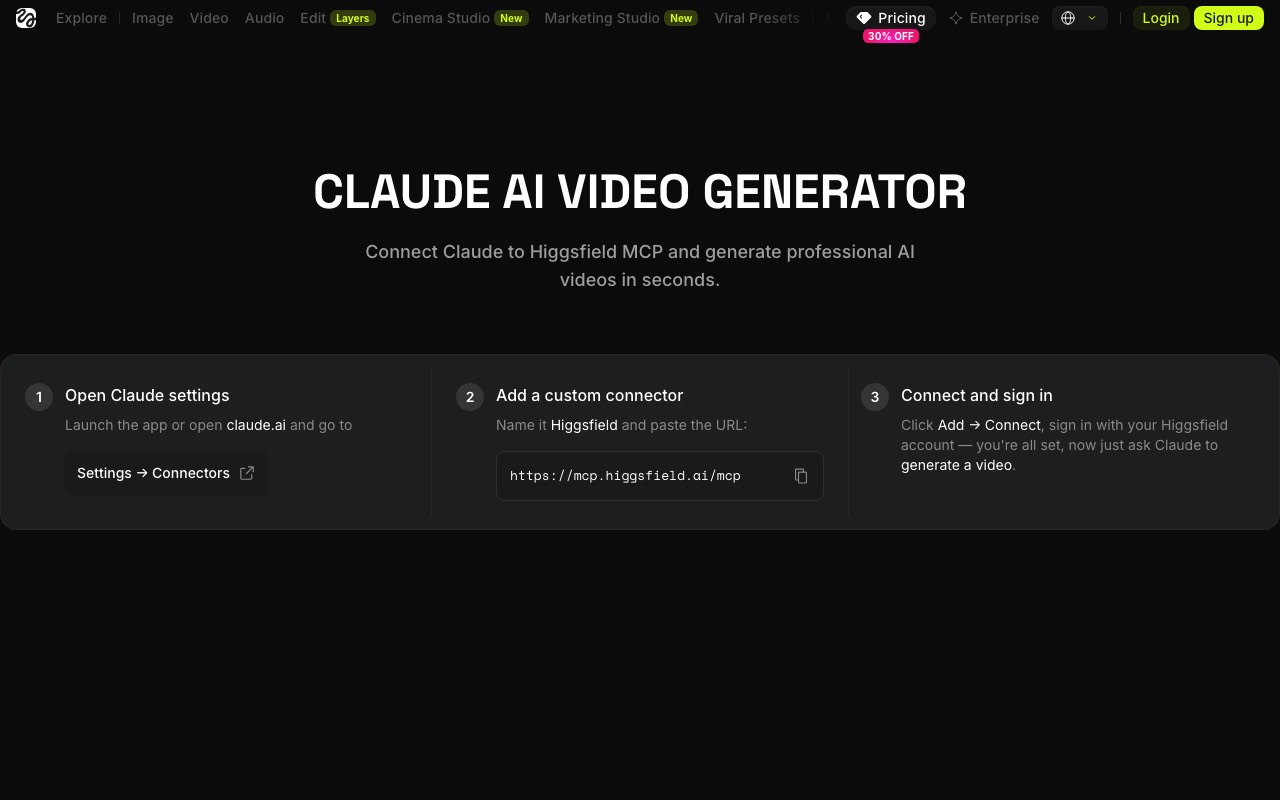
Higgsfield puts 30+ image and video models behind one connector, including Veo, Kling, Seedance, Soul, and its own Cinema Studio presets. Ask for a shot and Claude picks a model, sets the parameters, and brings the clip back into the chat. It is the most popular video MCP by search volume, and the setup is genuinely one minute.
Key features
- Connector URL
https://mcp.higgsfield.ai/mcp, added as a custom connector in Claude - Signs in with your Higgsfield account, so no API key is needed
- 30+ models, with Claude choosing one for you or you naming it
- Clips up to 15 seconds, up to 4K, in 16:9, 9:16, 1:1, or 4:5
- Watermark free on paid plans
- A CLI is available for agents that prefer a terminal
Pros
- Fastest route from a sentence to a good looking shot
- Model breadth means you rarely need a second wrapper
- Most clips finish in seconds to a few minutes
Cons
- Output is a clip only, so script, voice, captions, and the edit are still your job
- Higgsfield’s own pricing footnote says the unlimited and free generation models on each plan are not available through MCP or CLI, only on the website
- Free tier is small, and 15 seconds is a hard ceiling per generation
Pricing
Basic is $9 a month billed annually with 120 credits, Pro is $29 with 600 to 900, and Max is $79 with up to 5,400. A 30% promotion was running when we checked, cutting Pro to $23 and Max to $59. Credits are consumed by model, duration, and resolution.
Best for: one striking clip for an ad or a hook, generated without leaving the chat.
3. fal.ai (best for comparing models)
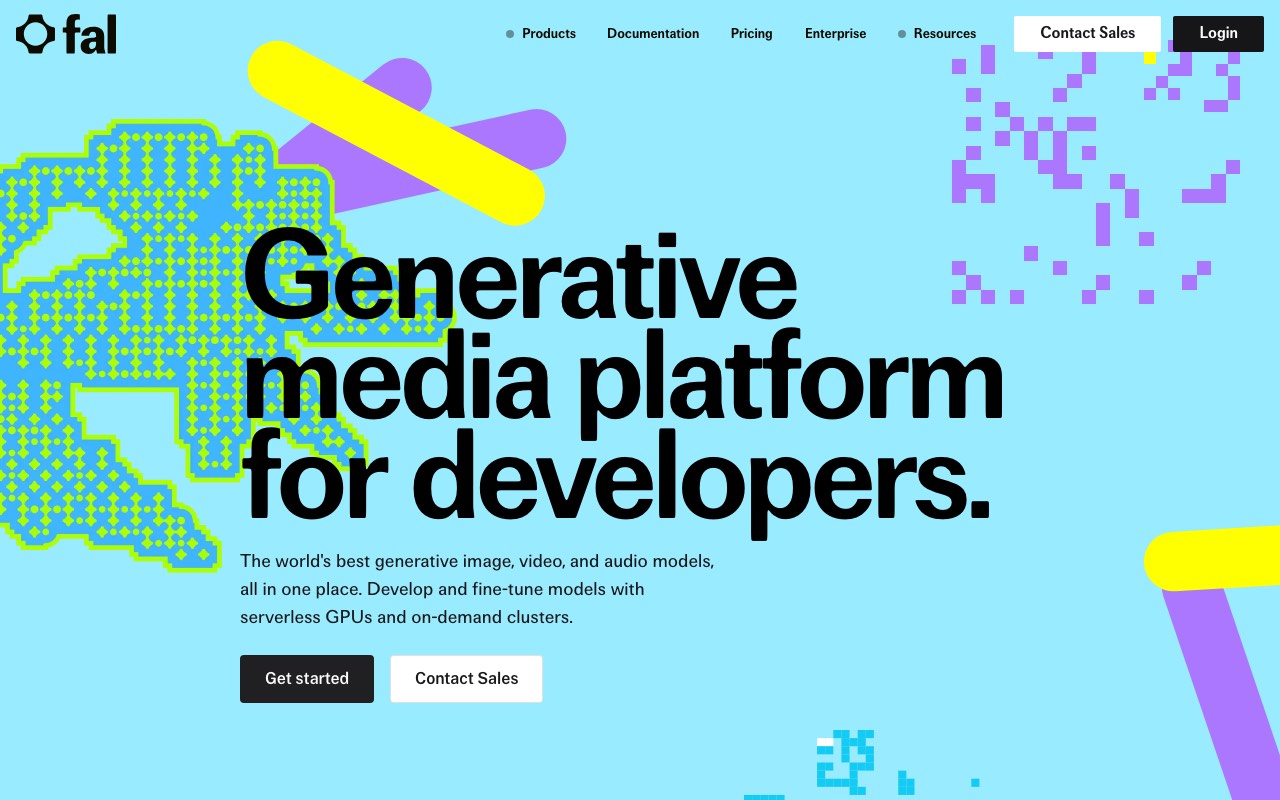
fal.ai is a generative media platform for developers, and its official MCP server exposes the whole catalogue. The useful part for video is that your agent can look up a model’s schema and its price before it spends anything. That makes it the honest choice when you do not yet know which model you want.
Key features
- Hosted at
https://mcp.fal.ai/mcp, added with an Authorization header holding your fal key - Nine tools, including
search_models,get_model_schema,get_pricing,run_model,submit_job,check_job, andupload_file - Access to 1,000+ models, video included
- Stateless, so jobs can be submitted and polled later
- Works in Claude Code, Claude Desktop, Cursor, and Windsurf
Pros
- Your agent can check pricing and schemas first, which prevents surprise bills
- No subscription, so an idle month costs nothing
- The widest model selection of any server here
Cons
- Clip output only, with no voice, captions, or edit
- Needs an API key in your client config, which is more setup and more to keep secret
- Model choice this wide means you carry the burden of picking well
Pricing
The MCP server itself is free. You pay only for the model runs you trigger, at each model’s published per second or per run rate. There is no plan to buy.
Best for: developers testing several video models before committing to one.
4. Replicate (best for scripted pipelines)
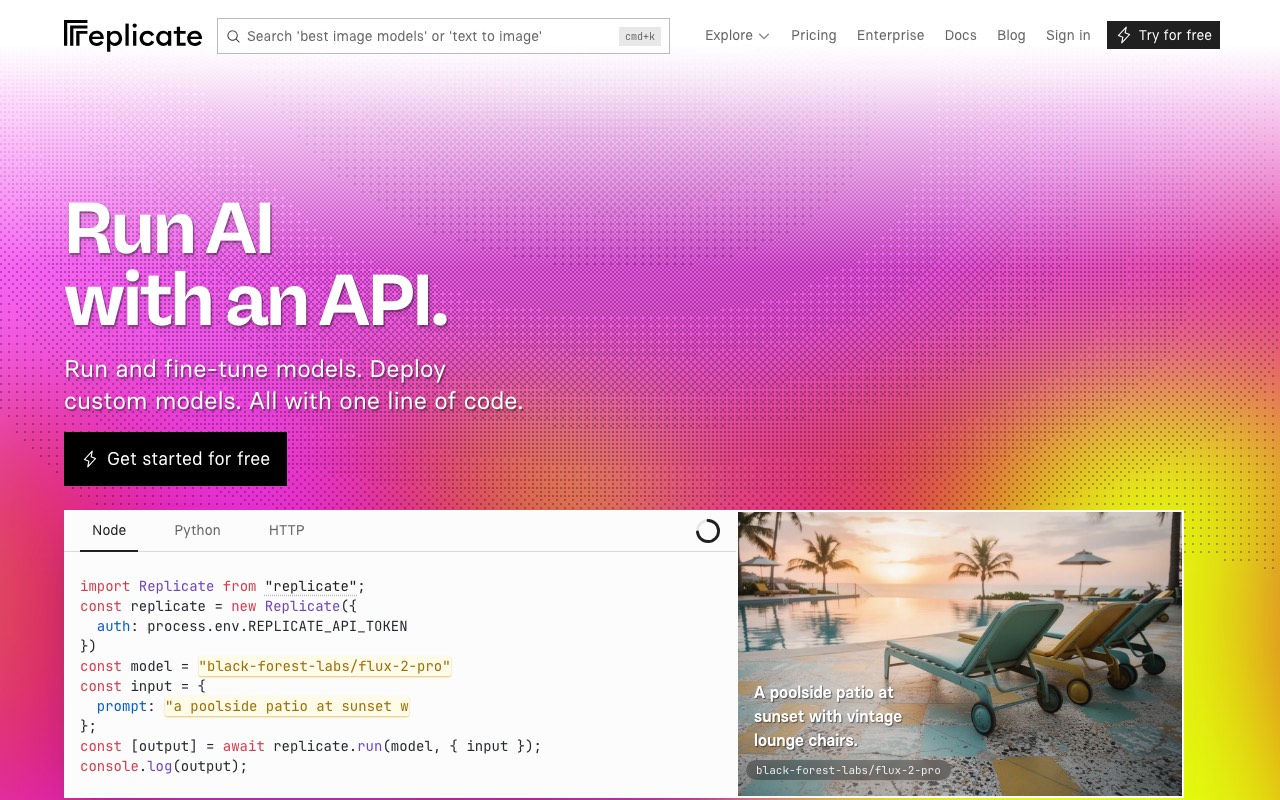
Replicate runs thousands of public models behind one API, and its official remote MCP server puts that catalogue in your assistant. It covers every operation in Replicate’s HTTP API, which makes it the most programmable option on this list.
Key features
- Hosted at
https://mcp.replicate.com, with a local install available too - Browser based auth flow, or an API token as an environment variable
- Search models, compare them, read their metadata, run them, and fetch predictions
- Supports all of Replicate’s HTTP API operations
- Works in Claude, Cursor, and VS Code
Pros
- Search and compare tools make model discovery part of the conversation
- Predictions are addressable later, which suits long running video jobs
- Pay per run, with no monthly commitment
Cons
- Clip output only, and quality depends entirely on the model you pick
- The catalogue is developer facing, so model names and parameters are not friendly
- No publishing, captions, or voice layer of any kind
Pricing
Billing is per prediction, set by the model and the hardware it runs on. There is no subscription for the MCP server.
Best for: developers who want their agent to pick a model and run it inside a larger script.
5. Kling (best for existing Kling subscribers)
Kling AI is Kuaishou’s video model, and it now ships an official MCP. Setup is unusual and rather neat: you paste a short prompt into your agent, and the agent adds the connector and completes authorization itself. Kling recommends its CLI over MCP for agents like OpenClaw and Hermes.
Key features
- Endpoint
https://kling.ai/mcp, installed by prompting your agent to add it - Four features exposed: text to image, image to image, text to video, and image to video
- Shares the same credits and subscription benefits as the Kling web app
- Works with Codex, Claude, Cursor, OpenClaw, Workbuddy, and more
- A CLI is offered for wider agent compatibility
Pros
- Your existing Kling subscription carries over, with nothing extra to buy
- Kling 3.0 is a strong model for motion and character consistency
- Install by prompt is the lowest effort setup of any server here
Cons
- Kling models only, so no model shopping
- Kling’s own FAQ lists four features, all of them generation. There is no script, voice, caption, or publish step
- The free Basic tier does not allow commercial use
Pricing
Basic is free but not for commercial use. Standard is $10 a month with 660 credits, Pro is $37 with 3,000, Premier is $92 with 8,000, and Ultra is $180 with 26,000. First subscription discounts of up to 30% were running when we checked. Roughly 20 credits buys one 720p video.
Best for: people already paying for Kling who want it inside their assistant. Our Kling MCP server guide covers the setup, the tools, the community wrappers, and the per-route cost.
6. Runway (best if you already pay for Runway)
Runway launched its MCP so any MCP client can reach its model set. It is the most polished experience of the wrappers, and generations land in your Runway library rather than disappearing into a chat log.
Key features
- Hosted at
https://mcp.runwayml.com/mcp - Sign in with your Runway account, with no separate API key
- Image and video across Gen-4.5, Seedance 2.5, Kling 3.0, Veo 3.1, GPT Image 2, and Nano Banana Pro
- Works in Claude, ChatGPT, Cursor, and Replit
- Generations are saved to your Runway library and billed to your Runway credits
Pros
- Multiple top models without leaving your existing subscription
- Assets are stored properly, which matters when you generate a lot
- Same credits as the app, so there is no second bill to track
Cons
- Clip output only, with no narration, captions, or publishing
- Credits go fast at high quality. Gen-4.5 costs 60 credits per 5 seconds
- The free tier is 125 one time credits, which is about two clips
Pricing
Free gives 125 one time credits. Standard is $15 a month, or $12 billed yearly, with 625 credits. Pro is $35, or $28 yearly, with 2,250. Max is $95, or $76 yearly, with 9,500.
Best for: Runway subscribers who want to prompt from Claude or ChatGPT instead of the web app. Our Runway MCP server guide walks through the official GitHub repo, the two hosted servers, and the forks.
7. Comfy (best for total control)
Comfy, the company behind ComfyUI, ships an MCP that lets an agent drive real workflows. This is the only server here where the output is defined entirely by you, because a workflow is a graph you built. It runs locally for free or on Comfy Cloud GPUs.
Key features
- Cloud server at
https://cloud.comfy.org/mcp, plus a free local option - Generates image, video, audio, and 3D, and runs your saved workflows
- Searches models, nodes, and templates so the agent can assemble a pipeline
- Batch processing, and workflows can be turned into shareable apps
- Works in Claude Desktop, Claude Code, Codex, Cursor, and OpenClaw
Pros
- Every generation is a workflow, so results are reproducible and shareable
- The local version is free and needs no account at all
- Deepest control of any option here, down to individual parameters
Cons
- You have to know ComfyUI first. This is the steepest learning curve on the list
- Local running means your own GPU, your own time, and your own updates
- Cloud access needs a subscription. Credit top ups alone are not enough
Pricing
Comfy Desktop is free, and cloud offers 5 free runs with no card. Standard is $20 a month, or $16 yearly, with 4,200 credits. Creator is $35, or $28, with 7,400. Pro is $100, or $80, with 21,100. Team is $700, or $630, with 147,700.
Best for: people who already build ComfyUI workflows and want an agent to run them.
8. Remotion (best for code rendered graphics, but the MCP is retired)
Remotion makes videos from React code, which is unbeatable for data driven graphics like charts and leaderboards. Include it with one caveat, and it is a big one.
Key features
- Videos are React components, rendered to MP4 or WebM
- Agent Skills are the supported path now, installed with
npx remotion skills add - Community MCP servers exist that scaffold projects, manage scenes, sync audio, and render
- Frame level precision, and the same code renders in bulk
- Runs entirely on your own machine or your own infrastructure
Pros
- Pixel exact and fully deterministic, which no generative model can promise
- Perfect for charts, countdowns, and anything driven by data
- Free for individuals and small companies
Cons
- The official MCP is deprecated, so the integration story is now skills, not MCP
- You need to write React. There is no prompt to video path
- It renders what you build. It does not generate footage, voices, or ideas
Pricing
The Free License covers individuals and companies of up to 3 people. Beyond that you need a Company License. Remotion for Automators is $0.01 per render with a $100 a month minimum. Remotion for Creators is $25 a month per seat. Enterprise starts at $500 a month.
Quick comparison table
| Server | Hosted URL | Auth | Output | Publishes for you |
|---|---|---|---|---|
| AITuber | mcp.aituber.app | Account sign in | Narrated, captioned MP4 | Yes, six platforms |
| Higgsfield | mcp.higgsfield.ai/mcp | Account sign in | Clip up to 15s, 4K | No |
| fal.ai | mcp.fal.ai/mcp | API key header | Clip, 1,000+ models | No |
| Replicate | mcp.replicate.com | Browser auth or token | Clip, any public model | No |
| Kling | kling.ai/mcp | Account sign in | Clip, Kling models | No |
| Runway | mcp.runwayml.com/mcp | Account sign in | Clip, Runway models | No |
| Comfy | cloud.comfy.org/mcp | Subscription | Your workflow’s output | No |
| Remotion | Deprecated | Local | Code rendered MP4 | No |
How to choose the right MCP server
Do you want to publish, or to create an asset? If a video is going on a channel, pick a full pipeline. If it is one shot inside a larger edit, a wrapper is fine.
Do you already pay a vendor? Runway and Kling subscribers should use their own MCP first. The credits are already bought.
Do you know which model you want? If yes, go direct to that vendor. If no, fal.ai lets your agent compare before it spends.
Are you a developer or a creator? Replicate, fal.ai, and Remotion assume you write code. AITuber, Higgsfield, and Runway do not.
Use-case cheat sheet
| You want to | Use | Why |
|---|---|---|
| Post a faceless YouTube Short daily | AITuber | Script, voice, captions, and upload in one request |
| Make a 10 second product hero shot | Higgsfield | 4K clips and 30+ models in one connector |
| Test three video models on one prompt | fal.ai | The agent can read pricing and schemas first |
| Add video to an app you are building | Replicate | Full HTTP API coverage, pay per run |
| Use credits you already bought | Kling or Runway | The MCP shares your existing plan |
| Rerun the same pipeline exactly | Comfy | Every generation is a saved workflow |
| Animate a chart from a spreadsheet | Remotion | React code gives frame exact output |
| Narrate a script in another language | AITuber | 1,300+ multilingual voices in the pipeline |
| Automate publishing to six platforms | AITuber | Publishing is a tool, not a manual step |
| Avoid a monthly bill entirely | fal.ai or Replicate | Pay per run, nothing when idle |
Frequently Asked Questions
Basics
What is a video generation MCP server?
It is a service that gives your AI assistant tools for making video. You describe what you want in chat, and the assistant calls the tools, waits for the render, and returns the result. MCP stands for Model Context Protocol, an open standard Anthropic released in 2024 and donated to the Agentic AI Foundation in 2025.
Are there MCP servers for video generation?
Yes, and there are many. Higgsfield, fal.ai, Replicate, Kling, Runway, Comfy, and AITuber all run one. Viewmax runs one too; two different products use that name, and our Viewmax MCP for Claude review covers both. They fall into three groups: model wrappers that return a raw clip, full pipelines that return a finished video, and render engines that execute a workflow you defined.
Which MCP server returns a finished video instead of a clip?
AITuber. Its server writes the script, narrates it, generates the visuals, adds word synced captions, exports the MP4, and can publish it. Every other server in this guide returns a clip or a render, and leaves the rest to you.
Do I need to install anything?
Usually not. AITuber, Higgsfield, fal.ai, Replicate, Kling, Runway, and Comfy Cloud are all hosted. You add a URL to your client and sign in. Comfy’s local option and Remotion both run on your own machine.
Setup
How do I add a video MCP server to Claude?
Open Claude’s settings, go to Connectors, add a custom connector, and paste the server URL. Then sign in when Claude asks. For AITuber the URL is https://mcp.aituber.app. Adding it once in Claude Desktop or claude.ai also makes it available in Claude Code.
Does it work in ChatGPT and Cursor too?
Yes. MCP is a shared standard, so one server works across clients. AITuber, Runway, and Higgsfield all support several. AITuber lists Claude, ChatGPT, Codex, Cursor, Notion AI, OpenClaw, and Hermes, all on the same URL.
Which servers need an API key?
fal.ai needs your key in an Authorization header. Replicate accepts either a browser auth flow or a token. AITuber, Higgsfield, Kling, and Runway all sign you in with your account instead, which is quicker to set up and easier to revoke.
Cost
Is there a free video MCP server?
Several have free entry points. AITuber gives 100 credits with no card. Runway gives 125 one time credits. Comfy Cloud gives 5 free runs, and Comfy Desktop is free forever. Kling has a free tier, but its output is not licensed for commercial use.
Which is cheapest?
For occasional use, fal.ai and Replicate, because there is no subscription and you pay per run. For steady output, compare the cost of one finished video, not one credit. A wrapper looks cheaper until you count the voice, captions, and editing time it does not cover.
Do MCP generations use my existing subscription?
With Kling and Runway, yes. Both state that MCP draws on the same credits as their web apps. Watch for exceptions: Higgsfield’s pricing page says the unlimited and free generation models included in its plans are not available through MCP or CLI.
Comparisons
Higgsfield MCP or AITuber MCP?
Pick Higgsfield for one cinematic clip up to 15 seconds. Pick AITuber when you need a narrated, captioned video that is ready to publish. They are not really competing, because Higgsfield covers one step of the job and AITuber covers all six.
Is Remotion’s MCP still supported?
No. Remotion’s docs mark the MCP deprecated and point users to Remotion Agent Skills with npx remotion skills add instead. The hosted MCP is expected to keep working through at least 31 August 2026, but new projects should not adopt it.
What is the difference between an MCP server and an AI skill?
An MCP server is a service your agent connects to over the network. A skill is a reference file your agent reads to learn an API. Both get the job done, and some vendors offer both. AITuber does, and either path uses the same account and credits.
How we researched this: server URLs, tool lists, model support, and prices here come from public primary sources, mainly each vendor’s own documentation, pricing page, and MCP setup page, read on 17 August 2026. Where a vendor states a limit or a caveat, we quote that vendor. AITuber is a product we build, so we have flagged every comparison with it and kept competitor details accurate. Pricing in this category changes often, and promotional discounts were running on several plans when we checked, so confirm current numbers on the vendor’s site.