Real Generative Motion
The AI creates new frames, so subjects genuinely move: water flows, fabric ripples, people walk, cameras orbit. Not a Ken Burns pan and zoom effect.
Upload a picture and AI animates it into a real moving clip. The subject moves, the camera moves, the scene comes alive. Your first clips are free, no card needed.
Veo 3.1 Lite · 8s · about 24 credits. Your first clip is free.
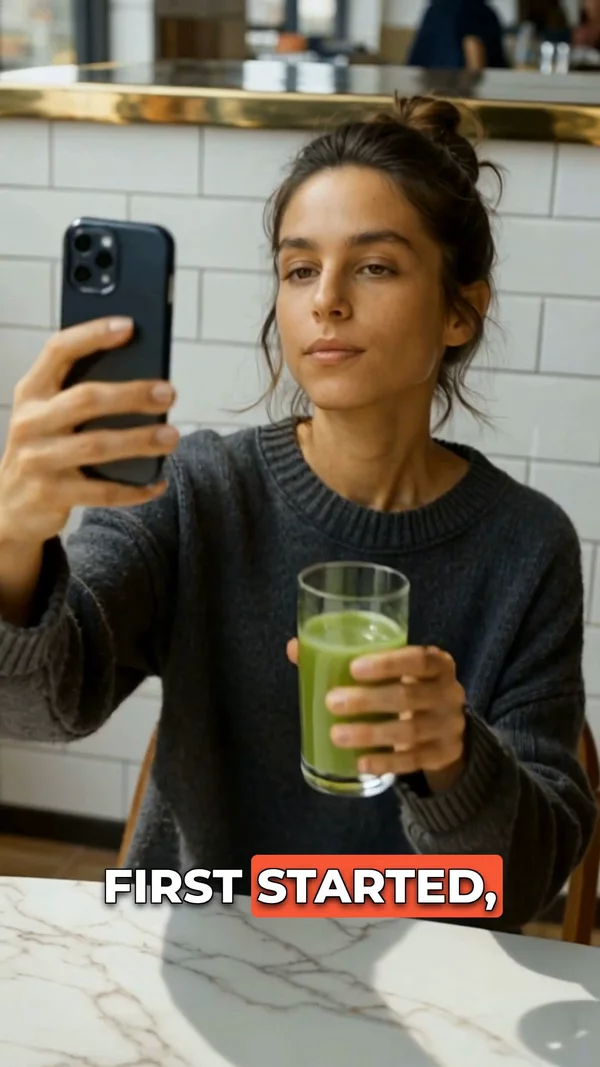
Sample video. Your result will vary based on the style, voice, and settings you choose.
No editing skills. No complex software. Just describe what you want.
Any picture works: photos, AI artwork, product shots, illustrations. Your image anchors the clip; on models like Veo 3.1 it becomes the exact first frame.
Write what should happen: "the waves start rolling," "she turns and smiles," "the camera orbits the bottle." Pick an AI model and a 4, 6, or 8 second length.
The AI animates your image into a real video clip. Download the MP4 with no watermark, or use it as a scene in a full video with voiceover and captions.
Professional tools, zero learning curve.
The AI creates new frames, so subjects genuinely move: water flows, fabric ripples, people walk, cameras orbit. Not a Ken Burns pan and zoom effect.
Veo 3.1 (plus Fast and Lite), Kling 3, Grok Imagine, and Seedance 2 share one picker. Run the same image through two models and keep the better clip.
Upload a start image and an end image, and the AI generates the transition between them. Perfect for before and after reveals and transformations.
Add reference images so the same character, product, or style carries across every clip you make. Up to 7 references on Grok Imagine.
Signup gives 100 credits with no card. An 8-second Veo 3.1 Lite clip costs as little as 24 credits, and every export is a clean MP4 with no watermark.
Pick 4, 6, or 8 seconds and 9:16 for Shorts and TikTok, 16:9 for YouTube, or 1:1 for feeds. The credit cost shows before you generate.
No image yet? Type a prompt and generate the clip from text alone, or generate the image first in 29 visual styles and then animate it.
Use clips as scenes in a complete AITuber video: AI voiceover in 1,300+ voices, word-synced captions, music, and direct YouTube publishing.
An AI image to video generator takes a still picture and animates it into a real moving video clip: the subject moves, the camera moves, water flows, hair blows, steam rises. This is generative motion, not a pan and zoom slideshow effect. AITuber runs the leading video models in one browser studio: Google's Veo 3.1 (plus Fast and Lite variants), Kling 3, xAI's Grok Imagine, and Seedance 2. Upload your image, describe what should happen, pick a model and a 4, 6, or 8 second length, and generate.
It is genuinely free to start. Signup gives you 100 credits with no card required, and Veo 3.1 Lite starts at 3 credits per second, so an 8-second clip costs 24 credits with sound off or 40 with sound; either way your first clip is covered, and the MP4 export has no watermark. Beyond simple image to video, the same studio does first-to-last-frame transitions (give a start image and an end image, AI generates the motion between) and reference images that keep a character or product consistent across clips.
And because this is AITuber, a clip never has to stay a clip. Use it as a scene in a full video with AI voiceover in 1,300+ voices, word-synced captions, and direct publishing to YouTube. If you want your photo to speak instead, the talking photo tool animates faces with lip sync, and the picture to music video tool pairs an image with a song.
The AI already sees your picture. Spend the prompt on what should happen: "steam rises and the camera pulls back slowly" works better than describing the coffee cup again.
Sharp subjects with clean backgrounds animate best. Busy, cluttered, or blurry images give the model conflicting signals about what should move.
Starting at 3 credits per second, Lite is the cheap way to test whether your image and motion idea work together. Rerun the winner on Veo 3.1 or Kling 3 for the final take.
Generate 9:16 for TikTok, Reels, and Shorts, where image-to-video clips perform best. A vertical source image avoids cropping surprises.
You have 4 to 8 seconds. One camera move or one action reads clearly; three things at once turns to mush. Chain clips in a full video if the idea needs more time.
Yes to start. Signup gives you 100 free credits with no card required. Veo 3.1 Lite starts at 3 credits per second, so an 8-second clip costs 24 credits with sound off or 40 with sound, and your first clip is covered either way. The export has no watermark.
It actually moves. The AI generates new frames, so subjects walk, water flows, hair blows, and the camera can orbit or push in. This is generative video, not a slideshow motion effect.
Veo 3.1, Veo 3.1 Fast, Veo 3.1 Lite, Kling 3, Grok Imagine, and Seedance 2, all in one picker. Each has its own per-second credit price, shown before you generate.
Photos, AI-generated artwork, product shots, illustrations, and renders all work. Clear subjects and good lighting animate best. You need the rights to any image you upload.
Clips are 4, 6, or 8 seconds. For something longer, generate several clips and chain them as scenes inside a full AITuber video with voiceover and captions.
Yes. Add reference images and the model keeps the character, product, or style consistent from clip to clip. Grok Imagine accepts up to 7 reference images.
You upload a starting image and an ending image, and the AI generates the motion between them. It is the cleanest way to make before and after reveals, transformations, and product turnarounds.
No. Every clip exports as a clean MP4 with no watermark, on free credits and paid plans alike.
MP4 in 9:16 vertical, 16:9 horizontal, or 1:1 square. Pick the ratio before generating so the clip fits its platform without cropping.
Yes, that is a separate tool. The talking photo generator animates a face with realistic lip sync and a voice you pick from 1,300+ options. Use it when you want speech rather than scene motion.
Use the clip as a scene in a full AITuber video to add AI voiceover, word-synced captions, and music, then publish straight to YouTube. To pair one image with a full song, use the picture to music video tool.
Click "Get Started Free" above, sign up with no card, upload your image on the clips page, describe the motion, and generate. Your first animated clip is ready in a few minutes.
Create videos for other popular niches
Join 86,046+ creators using AITuber to make professional image to video videos with AI.
No credit card required