Your Photos Are the Start and End
The before photo is the first frame and the after photo is the last frame. The real job stays the star of the video.
Made for places: yards, pools, rooms, and houses. Add your before and after photos, and AI fills in every step of the work between them from one still camera.
A photo, a drawing, or a render all work. We draw every step between them and keep the camera still. JPG, PNG, or WebP.
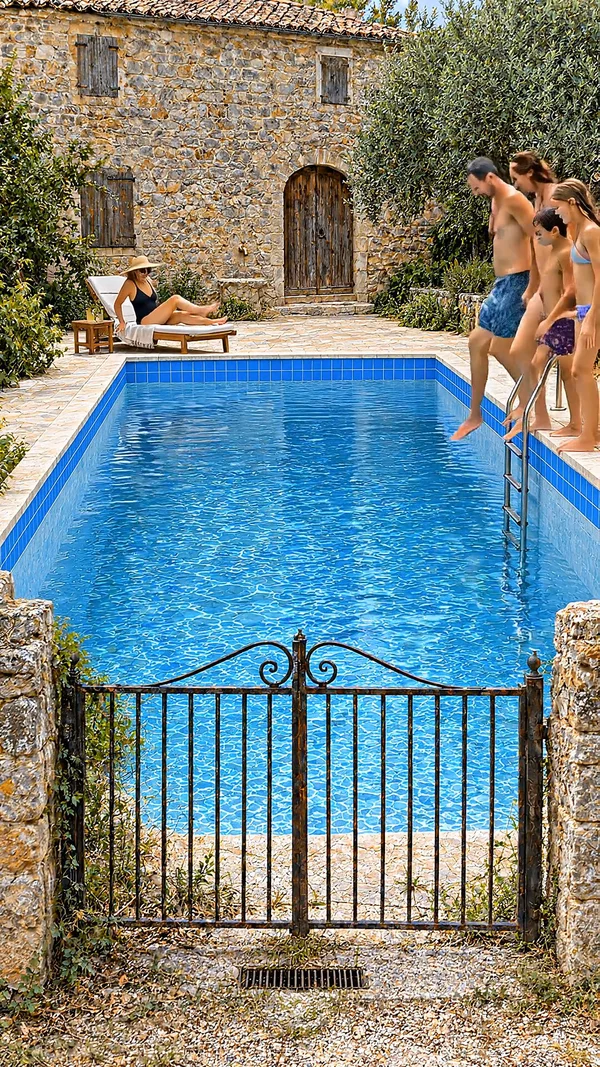
Sample video. Your result depends on your prompt, your photos, and the quality you pick.
Every one of these was generated from a single prompt. No camera, no editing.
No editing skills. No complex software. Just describe what you want.
Open Reference Images and add the photo from the start of the job and the photo from the end. Or describe the job in a sentence.
AI plans each step of the job, draws it from the same angle as your photos, and animates the work with music and work sounds.
Download the video, post it to your channels, or send it to the client. It is ready for TikTok, Reels, Shorts, and your website.
Professional tools, zero learning curve.
The before photo is the first frame and the after photo is the last frame. The real job stays the star of the video.
Instead of a wipe, AI draws each step of the job in order. Viewers watch the transformation happen, not just the result.
Every step keeps the camera angle of your photos. Nothing drifts, so the video looks like one continuous shot of the site.
The video closes with people enjoying the finished space. It shows customers the result they are paying for.
Each clip keeps the sounds of the work under one music track. No voiceover, so it plays well with the sound off or on.
Describe the job in one sentence and AI draws both the before and the after. Handy for showing a service you offer.
It works on yards, patios, pools, driveways, roofs, rooms, and house fronts. It does not make fitness, makeup, or hair transformations.
Your photos replace stills that AI would otherwise draw, so adding both makes the video a little cheaper.
A before and after video shows a job from start to finish. Most tools make it with two photos and a wipe: a line slides across and the old picture becomes the new one. It works, but it skips the part people love to watch, which is the work itself.
AITuber fills that gap for places: yards, pools, patios, rooms, and houses. It does not make videos of people changing. Add your before photo and your after photo. AI draws every step between them at the same camera angle, then animates the work. The patio gets cleared, the pavers go down, and the furniture arrives. You get one smooth video of the job, with music and the sounds of the work, that ends on the finished space in use.
This is built for businesses that change places. Landscapers, pool builders, painters, roofers, cleaners, remodelers, and home stagers all have before and after photos from real jobs. A video of the work holds attention longer than two still photos, and it shows customers what you can do. No photos yet? Describe the job in a sentence and AI draws both ends for you.
A slider or wipe moves a line across two photos. The viewer sees the old picture and then the new one, with nothing in between.
This tool draws the middle. AI plans the stages of the work between your two photos and animates them from one still camera. The viewer watches the job happen, which holds attention much longer than a wipe.
Your photos stay the first and last frames, so the start and the finish are your real work. The steps in between are drawn by AI to connect them.
Any single place that changes. Yards, patios, pools, driveways, roofs, house fronts, kitchens, bathrooms, and whole rooms all work well. Take both photos from the same spot so the angle matches.
This tool is for places, not people. It will not make fitness, makeup, or haircut transformations. For any other two pictures, the first frame to last frame generator animates the change between a start image and an end image.
Making a new build rather than a makeover? Use the AI construction timelapse generator.
Stand in the same place and hold the phone at the same height for the before and the after. A matching angle gives the smoothest video.
Show the whole area that changed. A wide photo of the full yard or room tells the story better than a close-up of one corner.
Add a line like "old pavers removed, new stone laid, furniture added". It tells AI which steps to show between your photos.
One clear transformation per video performs best. Save the rest of your jobs for a steady stream of posts.
Sign up, open the AI Construction Timelapse tool, and add your before photo and your after photo under Reference Images. Pick a length and a quality, then click Generate. AI draws the work between your photos and returns one finished video.
No. You can use a before photo only, an after photo only, both, or neither. With one photo, AI draws the other end. With none, it draws the whole job from your prompt.
Jobs that change a place: landscaping, pools, patios, decks, driveways, painting, roofing, cleaning, and room remodels. Big visual changes make the strongest videos.
No. This tool is made for places. It does not animate people changing. For any other kind of start and end picture, try the first frame to last frame generator.
No. The first and last frames are your real photos. The steps in between are drawn by AI to connect them, so they show a likely version of the work, not the exact job.
JPG, PNG, or WebP, up to 25 MB each. Take both photos from the same spot for the best result.
You pick a length from 15 seconds to 1 minute. Around 30 seconds works well for social posts.
Yes. AI picks one music track for the whole video, and each clip keeps the sounds of the work. There is no voiceover and no captions.
Video costs 8 credits per second on Basic, 13 on Good, and 15 on Premium. Each still AI draws adds 10 credits, and your uploaded photos are free. The app shows the total before you generate.
Create videos for other popular niches
Join 75,059+ creators using AITuber to make professional before and after videos with AI.
No credit card required