Best Mootion Alternatives
Six Mootion alternatives sorted by job: story Shorts, animated explainers, film-style control, or a channel on autopilot. Prices read on each vendor's page.

The best Mootion alternative depends on the job you bought it for. For narrated story Shorts, we’d pick AITuber, our own AI story video generator, or Revid. Vyond and Animaker are better at animated explainers for work. LTX Studio gives filmmakers more shot control, and AutoShorts runs a whole faceless channel on a posting schedule.
What Mootion does well
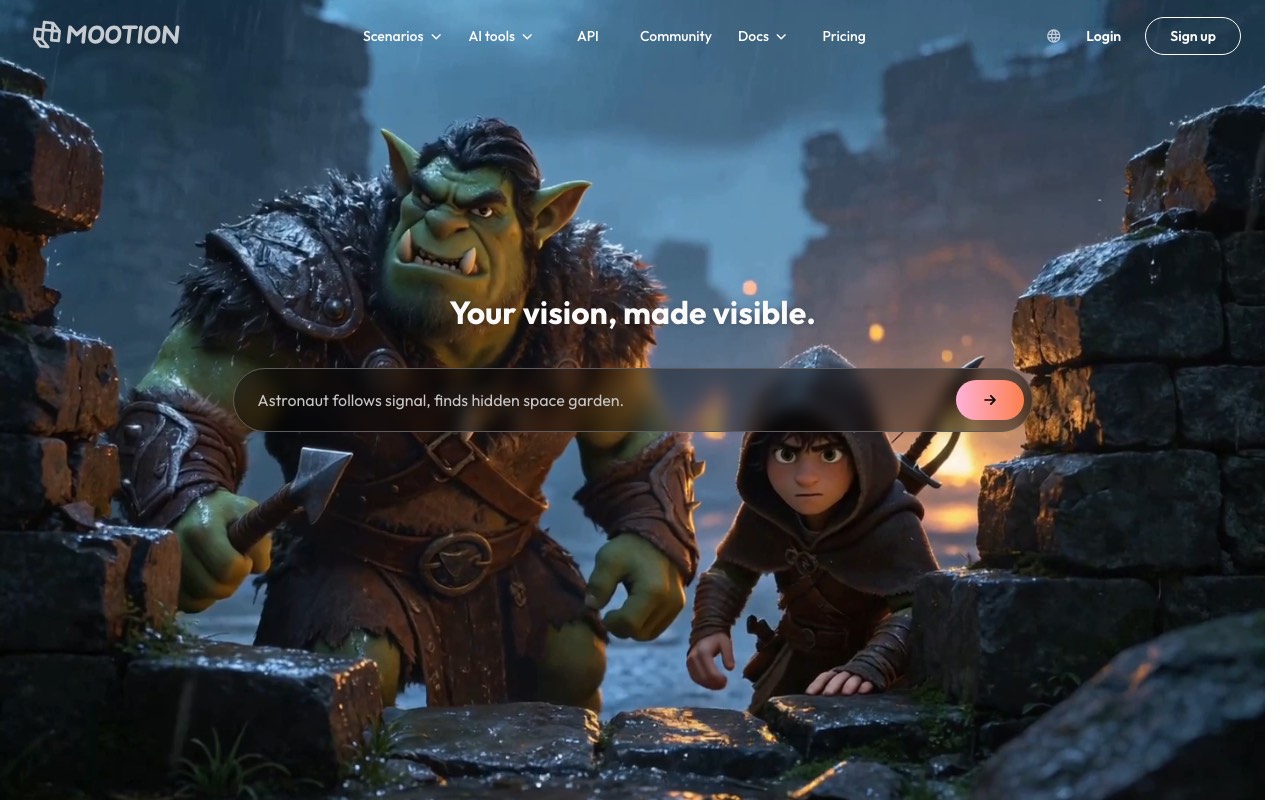
Mootion turns a one-line story into a video. Its homepage prompt box suggests ideas like “Stray dog steals pastry, returns it gratefully.” You can start from a prompt, a script, audio, video, a file, or a link. Instant Mode builds the whole video from one prompt. Director Mode lets you set the camera shot by shot.
Its best feature is the Character Library. You save a character once and reuse it across stories, so your hero looks the same in every episode. That matters a lot for a series. Mootion’s FAQ also says you can download the whole story as a .zip, with scripts, images, and clips, for editing elsewhere.
If you run a cartoon series with a fixed cast, we’d think hard before leaving. Few tools on this list save characters the way Mootion does.
Where people hit limits
Most people who search for an alternative run into one of three walls.
- There is no free plan now. Mootion’s FAQ says it “is now a paid product,” and you need a paid plan to create and download videos.
- Clips burn credits by the second. Base and MiniMax H3 Flash cost 4 credits a second, MiniMax H3 costs 20, and Seedance 2.5 costs 64. By our math, the 1,500 credits in Mootion Standard buy about 23 seconds of Seedance 2.5 clips. On the Base model, the same credits stretch to about 6 minutes.
- The license is open. Mootion’s FAQ says its content falls under a Creative Commons 4.0 license. That makes YouTube use easy, but brands that want sole rights should read the terms first.
Reviews are thin, and that is worth knowing too. Mootion’s Trustpilot profile is unclaimed and holds only six reviews. Several mention trouble cancelling or getting a refund. Six reviews is too few to judge a product, so we would treat it as a reason to check the cancel steps before you pay.
Mootion alternatives compared
| Tool | Best job | Free tier | Lowest paid price we saw |
|---|---|---|---|
| AITuber | Narrated story Shorts and long videos | 100 credits, no card | AITuber Creator, $39 a month |
| Revid | Story Shorts plus a viral remix library | None shown | Revid Hobby, ₹3,699 a month (India) |
| Vyond | Animated explainers and training | Free trial | Vyond Starter, $58 a month billed yearly |
| Animaker | Low-cost animated explainers | Free plan, watermarked | Animaker Basic, ₹1,250 a month billed yearly (India) |
| LTX Studio | Film-style shots and storyboards | 800 credits, one time | LTX Studio Lite, $12 a month billed yearly |
| AutoShorts | A faceless channel that posts itself | Paused | AutoShorts Starter, $19 a month |
For scale, Mootion Standard is $15 a month, or $12 a month billed yearly, for 1,500 credits. We read every price on the vendor’s own page on 24 October 2026. Revid and Animaker showed us Indian rupees, and we have not converted them.
Story Shorts
These two are the closest swap for Mootion’s Instant Mode. You give them a story or an idea, and they hand back a narrated vertical video.
1. AITuber
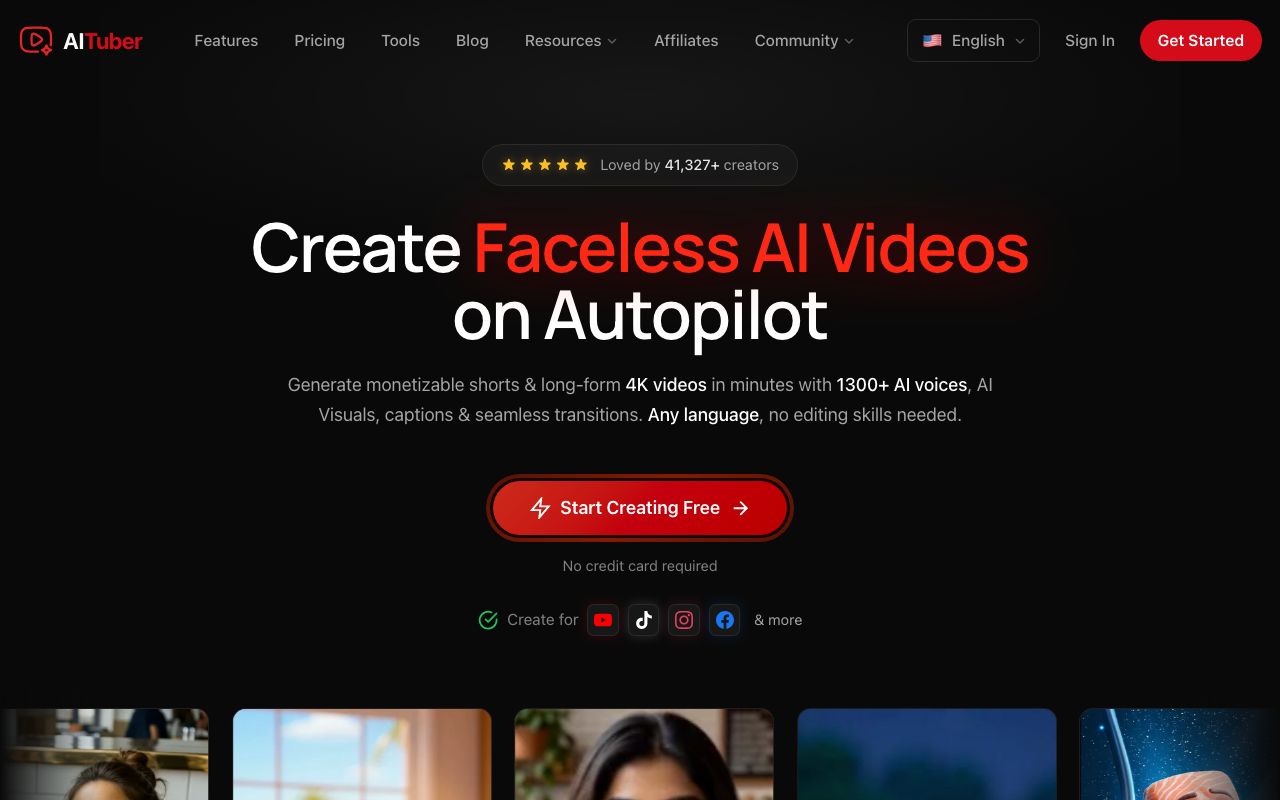
AITuber is our own tool, and it is our pick for narrated story Shorts. Paste a story, an outline, or one sentence. AITuber writes the full script if you need one. Then it draws each scene, adds a voice, and burns in word-synced captions. Pick a style to match the mood: Cinematic for thrillers, Noir for mysteries, Storybook for kids.
Key features
- 29 visual styles, from Cinematic to Storybook
- 1,300+ voices in 50+ languages
- AI story expansion from a one-line premise
- 9:16 for Shorts or 16:9 for long YouTube videos
- Autopilot posts new story videos to your channel on a schedule
- MP4 export with no watermark
Pros
- A free start with 100 credits and no card
- Pricing per video is easy to plan, since a Short has a set credit cost
- Direct publishing to YouTube
Cons
- No saved character library like Mootion’s. For a recurring hero, reuse the same detailed description
- No shot-by-shot camera control like Mootion’s Director Mode
- Moving AI clips cost more credits than the default AI images
Pricing: AITuber is free to start with 100 credits and no card. AITuber Creator is $39 a month for 2,500 credits, and AITuber Pro is $69 a month for 5,000. A 30-second Short with AI images costs about 35 credits on AITuber, so Creator covers about 71 Shorts at about $0.55 each. See the full pricing.
Best for: story channels that post narrated Shorts daily. Horror, history, and kids’ bedtime stories all fit.
2. Revid
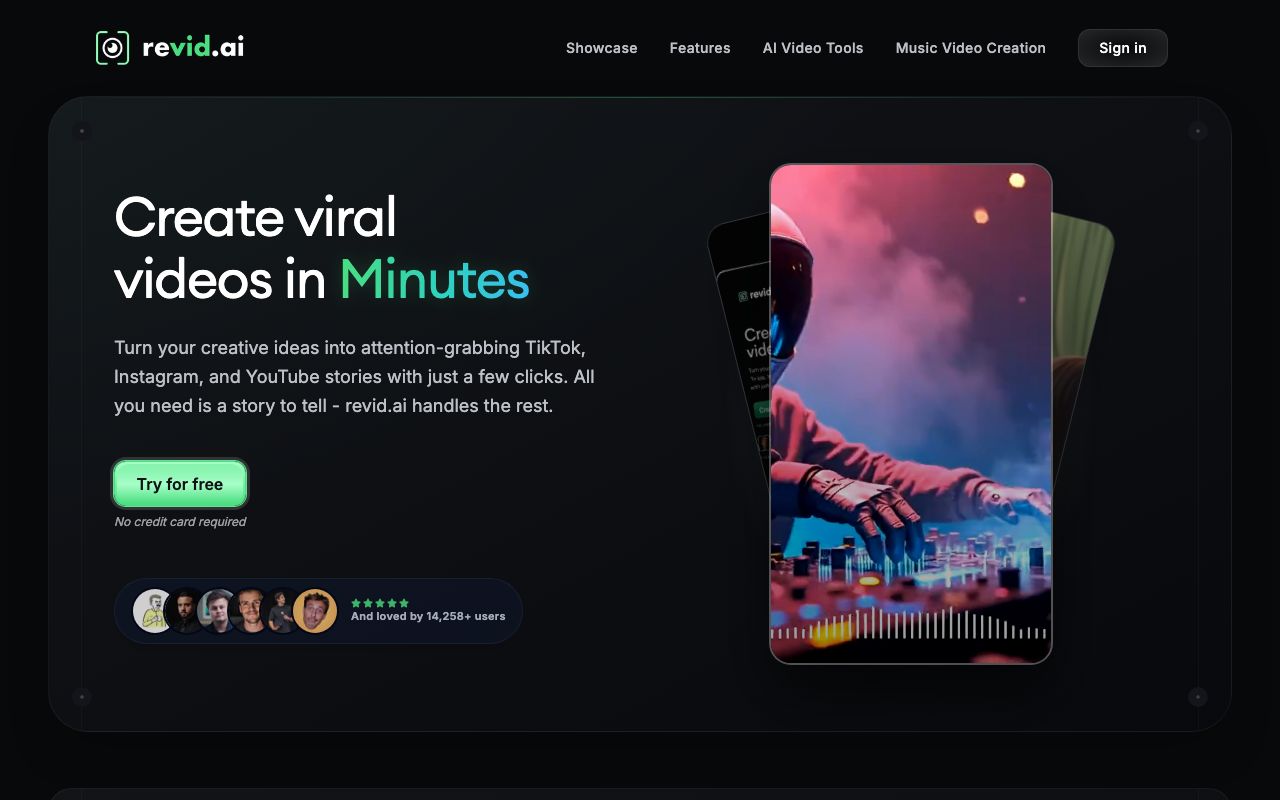
Revid mixes story Shorts with trend chasing. Its pricing page lists 3M+ viral videos you can remix. It can also watch other channels for viral ideas and publish to TikTok, Instagram, and YouTube. If your stories follow what is already trending, Revid fits that habit well.
Key features
- Videos from text or a link
- A library of 3M+ viral videos to remix
- Seedance 2.5 and other models, up to 4K
- Auto-Mode workers that make videos on their own
- API, MCP, and CLI access on Growth
Pros
- Posting and stats live in the same tool
- 70+ voiceover languages
- Avatars, face swaps, and podcasts on top of story videos
Cons
- No free tier on the pricing page we saw
- The Hobby plan listed no credit count
- Remixing trends can make your channel look like everyone else’s
Pricing: Revid prices by country, and we saw rupees. Revid Hobby showed ₹3,699 a month. Revid Growth showed the same ₹3,699, marked down from ₹9,499, with 2,000 AI credits. Revid Ultra was ₹18,999 with 12,000 credits.
Best for: creators who build stories around what is trending this week.
Animated explainers
Some people find Mootion while looking for a cartoon explainer for work. These two are built for that job.
3. Vyond
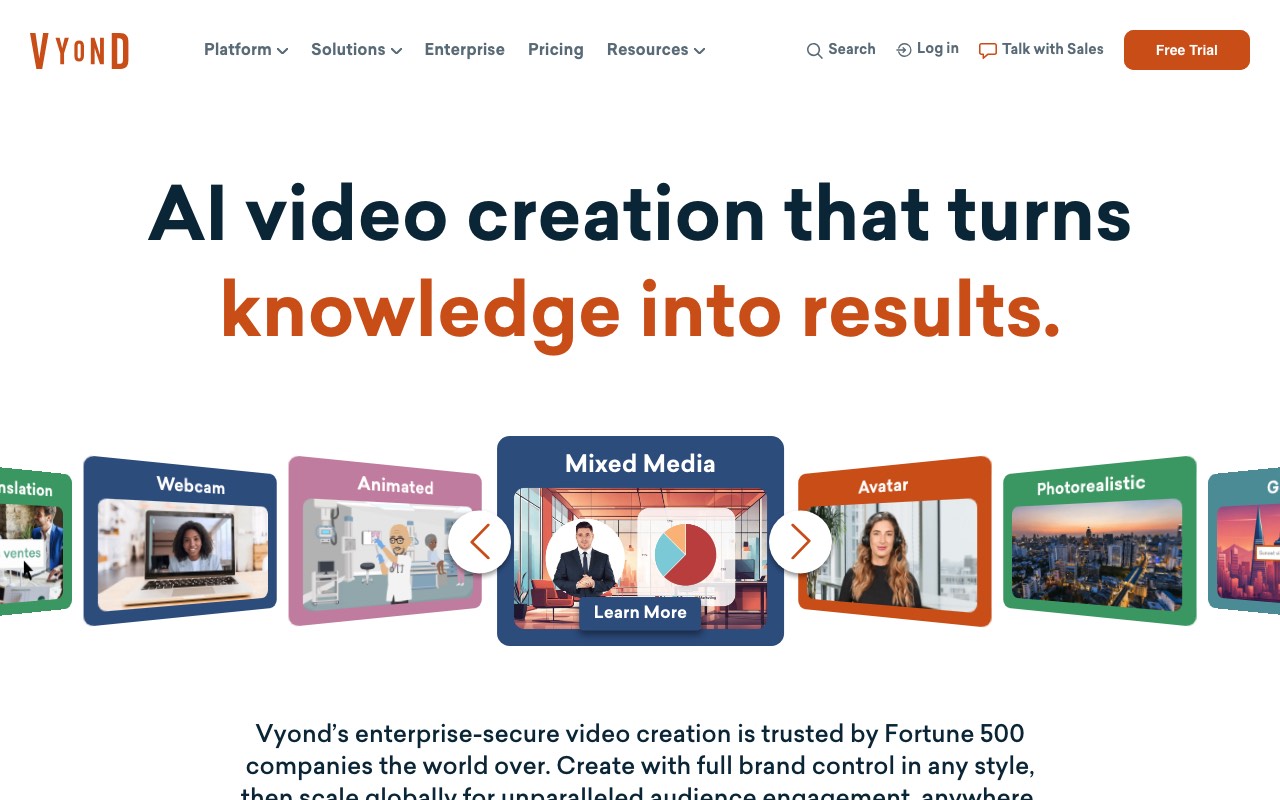
Vyond is the grown-up pick for animated business video. Training teams use it for workplace scenes with cartoon characters. Its Starter plan turns a document, a script, or a URL into a video. You then edit every scene on a timeline, which Mootion does not really offer.
Key features
- Text, doc, script, and URL to video
- Animated, photorealistic, and avatar styles
- 650+ text to speech voices
- Screen and webcam recording
- Videos up to 25 minutes on Starter
Pros
- Deep scene editing after the AI draft
- Translation into 95 languages on Professional
- Security features that big companies ask for
Cons
- The most expensive tool here
- Starter caps you at 100 downloads a month
- Built for training, not for story Shorts
Pricing: Vyond Starter is $58 a month billed yearly ($699 a year), or $99 paid monthly. Vyond Professional is $100 a month per user billed yearly. Starter includes 10,000 credits per user each month.
Best for: HR, training, and sales teams that need clean animated explainers.
4. Animaker
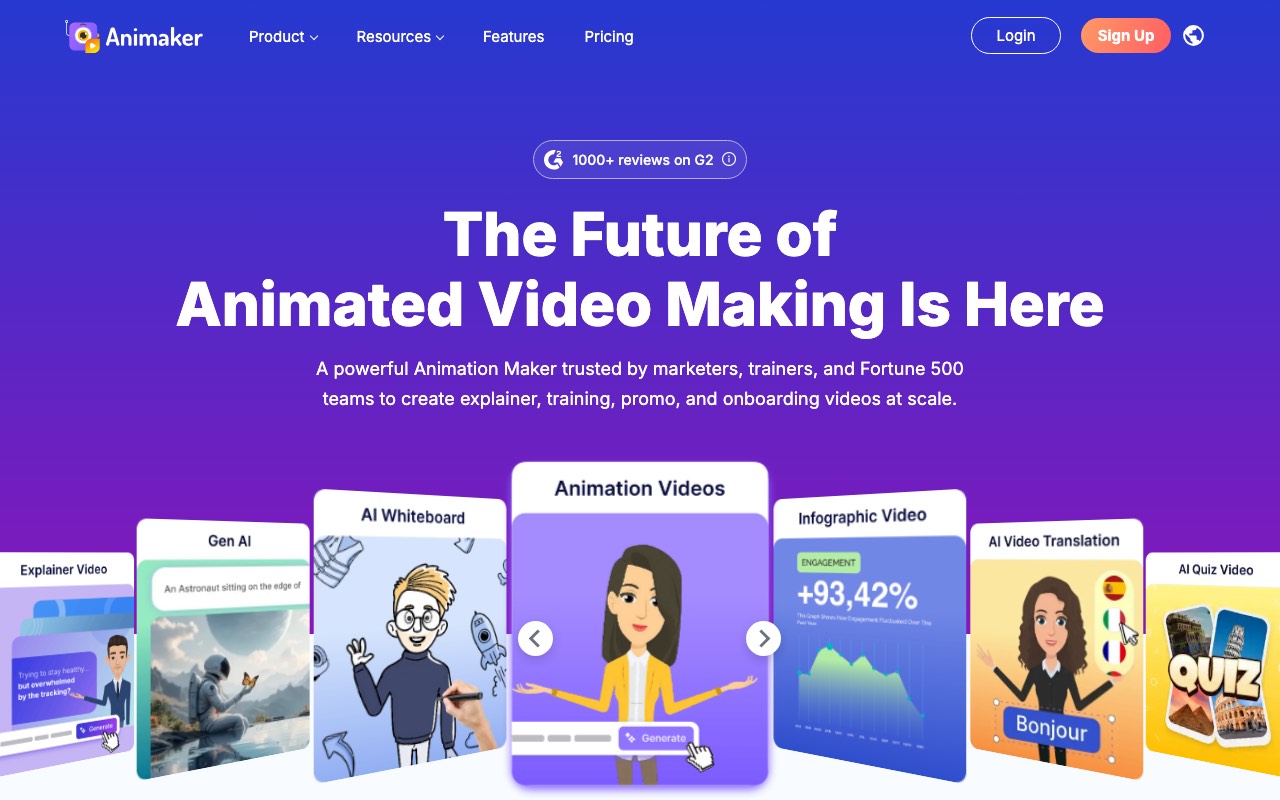
Animaker is the budget version of Vyond. It covers cartoon explainers, whiteboard videos, and infographic animation. It also has a free plan, which Mootion no longer does. We’d start here if you want explainers and Vyond’s price makes you wince.
Key features
- Character animation, whiteboard, and infographic styles
- AI video credits on every plan, including Free
- Generative video seconds from Starter up
- 2K export and 30-minute videos on Pro
- Commercial rights on paid plans
Pros
- A free plan you can actually export from
- Paid plans remove the watermark from Basic up
- Monthly or yearly billing on every paid plan
Cons
- Free exports carry a watermark
- Generative video is capped at 90 seconds a month on Starter
- Team collaboration sits on Enterprise
Pricing: Animaker prices by country, and we saw the India page. Animaker Basic was ₹2,199 paid monthly or ₹1,250 a month billed yearly. Starter was ₹3,699 monthly or ₹2,083 billed yearly. Its own FAQ quotes Basic at $15 a month.
Best for: small businesses and teachers who want animated explainers on a budget.
Film-style control
5. LTX Studio

LTX Studio is for people who love Mootion’s Director Mode and want more of it. It offers camera controls, keyframes, and storyboards. Its Elements feature keeps characters, objects, and places the same across scenes. That is the closest match to Mootion’s Character Library on this list.
Key features
- Camera control, keyframes, and visual references
- Elements for consistent characters and locations
- AI storyboards and pitch decks on Standard
- Its own LTX-2.5 model, plus Kling, Seedance, and Veo on higher plans
- Node-based Flows for automating steps
Pros
- 800 free credits to test it, one time
- Saved characters, like Mootion’s library
- Pick from many video models in one place
Cons
- Free and Lite carry a personal use license only. Commercial use starts on Standard
- More of a film tool than a quick Shorts maker
- Veo models sit on the $125 Pro plan
Pricing: LTX Studio Lite is $15 a month, or $12 billed yearly, for 8,000 credits. Standard is $35 a month, or $28 billed yearly, for 28,000 credits. Pro is $125 a month, or $100 billed yearly.
Best for: filmmakers and ad teams who storyboard before they generate.
A channel that runs itself
6. AutoShorts
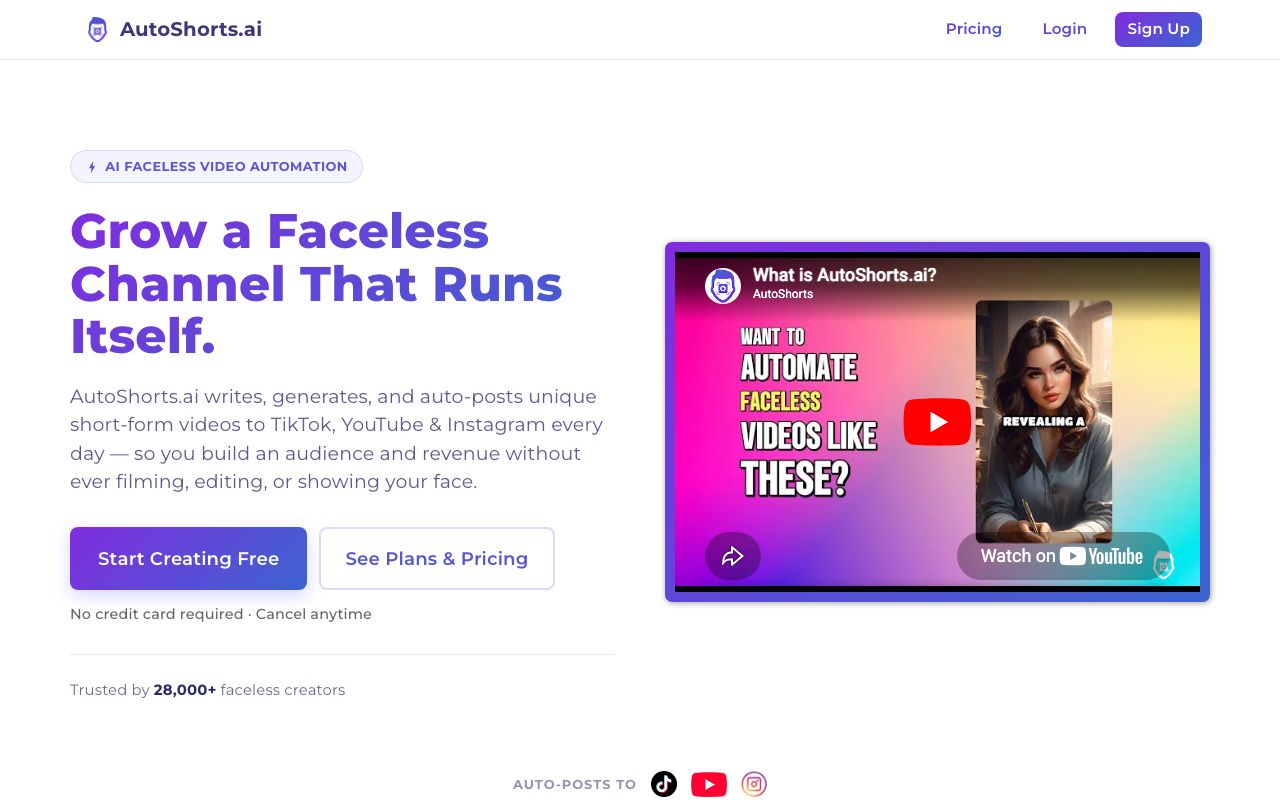
AutoShorts skips the editing step on purpose. You pick a topic for a series, and it makes and posts a new video on a schedule. Its plans are named by how often they post. If you want a faceless channel more than you want a video tool, this is the cleanest answer.
Key features
- Series built from a preset topic or your own prompt
- Auto-posting to TikTok and YouTube
- Styles like Comic Book, Lego, and Children’s Book
- Edit the script, title, and images before posting
- Voice cloning on every plan
Pros
- Pricing tied to posting rate, so the cost is easy to read
- No watermark on any plan
- Very little work after setup
Cons
- The free plan was marked “Temporarily paused”
- One series per plan on every tier we saw
- Little control over each scene
Pricing: AutoShorts Starter is $19 a month and posts 3 times a week. Daily is $39 a month, and Hardcore is $69 a month for two posts a day.
Best for: people who want a faceless channel that posts itself.
AITuber’s Autopilot covers the same job. AITuber Creator includes one Autopilot and AITuber Pro includes two. Our roundup of YouTube automation tools compares more of these.
How to pick and switch
Testing beats reading tables. We’d do it in this order.
- Download every finished Mootion video before you cancel.
- Use Mootion’s .zip export to save the scripts and images you might reuse.
- Write down your character descriptions. If a tool has no library, those words are your library.
- Take one story that did well and make it again on two tools from this list.
- Compare the first three seconds, the voice, and the captions side by side.
- Cancel Mootion before the next billing date, and keep the confirmation email.
If you also looked at InVideo, our guide to the best InVideo alternatives covers the editing-agent side of this market.
For the story job, start with the AI story video generator. Paste the story you last made in Mootion and see what comes back.
Frequently Asked Questions
Basics
What is the best Mootion alternative?
It depends on the job. We’d pick AITuber for narrated story Shorts, Vyond or Animaker for work explainers, LTX Studio for shot-by-shot control, and AutoShorts for a channel that posts itself.
Is there a free Mootion alternative?
Yes. AITuber gives 100 free credits with no card and no watermark. Animaker has a free plan with a watermark. LTX Studio gives 800 credits once, for personal use only.
Is Mootion free?
No. Mootion’s FAQ says it is now a paid product, and you need a paid plan to create and download videos.
Mootion itself
How much does Mootion cost?
Mootion Standard is $15 a month, or $12 a month billed yearly, with 1,500 credits. Plus is $25, Pro is $50, and Max is $200 a month. An EDU plan is $5 a month.
How does Mootion charge for video?
By the second, based on the model. Base costs 4 credits a second, MiniMax H3 costs 20, and Seedance 2.5 costs 64.
What does Mootion do better than its alternatives?
Its Character Library. It saves characters and reuses them across stories. Only LTX Studio’s Elements come close on this list.
Choosing
Which Mootion alternative is best for YouTube story channels?
AITuber, if you want to approve each video. AutoShorts, if you want it to post on its own. AITuber’s Autopilot can also post on a schedule.
Which alternative is best for animated explainers?
Vyond for large teams with a budget. Animaker for small teams, since it has a free plan and cheaper paid tiers.
Can I move my Mootion characters to another tool?
Not directly. Save your character images and descriptions, then load them as references in LTX Studio or reuse the descriptions in AITuber.
How we researched this: we read each vendor’s homepage, pricing page, and FAQ on 24 October 2026, from India. We did not run a hands-on test of the six tools for this guide. Mootion, Vyond, LTX Studio, and AutoShorts showed prices in US dollars. Revid and Animaker showed prices in Indian rupees, which we have quoted as shown and not converted. Mootion’s credit rates, license terms, and free plan status come from its own FAQ; the seconds-per-plan figures are our own math from those rates. The Trustpilot figures come from Mootion’s unclaimed Trustpilot profile. Feature claims come from the vendors’ pages and are theirs. The AI usage figure comes from Wyzowl’s 2026 video marketing statistics page. AITuber is a product we build, so we have named the tool we’d pick for each job we don’t cover. Prices and plans change often; check each vendor’s site.