Best Klap Alternatives
Five Klap alternatives compared on captions, reframing, free exports, and price. Four clippers for long videos, and one tool for when you have no video.

The best Klap alternative depends on what bugs you about Klap. If you want to download clips for free, try Opus Clip or Reap. Both have free plans, with a watermark. If you want better captions, Submagic is the caption specialist. If you hate monthly bills, Quso.ai sells one-time credit packs. And if you have no long video to cut, a clipper can’t help you. Then you want an AI TikTok video generator like AITuber, which makes the video from an idea.
What Klap does well
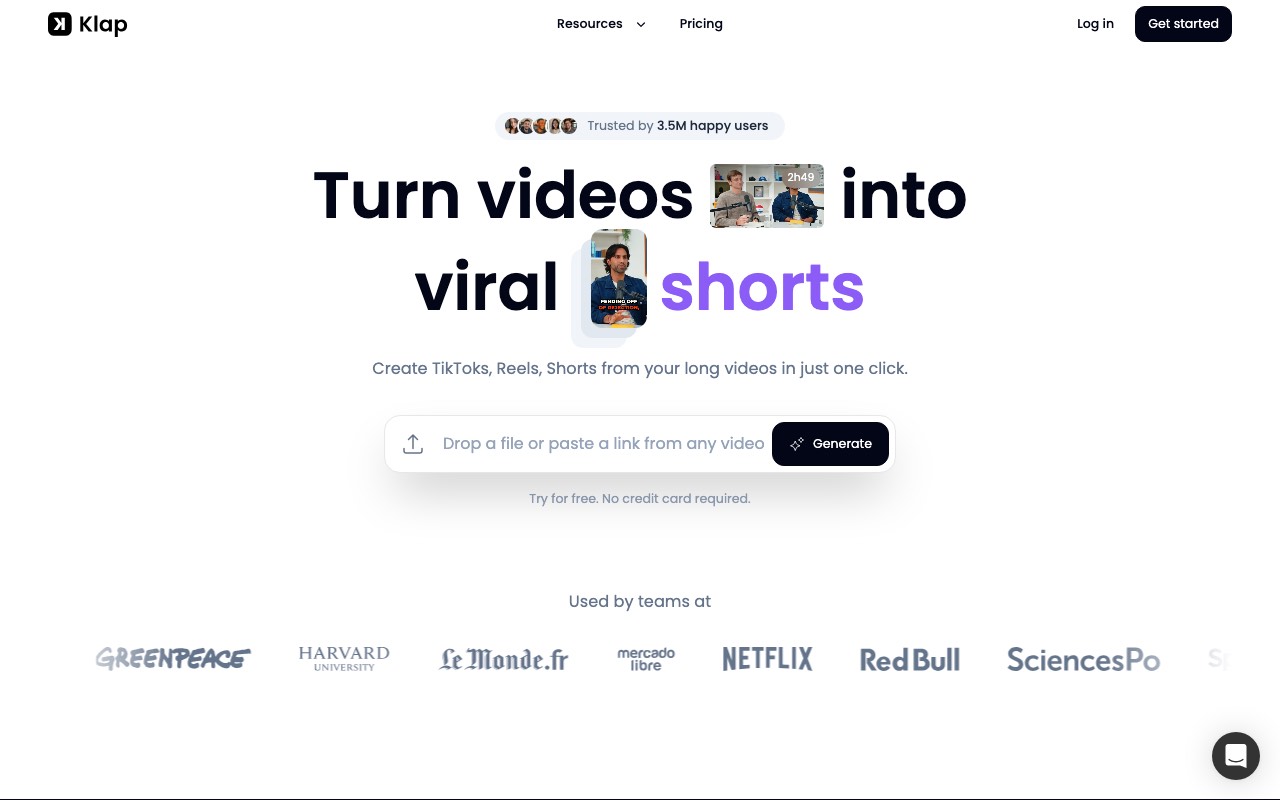
Klap turns long videos into TikToks, Reels, and Shorts. You paste a YouTube link or upload a file. Its AI finds the best topics, cuts them into vertical clips, and adds subtitles. Klap’s own rule of thumb is that one minute of video gives about five clips.
Its reframing is the best part. AI Reframe 2 looks at each scene and picks a layout. A podcast gets the speaker in the middle, a gaming stream gets a split screen, and a tutorial gets a screencast view. Klap also prices by clip count, which makes the bill easy to plan.
If you cut several long videos a week and you like the clips it picks, we’d stay. Few clippers match its layouts for gaming and screen recordings.
Where people hit limits
People look for a Klap alternative for one of five reasons.
- You can’t download for free. Klap’s FAQ says the free try covers one video, and you can preview and edit the clips. Downloading and posting them needs a paid plan.
- The monthly price is high. Klap Basic is $29 a month if you pay monthly. The $14 price needs a full year up front.
- It needs speech. The FAQ says it works best on talking videos, because the AI relies on speech to find topics.
- Captions are a side feature. Klap’s captions are good, but a caption-first editor gives you more styles and control.
- It can’t make a video from nothing. With no long video, there is nothing for Klap to cut.
Klap alternatives compared
| Tool | Best at | Free plan | Free downloads | Lowest paid price we saw |
|---|---|---|---|---|
| Opus Clip | AI picks plus a full editor | 60 credits a month | Yes, with a watermark | Opus Clip Starter, $9 a month (India) |
| Reap | Long clips and many languages | 1 hour a month | Yes, 720p with a watermark | Reap Creator, $9.99 a month billed yearly |
| Quso.ai | Paying only when you clip | None | No free plan | Quso.ai, ₹199 for 100 minutes (India) |
| Submagic | Captions | Free try, no card | Not stated | Submagic Starter, $12 a month billed yearly |
| AITuber | A video from an idea | 100 credits, no card | Yes, no watermark | AITuber Creator, $39 a month |
For scale, Klap Basic is $29 a month or $14 billed yearly, for 100 clips. We read every price on the vendor’s own page on 29 October 2026. Opus Clip and Quso.ai price by country, and both showed us India prices.
If you have a long video to cut
These four do the same job as Klap. A long video goes in, and vertical clips come out. They differ in captions, reframing, and how you pay.
1. Opus Clip
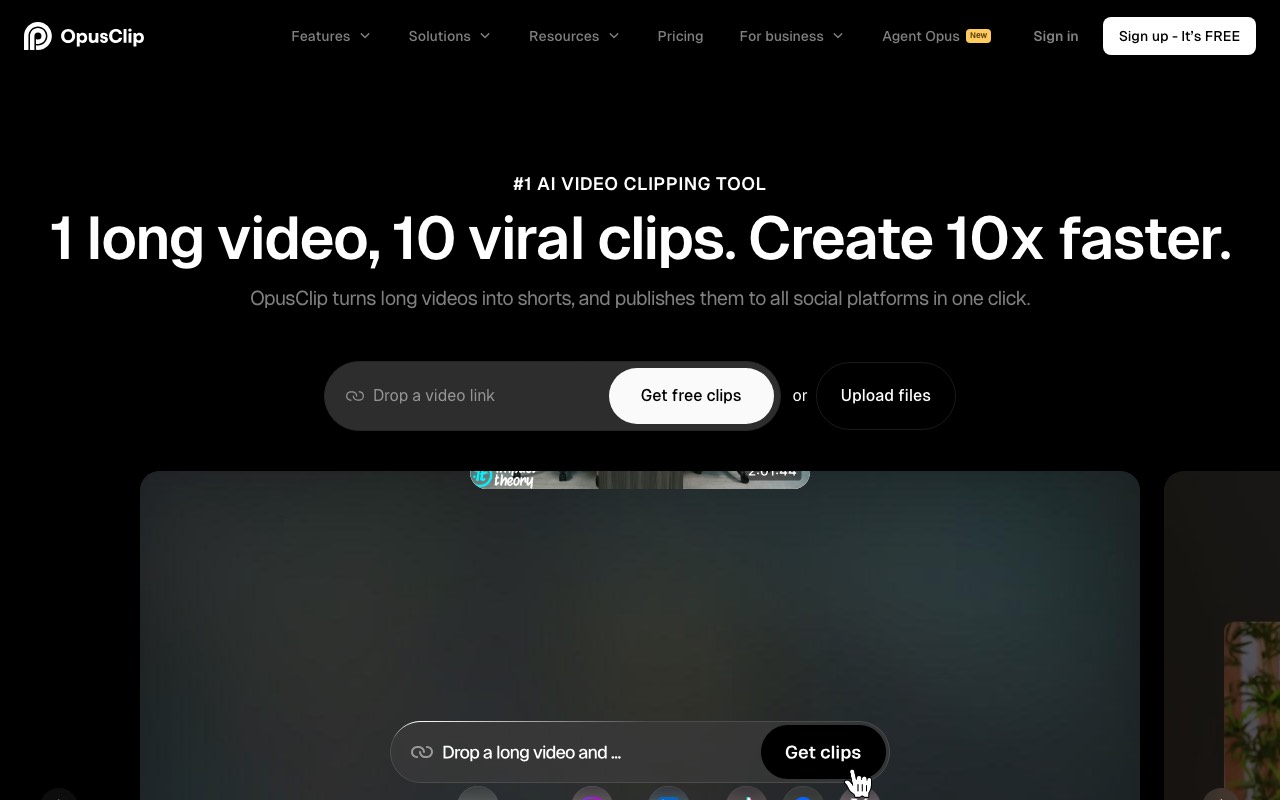
Opus Clip is the closest match to Klap, and it has a free plan you can download from. The free clips carry a watermark and can’t be edited. You also have to export them within three days. Still, that is enough to test it on a real episode before you pay.
Each clip gets a Virality Score, so you can see which ones its AI rates highest. Captions come in more than 20 languages, with emoji and keyword highlights. On Pro, you can export to Premiere Pro or DaVinci Resolve and pick 9:16, 1:1, or 16:9.
Key features
- AI clipping with a Virality Score
- Animated captions in 20+ languages
- Auto reframe on every plan, free included
- Filler and silence removal
- Export to Premiere Pro and DaVinci Resolve on Pro
Pros
- A free plan with real downloads
- A strong editor once you pay
- Credits on Pro roll over for two months
Cons
- Free clips have a watermark and can’t be edited
- Starter is monthly only
- Prices change by country, so your price may differ from ours
Pricing: Opus Clip prices by country, and we saw India prices. Opus Clip Starter showed $9 a month, marked down from $15, for 150 credits. Opus Clip Pro showed $9.50 a month billed yearly, marked down from $29, for 300 credits.
Best for: podcasters who want to test a clipper for free before they pay.
2. Reap
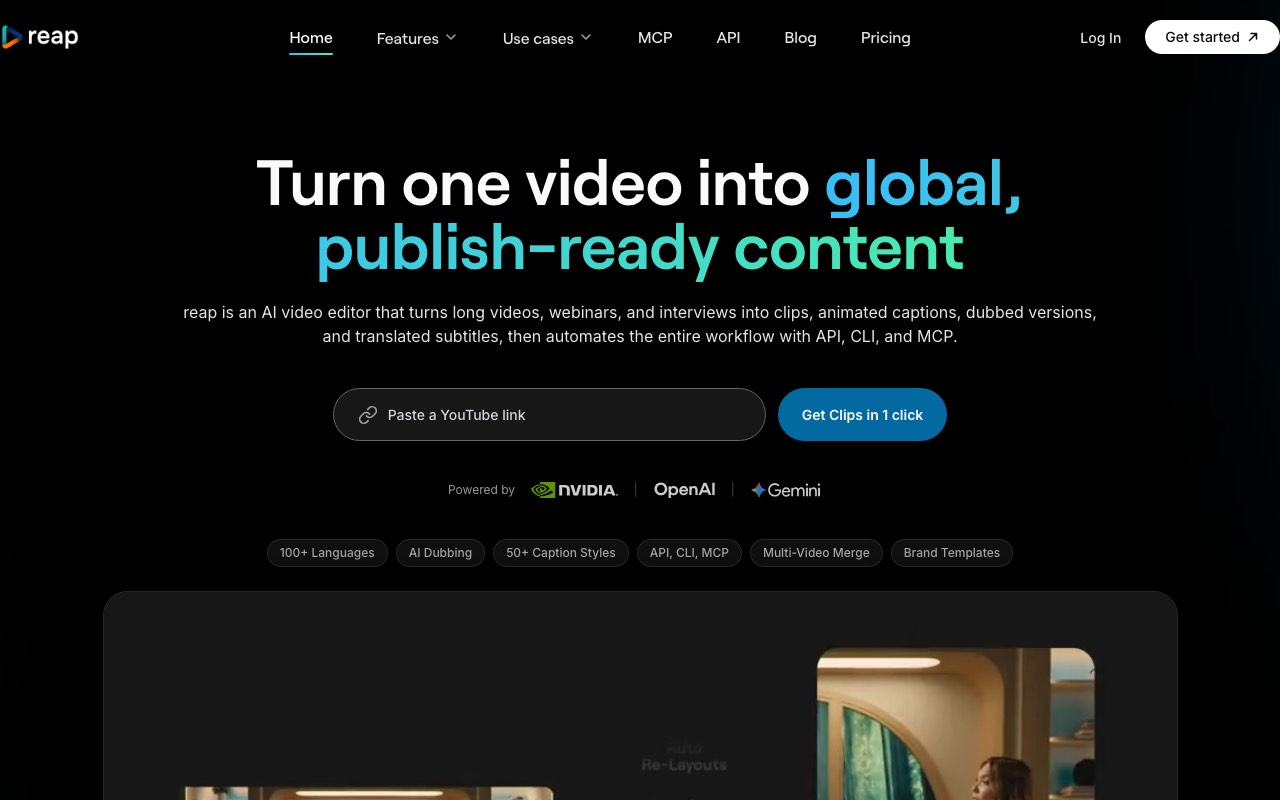
Reap gives you the most control over clip length. You choose under 30 seconds, 30 to 60, 60 to 90, or up to 3 minutes. You can also type the topics you want it to find, which helps on a long interview with one good story buried in it.
Its caption list is the widest here. Captions run in more than 100 languages, and they can be written in romanized script, like Hinglish. Paid plans add AI dubbing, so one clip can go out in several languages. Reap also switches layouts per scene, between a single crop, a zoom-out, and a split screen.
Key features
- Clip length from under 30 seconds to 3 minutes
- Prompt-first clipping: tell it which topics to find
- Models tuned for talking heads, presentations, and gaming
- Captions in 100+ languages, with romanized scripts
- AI dubbing on paid plans, plus an API, a CLI, and an MCP server
Pros
- A free plan with one hour of clipping a month
- Cheap yearly price for 10 hours of clipping
- Strong for non-English channels
Cons
- Free exports are 720p with a watermark
- Free projects expire after seven days
- The monthly price is more than double the yearly one
Pricing: Reap Creator is $24 a month, or $9.99 a month billed yearly, for 10 hours of clipping. Reap Studio is $50 a month, or $29 a month billed yearly, for 20 hours and 4K exports.
Best for: channels in more than one language, and anyone who wants longer clips.
3. Quso.ai
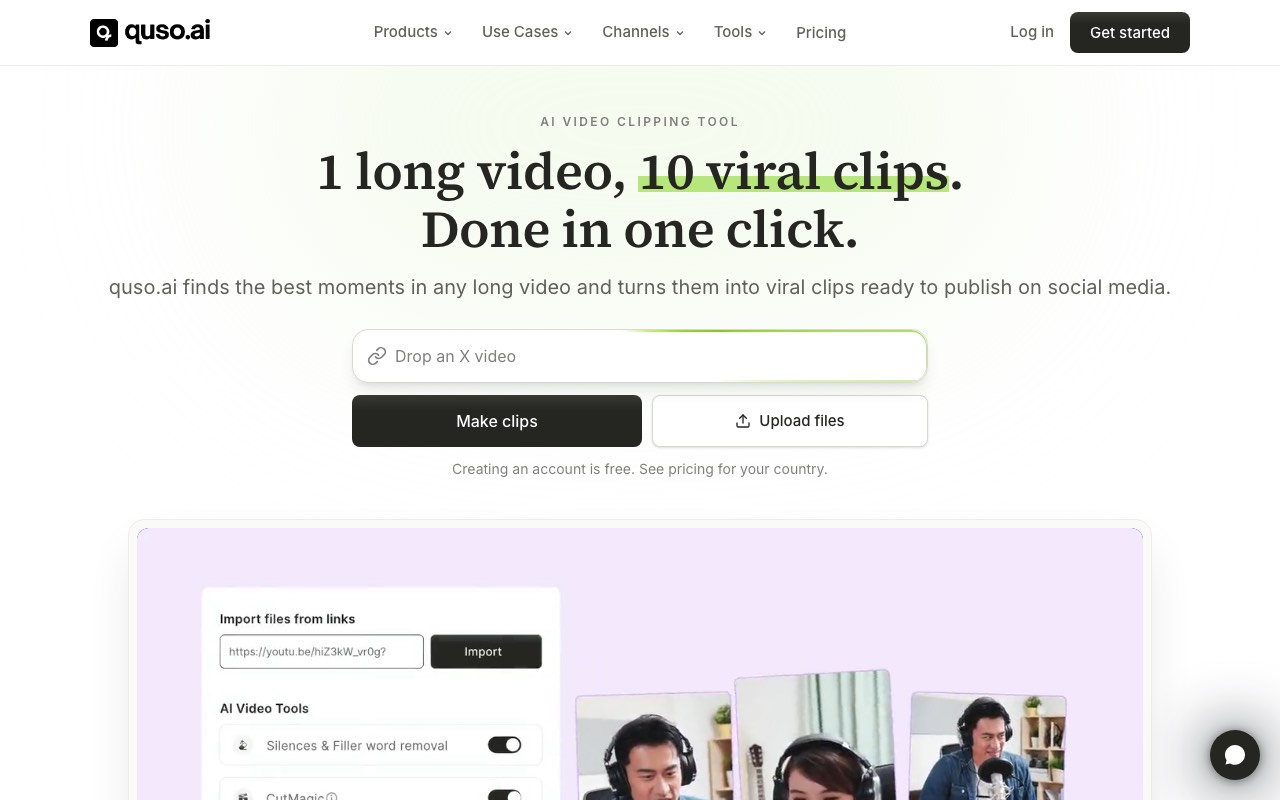
Quso.ai is the pick if you hate subscriptions. You buy one-time credit packs, and one credit clips one minute of video. If you only cut a podcast now and then, you never pay for a month you didn’t use.
It also does more around the clip. Captions come in 99 languages, with filler-word removal. A built-in scheduler posts to TikTok, Instagram, YouTube, LinkedIn, Facebook, X, and Pinterest. It imports from more places than most clippers, including Zoom, Loom, Twitch, and Google Drive.
Key features
- One-time credit packs, with no subscription
- Captions in 99 languages and filler-word removal
- A scheduler for seven social platforms
- Imports from YouTube, Zoom, Loom, Twitch, Drive, and more
- A text-based editor for cuts and B-roll
Pros
- No monthly bill
- Wide import options
- Clipping, captions, and posting in one place
Cons
- No free plan, so you pay before your first clip
- Prices change by country
- Heavy users may pay more than a flat plan would cost
Pricing: Quso.ai prices by country, and we saw India prices. Quso.ai showed ₹199 for 100 credits, ₹390 for 250 credits, and ₹690 for 500 credits, with one credit per minute of video.
Best for: occasional clippers who want to pay only when they clip.
4. Submagic
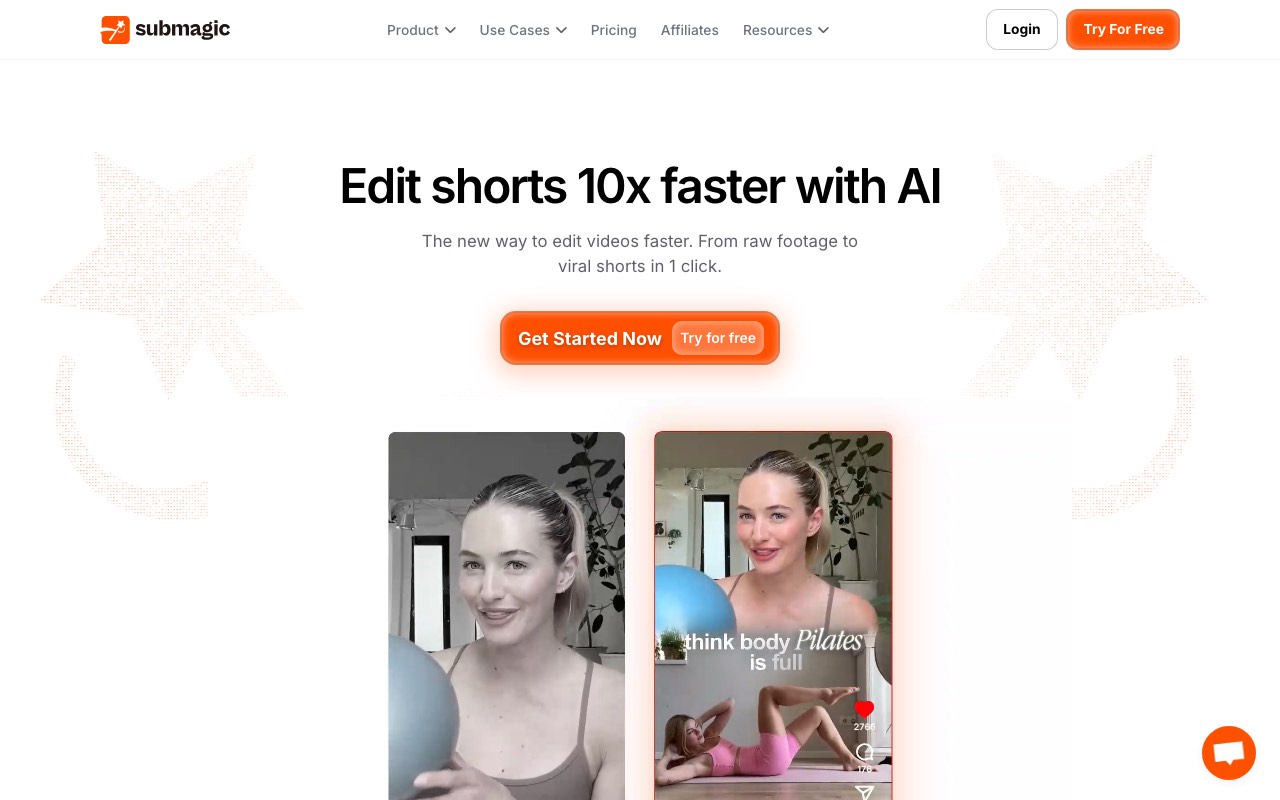
Submagic is the one to pick if captions are why you’re leaving Klap. It started as a caption tool, and captions are still its strongest part. You get animated caption templates, auto zooms, B-roll, and sound effects. It also has a clipping feature, called Magic Clips, for cutting long videos.
The catch is length. Starter caps each video at two minutes, and Pro at five. That works for short clips you already cut. It does not suit a two-hour podcast on the low plans.
Key features
- Animated caption templates, premium on Pro
- Auto zooms and B-roll from Storyblocks on Pro
- Removal of silences and bad takes on Pro
- Magic Clips for cutting long videos
- Publishing to social accounts on Pro
Pros
- The best caption styles in this list
- No watermark on any paid plan
- A free try with no card
Cons
- Short video length caps on the lower plans
- Credits also pay for AI images and video, so they go faster than you’d think
- We could not see what the free try includes
Pricing: Submagic Starter is $19 a month, or $12 billed yearly, for about 15 videos. Submagic Pro is $39 a month, or $23 billed yearly, for about 40 videos. Business is $69 a month, or $41 billed yearly.
Best for: creators who already cut their clips and want them to look great.
If you don’t have a long video
A clipper needs footage. If you want to start a TikTok account with no podcast or stream behind it, there is nothing to cut. That is the job AITuber does.
5. AITuber
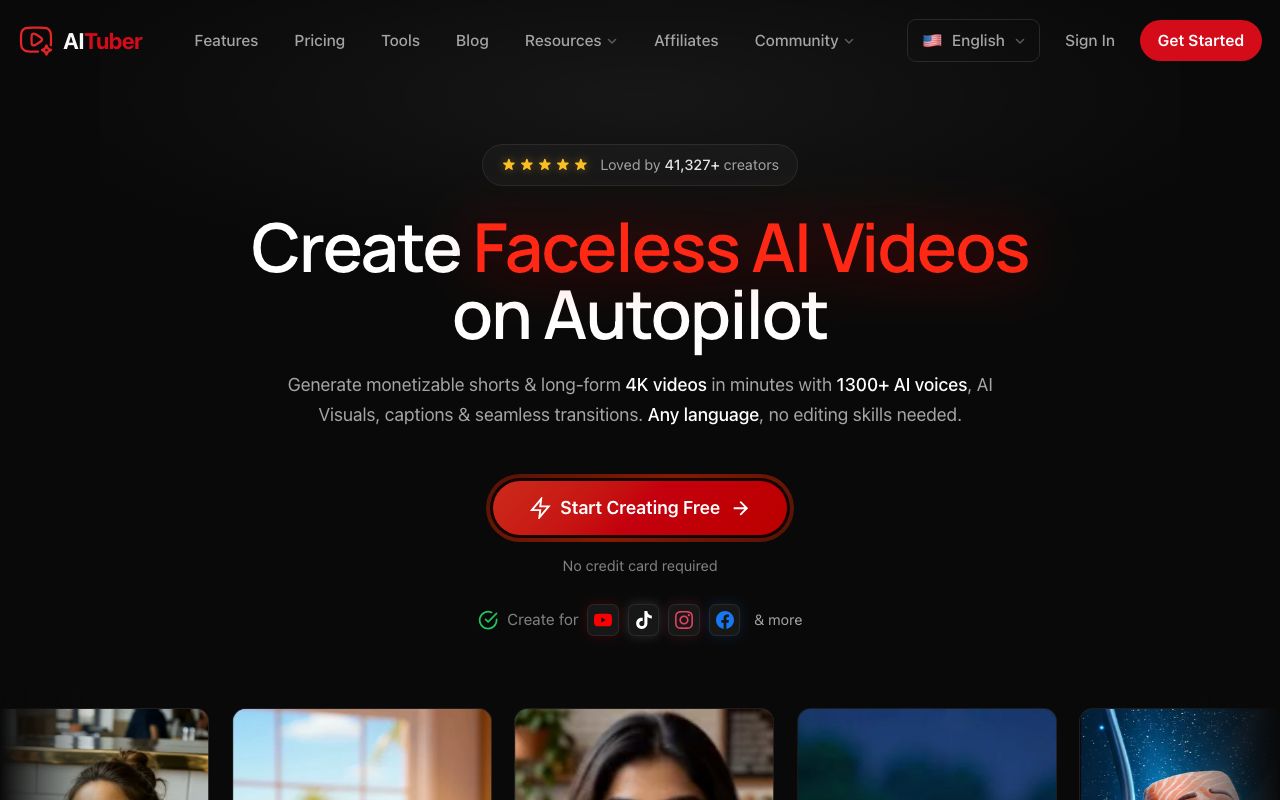
AITuber is our own tool, and it makes vertical videos from an idea, not from footage. Type a topic or paste a script. AITuber writes the script if you need one, draws each scene, adds a voice, and burns in word-synced captions. You get a 9:16 video with no watermark, ready for TikTok, Reels, or Shorts.
It is not a clipper. If you paste a link to your podcast, AITuber won’t cut it into clips. For that job, use one of the four tools above.
Key features
- A topic or a script in, a finished vertical video out
- 29 visual styles and 1,300+ voices in 50+ languages
- Word-synced captions burned in
- Publishing to YouTube, TikTok, and Instagram from the app
- Autopilot posts new videos on a schedule
Pros
- 100 free credits with no card, and no watermark on free exports
- Works for faceless accounts with no camera at all
- A set credit cost per video, so the bill is easy to plan
Cons
- Cannot clip your existing videos
- No speaker reframing, since there is no footage to reframe
- Moving AI clips cost more credits than the default AI images
Pricing: AITuber is free to start with 100 credits and no card. AITuber Creator is $39 a month for 2,500 credits, and AITuber Pro is $69 a month for 5,000. A 30-second Short with AI images costs about 35 credits on AITuber, so Creator covers about 71 videos at about $0.55 each. See the full pricing.
Best for: new faceless TikTok accounts and anyone with ideas but no footage.
How to pick
We’d decide in this order.
- Check if you have a long video with speech. If not, skip the clippers and go to AITuber.
- If you do, run the same episode through Opus Clip’s free plan and Reap’s free plan.
- Compare the clips each one picks. The AI choice matters more than any feature list.
- If captions are your main complaint, put your best clip through Submagic.
- If you clip once a month or less, price it out on Quso.ai’s credit packs.
- If you clip every week and Klap’s picks are good, stay and pay yearly.
Our roundup of the best AI TikTok video generators covers more make-from-scratch tools. If you want to turn one recording into posts for every platform, our guide to the best AI content repurposing tools goes wider than clippers. And if you want a TikTok from an idea today, open the AI TikTok video generator and type one topic.
Vertical videos made from an idea with AITuber
Videos from the public AITuber catalog. None of these were clipped from a long video.
Frequently Asked Questions
Basics
What is the best Klap alternative?
It depends on your footage. With a long video, Opus Clip and Reap are the closest matches, and both have free plans. With no video at all, use AITuber to make the video from an idea.
Is there a free Klap alternative?
Yes. Opus Clip gives 60 free credits a month, and Reap gives one free hour of clipping a month. Both add a watermark to free clips. AITuber gives 100 free credits with no card and no watermark, but it makes new videos instead of clipping.
Is Klap free?
You can try Klap free on one video with no card. You can preview and edit those clips. Its FAQ says downloading and posting them needs a paid plan, starting at $14 a month billed yearly for Klap Basic.
Comparing features
Which Klap alternative has the best captions?
Submagic. It started as a caption tool and has the most caption styles in this list. Reap is the pick for captions in many languages, including romanized scripts like Hinglish.
Which alternative reframes video best?
Klap’s AI Reframe 2 is still strong for gaming and screen recordings. Reap is the closest match, since it switches between a crop, a zoom-out, and a split screen per scene. Opus Clip reframes on every plan, the free plan included.
Is there a Klap alternative with no subscription?
Quso.ai sells one-time credit packs. One credit clips one minute of video, and you never pay for a month you didn’t use.
Choosing
Is AITuber a clipper like Klap?
No. AITuber makes videos from an idea or a script. It does not cut clips from your long videos. Use a clipper for that job.
Which Klap alternative is best for podcasts?
Opus Clip, if you want AI picks and a full editor. Reap, if you want longer clips or many languages. All of them work best on clear speech, like Klap.
Which alternative is best for a faceless TikTok account?
AITuber. A faceless account usually has no long video to clip, so a clipper has nothing to work with.
How we researched this: we read each vendor’s homepage, pricing page, and FAQ on 29 October 2026. We did not run a hands-on test of these tools for this guide. Opus Clip and Quso.ai price by country and showed us India prices, which we quote as shown, with Opus Clip’s struck-through list prices. Klap, Reap, and Submagic showed US dollar prices. Klap’s free-try and download rules come from its own FAQ. Feature claims come from the vendors’ pages and are theirs. AITuber is a product we build, so we’ve said where it does a different job than a clipper. Prices and plans change often; check each vendor’s site.