Best 2short.ai Alternatives
Five 2short.ai alternatives in two groups: clippers that cut your long videos, and tools that make Shorts from an idea. Free tiers and watermarks compared.

The best 2short.ai alternative depends on whether you have a long video to cut. If you do, YouTube’s free “Edit into a Short” button, Opus Clip, and Klap all clip it for you. If you don’t, a clipper has nothing to work with. Then you want a tool that makes the Short from an idea, like AITuber’s free AI YouTube Shorts generator or ShortGenius.
What 2short.ai does well

2short.ai turns a long YouTube video into short clips. You paste the video link, and its AI finds the best moments. Face tracking keeps the speaker in the middle of a vertical frame. Animated subtitles go on in one click.
Its free tier is the reason most people find it. The pricing page lists a free Starter plan with 30 minutes of AI video analysis a month. It also says exports have no watermarks and run at 1080p. Every plan gets every feature, and paid plans differ mostly in hours of analysis.
If you run a talking-head podcast and only need a few clips a month, we’d stay. Few clippers give this much away for free.
Where people hit limits
Most people who search for an alternative hit one of these walls.
- The free tier runs out fast. Thirty minutes of analysis is one long podcast episode. The page also says 15 minutes in one spot and 30 in another, so check your account.
- It needs captions. 2short.ai’s FAQ says it can only process videos with captions. YouTube makes them for most videos, but not all.
- It needs speech. The AI reads the words to find the best parts, so music videos and silent B-roll don’t work well.
- Imports from Google Drive and public links start on the paid Lite plan.
- It cannot make a Short from nothing. With no long video, there is nothing to clip.
2short.ai alternatives compared
| Tool | Job | Free tier | Watermark on free | Lowest paid price we saw |
|---|---|---|---|---|
| YouTube Edit into a Short | Clip your own upload by hand | Free | None | YouTube: free |
| Opus Clip | AI clipping from any long video | 60 credits a month | Yes | Opus Clip Starter, $9 a month (India) |
| Klap | AI clipping at volume | 1 video | Not stated | Klap Basic, $14 a month billed yearly |
| AITuber | A Short from an idea or a script | 100 credits, no card | None | AITuber Creator, $39 a month |
| ShortGenius | A channel that posts every day | None shown | No free tier | ShortGenius Standard, $39 a month |
For scale, 2short.ai Lite is $9.90 a month, Pro is $19.90, and Premium is $49.90. We read every price on the vendor’s own page on 26 October 2026. Opus Clip prices by country, and it showed us India prices.
If you have a long video to cut
These three do the same job as 2short.ai. A long video goes in, and vertical clips come out.
1. YouTube Edit into a Short

The free option is already in your YouTube app. Open the watch page of a public video you uploaded. Tap Remix, then Edit into a Short. Pick up to 60 seconds, add text or filters, and post.
YouTube links the Short back to your full video. New viewers can tap through to the long version, which no outside clipper can do as neatly. The catch is that you pick the moment yourself. There is no AI looking for the best part.
Key features
- Up to 60 seconds from one of your own public videos
- A link from the Short back to the full video
- Text, filters, and layout options
- Record extra seconds with the Shorts camera
Pros
- Free, with no plan limits
- No watermark from a third party
- Nothing to upload or download
Cons
- You choose the clip by hand
- Works only on videos you uploaded yourself
- No music from YouTube’s Audio Library on these Shorts
Pricing: YouTube Edit into a Short is free inside the YouTube app.
Best for: creators who know which minute of their video is the good one.
2. Opus Clip
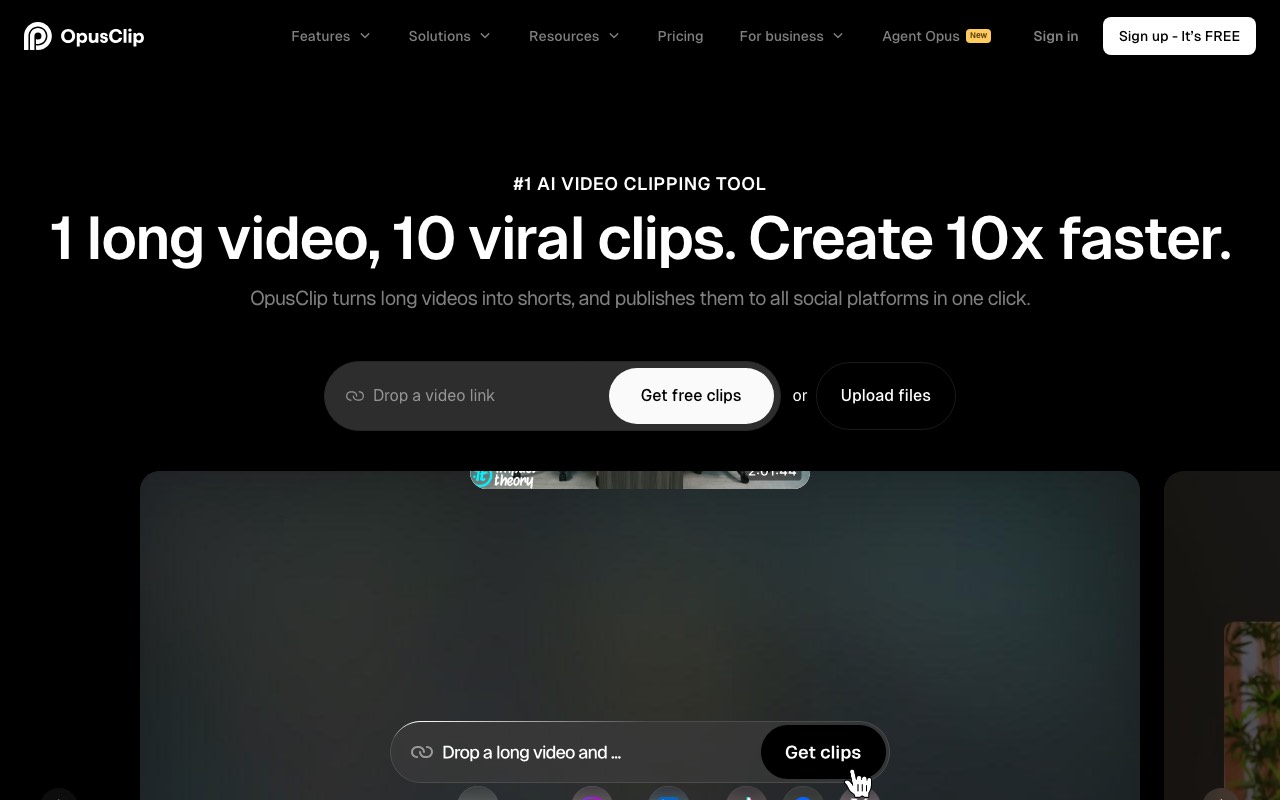
Opus Clip is the best-known AI clipper, and it does more than 2short.ai. It gives each clip a Virality Score, so you can see which ones its AI rates highest. It also adds animated captions in more than 20 languages and posts straight to Shorts, TikTok, and Reels.
Key features
- AI clipping with a Virality Score
- Animated captions in 20+ languages
- Filler and silence removal
- AI B-roll and export to Premiere Pro and DaVinci Resolve on Pro
- A social media scheduler on Pro
Pros
- A free plan with 60 credits a month
- Strong editor once you pay
- Credits roll over on Pro
Cons
- Free clips carry a watermark and can’t be edited
- Free clips can’t be exported after 3 days
- Starter is monthly only
Pricing: Opus Clip prices by country, and we saw India prices. Opus Clip Starter showed $9 a month, marked down from $15, for 150 credits. Opus Clip Pro showed $9.50 a month billed yearly, marked down from $29, for 300 credits.
Best for: podcasters and streamers who want AI picks and a full editor in one place.
3. Klap
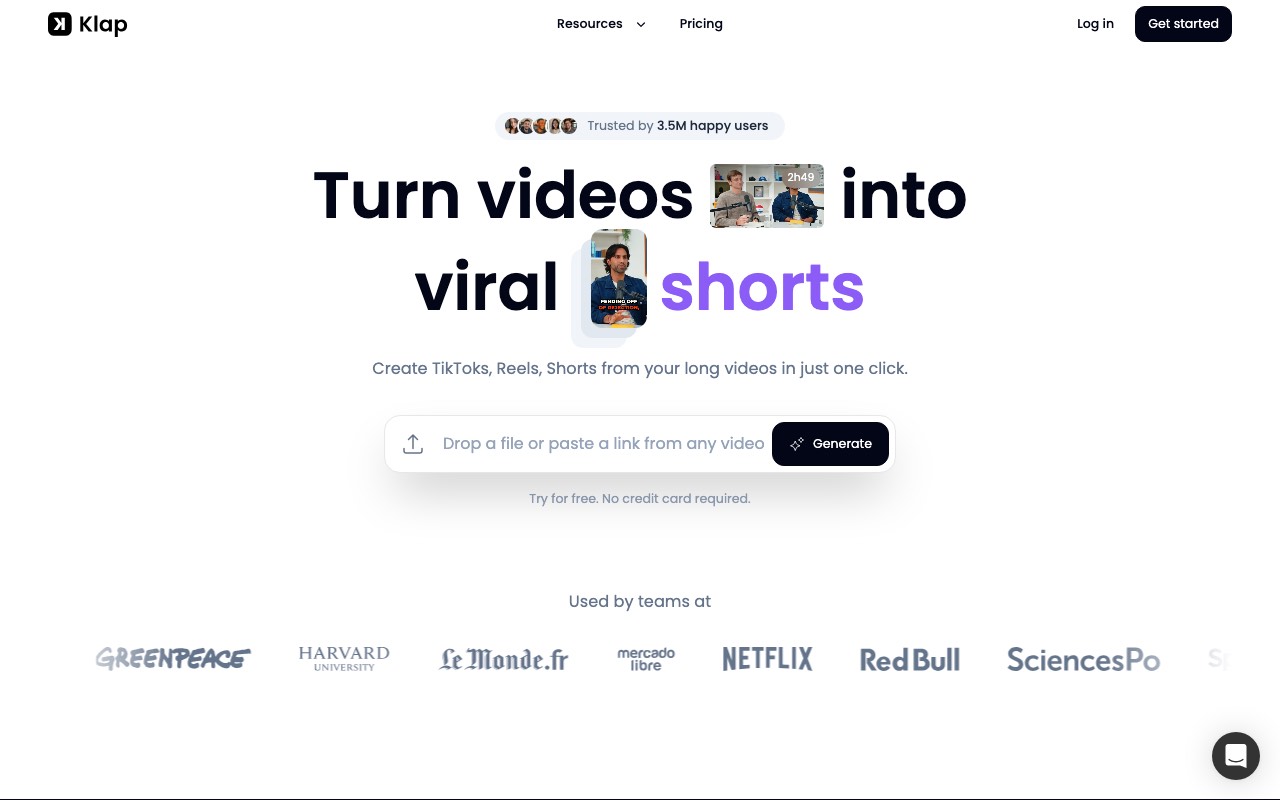
Klap takes a file upload or a link, which 2short.ai keeps behind its paid plan. Klap’s rule of thumb is that one minute of video gives about five clips. Its AI Reframe 2 picks a layout per scene, such as split screen for gaming or a screencast view.
Key features
- Upload a file or paste a video link
- AI Reframe 2 with split screen, screencast, and gaming layouts
- Edits and transcribes in 52 languages, per its FAQ
- An API and an MCP server
- Zapier, Make, and n8n hooks
Pros
- Prices by clip count, so cost is easy to plan
- Unlimited social accounts on every plan
- Half price when billed yearly
Cons
- The free try covers just one video
- We could not confirm whether the free video carries a watermark
- Like 2short.ai, it works best on speech
Pricing: Klap Basic is $29 a month, or $14 a month billed yearly, for 100 clips. Klap Pro is $79 a month, or $39 billed yearly, for 300 clips. Klap’s FAQ still calls the $29 plan “Pro,” so read the pricing page, not the FAQ.
Best for: clip channels and agencies that cut many videos a week.
If you don’t have a long video
A clipper needs footage. If you are starting a Shorts channel from zero, there is nothing to cut. These two make the Short itself.
4. AITuber
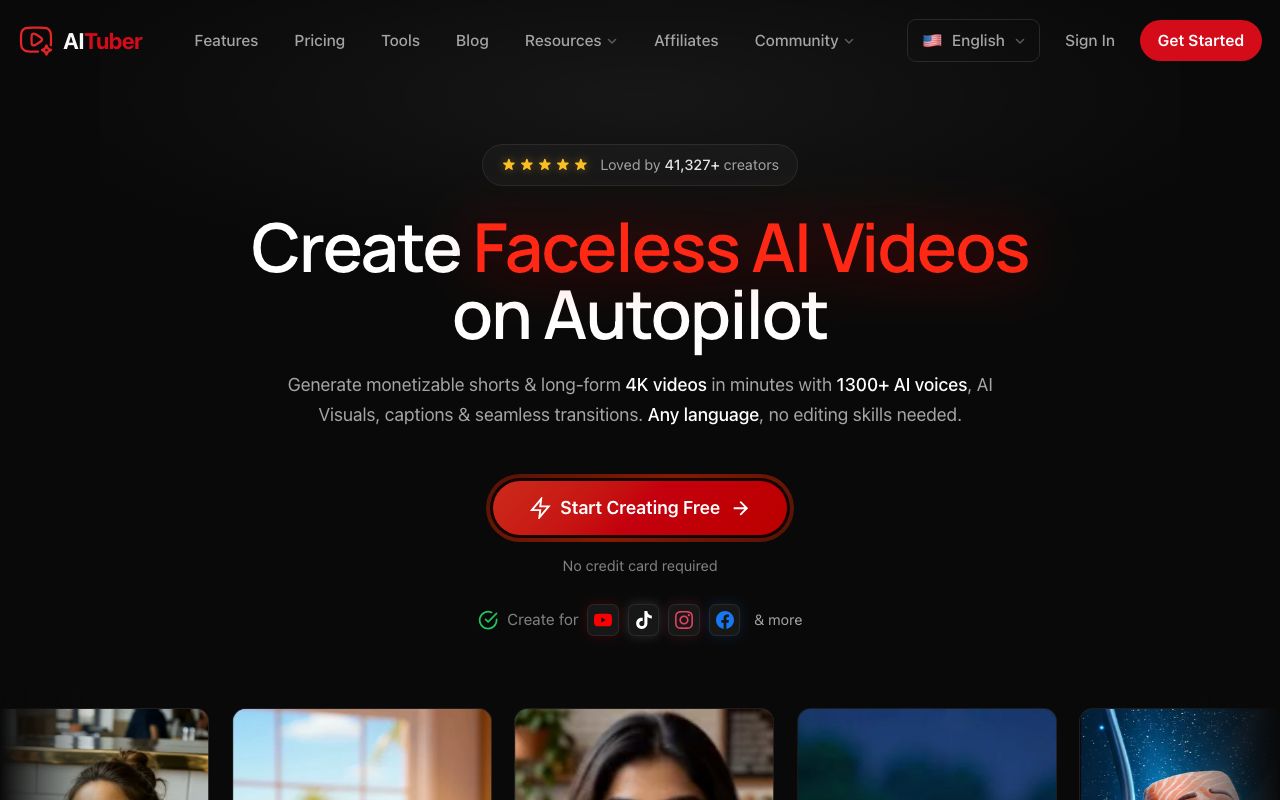
AITuber is our own tool, and it makes Shorts from an idea, not from footage. Type a topic or paste a script. AITuber writes the script if you need one, draws each scene, adds a voice, and burns in word-synced captions. The result is a 9:16 Short with no watermark.
It is not a clipper. If you paste a link to your podcast, AITuber won’t cut it into clips. For that job, use one of the three tools above.
Key features
- A topic or a script in, a finished Short out
- 29 visual styles and 1,300+ voices in 50+ languages
- Word-synced captions burned in
- Direct publishing to YouTube
- Autopilot posts new Shorts on a schedule
Pros
- 100 free credits with no card, and no watermark on free exports
- Works for faceless channels with no camera at all
- A set credit cost per Short, so the bill is easy to plan
Cons
- Cannot clip your existing videos
- No face tracking, since there is no footage to track
- Moving AI clips cost more credits than the default AI images
Pricing: AITuber is free to start with 100 credits and no card. AITuber Creator is $39 a month for 2,500 credits, and AITuber Pro is $69 a month for 5,000. A 30-second Short with AI images costs about 35 credits on AITuber, so Creator covers about 71 Shorts at about $0.55 each. See the full pricing.
Best for: new faceless channels and anyone with ideas but no footage.
5. ShortGenius
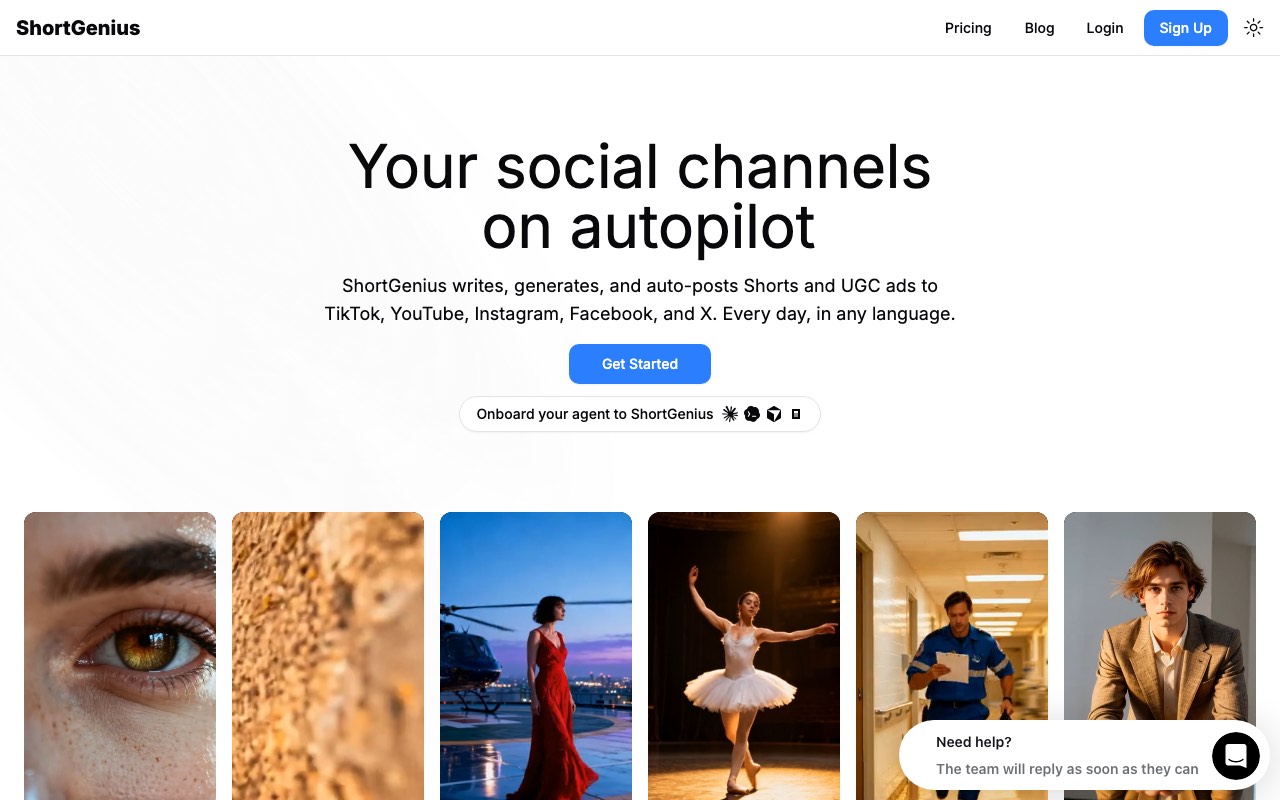
ShortGenius is built around posting every day. You set up a series on a theme, and it writes, makes, and posts new videos on a schedule. Its plans are named by how often they post. It also bundles many video and image models, so you can pick Veo, Kling, or Sora inside one editor.
Key features
- Themed series that post three times a week, daily, or twice a day
- Cross-posting to TikTok, YouTube, X, Facebook, and Instagram
- 3,000+ voices and voice cloning
- UGC avatars for ads
- An API and an MCP server
Pros
- No watermark on any plan
- Many AI models in one place
- Commercial use on every plan
Cons
- No free tier on the pricing page we saw
- 30 credits a month on Standard, so heavy model use runs out fast
- Less control over each scene than a hands-on editor
Pricing: ShortGenius Standard is $39 a month for 30 credits and one post a day. ShortGenius Pro is $69 a month for 60 credits and two posts a day. Growth is $99 and Scale is $249.
Best for: brands that want daily posts across five platforms with little hands-on work.
AITuber’s Autopilot does the same job for YouTube. Our guide on how to automate YouTube Shorts covers the setup.
How to pick
We’d decide in this order.
- Check if you have a long video with speech. If not, skip the clippers.
- If you do, try YouTube’s Edit into a Short first. It costs nothing.
- If picking moments by hand takes too long, test Opus Clip’s free plan on one episode.
- If you cut many videos a week, compare Klap’s clip counts with Opus Clip’s credits.
- If you have no footage, make three Shorts from ideas on AITuber’s free credits.
- Post them all and compare the first-hour views before you pay for anything.
Our roundup of the best AI YouTube Shorts generators covers more make-from-scratch tools. If you want a Short from an idea today, open the free AI YouTube Shorts generator and type one topic.
Shorts made from an idea with AITuber
Videos from the public AITuber catalog. None of these were clipped from a long video.
Frequently Asked Questions
Basics
What is the best 2short.ai alternative?
It depends on your footage. With a long video, use YouTube’s Edit into a Short for free, or Opus Clip and Klap for AI picks. With no video, use AITuber or ShortGenius to make the Short from an idea.
Is there a free 2short.ai alternative?
Yes. YouTube’s Edit into a Short is free for your own uploads. Opus Clip has a free plan with a watermark. AITuber gives 100 free credits with no card and no watermark.
Is 2short.ai free?
It has a free Starter plan. The pricing page lists 30 minutes of AI video analysis a month, though one line on the page says 15. Paid plans start at $9.90 a month for 2short.ai Lite.
2short.ai itself
Does 2short.ai add a watermark?
Its homepage says exports have no watermark and run at 1080p. That is one of its best points.
Why won’t 2short.ai process my video?
Its FAQ says it can only process videos with captions. Turn on YouTube’s auto captions, or add your own, and try again.
Can 2short.ai work with videos not on YouTube?
Imports from Google Drive and public links start on the paid Lite plan. The free plan works from a YouTube link.
Choosing
Is AITuber a clipper like 2short.ai?
No. AITuber makes Shorts from an idea or a script. It does not cut clips from your long videos. Use a clipper for that job.
Which alternative is best for podcasts?
Opus Clip, if you want AI picks and an editor. Klap, if you cut many episodes a week. Both work best on speech, like 2short.ai.
Which alternative is best for a faceless channel?
AITuber or ShortGenius. A faceless channel usually has no long video to clip, so a clipper has nothing to work with.
How we researched this: we read each vendor’s homepage, pricing page, FAQ, or help article on 26 October 2026. We did not run a hands-on test of the five tools for this guide. Opus Clip prices by country and showed us India prices, which we quote as shown, with its struck-through list prices. 2short.ai, Klap, and ShortGenius showed US dollar prices. YouTube’s Edit into a Short details come from YouTube’s own help page. 2short.ai’s free minutes, caption rule, and watermark claim come from its own pricing page and FAQ. Feature claims come from the vendors’ pages and are theirs. AITuber is a product we build, so we’ve said where it does a different job than a clipper. Prices and plans change often; check each vendor’s site.