Best AI Content Repurposing Tools
Seven AI content repurposing tools sorted by what you start with: an article, a long video, a podcast, or finished clips. With prices and free tiers.

The best AI content repurposing tool depends on what you already have. For an article or a PDF, we’d pick AITuber, which turns the text into a narrated video. Opus Clip is our pick for a long video, Castmagic for a podcast, and Repurpose.io for sending finished clips to every platform. No single tool on this list does all four jobs well.
What do you have?
| You start with | Our pick | What comes out | Runner-up |
|---|---|---|---|
| An article, a blog post, or a PDF | AITuber | A narrated video with new visuals and captions | None on this list |
| A long video | Opus Clip | Short vertical clips with captions | Vizard |
| A podcast or audio recording | Castmagic | Show notes, a newsletter, social posts | Descript |
| A webinar | Vizard | A batch of short clips | Descript, to tidy the recording first |
| Clips you have already made | Repurpose.io | The same clip posted on every platform | Munch Studio |
Four jobs, four kinds of tool
“Content repurposing” covers four different jobs. Most bad purchases come from buying a tool built for one job and expecting another.
Text to video tools read your words and make a new video from them. Nothing gets filmed.
Clipping tools need footage. They find the best moments in a long video, crop them to vertical, and add captions.
Audio to post tools transcribe a recording and write from the transcript. You get show notes, a newsletter, or a LinkedIn post.
Distribution tools make nothing new. They take a finished clip from one platform and post it on the others.
We’d buy for one job first. Add a second tool only when the first one is saving you time every week.
Start with an article or a PDF
1. AITuber
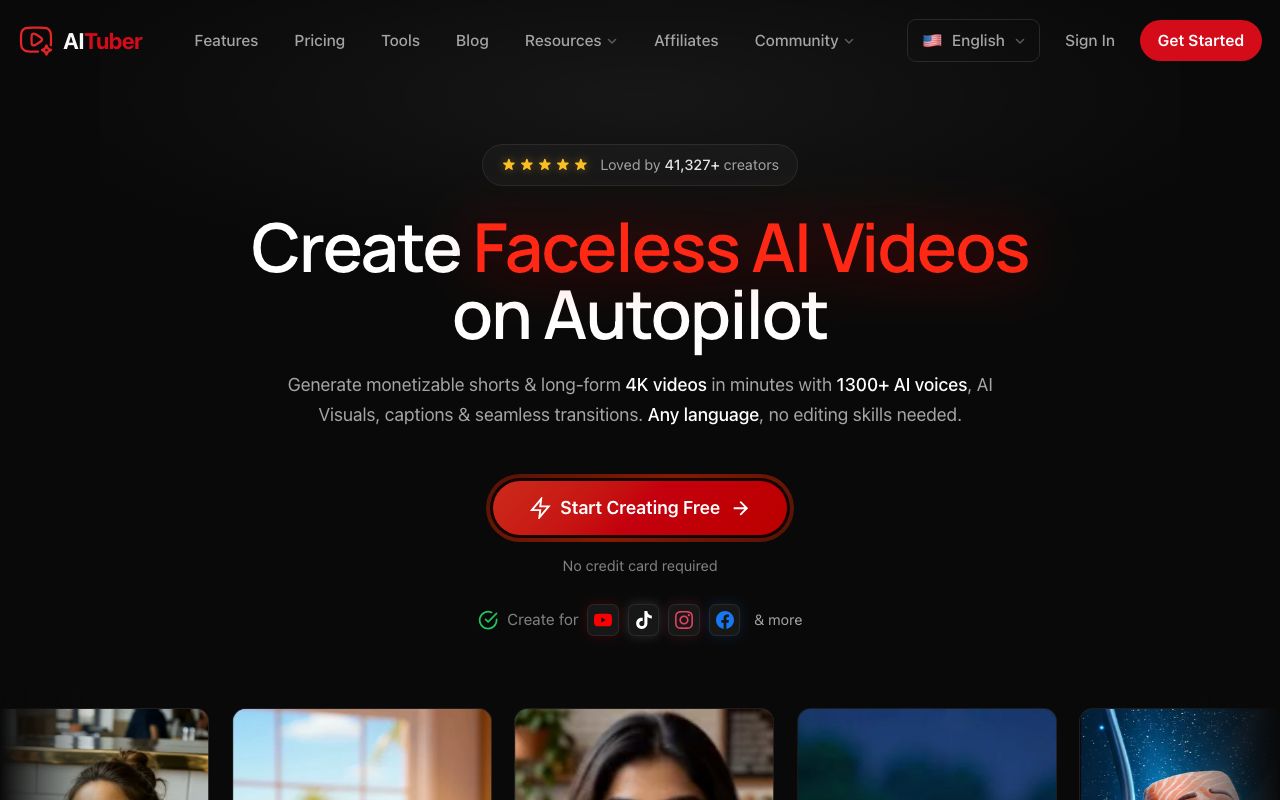
AITuber is our own tool, and it is our pick when the source is text. Paste a public link into the URL to video AI. AITuber reads the page, writes a script, draws visuals for each scene, adds a voice, and burns in captions. A PDF works the same way through an upload, up to 25 MB, with OCR for scanned pages.
We’ll say the limits first, because this list is full of clippers. AITuber does not clip long videos. It will not take a finished MP4, and it will not take a YouTube URL. Its inputs are a link, a PDF, a typed idea, or an audio file such as a song.
Key features
- Paste a public link or upload a PDF
- Two modes: Summarize it, or Read it out in the source’s wording
- A one-line note sets the angle, so one article can make several videos
- Any length from 15 seconds to 20 minutes
- 1,300+ voices in 50+ languages
- 9:16, 16:9, or 1:1, with MP4 export and no watermark
Pros
- Works with no footage at all
- The video is about the ideas, so it does not look like a slideshow of the page
- 100 free credits at signup, no card
Cons
- No clipping of long videos, and no MP4 or YouTube link as a source
- The page must be public. A post behind a login will not load
- It writes video scripts. It does not write your newsletter or LinkedIn post
Pricing: AITuber is free to start with 100 credits. The AITuber Creator plan is $39 a month for 2,500 credits, and AITuber Pro is $69 a month for 5,000. A 30-second Short with AI images costs about 35 credits on AITuber, so Creator covers about 71 of them at about $0.55 each. See the full pricing.
Best for: teams with a written archive and no video. News and long reads have their own article to video AI page, and blog owners can start at the blog to video page. Our guide on how to turn a blog post into a video walks one post from link to export. To compare other text tools such as Pictory and Lumen5, read our list of the best blog to video AI tools.
Start with a long video
2. Opus Clip
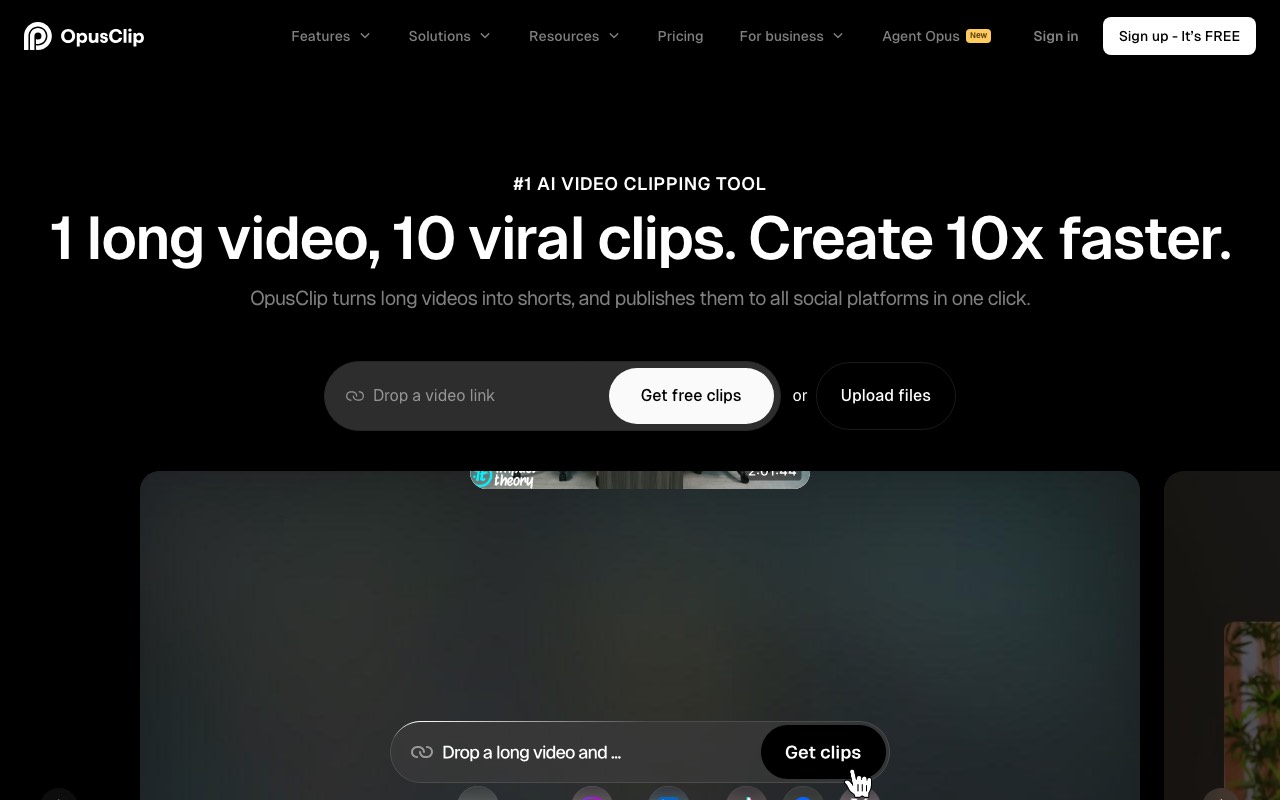
Opus Clip is our pick for a long video. You drop in a video link or upload a file. It finds the strongest moments, crops them to vertical, and adds animated captions. Its homepage says its ClipAnything model works on any genre, including vlogs, gaming, sports, and interviews. Many clippers only handle talking heads well.
Key features
- Paste a video link or upload a file
- AI clipping with a Virality Score on each clip
- Animated captions in 20+ languages
- Auto reframe that keeps the speaker in the middle
- Posting to YouTube Shorts, TikTok, and Instagram Reels from the app
Pros
- A free plan with 60 credits a month
- The score gives you a quick first sort of the clips
- Posting is built in, so a small team may not need a second tool
Cons
- Free clips carry a watermark and can’t be exported after 3 days
- The free plan has no editing
- The Starter plan has no yearly price
Pricing: OpusClip’s free plan gives 60 credits a month. OpusClip prices by country. From India, the page showed us Starter at $9 a month with 150 credits. Pro was $9.50 a month, billed as $114 a year, with 300 credits. The same page lists the US price as $15 a month for Starter and $29 a month for Pro, or $174 a year. Business is custom.
Best for: podcasters, streamers, and YouTubers with hours of footage and no time to cut it.
3. Vizard

Vizard does the same core job as Opus Clip, and it speaks to marketers more than to creators. Its homepage promises 30+ clips from one long video. It also pitches a use we like: turn one webinar into a month of social posts. Captions come in 50+ languages, and the tool writes a post caption and hashtags for each clip.
Key features
- Paste a YouTube link or upload a file
- AI clipping with auto reframe
- Captions and AI emoji in 50+ languages
- AI B-roll
- A post caption and hashtags for every clip
- Team workspace with shared previews
Pros
- Credits are easy to follow. The page says 1 credit is 1 minute of video
- A free plan with 60 credits a month
- Scheduling comes with the Creator plan
Cons
- Free exports stop at 720p, and free storage lasts 3 days
- No watermark starts on Creator
- Extra team seats cost $5 a month each on Business
Pricing: Vizard’s free plan gives 60 credits a month. Vizard Creator is $29 a month, or $14.50 a month billed as $174 a year. Vizard Business is $39 a month, or $19.50 a month billed as $234 a year. Paid plans start at 600 credits a month.
Best for: marketing teams that run webinars, customer calls, and interviews.
Start with a podcast or a recording
4. Castmagic
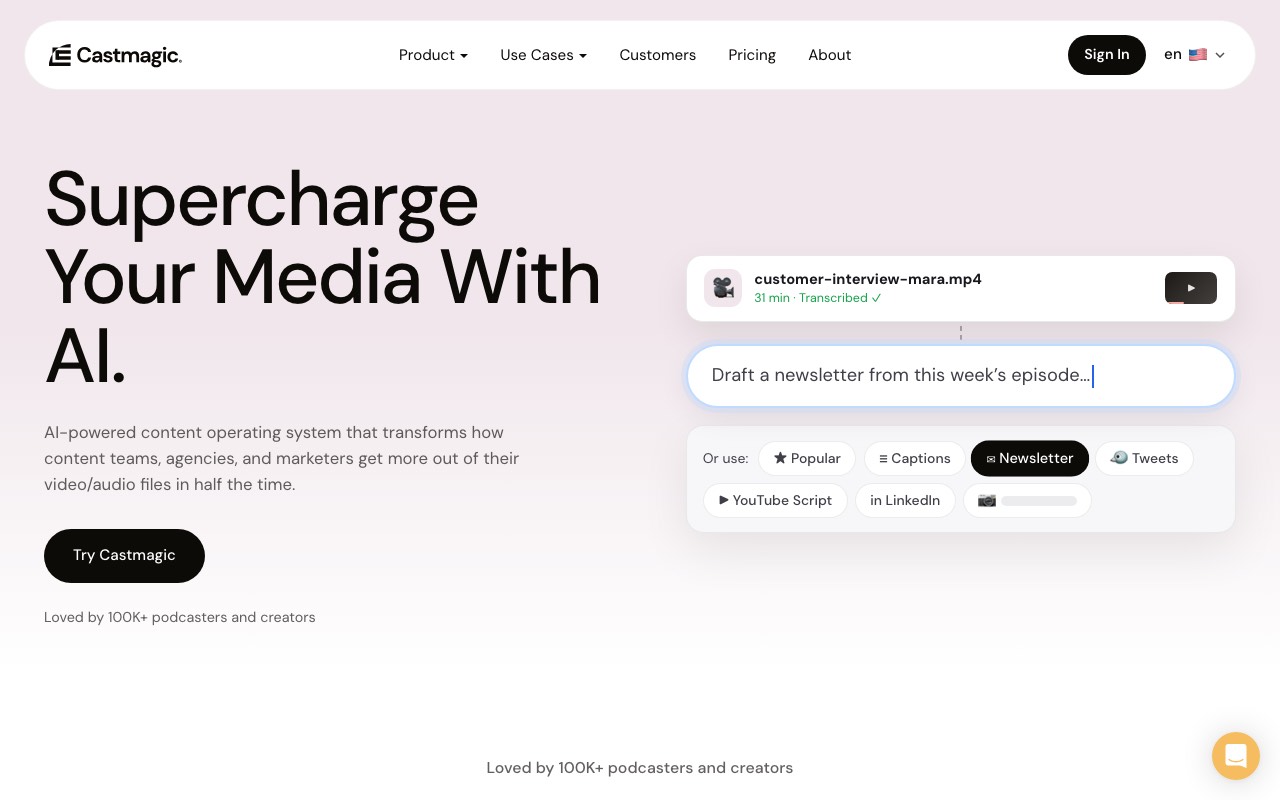
Castmagic is our pick when you want words back, not video. You paste a link or upload a recording. It transcribes the file, then drafts from the transcript. The homepage lists show notes, a blog article, a newsletter, LinkedIn posts, and tweets. It also cuts clips and builds image carousels.
Key features
- Import from a link, or upload MP3, WAV, M4A, or MP4
- Transcripts with timestamps in 60+ languages
- Show notes, newsletters, blog drafts, and social posts
- Custom prompts, so the output follows your format
- Media clipping and audiograms on every plan
- Zoom, Google Drive, Zapier, and RSS connections
Pros
- One upload covers the whole written side of a show
- Re-generations are unlimited on every plan
- Brand voice training, by its own account
Cons
- The pricing page showed us no free plan
- Prices are quoted for annual billing
- Hours are a library total. Hobby holds 30 transcribed hours
Pricing: Castmagic Hobby is $19 a month, Starter is $48, and Team is $139, all billed annually. The page says annual billing saves 30%. Business and Scale plans start at $699 a month.
Best for: podcast teams and agencies that owe a newsletter and show notes for every episode.
5. Descript
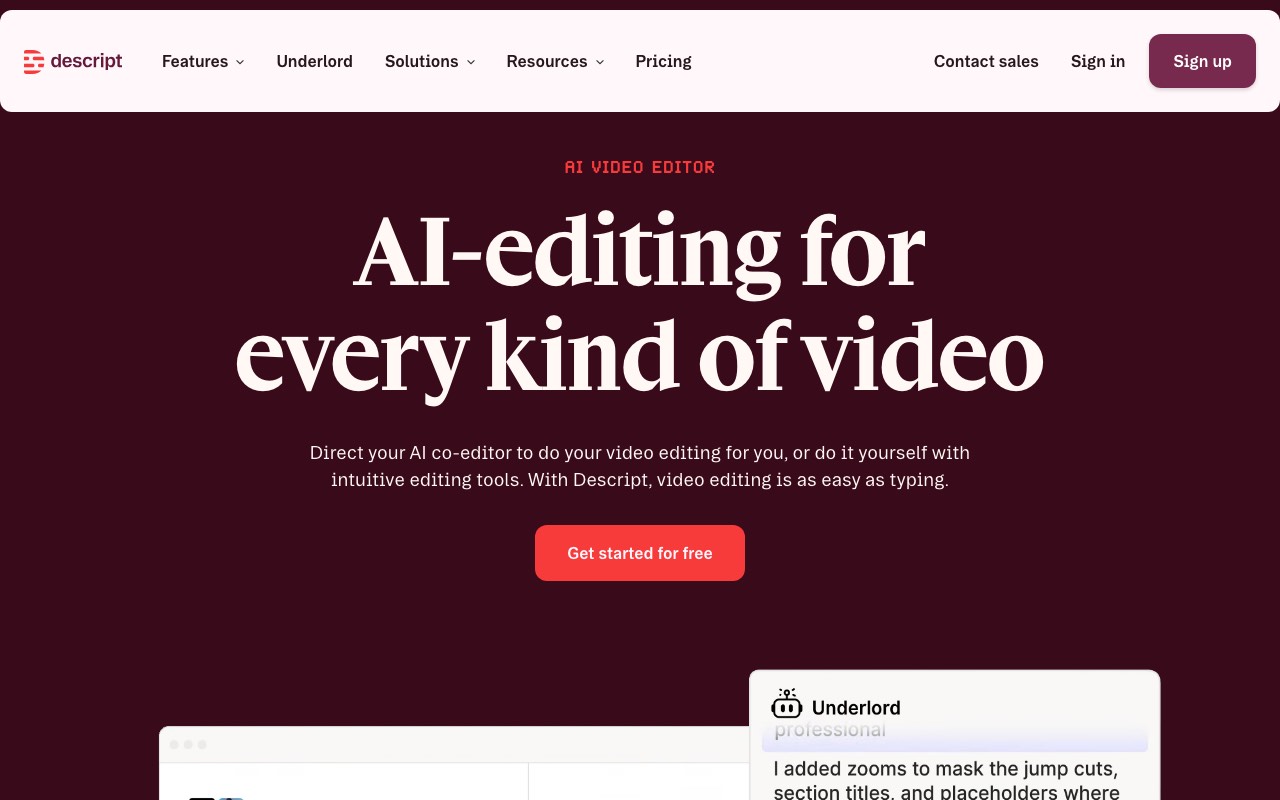
Descript is an editor, and it earns its place here for one reason. A messy recording makes messy clips. Descript transcribes your file, and you cut the video by deleting words in the text. One click removes filler words and retakes. Its homepage then lists a “Multiply” step: make clips, translate, and resize for each platform.
Key features
- Edit video and audio by editing the transcript
- Remove filler words and retakes
- Studio Sound for noisy audio
- Create Clips and Highlights
- Translation and dubbing on higher plans
- Underlord, an AI editor you direct in plain language
Pros
- The best tool here for fixing the source before you cut it
- A free plan with no card
- Recording and editing live in one place
Cons
- It is an editor to learn. A clipper is quicker on day one
- Plans meter both media hours and AI credits
- Prices are per person
Pricing: Descript has a free plan. Descript Hobbyist is $24 a month, or $16 a month on annual billing. Creator is $35, or $24 on annual. Business is $65, or $50 on annual. Every price is per person. Hobbyist includes 10 media hours and 400 AI credits a month.
Best for: podcasters and webinar hosts who want a clean master file before they make anything else.
Send finished clips everywhere
6. Repurpose.io

Repurpose.io is our pick for distribution. It makes no new content. You post on one platform, and a workflow copies that post to the others. Its homepage says it removes platform watermarks, keeps your captions, and resizes each video to fit. It can also back up your videos to Google Drive or Dropbox.
Key features
- Workflows from one platform to many
- Auto resize for each platform
- Platform watermark removal
- Schedule or publish at once
- Backup to Drive or Dropbox
- Photos, carousels, and stories as well as video
Pros
- Set it up once and it runs without you
- Flat monthly prices with no credits to count
- The first 10 videos are free, with no card
Cons
- It has no AI clipping or writing. You bring finished posts
- No free plan after the trial
- Starter connects 3 accounts per network
Pricing: Repurpose.io Starter is $35 a month, Pro is $79, and Agency is $179, billed monthly in US dollars. Yearly billing saves 17%. Each plan starts with a 14-day free trial.
Best for: creators who already post daily on one platform and want the same clip on five.
7. Munch Studio

Many lists still name Munch as a video clipper. That is out of date. When we opened getmunch.com, it sent us to Munch Studio. The new pitch is an AI that runs social media for a business. You add your website, videos, photos, or Zoom recordings. It builds a content plan, drafts posts, and publishes the ones you approve.
Clipping is still inside. Plans include “Video Repurposing” minutes each month. It is now one feature of a bigger product.
Key features
- Learns the business from its website and brand files
- A content plan and a posting calendar
- Posters and carousels with no monthly cap
- Video repurposing minutes on every plan
- Publishing to Instagram, Facebook, LinkedIn, YouTube, and TikTok
- A dashboard that tracks each post
Pros
- Planning, making, and posting sit in one tool
- Multi-brand plans for agencies
- A 7-day free trial
Cons
- The pricing page showed us no free plan
- It is built for businesses. A creator who only wants clips pays for a lot they won’t use
- Generated videos are capped at 10 a month on Essential
Pricing: Munch Studio Essential is $38 a month, billed as $456 a year. It includes 500 minutes of video repurposing a month. Premium is $60 a month, billed as $720 a year, with 1,000 minutes.
Best for: small businesses that want one tool to plan and post for them.
Prices and free tiers
| Tool | Job | Free tier | Lowest paid price we saw |
|---|---|---|---|
| AITuber | Text to video | 100 credits, no card | AITuber Creator, $39 a month |
| Opus Clip | Video to clips | 60 credits a month, watermark | $9 a month in India, $15 listed for the US |
| Vizard | Video to clips | 60 credits a month, 720p | $14.50 a month, billed yearly |
| Castmagic | Recording to posts | None on the pricing page | $19 a month, billed annually |
| Descript | Edit, then clip | Yes | $16 a month per person, billed annually |
| Repurpose.io | Distribution | 10 videos, then a 14-day trial | $35 a month |
| Munch Studio | Plan and post | 7-day trial | $38 a month, billed annually |
We read every figure on the vendor’s own pricing page on 12 October 2026. Credits mean different things in each tool, so the monthly prices do not compare one to one.
A one-hour weekly routine
One hour a week is enough for a small team. We’d run it on the same day each week, and we’d split the hour like this.
- Minutes 0 to 10. Pick one source. Choose the post, episode, or webinar that did best this week. If the videos are going to YouTube, check the topic first. OutlierKit shows which videos beat their channel’s average, so you can pick an angle people already watch.
- Minutes 10 to 25. Make the text videos. Paste the article link into AITuber and run two cuts, a summary and one strong tip.
- Minutes 25 to 45. Cut the clips. Drop the long recording into a clipper and keep three. Watch each one to the end and fix the captions.
- Minutes 45 to 55. Write the posts. Run the same recording through Castmagic for a newsletter draft and one LinkedIn post. Read both before they go out.
- Minutes 55 to 60. Queue the week. Schedule the clips in your clipper, or let a Repurpose.io workflow copy them across.
That is five videos and two written posts from one source. Skip any step you have no source for. A blog with no podcast only needs step 2.
How we compared them
We did not run one source through all seven tools for this guide. A fair test needs a paid account on each. We read what each vendor publishes and dated it.
We checked three things on each vendor’s own pages. What does the tool take in? What comes out? What do the free tier and the lowest plan include?
We also kept this list apart from our blog to video roundup on purpose. That list compares tools that turn text into video. Only AITuber appears on both.
Frequently Asked Questions
Basics
What is AI content repurposing?
AI content repurposing means using AI to turn one piece of content into other formats. An article becomes a video. A long video becomes short clips. A podcast becomes a newsletter.
What is the best AI content repurposing tool?
It depends on what you start with. We’d pick AITuber for an article or PDF, Opus Clip for a long video, Castmagic for a podcast, and Repurpose.io for posting clips everywhere.
Is there a free content repurposing tool?
Yes, within limits. AITuber gives 100 free credits with no card. Opus Clip and Vizard each give 60 free credits a month. Descript has a free plan, and Repurpose.io publishes your first 10 videos free.
Picking a tool
Can AITuber clip a long video into Shorts?
No. AITuber makes new videos from a link, a PDF, a typed idea, or an audio file. It does not take a finished MP4 or a YouTube URL. Use a clipper such as Opus Clip or Vizard for that job.
What is the difference between Opus Clip and Repurpose.io?
Opus Clip cuts a long video into short clips. Repurpose.io makes no clips. It copies posts you have already published from one platform to the others.
Is Munch still a video clipping tool?
Partly. Munch is now Munch Studio, a tool that plans and posts social media for businesses. Its plans still include video repurposing minutes.
Which tool turns a podcast into a blog post?
Castmagic. It transcribes the episode, then drafts show notes, a blog article, a newsletter, and social posts from the transcript.
Workflow
How do I repurpose a webinar?
Clean the recording first, then clip it. Vizard pitches webinars as a core use and returns a batch of short clips. Descript helps if the recording needs filler words and retakes removed first.
How many pieces can I make from one source?
A fair weekly target is five videos and two written posts from one strong source. Quality drops fast after that, because you start posting the weaker moments.
Do I need more than one repurposing tool?
Most teams need two: one that makes the content and one that posts it. Opus Clip and Vizard both include posting, so a clip-only team can stay with one.
How we researched this: we read each vendor’s homepage and pricing page on 12 October 2026, from India. We did not run a hands-on test of the seven tools for this guide, and we say so above. Repurpose.io, Vizard, Castmagic, Descript, and Munch Studio showed prices in US dollars. OpusClip prices by country: we have quoted the India prices we were shown and the US prices its page lists. Feature claims come from the vendors’ pages and are theirs. The Munch change is what we saw ourselves: getmunch.com redirected to munchstudio.com on that date. The cost and time figures come from Wyzowl’s 2026 video marketing statistics page. AITuber is a product we build, so we have named the tool we’d pick for each job AITuber does not do. Prices and plans change often; check each vendor’s site.