Best Free AI Short Video Generator, No Watermark
The best free AI short video generators for 2026, ranked. Which free tiers export with no watermark, which add one, and how to make Shorts free.

The best free AI short video generator for most creators is AITuber. Its free credits export a finished 9:16 video with no watermark. Most other “free” tools stamp a logo on the clip until you pay. So you can make a real YouTube Short, TikTok, or Reel and post it as your own. Try it with the free AI YouTube Shorts generator, no credit card needed. Below are five tools with real free tiers, ranked by how usable that free tier actually is, with honest notes on watermarks, caps, and quality.
TL;DR: the best free picks
- AITuber: best free tier that exports with no watermark. 100 free credits, no card, and clean 9:16 video for YouTube Shorts, TikTok, and Reels.
- Vidnoz AI: biggest free allowance, but clips are watermarked and capped at 720p.
- Runway: best-looking free AI clips, but the free credits are one-time and watermarked.
- Fliki: best free AI voiceover, but the free tier is watermarked and 720p.
- Synthesia: best free tier if you want a presenter on screen (10 minutes a month, watermarked).
| Tool | Free tier | No watermark on free? |
|---|---|---|
| AITuber | 100 credits, no card | Yes |
| Vidnoz AI | Daily free credits | No |
| Runway | 125 one-time credits | No |
| Fliki | 5 min/mo, 720p | No |
| Synthesia | 10 min/mo | No |
What “free with no watermark” actually means
Most tools use the word “free” for a trial that watermarks your video. That is the catch to watch for, because a visible logo does more than look cheap.
- A watermark can cost you reach. A logo makes a Short look recycled, and platforms can treat recycled-looking content as lower quality. You want a clean clip you post as your own.
- “Free” often means watermarked, capped, and low-res. Read the free tier closely: many cap you at 720p, a few minutes a month, or one video.
- Real free means you can export and post. The test is simple. Can you make a video and upload it without paying and without a logo? For most tools the answer is no. For AITuber it is yes.
- Trial credits should not vanish on a failed render. Look for tools that only spend credits on the video you keep, so a glitch does not burn your free balance.
- The format still has to be right. Even a free clip needs true 9:16 vertical and word-synced captions, or it will not hold viewers on Shorts.
The best free AI short video generators
1. AITuber
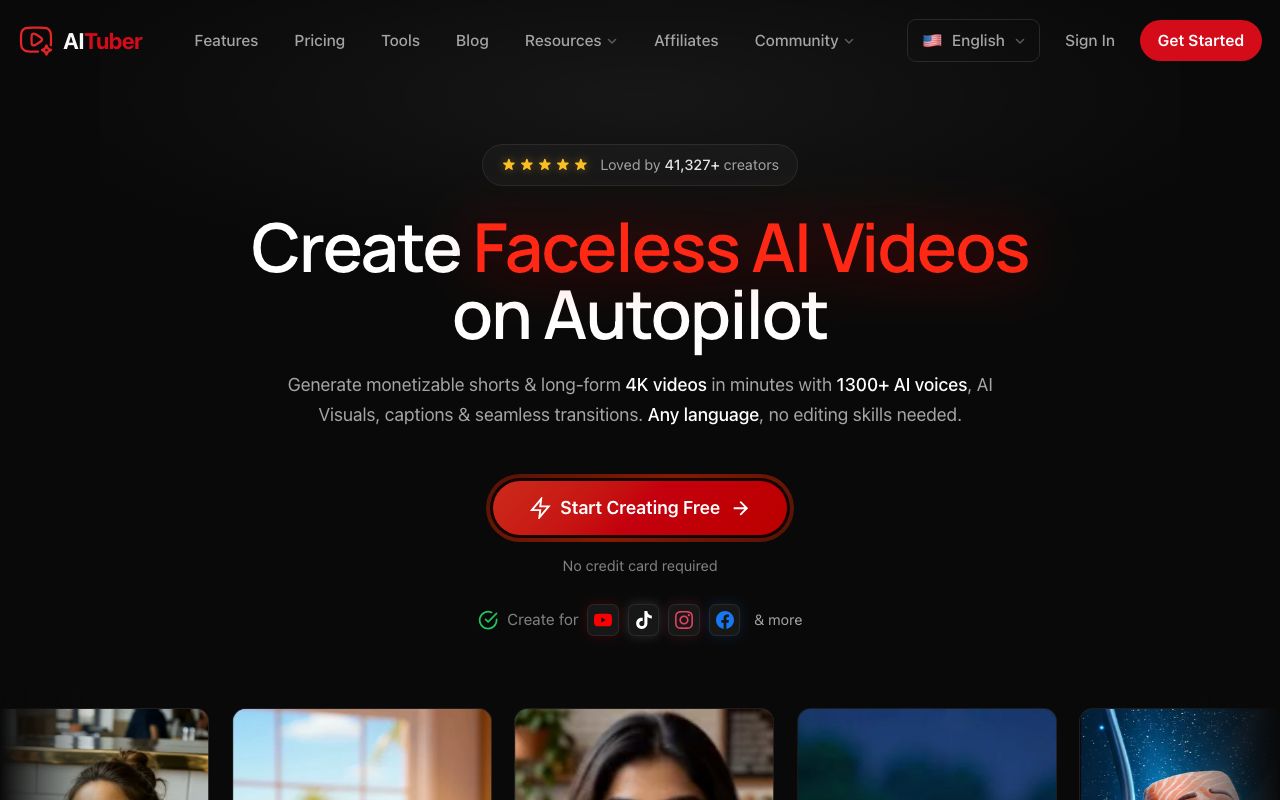
AITuber is the strongest free pick because its free credits work exactly like paid ones and export a clean video with no watermark. You sign up with no card, get 100 credits, and turn one idea into a finished 9:16 Short with an AI voice, generated visuals, and word-synced captions. The output is the same quality as a paid plan, so the video you make free is a video you can actually post.
The wedge is that the free tier is not a locked demo. Every feature is available: all faceless niche templates, 1,300+ voices, 4K export, and one-click publishing to YouTube, TikTok, Instagram, Facebook, Threads, and X. Credits are spent only on the video you keep, and a failed generation is auto-refunded, so trial and error does not drain your free balance. When you want more volume, you upgrade; nothing about the output changes.
Key features
- 100 free credits on signup, no credit card, no countdown timer, and they never expire
- Clean 9:16 export with no watermark, the same quality as paid plans
- Idea to finished video: script, AI voiceover, visuals, and word-synced captions in one flow
- Faceless niche templates (Reddit stories, true crime, history, psychology, and more)
- One-click publishing to YouTube, TikTok, Instagram, Facebook, Threads, and X, with autopilot scheduling on paid plans
Pros
- The only free tier here that exports with no watermark
- No feature gating: free users get all templates, voices, styles, and 4K
- Credits are not spent on edits or previews, and failed jobs are refunded
- Free and paid credits never expire, so there is no countdown to use them
- Makes Shorts and long-form, so one tool covers a whole channel
Cons
- Free credits are a fixed batch, so heavy users will need a paid plan for volume
- Autopilot scheduling is most useful once you run a channel for real
Pricing: Free to start with 100 credits (no card), and free exports carry no watermark. Paid plans begin at Creator $39/mo. See the full pricing and try the free AI YouTube Shorts generator.
Best for: creators who want to make and post a real Short for free, without a logo on it.
2. Vidnoz AI
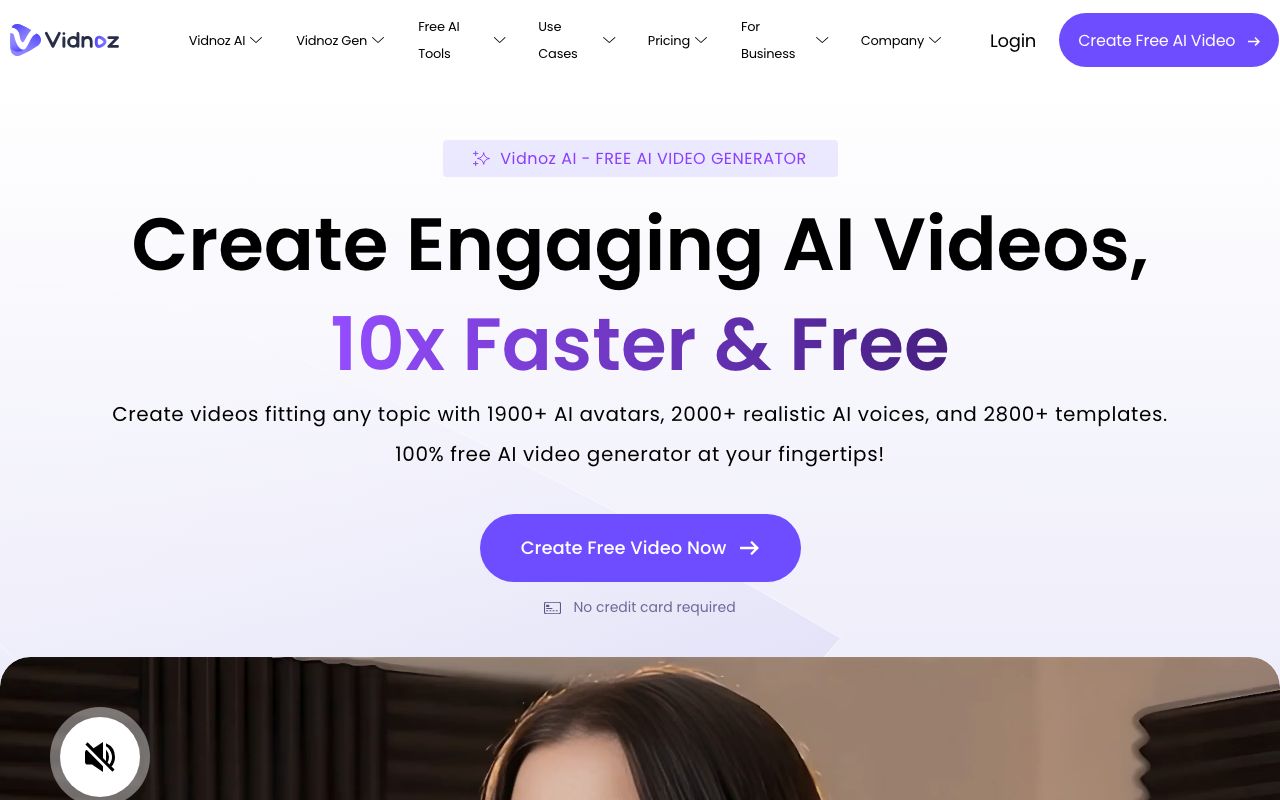
Vidnoz AI has the most generous free allowance in this list, so it is the pick if you just want to keep experimenting without paying. It centers on AI avatars and voices and can make narrated vertical clips for Shorts. The tradeoff is the watermark: free clips are stamped, capped at 720p, and limited to about 3 minutes.
Key features
- 1,800+ avatars and 2,600+ voices
- A large free plan with daily credits
- Extras like face-swap, photo-to-avatar, and video translation
Pros
- Very generous free allowance for testing
- Huge avatar, template, and voice library
- Broad toolkit for the price
Cons
- The free tier is watermarked, 720p, and about 3 minutes
- Reviews split hard: strong on G2, many billing complaints on Trustpilot
Pricing: Free plan with daily credits, 720p, and a watermark. Paid tiers remove the watermark and lift the caps; pricing shifts with promos, so check the current page.
User reviews: about 4.9/5 on G2 from a small sample of roughly 16 reviews (G2), versus about 2.3/5 on Trustpilot from roughly 79 reviews, where billing complaints dominate (Trustpilot).
Best for: budget users who want the biggest free allowance and do not mind a watermark while testing.
3. Runway
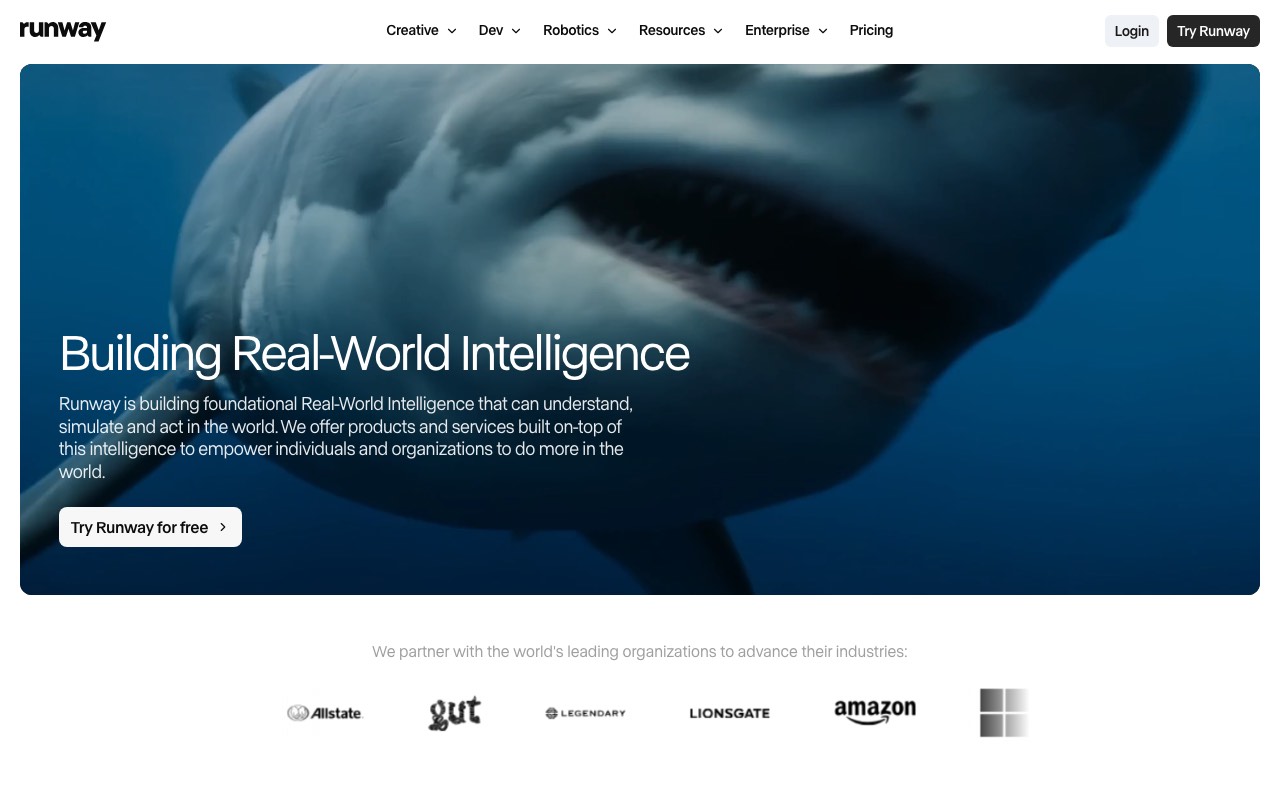
Runway has the best-looking free output on this list. You describe a shot, or upload an image, and it generates an AI video clip with camera and motion controls that prompt-only tools do not give you. The free plan is a real one, but the credits are a one-time grant rather than a monthly refill. It also makes clips, not finished Shorts, so you add the voiceover and captions yourself.
Key features
- Text-to-video and image-to-video with Gen-4 Turbo on the free plan
- Camera, motion, and reference controls for shot-level direction
- Generative image and text-to-speech tools in the same workspace
- 3 video editor projects and 5GB of storage on the free plan
Pros
- The highest raw clip quality you can get without paying
- No card needed to claim the free credits
- Useful when one strong AI shot carries the whole Short
Cons
- The free credits are one-time, not monthly, so they run out for good
- Free output is watermarked
- It generates clips, not narrated Shorts, so you assemble the video yourself
Pricing (verified 27 July 2026 on Runway’s pricing page): Free forever with 125 one-time credits, 3 editor projects, and 5GB of storage. Standard is $12/mo billed annually, or $15 monthly, for 625 credits a month and no watermarks. Pro is $28/mo billed annually, or $35 monthly, for 2,250 credits. Max is $76/mo billed annually, or $95 monthly, for 9,500 credits and one month of credit rollover.
User reviews: Runway’s Trustpilot listing is an unclaimed profile rated 1.2 out of 5 from 283 reviews, checked 27 July 2026. Unclaimed profiles attract complaints and rarely reflect the whole user base, so we would not weigh that score heavily. Its reputation among editors is much stronger than that number suggests.
Best for: getting one great-looking AI shot for free, if you are happy to edit the Short together yourself.
4. Fliki
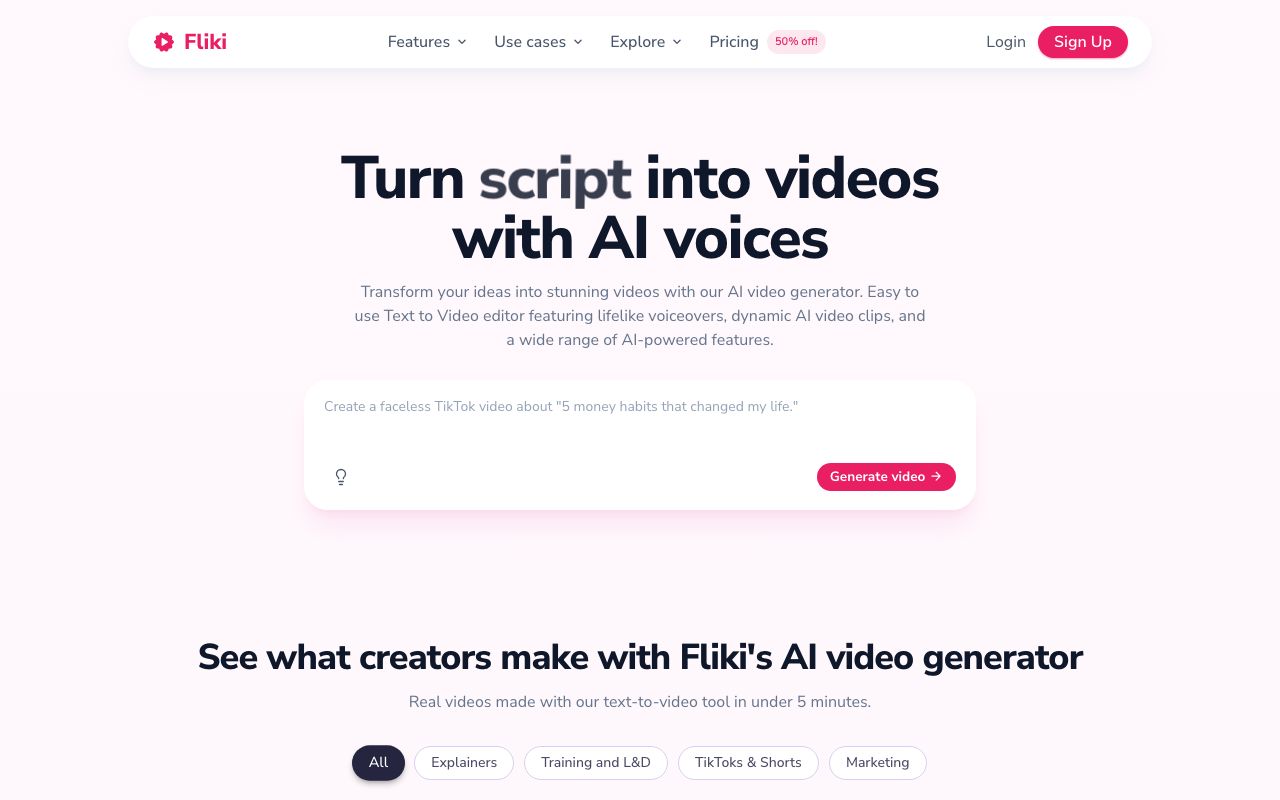
Fliki is the pick when the voice is the whole job. It turns a script or a blog post into a narrated vertical video with lifelike AI voices in many languages. The free plan lets you hear those voices, but it is limited to a few minutes a month, capped at 720p, and watermarked with no commercial rights.
Key features
- Script or blog to a narrated vertical video
- Lifelike AI voices across many languages, with voice cloning
- Auto-captions and a stock media library
Pros
- Some of the most natural AI voices in the category
- Strong multilingual support
- Simple, beginner-friendly workflow
Cons
- The free tier is watermarked, 720p, and about 5 minutes a month
- Credits are spent while you edit and preview, not only on export
- No auto-posting; you download and upload each time
Pricing: Free plan (720p, watermark, no commercial rights). Paid Standard lands around $21/mo billed annually and removes the watermark. See our Fliki pricing guide for the full breakdown.
User reviews: 4.7/5 on G2 and 4.7/5 on Capterra, but 3.7/5 on its Trustpilot app profile, where credit and word-skipping complaints show up.
Best for: creators who mainly need a clean, multilingual AI voice and will upgrade to export without a watermark.
5. Synthesia
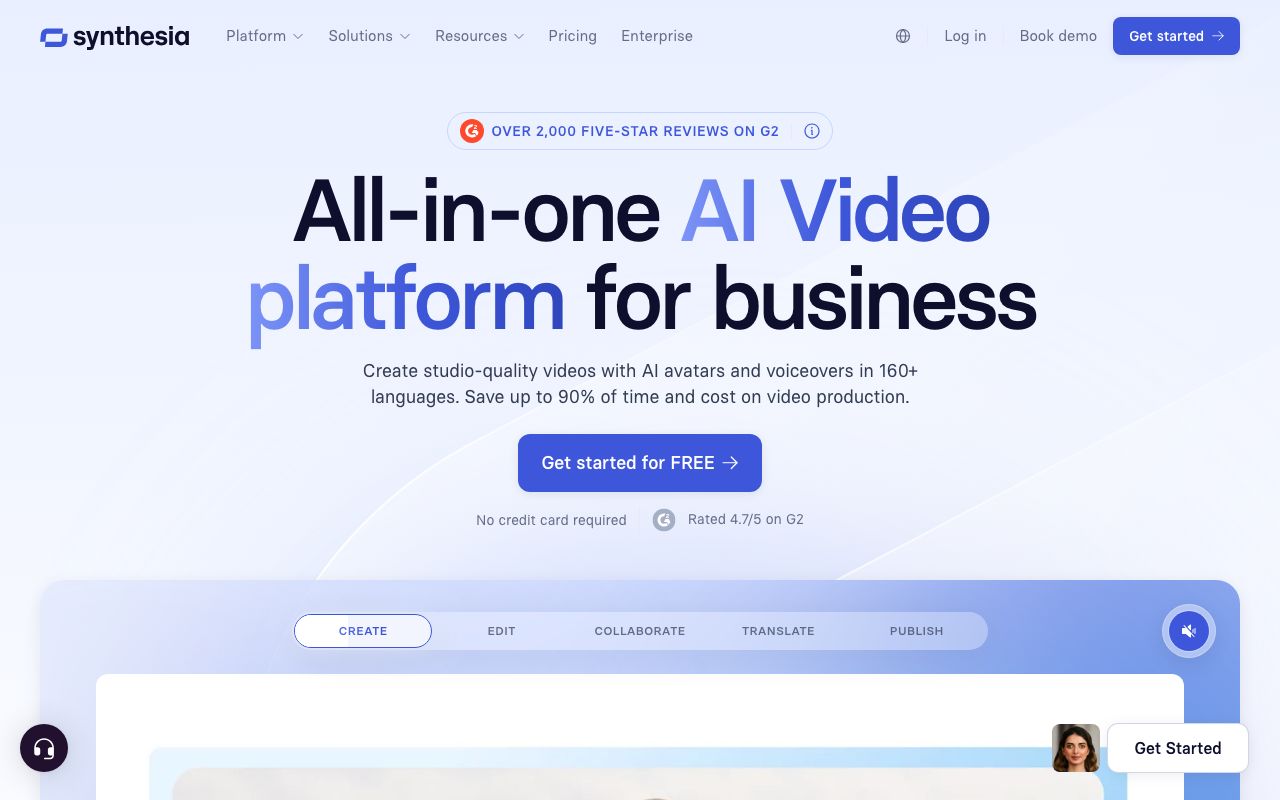
Synthesia is the pick when you want a person on screen without filming one. Its free plan gives you 10 minutes of video a month with a realistic AI avatar presenter, exported vertical for Shorts. The free export carries a watermark, and the monthly cap is low, so it suits short explainers rather than a daily posting habit.
Key features
- 240+ studio-quality AI avatars, plus custom avatars
- Script to video in 140+ languages with one-click translation
- Templates for explainers, training, and product clips
Pros
- The most realistic avatars in the category
- Excellent multilingual dubbing
- Polished for talking-head and explainer content
Cons
- It is an avatar tool, not a faceless stock-video generator
- The free tier is watermarked and capped at 10 minutes a month
- No auto-posting to YouTube
Pricing (verified July 2026): Free plan with 10 minutes a month and a watermark. Starter is $29/mo, or $18/mo billed annually. Creator is $89/mo, or $64/mo billed annually.
User reviews: about 4.7/5 on G2 from 2,000+ reviews as of mid-2026 (G2), and around 4.0/5 on Trustpilot.
Best for: creators who want a talking AI presenter for a few free explainer Shorts a month.
Free tier comparison
| Tool | Free allowance | Watermark on free | Max resolution | Best for |
|---|---|---|---|---|
| AITuber | 100 credits, no card | No | 4K | A real Short you can post free |
| Vidnoz AI | Daily credits | Yes | 720p | Biggest free allowance |
| Runway | 125 one-time credits | Yes | 1080p | Best free clip quality |
| Fliki | ~5 min/mo | Yes | 720p | Free AI voiceover |
| Synthesia | 10 min/mo | Yes | 1080p | Free presenter clips |
Free tiers and caps as of July 2026 and are rounded; some vendors change limits often, so check each site for the exact figure.
Why AutoShorts.ai is not on this list. It used to be, as the pick for testing hands-off automation. AutoShorts.ai has now suspended its free plan. Its pricing page still shows a $0 tier with 1 video, but labels it “Temporarily paused”. Its FAQ blames bot and spam abuse, and says the plan will return once bot detection improves. Until it does, the cheapest way in is $19/mo, so there is no free tier left to rank. We will add it back when the plan returns. Checked 31 July 2026.
Why InVideo AI is not on this list. It used to be. InVideo repriced on 27 July 2026, and its pricing page now shows four paid plans and no free plan. The cheapest is $200 for the year. A tool you cannot try without paying does not belong in a free roundup, so we replaced it with Runway. Our best InVideo alternatives guide covers the change and what to use instead.
Can you really make Shorts free with no watermark?
Yes, but only one tool here lets you export a clean video on the free tier.
- AITuber gives you 100 free credits with no card, and those exports have no watermark, so the Short you make free is ready to post.
- Vidnoz AI, Runway, Fliki, and Synthesia all have real free tiers, but each stamps a watermark on the free export and removes it only when you upgrade.
If you only need to test quality, any of these free tiers works. If you plan to actually post, the watermark is the deciding factor. A clean export is why AITuber is the pick. A free editor is a different job. Those tools edit footage you already have. These generate the video from an idea. See our best free CapCut alternatives guide if you need an editor instead.
How to choose the right free tool
- Do you want to post the video, not just test it? Choose AITuber. It is the only free tier that exports with no watermark.
- Do you want the biggest free allowance to experiment? Vidnoz AI, if you accept a watermark and 720p.
- Do you care most about how the clip looks? Runway gives you 125 free credits, then upgrade to drop the logo.
- Is a clean AI voice the whole point? Fliki’s free tier lets you hear the voices first.
- Do you want a presenter on screen? Synthesia’s free 10 minutes a month covers a few explainers.
Frequently Asked Questions
Basics
What is the best free AI short video generator?
AITuber is the best free pick because its free credits export a finished 9:16 video with no watermark. You get 100 credits with no card. The video is the same quality as a paid plan. You can post it to YouTube Shorts, TikTok, or Reels as your own. Most other free tools add a watermark until you upgrade.
Can an AI really make a full short video for free?
Yes. Tools like AITuber write the script, pick a voice, generate visuals, add word-synced captions, and export a vertical video from a single idea, all on the free tier. The difference between tools is whether that free export is clean or watermarked.
Watermarks and free tiers
Which free AI video tools have no watermark?
AITuber is the one here whose free tier exports with no watermark. Vidnoz AI, Runway, Fliki, and Synthesia all have free plans, but each stamps a watermark on the free export and removes it only on a paid plan. Always test the export before you commit.
Why does a watermark matter on YouTube Shorts?
A watermark makes a Short look recycled, and platforms can treat recycled-looking content as lower quality, which can cut your reach. If you plan to post for real, a clean, no-watermark export is worth more than a bigger watermarked free allowance.
Is there a free AI YouTube Shorts maker with no watermark?
Yes. AITuber’s free AI YouTube Shorts generator gives you free credits with no card and exports 9:16 video with no watermark, ready to upload. It also makes long-form video, so one tool covers a whole channel.
Pricing
How much do these tools cost after the free tier?
Most sit between $12 and $39 a month for the entry plan. AITuber is $39/mo, or free to start with clean exports. Runway is $12/mo billed annually. Fliki lands around $21/mo billed annually, and Synthesia starts at $18/mo. Always check the cost per video, not just the monthly price.
Do I need a credit card to start for free?
Not with AITuber; you get 100 credits on signup with no card. Some other tools ask for card details even on a free trial, so read the signup step before you enter anything.
Comparisons
Free AI short video generator vs a free video editor: which do I need?
They do different jobs. A generator like AITuber builds the video from an idea, with script, voice, visuals, and captions. A free editor trims and arranges footage you already have. If you want to make a Short from scratch, use a generator; if you have clips to cut, see our best free CapCut alternatives guide.
Which free tool is best for a faceless YouTube channel?
AITuber, because its free exports are clean and it includes faceless niche templates plus one-click posting. For a full ranking of Shorts tools including paid options and auto-posting, see our best AI YouTube Shorts generator guide.
How we researched this: we compared five tools with real free tiers against the criteria above, using public sources (each vendor’s live pricing page and named review platforms like G2, Capterra, and Trustpilot), checked in July 2026, combined with our own hands-on testing. AITuber is a product we build, so we have flagged every place we compare it to another tool and kept the competitor pricing and ratings accurate as of the date above. Free tiers and watermark policies change often, so treat the figures as approximate and confirm on each vendor’s site.