Paste Any ChatGPT Script
Copy your ChatGPT output directly into the generator. AITuber parses the text, splits it into scenes, and produces a complete video from your script.
Paste your ChatGPT script and turn it into a finished video with AI voiceover, stunning visuals, and word-synced captions. No editing needed.
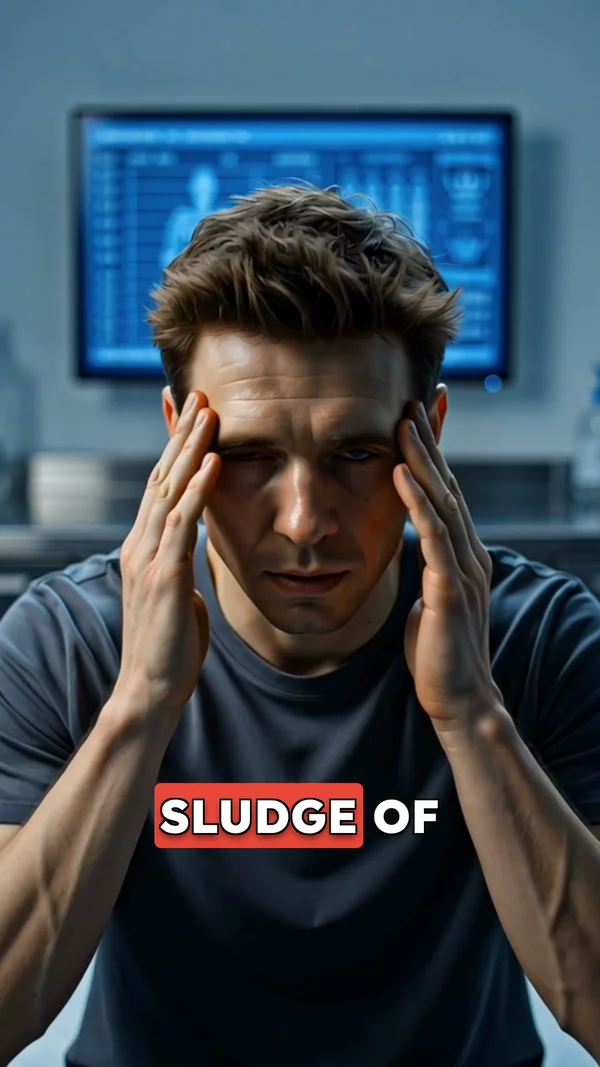
Sample video. Your result will vary based on the style, voice, and settings you choose.
No editing skills. No complex software. Just describe what you want.
Use ChatGPT to write your video script, then paste it here. Or enter a topic and let AITuber generate the script for you.
AI reads your script, generates matching visuals for each scene, records natural voiceover, and adds word-synced captions automatically.
Preview your finished video, make any adjustments, and export in HD. Ready for YouTube, TikTok, Instagram, or any platform.
Professional tools, zero learning curve.
Copy your ChatGPT output directly into the generator. AITuber parses the text, splits it into scenes, and produces a complete video from your script.
No ChatGPT tab needed if you prefer. Enter a topic and AITuber generates the script for you. Use whichever workflow fits your process.
Pick the voice that matches your content. Deep and authoritative for documentaries, upbeat for lifestyle, calm for meditation. All voices sound natural.
Cinematic, photorealistic, anime, 3D cartoon, oil painting, and more. Each style generates unique images that match your script scene by scene.
Captions that highlight each word as it is spoken. Multiple caption styles available. Keeps viewers engaged even with sound off.
AI analyzes each paragraph of your script and generates a relevant visual. No generic stock photos. Every image is created specifically for your content.
Generate 10 scripts in ChatGPT, then create 10 videos in AITuber. Build an entire content library in a single session instead of spending days editing.
Vertical 9:16 for Shorts and TikTok, horizontal 16:9 for YouTube, square 1:1 for Instagram feed. One script, any format you need.
ChatGPT is one of the best tools for writing video scripts. Millions of creators use it every day to generate hooks, outlines, and full narration scripts. But a script sitting in a text box is not a video. You still need voiceover, visuals, editing, and captions to turn that script into content people actually watch.
AITuber bridges that gap. Paste your ChatGPT script directly into the generator, pick a voice and visual style, and get a fully produced video in minutes. AI matches each sentence with generated visuals, records natural voiceover, and adds word-synced captions. No timeline editing, no stock footage searching, no manual syncing.
This workflow is especially powerful if you already have a ChatGPT prompt library for your niche. Generate 10 scripts in ChatGPT, paste them into AITuber one by one, and you have a week of content ready to publish. Faceless YouTube channels, TikTok accounts, and educational pages all use this exact process to scale their output without hiring editors or voice actors.
Ask ChatGPT to write in short paragraphs (2-3 sentences each). Each paragraph becomes one scene. This gives AI better visual prompts and keeps pacing tight.
Tell ChatGPT to start with a bold claim or surprising fact. The first 3 seconds determine whether viewers keep watching on any platform.
Prompt ChatGPT with "Write 5 video scripts about [niche]" to generate a content batch. Then paste each script into AITuber for rapid video production.
Cinematic works well for science and history. Photorealistic fits lifestyle and facts. Anime suits storytelling and entertainment. Pick one style and stay consistent.
ChatGPT scripts are a great starting point, but reviewing and tweaking them before video generation leads to better results. Remove filler, tighten hooks, and add your voice.
Yes. Copy your script from ChatGPT and paste it into the text box. AITuber reads the script, splits it into scenes, generates visuals, records voiceover, and adds captions automatically.
No. AITuber has built-in AI script generation. You can enter a topic and get a script without ChatGPT. But if you prefer writing scripts in ChatGPT first, the paste workflow works perfectly.
Short paragraph format works best. Each paragraph becomes one scene. Scripts for facts, stories, explainers, listicles, and educational content all convert well into videos.
For short-form content (YouTube Shorts, TikTok), aim for 100-200 words. For longer videos, 300-800 words works well. AITuber handles scripts of any length.
Yes. After pasting, you can edit the text directly in AITuber before generating. Add hooks, remove sections, or rewrite lines. The editor is fully editable.
You can choose from 29 styles. Popular picks for ChatGPT script workflows include cinematic for educational content, photorealistic for facts, and anime for storytelling. Each style creates a completely different look for your video.
Speed depends on video length and image quality. A 30-second video with standard quality finishes in about a minute. Longer videos or premium image quality take a bit more. You can paste your next ChatGPT script while the current video generates.
Yes. New accounts receive free credits to create videos immediately. You can paste a ChatGPT script and generate your first video without paying anything. Paid plans are available when you want to scale production.
Yes. When you export, you choose the aspect ratio. Pick vertical for Shorts and TikTok, widescreen for standard YouTube, or square for Instagram feeds. The same video content works across platforms.
ChatGPT writes text. AITuber turns that text into a finished video with voiceover, AI-generated visuals, and captions. It is the production step that takes your script from words to watchable content.
Yes. There is no limit on how many videos you can create per session. Many creators batch-generate scripts in ChatGPT and then produce all their videos in one AITuber session.
Create videos for other popular niches
Join 37,281+ creators using AITuber to make professional chatgpt video videos with AI.
No credit card required