Replicate MCP Server for Video: What It Does and Doesn't
Replicate's official MCP server puts thousands of video and image models in Claude. The setup, what each run costs, what comes back, and what is still on you.

Replicate runs an official MCP server, and it is one of the best ways to run video and image models from Claude. Add one URL, paste an API token once, and Claude can search thousands of models, compare them, and run them. What every run returns is a raw clip or a raw image. Not a video with a script, a voice, captions, or a publish step. This guide covers the setup, what each model costs per second, what comes back, and the assembly you still do afterwards.
Key takeaways
| Question | Short answer |
|---|---|
| Is there an official Replicate MCP server? | Yes. Hosted at https://mcp.replicate.com/sse, plus a local replicate-mcp npm package |
| Where does it work? | Claude on the web, Claude Desktop, Claude Code, Cursor, VS Code, and Gemini CLI |
| What does it do? | Search models, compare them, read their inputs, and run them. Video, image, audio, and more |
| What does it cost? | Nothing for the server. You pay Replicate’s per-run price, for example $0.07 a second for Kling 2.5 Turbo Pro |
| What does it not do? | Write a script, add a voice, caption, join clips, or publish. Each run returns one raw asset |
What the Replicate MCP server is
Replicate is a platform that hosts open and commercial AI models behind one API. You pay for what you run. In August 2025 it announced a hosted MCP server at mcp.replicate.com that puts that whole API inside an AI assistant. The docs say the server “supports all operations in Replicate’s HTTP API.” In plain words, anything you could do with the API, Claude can now do by asking.
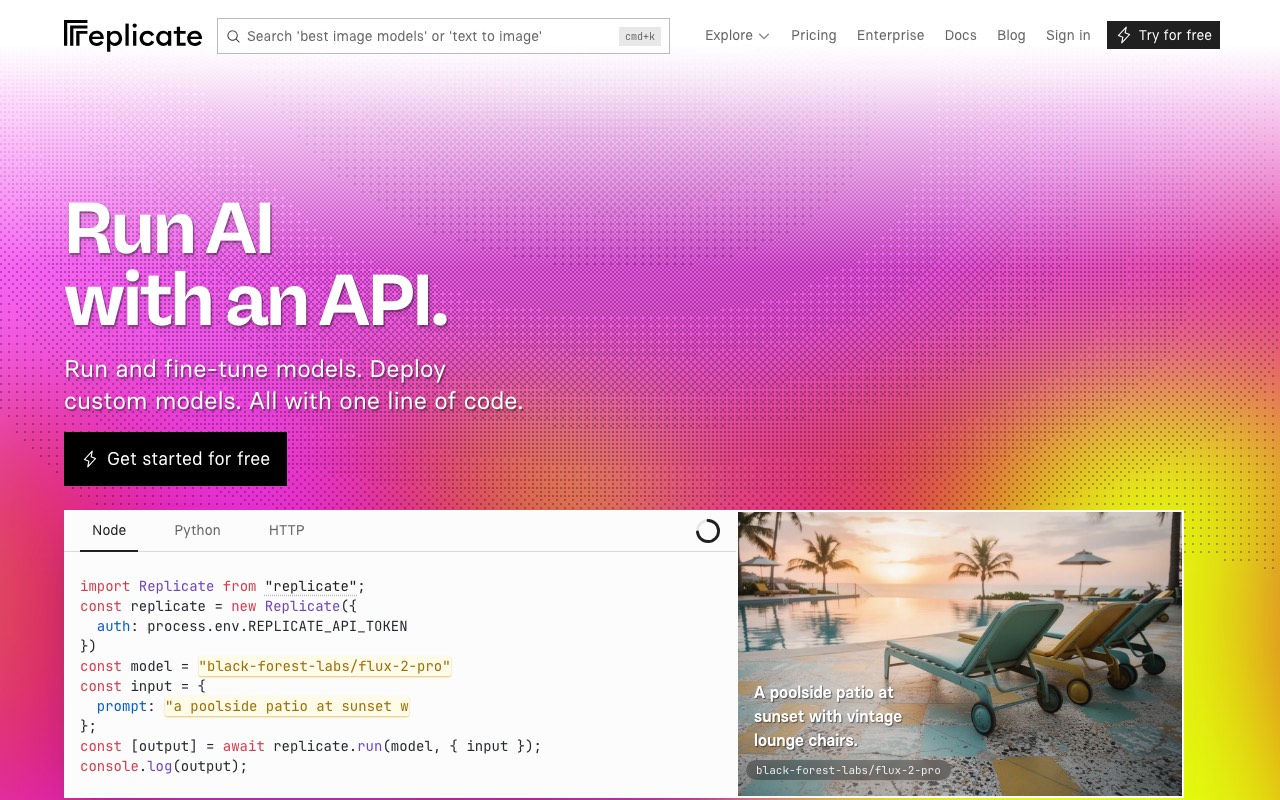
The tools map to the API. Search models. List and compare them. Get a model’s inputs and outputs. Create a prediction, which is Replicate’s word for a run. Fetch the result. Check your account and hardware. Replicate’s own launch examples are the best summary of what it is for:
- “Find popular video models on Replicate that allow a starting frame as input.”
- “What are the differences between veo 3 and veo 3 fast on Replicate?”
- “Make a video of a tortoise and a hare running in the Olympic 100m using veo 3 fast.”
That third prompt is the whole product in one line. Claude picks the model, fills in the inputs, runs it, and hands you a URL to the clip.
Two details are worth knowing. The server filters big API responses down to what the model needs, so a model search does not flood Claude’s context. And there is an experimental “code mode” that lets the agent run TypeScript in a sandbox for multi-step jobs. That one needs Deno installed and is marked alpha.
There are also two older community servers on GitHub, from deepfates and gerred. They predate the official one. Use the official server; it tracks the API as it changes.
How to set it up
You need a Replicate account and an API token from your account page. The hosted server stores that token for you after a one-time web sign-in. Read on 10 September 2026 from mcp.replicate.com.
Claude on the web and Claude Desktop:
- Open Settings, then Connectors.
- Click Add custom connector.
- Paste
https://mcp.replicate.com/sseand save. - Click Connect. A Replicate page opens and asks for your API token. Paste it and approve.
- Restart Claude Desktop if you are on the app. Start a new chat and ask for a model search.
Claude Code is one command, then a sign-in from inside the session:
claude mcp add replicate https://mcp.replicate.com/sse --transport sse --scope userRun claude, type /mcp, and pick Replicate to open the browser sign-in.
Cursor uses a bridge. Add this to ~/.cursor/mcp.json:
{
  "mcpServers": {
    "replicate": {
      "command": "npx",
      "args": ["-y", "mcp-remote@latest", "https://mcp.replicate.com/sse"]
    }
  }
}
Local option. If you would rather not store a token on Replicate’s side, run the server on your machine with npx -y replicate-mcp and put REPLICATE_API_TOKEN in the env block of your client config. The hosted route gets updates first, so Replicate recommends it for most people.
Video generation: what a run costs
The server is free. Each run is billed at the model’s own price, and for the popular video models that price is per second of output. These are the rates shown on each model’s Replicate page on 10 September 2026.
| Model | Price per second of output | An 8 second clip |
|---|---|---|
| Seedance 1 Pro at 480p | $0.03 | $0.24 |
| Wan 2.5 at 480p | $0.05 | $0.40 |
| Seedance 1 Pro at 720p | $0.06 | $0.48 |
| Kling 2.5 Turbo Pro | $0.07 | $0.56 |
| Wan 2.5 at 720p | $0.10 | $0.80 |
| Veo 3 Fast, no audio | $0.10 | $0.80 |
| Veo 3 Fast, with audio | $0.15 | $1.20 |
| Wan 2.5 at 1080p, Seedance 1 Pro at 1080p | $0.15 | $1.20 |
Resolution changes the price a lot. The same Seedance clip costs five times more at 1080p than at 480p. Wan 2.5 caps a clip at 10 seconds. The catalogue moves fast; on the day we checked, Replicate’s video collection also listed Veo 3.1, Kling 3.0, Seedance 2.0, and Wan 3, and some newer models carry launch discounts.
Image generation from the same server
The same server runs image models, and that is where Replicate is strongest. Its pricing page lists Flux 1.1 Pro at $0.04 an image, Flux Dev at $0.025, and Flux Schnell at $3 per thousand images. Newer image models sit alongside them.
Images and video pair well through MCP. In one Claude session you can generate a still with an image model, then pass that still to a video model that accepts a starting frame. Replicate’s own example prompt, “find video models that allow a starting frame as input,” is built for exactly that. Search, generate, chain. It is a good developer surface.
What you get back, and what you still do
A publishable video takes six steps. Replicate’s server covers one of them.
You get: a clip or an image, as a URL, from whichever model Claude picked. Plus the model’s inputs and price before you spend, if you ask.
You do not get: a script, a voiceover, captions, a cut that joins clips, or a post to YouTube or TikTok. Replicate does not claim any of that. It is an inference platform.
Turning Replicate output into a video
Here is the honest list of what happens after the run, if you want something you can post.
- Write the script. Claude can do this in the same chat, but nothing on Replicate reads it.
- Generate each shot. One run per clip. A 60 second video at 8 seconds a clip is eight runs, plus retries.
- Add a voice. Run a speech model on Replicate, or use another tool. Then line the audio up with the clips.
- Join the clips and add captions. An editor, or ffmpeg if you are comfortable in a terminal.
- Export the MP4 in the aspect ratio each platform wants.
- Upload to each channel by hand.
For a developer testing which model fits a product, steps 2 and 3 are the point and the rest does not matter. For a creator who wants a video a day, steps 1, 4, 5, and 6 are the whole afternoon.
The zero-assembly counterpart is a pipeline server. AITuber’s MCP server takes the topic, writes the script, picks a voice from more than 1,300, generates the visuals, adds word-synced captions, renders the MP4, and publishes to YouTube, TikTok, Instagram, Facebook, Threads, or X. One request, one finished video.
Finished videos made with AITuber
Every one of these was generated from a single prompt. No camera, no editing.
Replicate MCP vs AITuber MCP
Both are official, hosted servers that work in Claude on the web. They solve different problems.
| Replicate MCP | AITuber MCP | |
|---|---|---|
| Returns | A raw clip or image, as a URL | A finished MP4 with voice and captions |
| Model choice | Thousands, and Claude can compare them | Handled for you |
| Script writing | No | Yes |
| Voiceover | Separate speech models, you sync them | Yes, 1,300+ voices |
| Captions | No | Yes, word synced |
| Publishing | No | YouTube, TikTok, Instagram, Facebook, Threads, X |
| Auth | API token, stored after a web sign-in | Account sign-in |
| Claude web and Desktop | Yes | Yes |
| Pricing | Per run, no plan, from $0.03 a second of video | 100 free credits, then plans from $39 a month |
The honest read: Replicate wins on model breadth and on pay-as-you-go economics, and its Claude app support puts it ahead of fal for non-developers. AITuber wins when the thing you want back is a video you can post without opening an editor. They stack well. Prototype the hero shot on Replicate, let a pipeline make the daily volume.
Who should use the Replicate MCP server
Use it if you want to test several video or image models before committing to one, you already know which model you want and just want it inside Claude, or you build products on Replicate and want an agent to poke at the API.
Skip it if what you need each time is a publishable video with narration and captions. Replicate returns the raw material, not the product, and the assembly list above is real work.
Use both if you prototype shots on Replicate from Claude and let a pipeline server assemble the videos your channels post. For programmatic volume, the AITuber API does the same pipeline from code; our MCP vs API guide explains when to use which.
Frequently Asked Questions
Basics
Is there an official Replicate MCP server?
Yes. Replicate hosts it at https://mcp.replicate.com/sse and also publishes a local version as the replicate-mcp npm package. It was announced in August 2025 and supports every operation in Replicate’s HTTP API.
What can the Replicate MCP server do?
Search and compare models, read a model’s inputs and outputs, create and fetch predictions, and check your account. That covers video, image, audio, and language models. Each prediction returns a raw output URL.
Does the Replicate MCP server do video generation?
Yes. Any video model on Replicate, including Veo 3 Fast, Kling 2.5 Turbo Pro, Wan 2.5, and Seedance, can be run from Claude. What comes back is a silent clip, unless the model generates its own audio, as Veo 3 does.
Setup
How do I add Replicate MCP to Claude?
In Claude on the web or Claude Desktop, open Settings, then Connectors, then Add custom connector, and paste https://mcp.replicate.com/sse. Click Connect and paste your Replicate API token on the page that opens.
How do I add Replicate MCP to Claude Code?
One command: claude mcp add replicate https://mcp.replicate.com/sse --transport sse --scope user. Then run claude, type /mcp, and complete the browser sign-in.
Is my API token safe on the hosted server?
Replicate says the token is stored in Cloudflare’s KV storage and used on your behalf. If you prefer to keep it local, run npx -y replicate-mcp with the token in your client’s env block instead.
Cost
How much does the Replicate MCP server cost?
The server is free. Each run is billed at the model’s price. On 10 September 2026 that was $0.03 a second for Seedance 1 Pro at 480p, $0.07 a second for Kling 2.5 Turbo Pro, and $0.15 a second for Veo 3 Fast with audio. There is no subscription.
Is there a free tier?
We did not find one on Replicate’s pricing page. You pay per run from the first one.
Comparisons
Replicate MCP or fal.ai MCP?
Both expose big model catalogues and return raw assets. Replicate’s hosted server signs in through a web page, so it works in Claude on the web and Claude Desktop. fal’s uses an API key header and connects in coding agents only, for now. Our fal.ai MCP guide has the detail.
Does Replicate MCP add voiceover, captions, or publishing?
No. It returns clips and images. Script, narration, captions, editing, and publishing stay with you. A full pipeline server like AITuber returns those steps finished. Our roundup of the best MCP servers for AI video generation compares the whole field.
How we researched this: server URLs, transport, setup steps, tool coverage, and the token flow come from Replicate’s MCP documentation, mcp.replicate.com, and Replicate’s launch announcement. Per-model prices come from each model’s Replicate page and Replicate’s pricing page, read in the browser on 10 September 2026. MCP ecosystem figures come from Anthropic’s published announcement. AITuber is a product we build, so we have flagged every comparison and kept the Replicate details accurate and current. Replicate’s catalogue and prices change often; check replicate.com for the latest.