Canva AI Reel Generator: Limits and an Alternative
What Canva's AI reel tools do today, from Magic Video to 8-second Veo clips, where they stop, and when a tool that writes and voices the Reel is faster.

Canva’s AI reel generator is called Magic Video, and it edits clips you already have. You upload 1 to 10 clips or photos, and it trims, styles, and sets them to music as a 60-second vertical video. It is free on every Canva plan. What it will not do is invent the Reel for you. If you have no footage, Canva’s text-to-video tool makes one 8-second clip at a time, in 16:9. Starting from just an idea? Then an AI Reel maker like AITuber is faster, since it does the script, voice, visuals, and captions in one pass.
What Canva’s AI can do for Reels today
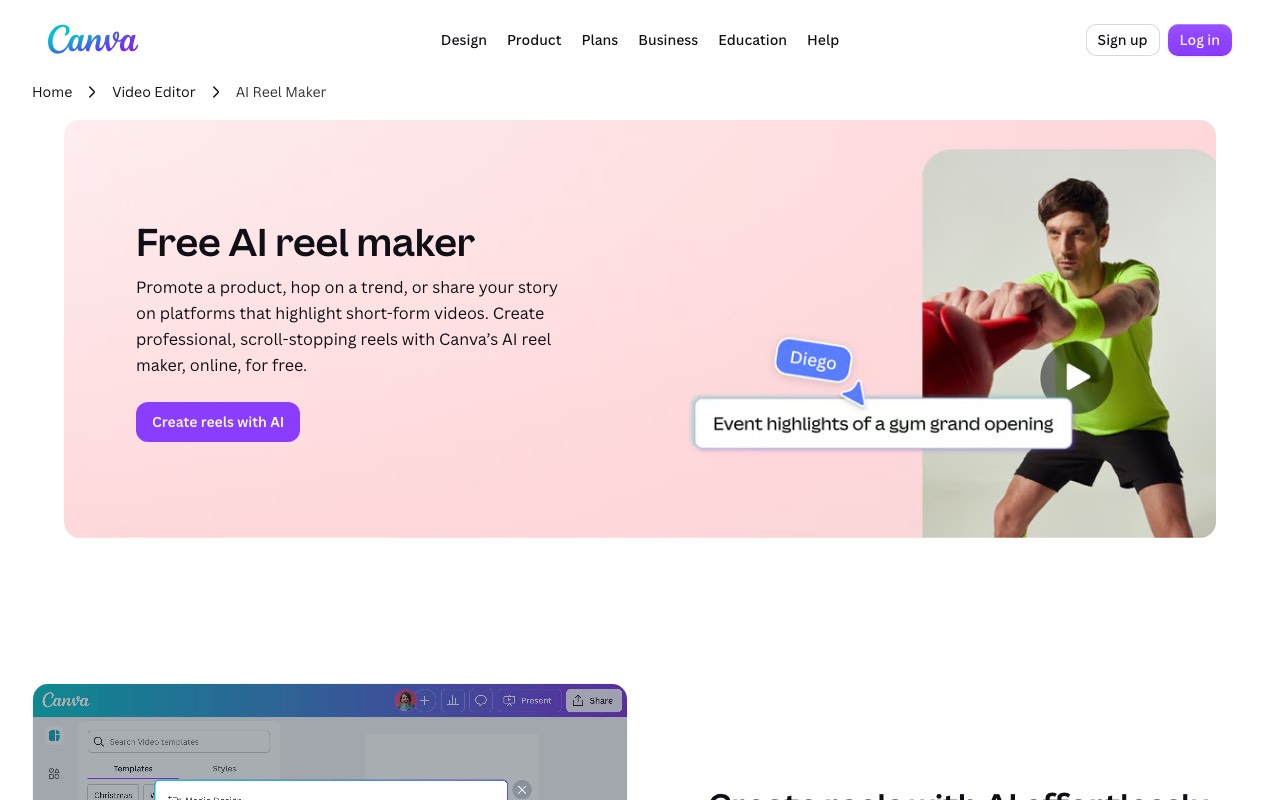
Canva has no single “reel generator” button. Its AI for Reels is spread across a few tools, and each one does a different job. Canva’s own reel page sends you to Magic Design, and its help center now calls the clip-based tool Magic Video.
- Magic Video takes 1 to 10 of your clips or photos plus a prompt. It returns a 60-second, multi-scene vertical video with a template, transitions, and music. It is included on every plan, Canva Free too.
- Create a Video Clip runs Google’s Veo 3 inside Canva AI. One prompt gives one 16:9 clip of up to 8 seconds, with sound. It is an Ultra AI tool, so it is only on Canva Pro, Business, Enterprise, and Nonprofit plans.
- Magic Media turns a prompt into a short video you can drop into a design. It counts as a Premium AI tool and draws from your monthly AI allowance.
- AI Voice turns typed text into a voiceover track on your timeline. Canva can also turn speech in a video into editable captions.
- Magic Write drafts text, and we use it for rough scripts. It does not turn that script into scenes.
Put together, that is a strong kit. You can write, voice, caption, and style a Reel without leaving Canva. You just do each step yourself, in the editor.
Where Canva stops
Most of the limits come from one fact. Canva is a design tool that added AI, so it expects you to bring the footage. These are the gaps we hit when we read Canva’s own help pages.
- Magic Video needs your clips. It arranges what you upload; it does not make new scenes from a topic.
- The text-to-video clip is 8 seconds and 16:9. A Reel is 9:16 and often 30 to 60 seconds, so you would need several clips, then crop each one.
- Canva Free, Pro Lite, and the Pro trial get no Ultra AI tools at all. That means no Veo clips until you pay.
- Paid plans share one monthly AI allowance, and Ultra tools use the most of it. Canva does not print a fixed clip count per plan, so heavy use is hard to budget.
- Magic Video has an hourly generation limit and no auto-framing yet. Canva warns that some clips may crop in odd ways.
- The voice, the captions, and the edit are separate steps. Nothing writes a script and builds the scenes to match it.
None of this makes Canva bad. It makes Canva an editor with AI help, which is a different tool from a Reel generator.
Canva vs an AI Reel generator, side by side
| Canva (Magic Video + Canva AI) | AITuber | |
|---|---|---|
| What you start with | Your own clips or photos (1 to 10) | A topic, a script, a link, or a PDF |
| Writes the script | Magic Write drafts text; you place it | Yes, then builds scenes to match |
| Makes new visuals | Veo 3 clips, 8 seconds, 16:9, paid plans only | AI images, AI clips, or stock footage per scene |
| Voiceover | AI Voice, added as a separate step | Built in, 1,300+ voices in 50+ languages |
| Captions | Generated from the audio, a separate step | Word-synced captions on every video |
| Reel length | 60-second Magic Video | Short vertical videos or long-form |
| Brand templates and design | Excellent: brand kits, fonts, millions of templates | Caption styles and visual styles only |
| Posting | Canva Pro includes social scheduling | Publish to Instagram, TikTok, YouTube and more (paid plans), or let autopilot post |
| Free start | Canva Free, Magic Video included | AITuber gives 100 credits, no card |
| Paid price | ₹4,000 a year for Canva Pro, ₹6,800 a year per person for Canva Business | AITuber Creator $39 a month |
Canva sets prices by country, and we read these from India. Its Pro Lite plan is ₹1,590 a year but has no Ultra AI tools. We checked every Canva fact on Canva’s own pages on 14 November 2026.
When Canva is the right tool
Stay in Canva if you already film. A café owner with ten phone clips from a busy Saturday gets a tidy 60-second Reel from Magic Video in minutes, for free. That is Canva at its best.
Canva also wins on brand work. Say your Reel has to match a brand kit and sit next to a carousel. If it also needs a team approval, nothing here beats Canva. We’d keep any Reel that needs a designer’s eye in Canva.
And if you want one beautiful shot for an opener, Create a Video Clip is a fair way to get it. Just plan for the 16:9 crop.
When a generator is faster
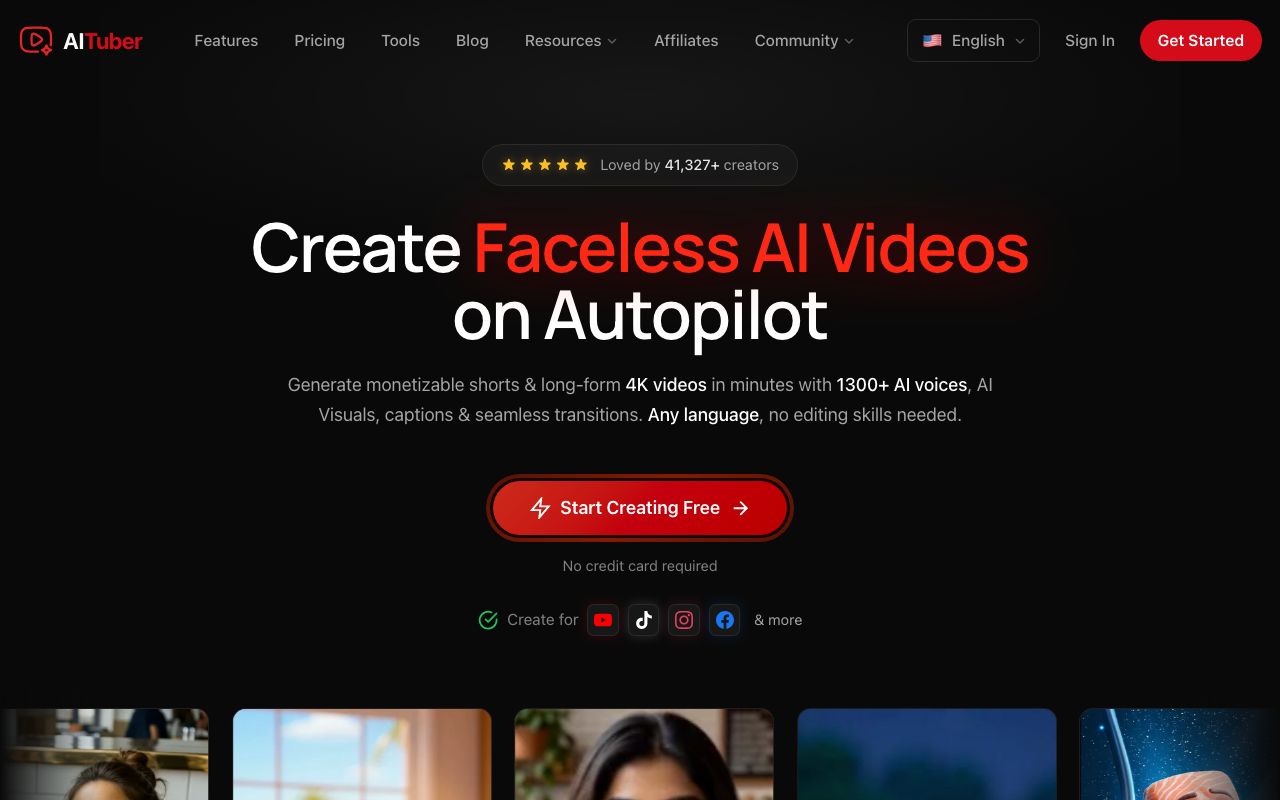
AITuber is our own tool, so read this part with that in mind. It does the job Canva leaves to you. Type a topic or paste a script, and it writes the Reel. It picks a visual for each line, records the voice, and burns in captions timed to each word. The video comes out in 9:16, ready for Reels.
The big difference is the starting point. You need no footage. Each scene can be an AI image, an AI video clip, or real stock footage from Pexels and Pixabay. You can also paste a public web page link or upload a PDF of up to 25 MB. AITuber then makes a video about its ideas.
We think the time math is the real reason to switch. In Canva, a faceless Reel means writing, voicing, finding clips, and captioning by hand. In AITuber, it is one prompt and a review. On a paid plan you can then post straight to Instagram, TikTok, YouTube, and more, or let autopilot make and post one on a schedule.
We’ll be honest about the gaps too. AITuber is not a design suite. It has no brand kit, no template library, and no multi-page layouts. It also does not edit your own phone footage into a highlight reel; that is Magic Video’s job.
AITuber is free to start with 100 credits and no card. AITuber Creator is $39 a month for 2,500 credits. A 30-second Short with AI images uses about 35 credits, so Creator covers about 71 of them a month. AITuber Pro is $69 a month for 5,000 credits. See the full pricing.
The same Reel, made both ways
Say you want a 30-second Reel on “three habits that wreck your sleep.”
In Canva, you would start with Magic Write for the script. Next you need visuals. Without your own clips, you would make a few Veo clips on a paid plan, crop each one to 9:16, and line them up. Then you add an AI Voice track, generate captions, and fix the timing.
In AITuber, you type that one line into the AI Reel maker. It writes about 75 words, makes a scene for each habit, voices it, and captions it. You read the script, swap any scene you dislike, and export.
Both ways end in a fine Reel. One takes a few minutes of review, and the other takes an editing session. If you post daily, that gap adds up fast.
Short videos made with AITuber
From the public AITuber catalog. Each one started as a single prompt, with no clips uploaded.
Getting the format right
Whatever tool you use, export at 1080 x 1920 in 9:16. Our Instagram Reel size guide covers the safe zones, so captions do not sit under the buttons. For a wider look at tools that make Reels from scratch, see our list of the best AI Instagram Reels generators.
Frequently Asked Questions
Canva basics
Does Canva have an AI reel generator?
Yes. Canva’s AI reel maker is Magic Video. You upload 1 to 10 clips or photos and add a prompt, and it makes a 60-second vertical video with a template, transitions, and music.
Is Canva’s AI reel maker free?
Yes. Magic Video is included on every Canva plan, Canva Free too. The Veo-powered Create a Video Clip tool is not free; it needs Canva Pro, Business, Enterprise, or a Nonprofit plan.
Can Canva make a Reel from text alone?
Only in short pieces. Create a Video Clip makes one 16:9 clip of up to 8 seconds per prompt. For a full Reel you would join several clips, crop them, and add a voice and captions yourself.
Limits
How many AI videos can I make in Canva per month?
Canva does not publish a fixed number. Paid plans share a monthly AI allowance, and Create a Video Clip is an Ultra AI tool that uses the most of it. Canva Pro gets 10x the AI allowance of Canva Free; Canva Business gets 20x.
Why does my Canva Magic Video crop my clips?
Magic Video does not support auto-framing yet, so its templates can cut off your subject. Canva suggests fixing the crop in the editor after it generates.
Alternatives
What is the best alternative to Canva for AI Reels?
If you have no footage, use a tool that writes the Reel for you. AITuber’s AI Reel maker turns a topic into a vertical video with a script, voice, visuals, and word-synced captions. If you have footage and want design control, stay with Canva.
Can I use Canva and AITuber together?
Yes. You can make the Reel in AITuber, then bring the MP4 into Canva to add brand fonts or a logo. Or design the cover in Canva and use AITuber for the video itself.
Does AITuber edit my own videos like Canva?
No. AITuber makes new videos from a topic, script, link, or PDF. It does not cut your own clips into a highlight reel. For that, Canva’s Magic Video or an editor like CapCut is the right tool.
How we researched this: we read Canva’s pricing page, its AI reel maker and AI video generator pages, and its help center articles on Magic Video, AI usage, and AI Voice on 14 November 2026. We did not run a hands-on test of Canva for this guide. Canva prices by country, and we saw rupee prices from India; your local price will differ. AITuber’s facts come from its own pricing page and docs. AITuber is a product we build, so we have said where Canva is the better pick. Features and plans change often; check Canva’s site before you buy.