Best AI Instagram Reels Generator (2026)
Six AI Reels tools tested, with real pricing checked this month. Which ones post to Instagram for you, and which ones leave a watermark on your video.

The best AI Instagram Reels generator for most creators is AITuber. It turns one idea into a finished Reel, then posts it to Instagram on a schedule. Most tools stop at the export. Below are six tools worth using, split by the two jobs people actually mean when they search for a Reels generator. Every price here was read from the vendor’s own page in August 2026.
TL;DR: the top picks
- AITuber: best overall. One idea becomes a finished Reel, and it posts to Instagram on a schedule. No watermark on any plan, including free.
- OpusClip: best for turning one long video into many Reels.
- Submagic: best for captioning a clip you already filmed.
- Predis.ai: best for a brand account that needs a posting calendar.
- InVideo AI: best if you want Veo, Sora, and Kling in one subscription.
- VEED: best browser editor if you also need subtitles and resizing.
| Tool | Best for | Posts to Instagram for you? |
|---|---|---|
| AITuber | Idea to posted Reel, on autopilot | Yes |
| OpusClip | Long video into Reels clips | Yes, on paid plans |
| Submagic | Captions and polish | Yes, on Pro and above |
| Predis.ai | Brand calendar and scheduling | Yes |
| InVideo AI | Prompt to a Reel | No |
| VEED | Editing, subtitles, resizing | No |
First, decide which job you have
“AI reel generator” means two different things, and picking the wrong type wastes money.
Job one: make a Reel from nothing. You have an idea, not footage. You want a script, a voice, visuals, and captions. AITuber, InVideo AI, and Predis.ai do this.
Job two: cut a Reel out of something long. You have a podcast, a stream, or a talking-head video. You want the good 30 seconds. OpusClip, Submagic, and VEED do this.
A clipping tool cannot invent a video for you. A generator cannot find the best moment in your podcast. Buy for the job you actually have.
What makes a great AI Instagram Reels generator
Instagram has its own rules, so a good general video maker is not always a good Reels maker.
- True 9:16 vertical, and 1:1 for the feed. A Reel plays full screen at 1080 x 1920. The same clip also shows up cropped in the feed and on your profile grid. Our Instagram Reel size guide covers every crop.
- Word-synced captions. Most people watch Instagram with the sound off. Captions that light up each word are the cheapest retention win you can buy.
- No watermark. A logo in the corner makes a Reel look recycled, and recycled-looking video gets less reach.
- Real publishing to Instagram. Posting often is what grows an account. A tool that publishes for you turns a hobby into a system.
- A free tier you can judge quality on. You should see real output before you pay.
The one Instagram rule that decides half of this list
Any tool that posts to Instagram for you goes through Meta’s Content Publishing API. Meta’s own docs say that API works with Instagram professional accounts only, meaning a Business or Creator account. A personal account cannot be published to by software.
Meta also caps it. Accounts are limited to 100 API-published posts in a rolling 24 hours (Meta for Developers). That cap is far above what any creator needs, but the professional-account rule catches people out constantly.
So before you compare features, switch your account to Creator or Business in Instagram settings. It is free, it takes about a minute, and without it the auto-posting you are paying for will not connect.
The best AI Instagram Reels generators
1. AITuber
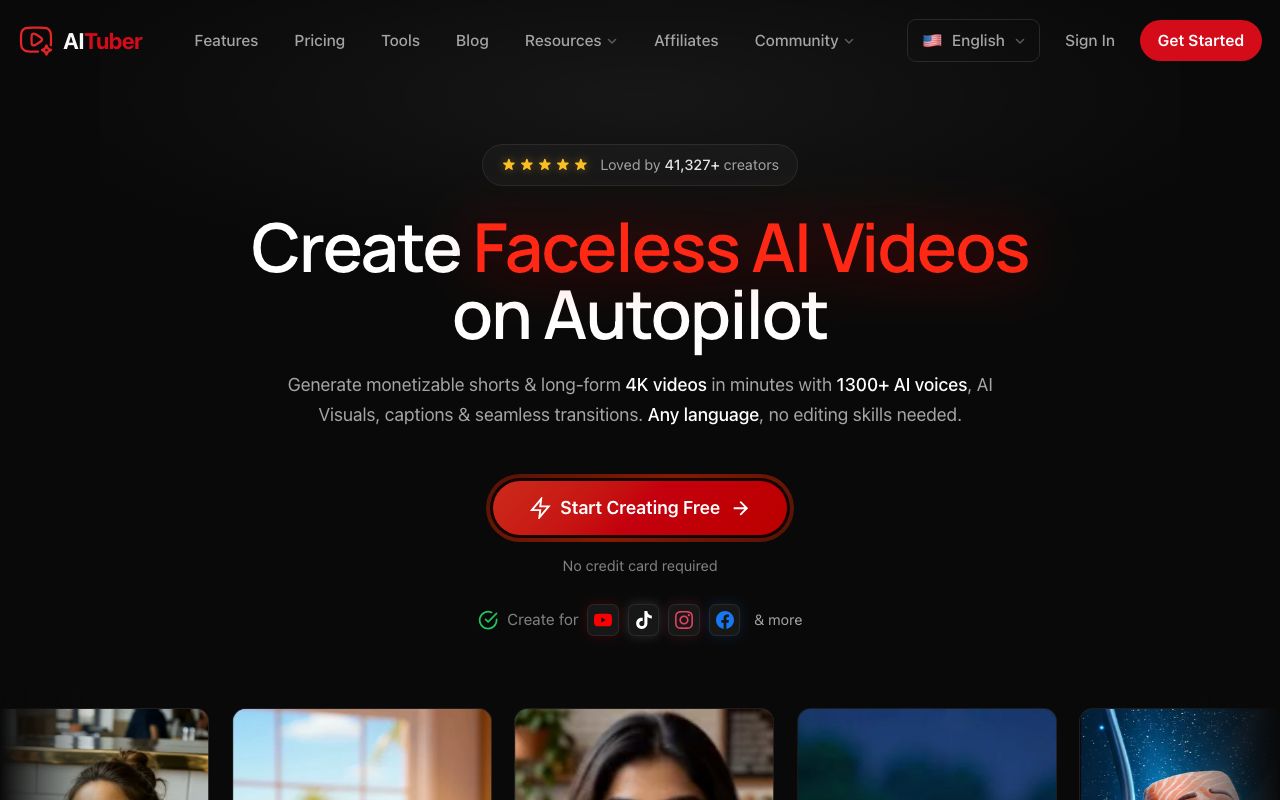
AITuber is the strongest pick for anyone building a Reels account rather than making one video. You give it an idea. It writes the script, generates the voice and visuals, adds word-synced captions, and posts the finished Reel to Instagram on a schedule. It is the only tool here that covers the whole path from idea to published.
Key features
- Idea to finished Reel: script, AI voiceover, visuals, and word-synced captions in one pass
- Exports 9:16 for Reels, 1:1 for the Instagram feed, and 16:9, up to 4K
- Autopilot writes, makes, and publishes to Instagram, TikTok, YouTube, Facebook, Threads, and X on a schedule
- 29 visual styles and 1,300+ AI voices
- Faceless niche templates, so a new account looks consistent from day one
Pros
- No watermark on any plan, including the free tier
- Every feature is on every paid plan, including 4K and auto-publishing
- Credits are spent on the video you keep, not on edits and previews, and failed jobs are refunded
- Unused credits do not expire
Cons
- Built for faceless short-form, not for editing footage you filmed yourself
- Autopilot only pays off if you actually post on a schedule
Pricing: Free with 100 credits and no card. Creator is $39/mo with 2,500 credits, Pro is $69/mo with 5,000, Studio is $129/mo with 10,000, and Agency is $249/mo with 20,000. A 30-second Reel at Basic quality costs about 35 credits, so Creator makes roughly 71 Reels a month. See the full pricing.
Best for: creators who want an AI Instagram Reels generator that also does the posting. For the step-by-step setup, see how to automate Instagram Reels.
2. OpusClip
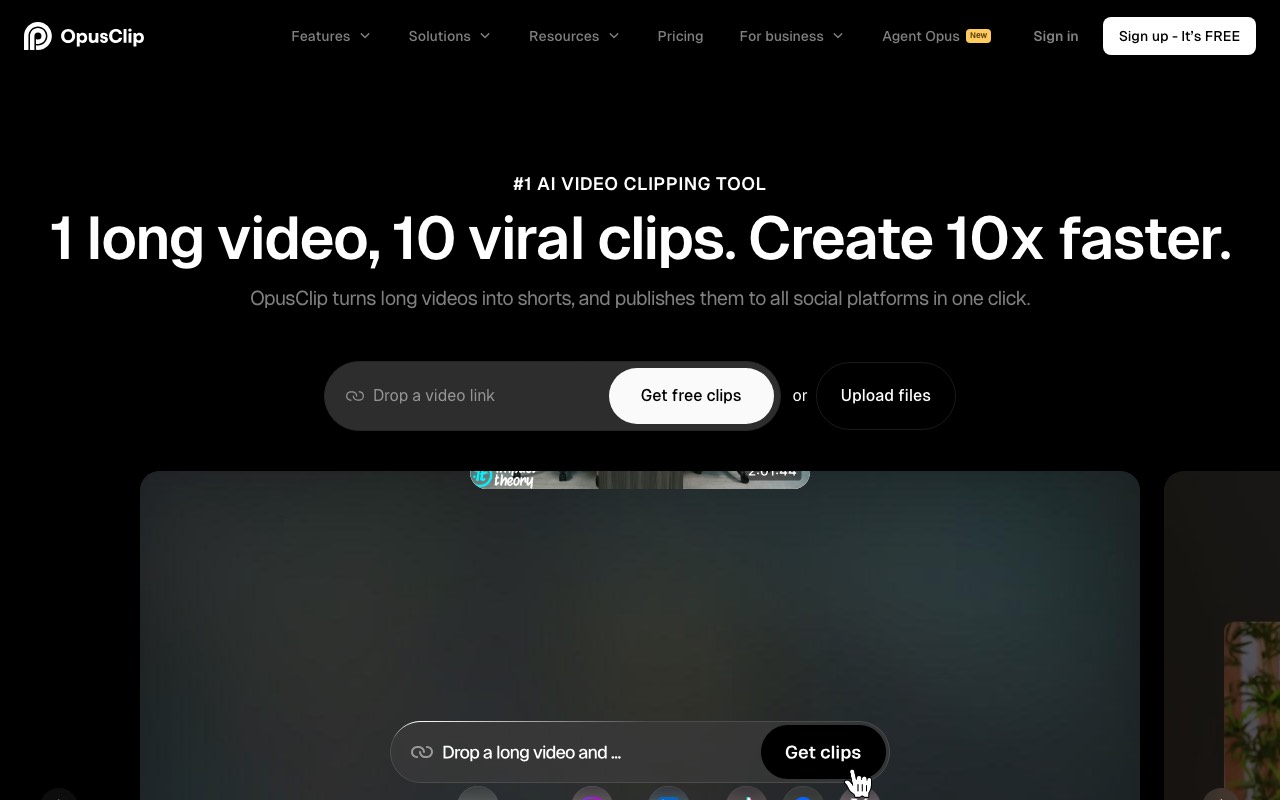
OpusClip is the best tool here for job two. You drop in a podcast, a stream, or a YouTube link, and it finds the moments worth clipping, crops them to 9:16, and adds captions. It scores each clip for likely reach, which is a useful way to pick what to post first.
Key features
- Finds clips by spoken words, and on paid plans by visual objects, sound, and emotion
- Imports from a local file, YouTube, Google Drive, Vimeo, Zoom, and more
- Publishes straight to Instagram, TikTok, and YouTube Shorts on paid plans
- Virality scoring and custom clip lengths
Pros
- Genuinely good at picking the strong 30 seconds out of an hour
- Captions usually need very little correction
- The free plan is enough to judge quality
Cons
- The free plan watermarks every export, caps you at 1080p, and deletes files after 3 days
- Free cannot post to social at all, so publishing starts at $15/mo
- Reviewers report billing friction, and the Starter plan feels thin on its own
Pricing: Free plan is $0 with watermarked 1080p exports and 3-day storage. Starter is $15/mo and removes the watermark, adds the other clipping methods, and unlocks posting to Instagram. Pro is $29/mo. Business is custom. Read from OpusClip’s live pricing page on 6 August 2026.
User reviews: G2 rates it 4.6 out of 5 across 118 reviews (G2). Capterra’s much smaller sample is harsher at 3.6 out of 5.
Best for: podcasters, streamers, and anyone sitting on long footage they have never cut up.
3. Submagic
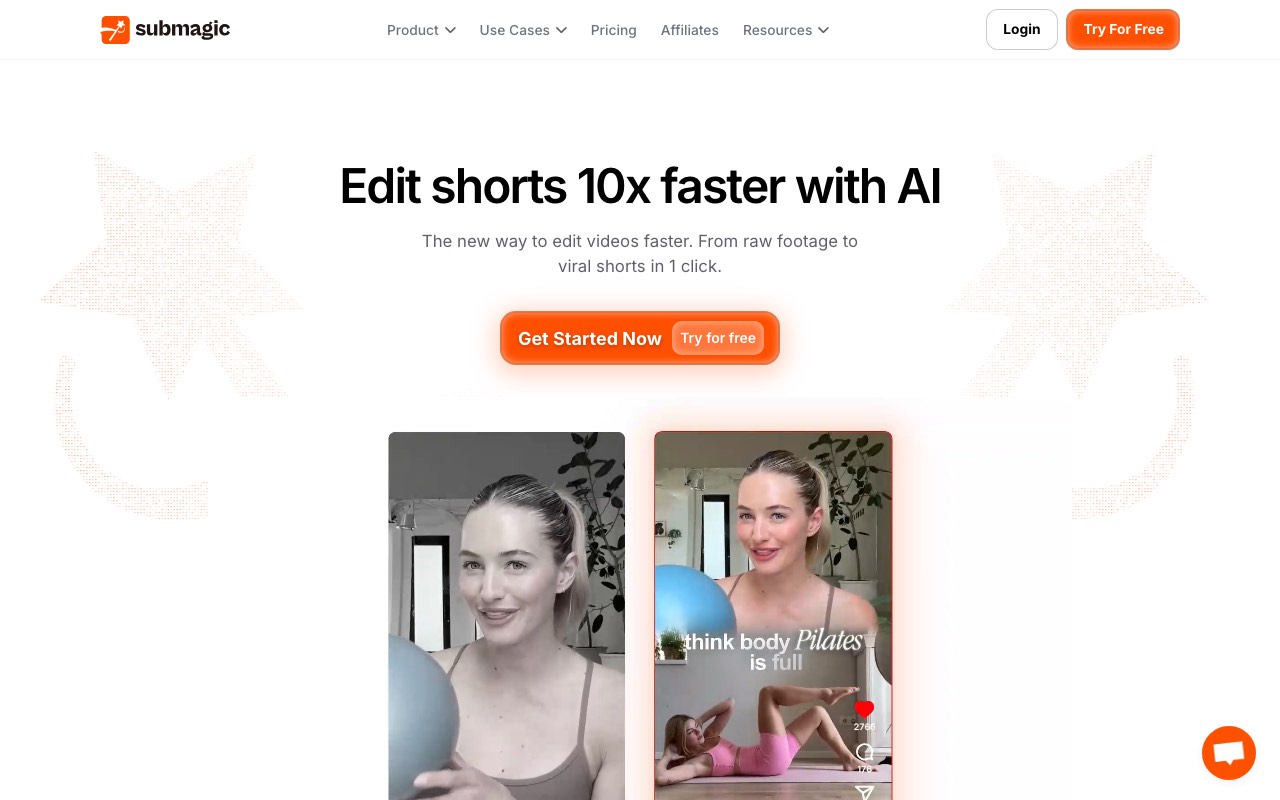
Submagic is a captioning and polish tool that grew into a short-form editor. If you film yourself talking and just want it to look like everyone else’s good Reel, this is the shortest path. The caption styles are the reason people pay for it.
Key features
- Auto captions with animated styles built for short vertical video
- B-roll, zooms, and sound effects added automatically
- Publishes to Instagram, TikTok, and YouTube on Pro and above
Pros
- The best caption styling in this list
- Fast, and the output looks native to Reels
- G2 reviewers rate it highly for time saved
Cons
- Video counts and length caps are tight on the entry plan
- The free plan watermarks and allows only 3 videos a month
- Trustpilot reviews include repeated complaints about billing and refunds
Pricing: Free is 3 videos a month with a Submagic watermark. Starter is $19/mo per member, or $12/mo billed annually, with 15 videos a month at up to 2 minutes. Pro is $39/mo, or $23 annually, with 40 videos at up to 5 minutes, and adds publishing to Instagram. Business + API is $69/mo, or $41 annually, with 100 videos at up to 30 minutes. Read from Submagic’s live pricing page on 6 August 2026.
User reviews: G2 rates it 4.7 out of 5 across 83 reviews (G2). Trustpilot sentiment is more mixed, with billing and refund complaints the common thread (Trustpilot).
Best for: creators who film themselves and want captions that look professional without the editing time.
4. Predis.ai

Predis.ai is a social media tool first and a video tool second. It makes Reels, carousels, and static posts, then schedules them across accounts. If you run Instagram for a business and video is only part of the job, this fits better than a pure video generator.
Key features
- Generates Reels, carousels, and image posts from a brand profile
- Publishes directly to Instagram, and to Facebook, TikTok, LinkedIn, and more
- Competitor analysis and a drag-and-drop content calendar
Pros
- Handles the whole Instagram account, not only Reels
- Manages a lot of connected accounts, which suits agencies
- Reviewers praise how fast it produces bulk social content
Cons
- Video output per plan is modest: roughly 9 videos a month on the entry plan
- Auto posting is not on the cheapest plan, only direct publishing
- Reviewers report occasional publishing failures and bugs
Pricing: Core is $19/mo, or $230 a year, with 1,300 credits, about 9 videos, and 10 social accounts. Rise is $40/mo, or $474 a year, with 3,200 credits, about 22 videos, 20 accounts, and auto posting. Enterprise+ is $212/mo, or $2,540 a year. The pricing page advertises a free trial rather than a free plan. Read from Predis.ai’s live pricing page on 6 August 2026.
User reviews: G2 rates it 4.7 out of 5 across 91 reviews (G2). Trustpilot sits lower, around 3.8 out of 5.
Best for: small businesses and agencies running brand accounts, where Reels sit next to carousels and static posts.
5. InVideo AI
InVideo AI takes a prompt or a link and builds a video from it. Its real pitch in 2026 is model access: one subscription covers Veo, Sora, Kling, and a long list of others. That is genuinely useful if you want cinematic generated shots in a Reel rather than stock footage.
Key features
- Prompt, script, or URL to a finished video
- Access to 200+ image, video, audio, and music models on paid plans
- Unlimited watermark-free exports on every paid plan
Pros
- The widest model access of anything in this list
- Exports are unlimited and clean on paid plans
- Good at turning an existing article into a video
Cons
- No free plan since July 2026
- Credits are consumed by generation and do not roll over month to month
- It does not publish to Instagram, so you still upload by hand
Pricing: Plus is $17/mo billed yearly at $200, with 75 credits a month. Max is $85/mo billed yearly at $1,000, with 390 credits. Generative is $170/mo billed yearly at $2,000. Elite is $900/mo billed yearly at $10,800. Read from InVideo’s live pricing page on 4 August 2026; the page renders prices dynamically, so confirm before you buy. Our best InVideo alternatives guide covers the repricing in full.
Best for: creators who want the newest video models in one place and do not mind uploading to Instagram themselves.
6. VEED
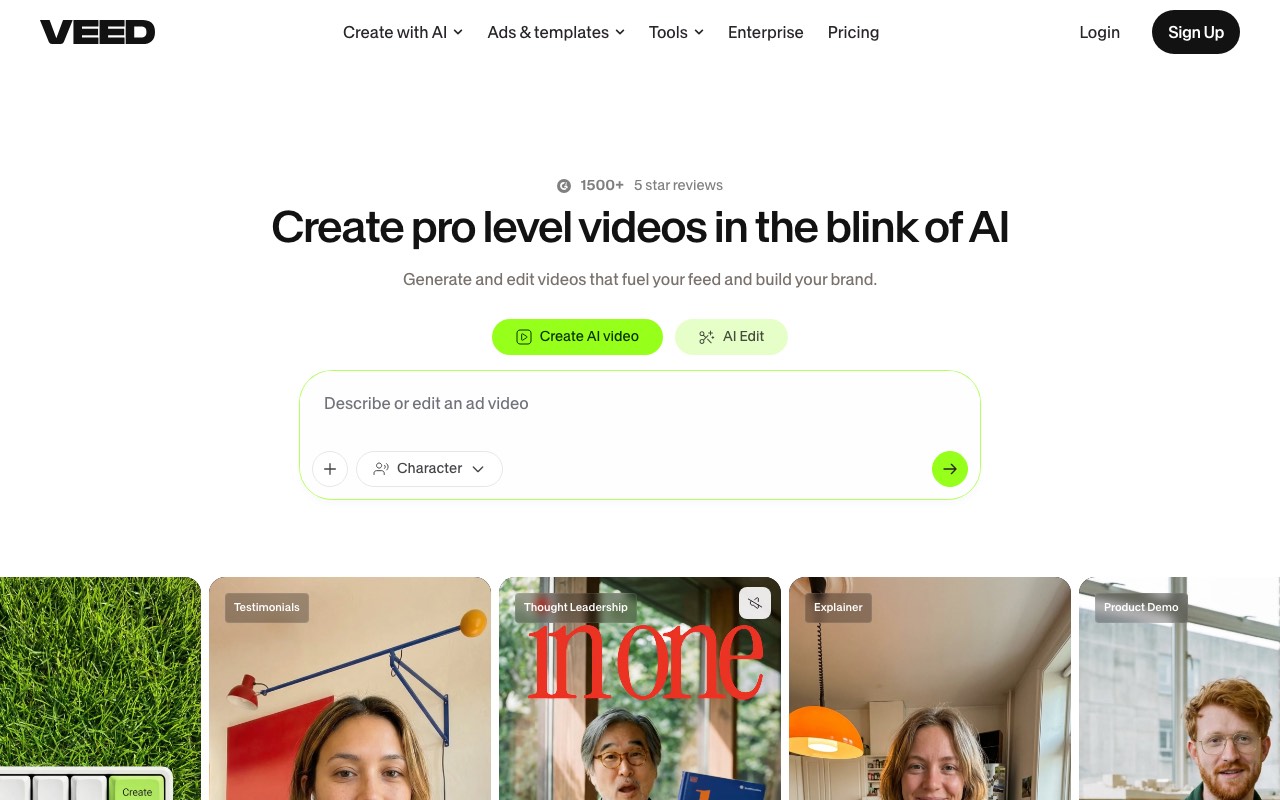
VEED is a browser video editor that added AI generation on top. For Reels it is most useful as a finisher: resize a 16:9 video to 9:16, drop in auto subtitles, translate, and export. It is the least specialised pick here, and that is the point.
Key features
- Full browser editor, nothing to install
- Unlimited auto subtitles on paid plans, and translation into 50+ languages
- Resizing between 9:16, 1:1, and 16:9
- Gen-AI Studio for generated clips
Pros
- Genuinely fast subtitles, and easy for a beginner
- One tool for editing, captioning, and resizing
- Works on any machine, since it runs in the browser
Cons
- No publishing to Instagram, so you export and upload
- The credit system is the real limit, not the video count
- Its pricing page shows local currency, which makes plans hard to compare
Pricing: VEED prices by region, so what you see depends on where you are. Read on an India connection on 6 August 2026, Creator was ₹520 per user a month, billed yearly at ₹6,238. That plan carries 6,000 credits and no watermark. Pro was ₹1,068 a month, and Studio was ₹1,722. Check the page from your own country for your figure. “No watermark” first appears on Creator, so the free tier watermarks.
Best for: anyone who needs one browser tool for subtitles, resizing, and light editing.
Quick comparison of all six tools
| Tool | Starting price | Free tier | Posts to Instagram | Best for |
|---|---|---|---|---|
| AITuber | Free, then $39/mo | Yes, 100 credits, no watermark | Yes | Idea to posted Reel |
| OpusClip | Free, then $15/mo | Yes, watermarked | Paid plans | Long video into clips |
| Submagic | $12/mo annual, $19 monthly | Yes, 3 videos, watermarked | Pro and above | Captions and polish |
| Predis.ai | $19/mo | Trial only | Yes | Brand accounts |
| InVideo AI | $17/mo billed at $200/yr | No, dropped July 2026 | No | Prompt to a video |
| VEED | Regional pricing | Yes, watermarked | No | Editing and subtitles |
Prices are the lowest paid tier and were read from each vendor’s own page on 6 August 2026, except InVideo, read on 4 August 2026. Some vendors render pricing dynamically or by region, so confirm on the site before you buy.
Can you make Instagram Reels with AI for free?
Yes, but read the watermark rules first, because they differ more than the prices do.
- AITuber gives 100 free credits with no card, and it does not watermark any plan, including free. So the video you make on the free tier is one you can actually post.
- OpusClip and Submagic both have real free plans, and both stamp a watermark on the output. Use them to judge quality, not to publish.
- VEED also watermarks free exports. InVideo AI dropped its free plan in July 2026, and Predis.ai offers a trial rather than a free tier.
That is the whole catch. A watermark tells Instagram viewers the video came off a template, and recycled-looking video gets less reach. Test on a free tier, then move to a plan that exports clean.
How to choose the right AI Instagram Reels generator
- Do you want an Instagram account that runs itself? Choose AITuber. It goes from idea to posted Reel and publishes on a schedule.
- Do you already have long videos? Choose OpusClip. Nothing else here finds the good moments as well.
- Do you film yourself and only need it to look good? Choose Submagic. Captions are its whole reason to exist.
- Do you run a brand account with a calendar? Choose Predis.ai. Reels are one part of a wider posting plan.
- Do you want Veo, Sora, and Kling in one place? Choose InVideo AI, and accept that you upload by hand.
- Do you just need subtitles and a resize? Choose VEED.
Use-case cheat sheet
- Scenario: You want a faceless Reels account posting daily. Best choice: AITuber, on autopilot.
- Scenario: You have 40 podcast episodes and no clips. Best choice: OpusClip.
- Scenario: You film short talking-head Reels on your phone. Best choice: Submagic.
- Scenario: You manage Instagram for a client. Best choice: Predis.ai.
- Scenario: You want cinematic AI shots inside a Reel. Best choice: InVideo AI.
- Scenario: You have one 16:9 video that needs to become a Reel today. Best choice: VEED.
- Scenario: Your free-tier video has a watermark and you want to post it anyway. Best choice: AITuber’s free tier, which does not watermark.
Frequently Asked Questions
Basics
What is the best AI Instagram Reels generator?
AITuber is the best overall. It turns one idea into a finished 9:16 Reel and posts it to Instagram on a schedule, with no watermark on any plan. If you already have long videos, OpusClip is the better pick, since it finds the strongest clips inside them. If you film yourself and only need captions, Submagic is the fastest route.
Can AI make a full Instagram Reel from one idea?
Yes. Tools like AITuber write the script, pick a voice, generate visuals, add word-synced captions, and export a vertical video from a single topic. AITuber can then publish it to your Instagram on a schedule, so you never open an editor.
What size should an AI-generated Reel be?
1080 x 1920 pixels, which is 9:16. The same Reel is also cropped for the feed and the profile grid, so keep text away from the edges. Our Instagram Reel size guide has the full spec table and safe zones.
Free and pricing
What is the best free AI Instagram Reels generator?
AITuber, because it is the only one here that does not watermark free output. You get 100 credits with no card, which is enough for a Reel you can post. OpusClip, Submagic, and VEED all have free tiers, but each stamps a watermark on the export.
Can I make Instagram Reels with AI without a watermark?
Yes. AITuber exports clean video on every plan, including free. OpusClip removes its watermark at $15/mo, Submagic at $12/mo billed annually, and VEED at its Creator plan. InVideo AI advertises unlimited watermark-free exports on all paid plans, but has no free plan.
How much does an AI Reels tool cost?
Most entry plans sit between $12 and $39 a month. Submagic is cheapest at $12/mo billed annually, OpusClip is $15/mo, Predis.ai is $19/mo, and AITuber is $39/mo or free to start. InVideo AI shows $17/mo but bills $200 for the year. Compare cost per finished Reel, not the monthly number, since credits and video caps change the real price.
Instagram-specific
Which AI tools can post to Instagram for me?
AITuber and Predis.ai publish to Instagram directly. OpusClip does it on paid plans, and Submagic on Pro and above. InVideo AI and VEED do not, so you download and upload yourself.
Why will my tool not connect to my Instagram account?
Almost always because the account is personal. Meta’s Content Publishing API works with Instagram professional accounts only, so you need a Creator or Business account. Switching is free and takes about a minute in Instagram settings.
Do AI Reels get less reach on Instagram?
Instagram does not ban AI content, but it does label AI-generated media and it rewards video people finish and rewatch. A watermark-free Reel with a strong first second and clear captions performs like any other Reel. Low-effort, watermarked, template-looking video is what gets buried.
Comparisons
AITuber vs OpusClip for Reels: which is better?
They solve different problems. OpusClip needs an existing long video and cuts clips out of it. AITuber needs only an idea and builds the Reel from scratch, then posts it. If you have a back catalogue of footage, use OpusClip. If you are starting a new account with nothing to cut, use AITuber.
Is a general AI video tool good enough for Reels?
It can be, if it clears three bars: true 9:16 export, word-synced captions, and no watermark on your plan. Tools built for short-form clear all three by default. General editors like VEED handle the format and captions well but leave the publishing to you.
How we researched this: we compared six tools against the Instagram criteria above, using public sources, mainly each vendor’s live pricing page and named review platforms like G2, Capterra, and Trustpilot, plus our own hands-on testing. Vendor prices were read on 6 August 2026, except InVideo AI, read on 4 August 2026. AITuber is a product we build, so we have flagged every place we compare it to another tool and kept competitor pricing and ratings accurate as of those dates. Some vendors render pricing dynamically or by region, so treat dollar figures as approximate and confirm on each site. Prices and plans change often.