Best Vizard AI Alternatives
Five Vizard AI alternatives compared on clip picking, captions, team seats, and price, plus one pick for people with no long video to cut.

The best Vizard alternative depends on where your long video comes from. If you record podcasts or interviews, Riverside records and clips in one place. If you edit by transcript, Descript is the stronger editor. For cheap clipping with a whole team, Choppity’s Team plan has unlimited seats. Kapwing lets you describe the clips you want. And if you have no long video at all, you need a maker, so try AITuber’s script to video AI.
What Vizard does well

Vizard turns a long video into a batch of short clips. Upload a podcast, a webinar, or a client call, and its AI finds the strong moments. It cuts them and reframes the speaker for vertical video. Then it adds captions in more than 50 languages, emojis, and B-roll.
The free plan is generous for a clipper. You get 60 credits a month, and one credit covers one minute of video. You also get the full editor. Paid plans post to 6 or 20 social accounts and add a scheduler. There is a new Vizard Agent too, which edits from a typed request.
If the auto clips already work for you and you post to many accounts, we’d stay. Vizard Business gives a team a shared workspace and a brand kit for a low yearly price.
Why people look for a Vizard alternative
Most people leave for one of five reasons.
- Free exports are 720p and carry a watermark. Free videos are also deleted after three days.
- Team seats cost extra. Vizard Business adds each team member at $5 a month.
- You still record somewhere else. Vizard only works on a video you already have.
- The editor is light. People who fix whole episodes by transcript often want a fuller editor.
- You have no long video at all. Then a clipper has nothing to cut.
Vizard alternatives compared
| Tool | Job | AI clip picking | Team features | Free plan | Lowest monthly price |
|---|---|---|---|---|---|
| Riverside | Record, edit, and clip | Magic Clips on Pro | Extra editor seat as an add-on | 14-day trial | Riverside Pro, $29 a month or $24 billed yearly |
| Descript | Edit video like a doc | Create Clips on every paid plan | Business has Brand Studio | Yes, no card | Descript Hobbyist, $24 a month or $16 billed yearly |
| Choppity | Clip podcasts and long videos | Yes, from a file or a link | Team plan has unlimited seats | 1 hour of analysis | Choppity Starter, $24 a month or $16.80 billed yearly |
| Kapwing | Browser editor with AI clips | Describe the clips you want | Shared workspace on Pro | 10 credits, watermark | Kapwing Pro, $24 a month or $16 billed yearly |
| AITuber | Make Shorts from an idea or a script | None, it does not clip | Seats from AITuber Pro up | 100 credits, no card | AITuber Creator, $39 a month |
For scale, Vizard Creator is $29 a month, or $14.50 a month billed yearly. We read every price on the vendor’s own page on 4 November 2026.
If you record podcasts or interviews
These two start before Vizard does. You record or edit the whole episode, then cut clips in the same tool.
1. Riverside
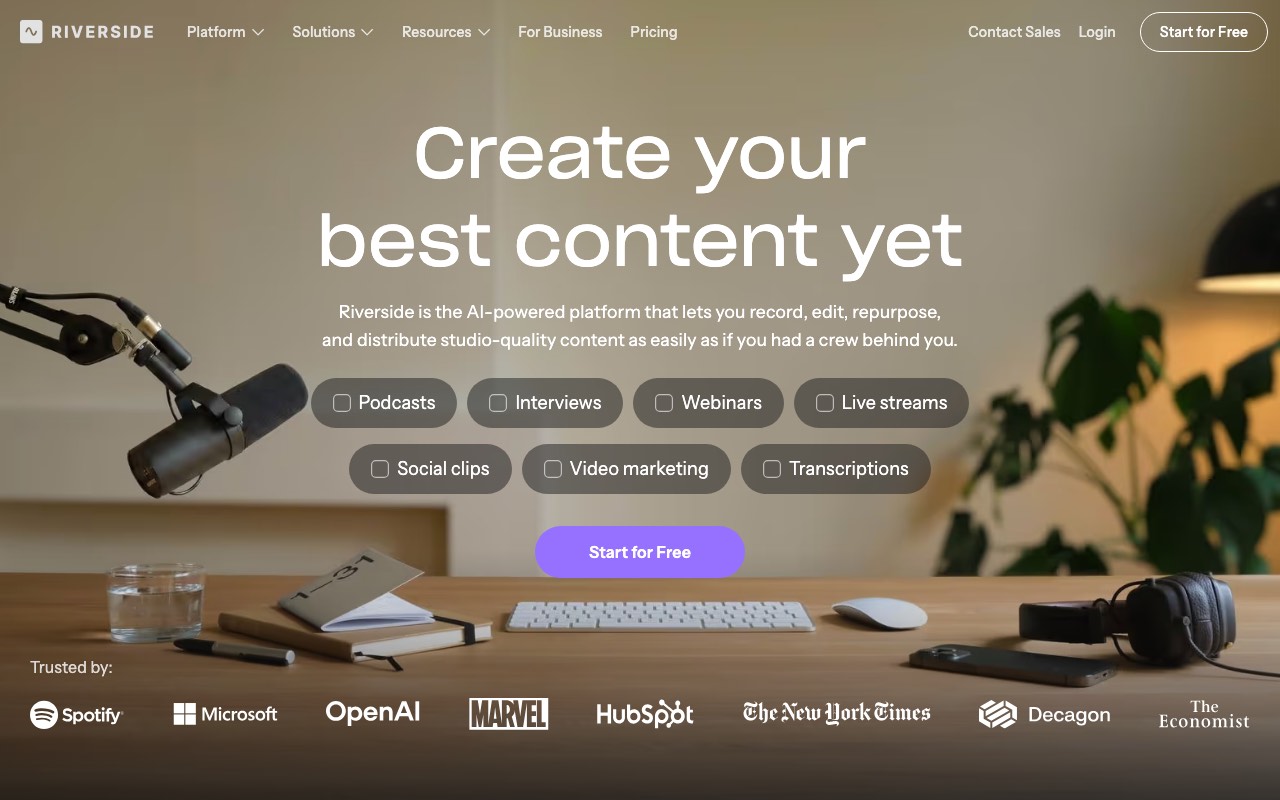
Riverside is a recording studio first. Each person records on a separate track, in up to 4K video. When the call ends, you edit by transcript and cut clips in the same place. You never upload the episode to a second tool.
Its clipper is called Magic Clips, and it does not use AI credits. Pro also removes silences and filler words, adds AI B-roll, and fixes eye contact. Grow adds a Riverside MCP, so Claude or ChatGPT can search your transcripts and cut clips for you.
Key features
- Recording on separate tracks, up to 4K
- Magic Clips and show notes on Pro
- Text-based editing with filler word removal
- Podcast hosting and publishing to YouTube and Spotify
- An MCP for AI assistants on Grow
Pros
- One tool from recording to clips
- Magic Clips don’t spend AI credits
- A 14-day free trial on paid plans
Cons
- Only worth it if you record in Riverside
- More editors cost extra below Business
- Webinar tools need the $99 plan
Pricing: Riverside Pro is $29 a month, or $24 a month billed yearly. Riverside Grow is $39 a month, or $34 billed yearly. Business is priced by sales.
Best for: podcast hosts who record remote guests every week.
2. Descript
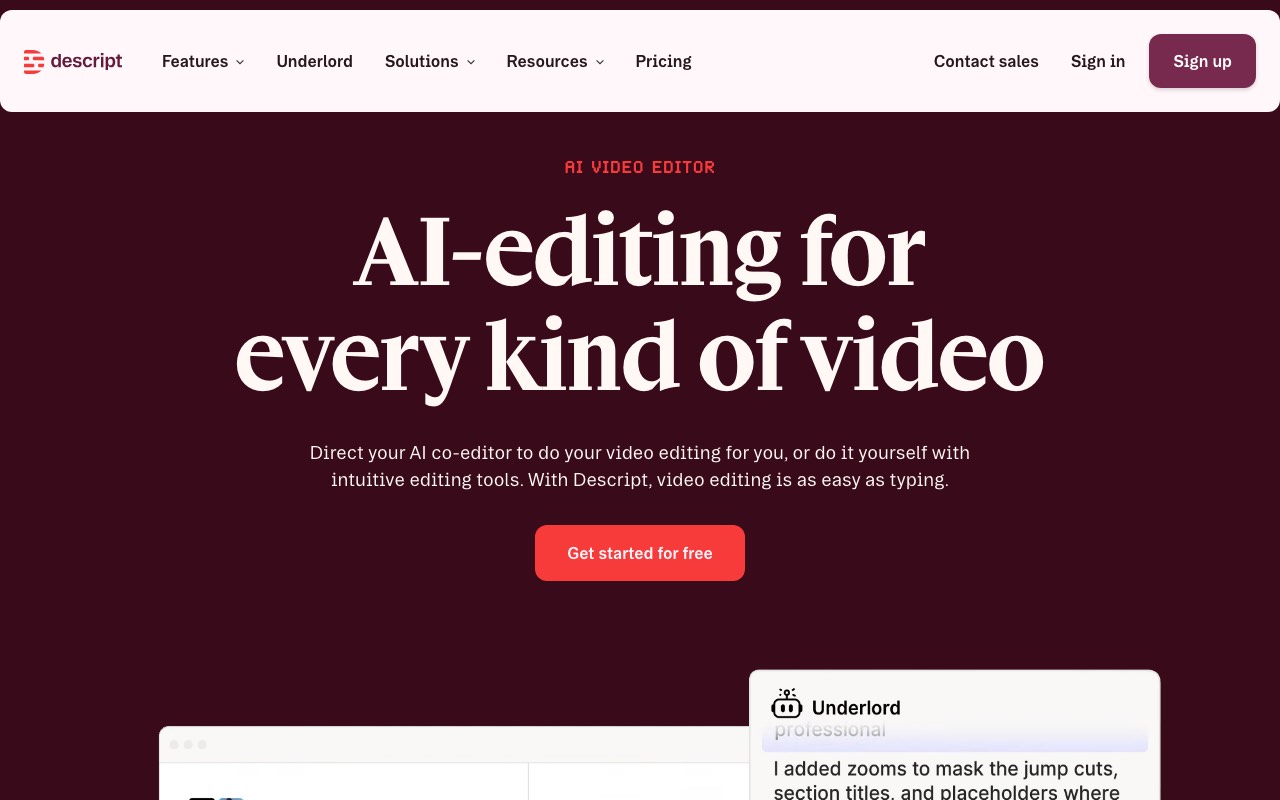
Descript is the pick if the long video needs work before you clip it. You edit the video by editing its transcript, like a doc, so deleting a sentence cuts it from the video too. Then its Create Clips tool pulls short clips out of the edited episode.
Its AI co-editor is called Underlord. You can ask it to cut filler words, fix audio with Studio Sound, or build clips. We think Descript is the better editor in this list. Vizard is still quicker if you only want clips and never touch the full episode.
Key features
- Text-based editing of audio and video
- Create Clips for short social clips
- Underlord, an AI co-editor
- Studio Sound and filler word removal
- AI voice clones, plus translation and dubbing on Business
Pros
- A free plan with no card
- The strongest full editor here
- Good for both podcasts and YouTube videos
Cons
- Media hours cap how much you upload
- AI features spend AI credits
- Prices are per person, so a team pays per seat
Pricing: Descript Hobbyist is $24 a month, or $16 a month billed yearly, with 10 media hours. Descript Creator is $35 a month, or $24 billed yearly, with 30 media hours and 4K export. Business is $65 a month, or $50 billed yearly.
Best for: editors who clean up the whole episode before they cut clips.
If you only need clips, with a team
These two do Vizard’s main job. They differ on seats and on how you ask for clips.
3. Choppity
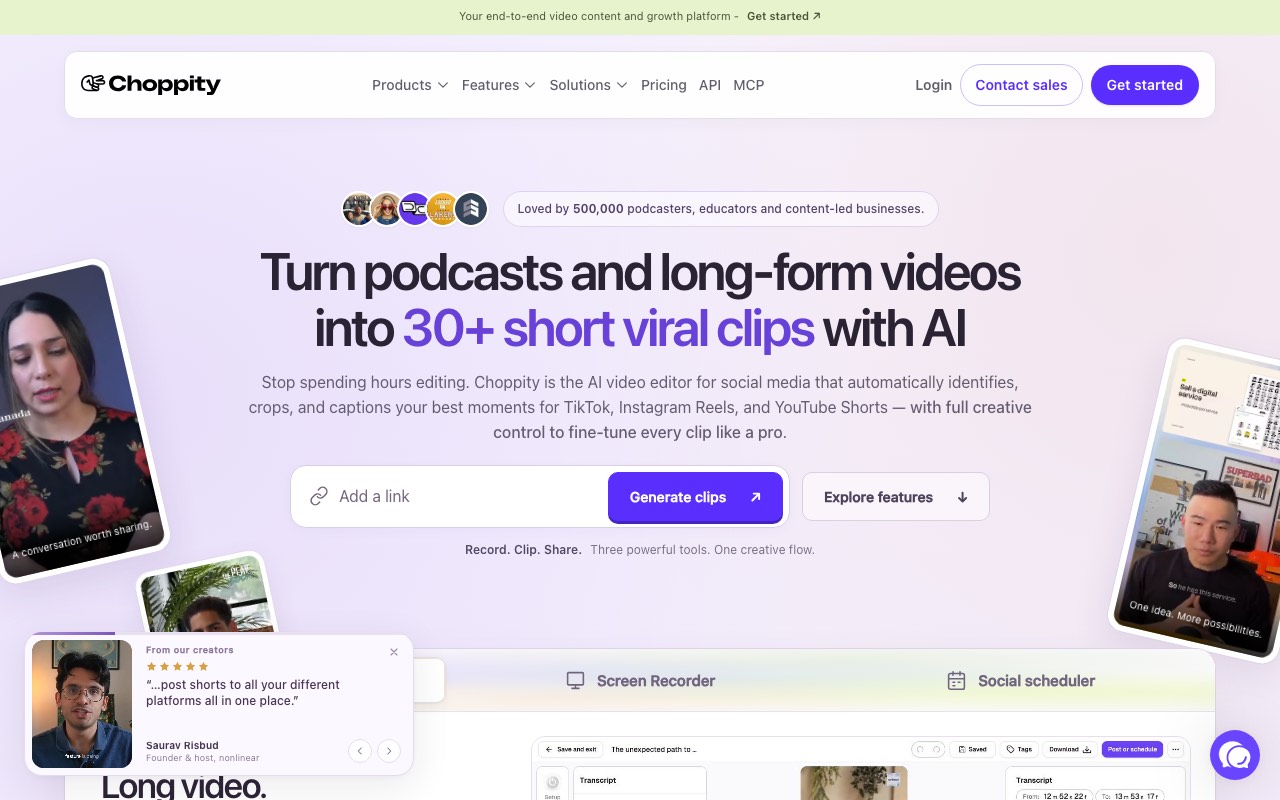
Choppity is the closest match to Vizard. Paste a link or upload a long video, and it finds the best moments, crops them to vertical, and adds captions. A full editor lets you fix each clip by hand.
Where it stands out is the team plan: Choppity Team has unlimited seats on one bill, with a shared workspace and user roles. Vizard charges per extra seat. An agency with five editors pays a lot less here.
Key features
- AI clipper from a file or a link
- Captions and transcripts
- Bulk uploads of up to 10 videos on Creator
- A scheduler for 1 to 6 social accounts
- An API on Creator and Team
Pros
- Unlimited seats on the Team plan
- 1080p and 4K exports on every paid plan
- Projects kept forever from Creator up
Cons
- The free plan gives only one hour of analysis
- Its comparison table lists no exports on the free plan
- Plans cap hours of AI analysis each month
Pricing: Choppity Starter is $24 a month, or $16.80 a month billed yearly, for 3 hours of AI analysis. Choppity Team is $48 a month, or $33.60 billed yearly, with unlimited seats.
Best for: agencies and small teams who clip client videos together.
4. Kapwing
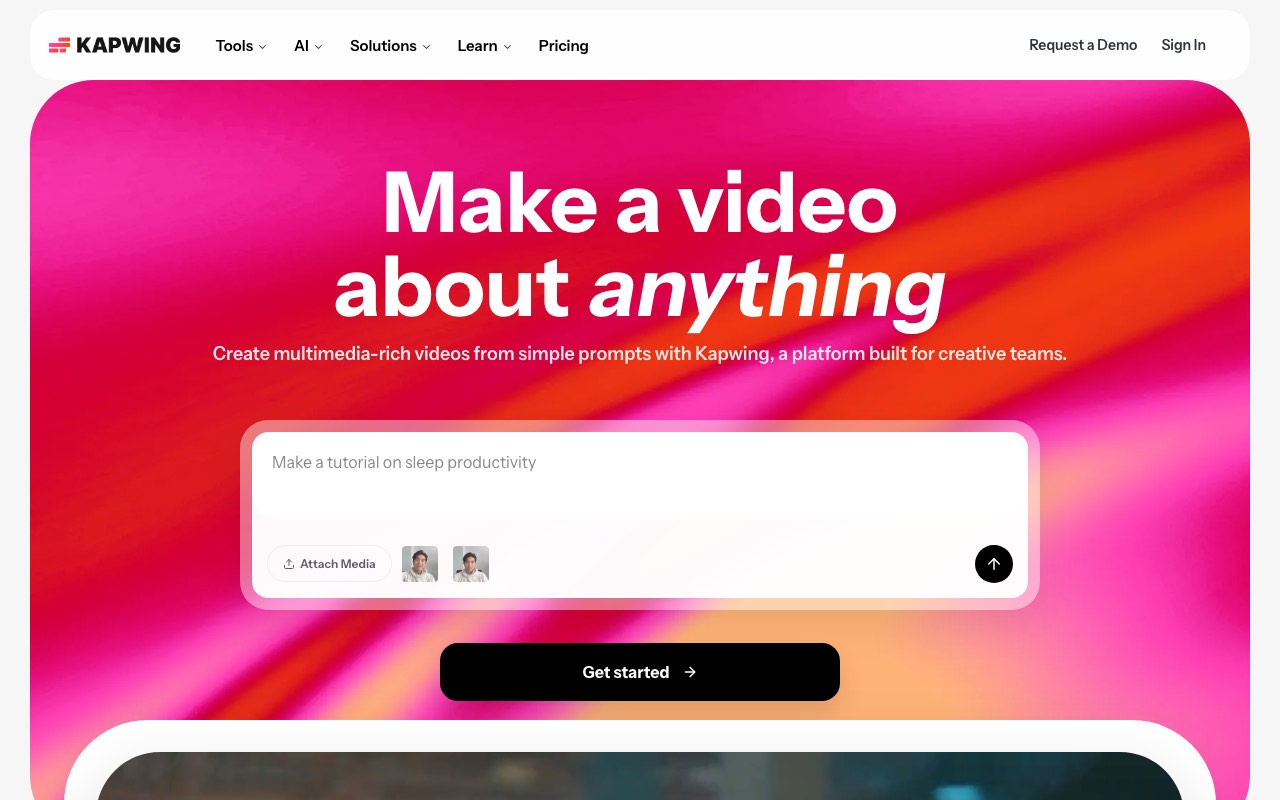
Kapwing is a full video editor in the browser, with an AI Clip Maker built in. You describe the clips you want, like “five 30-second highlights about pricing.” It finds them, trims them, and resizes them for each platform. You can then fix each one in a chat or by hand.
Kapwing is strong on teamwork. Pro gives you a shared workspace, real-time editing with others, comments, and a brand kit. It also adds subtitles in many languages and can dub video on paid plans.
Key features
- AI Clip Maker that takes a plain-words request
- Real-time team editing and comments
- Auto subtitles and translation
- A brand kit and custom fonts on Pro
- Dubbing and lip sync on paid plans
Pros
- Ask for clips on a topic you choose
- A full editor for every other video job
- Good for teams that review work together
Cons
- Free exports carry a watermark and stop at 4 minutes
- No free trial of paid plans
- AI features spend credits
Pricing: Kapwing Pro is $24 a month, or $16 a month billed yearly, with 1,000 credits. Kapwing Business is $50 a month billed yearly, with 4,000 credits.
Best for: marketing teams that want clips and general editing in one tool.
If you have no long video
5. AITuber
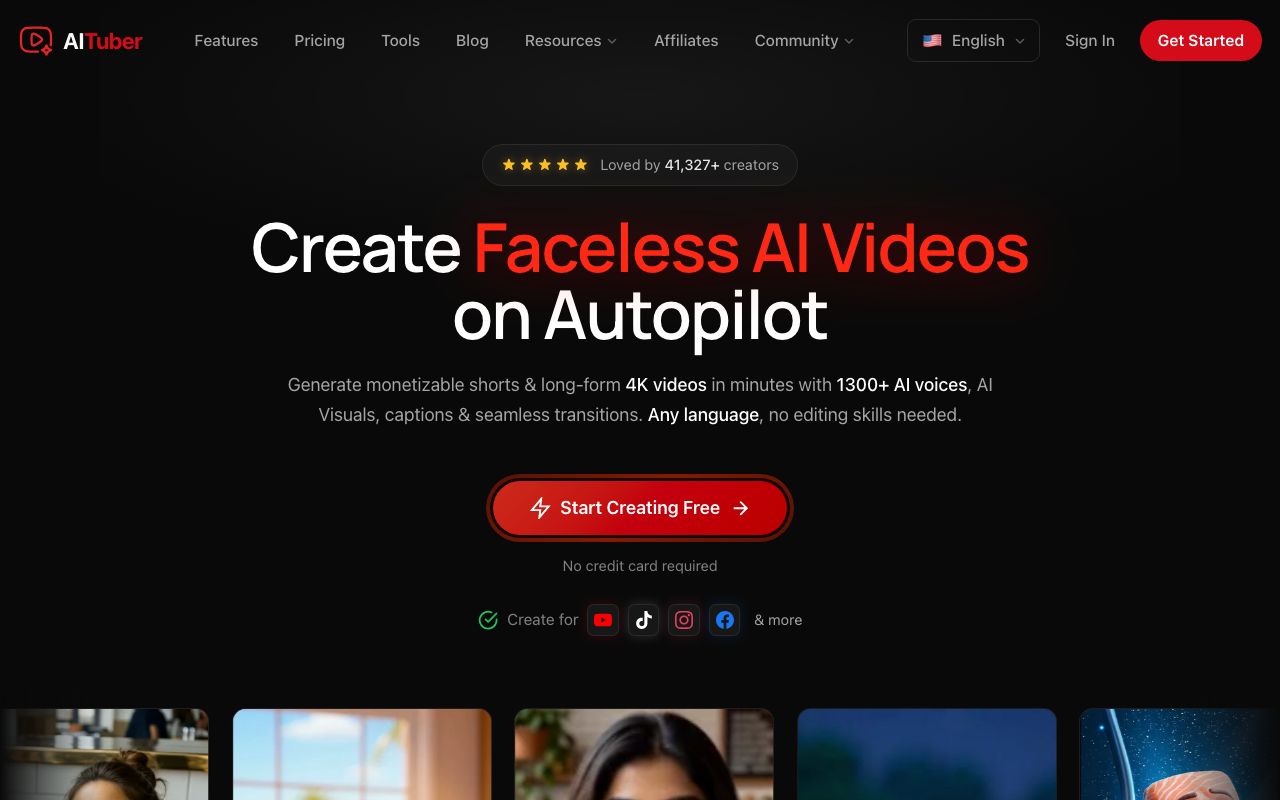
AITuber is our own tool, and it is not a clipper. Some people search for Vizard because they want Shorts but have no podcast or webinar to cut. AITuber is for them. Type a topic or paste a script. AITuber writes the script if you need one, draws each scene, adds a voice, and burns in captions.
You can also start from a PDF of up to 25 MB, or paste a public link to an article. AITuber makes a video about the ideas in it. It won’t take a video file, so it cannot clip your podcast. For that, use one of the four tools above.
Key features
- A topic, a script, a PDF, or a link in, a finished Short out
- 29 visual styles and 1,300+ voices in 50+ languages
- Word-synced captions burned in
- Publishing to YouTube, TikTok, and Instagram from the app
- Autopilot posts new videos on a schedule
Pros
- 100 free credits with no card, and no watermark on free exports
- No footage, camera, or editing needed
- A set credit cost per video, so the bill is easy to plan
Cons
- Cannot clip a long video you already have
- Cannot caption footage you filmed
- Moving AI clips cost more credits than the default AI images
Pricing: AITuber is free to start with 100 credits and no card. AITuber Creator is $39 a month for 2,500 credits, and AITuber Pro is $69 a month for 5,000. A 30-second Short with AI images costs about 35 credits on AITuber, so Creator covers about 71 Shorts at about $0.55 each. See the full pricing.
Best for: people who want daily Shorts but have no long video to cut.
How to pick
We’d decide in this order.
- Ask whether you have a long video. If you don’t, skip the clippers and try AITuber’s free credits.
- If you record remote guests, try Riverside’s free trial and clip in the same place.
- If your episodes need real editing first, start on Descript’s free plan.
- If a team of editors shares the work, price Choppity Team against Vizard Business plus seats.
- If you want to ask for clips by topic, test Kapwing’s AI Clip Maker.
- If Vizard’s clips already land and you post to many accounts, stay put.
Our roundup of the best AI content repurposing tools covers more ways to reuse one video. If you want full videos instead of clips, our guide on how to make long-form AI videos walks through 10 to 20 minute builds. To turn a script into a Short today, open the script to video AI and paste it in.
Shorts made with AITuber
Videos from the public AITuber catalog. Each one started from a topic or a script, with no camera.
Frequently Asked Questions
Basics
What is the best Vizard alternative?
It depends on what you start with. For recorded podcasts, use Riverside. For heavy editing, use Descript. For team clipping, use Choppity or Kapwing. If you have no long video, use AITuber.
Is there a free Vizard alternative?
Yes. Descript has a free plan with no card. Choppity gives one hour of AI analysis free, and Kapwing gives 10 credits with a watermark. AITuber gives 100 free credits with no watermark.
Does Vizard have a free plan?
Yes. Vizard Free gives 60 credits a month, and one credit covers one minute of video. Free exports are 720p with a watermark, and videos are stored for three days.
Vizard itself
How much does Vizard cost?
Vizard Creator is $29 a month, or $14.50 a month billed yearly. Vizard Business is $39 a month, or $19.50 billed yearly. Each extra team member on Business costs $5 a month.
What does Vizard do?
Vizard turns long videos into short clips. Its AI picks the best moments, reframes them to vertical, and adds captions, emojis, and B-roll. Paid plans can post to social accounts on a schedule.
Choosing
Is AITuber a clipper like Vizard?
No. AITuber makes Shorts from an idea, a script, a PDF, or a link. It does not take a video file, so it cannot clip a podcast or webinar.
Which Vizard alternative is best for teams?
Choppity Team has unlimited seats on one bill. Kapwing Pro adds real-time editing and comments. Vizard Business charges $5 a month for each extra seat.
Which alternative is best for podcasters?
Riverside, if you record in it, since recording and clipping live in one tool. Descript is better if you record elsewhere and edit by transcript.
How we researched this: we read each vendor’s homepage, pricing page, and FAQ on 4 November 2026. We did not run a hands-on test of these tools for this guide. Riverside, Descript, Choppity, Kapwing, and Vizard all showed US dollar prices. Kapwing showed a Business price only for yearly billing. Feature claims come from the vendors’ pages and are theirs. AITuber is a product we build, so we’ve said up front that it is not a clipper. Prices and plans change often; check each vendor’s site.