Best Clippy.io Alternatives, Sorted by Job
Clippy.io is now a browser AI video studio for brand teams. We compare six alternatives by job: ads, editing, AI scenes, clipping, and Shorts autopilot.

The best Clippy.io alternative depends on the job you hired Clippy for. Predis AI is the pick for brand ads that post on a schedule. Invideo AI turns one prompt into a full video for a team. Kapwing is the stronger browser editor, and LTX Studio is the deeper AI scene studio. If you came for clipping, OpusClip cuts long videos into Shorts. If you want Shorts that make and post themselves, use AITuber’s YouTube Shorts automation.
What Clippy.io does today
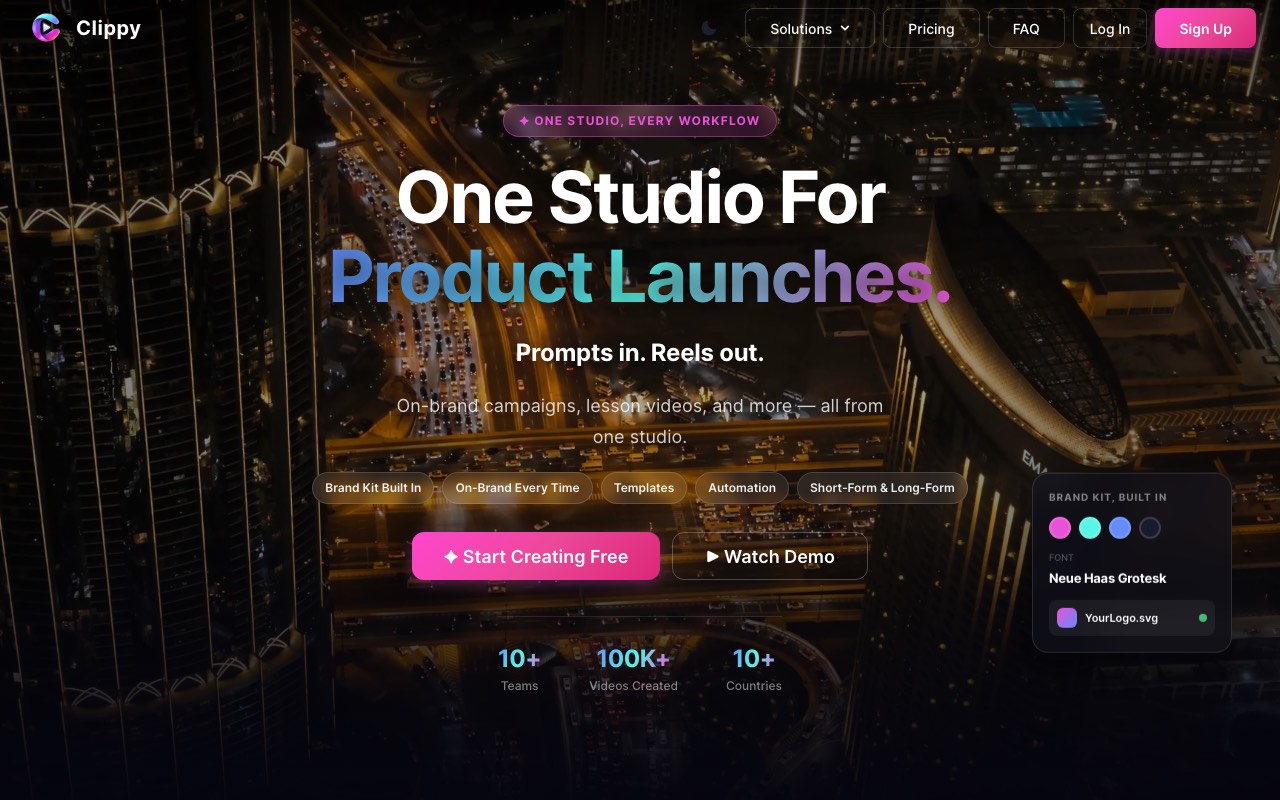
Clippy.io is a video editor that runs in your browser, with AI tools built in. You get a timeline, transitions, auto captions, AI voiceovers, and a stock library from Pexels and Unsplash. Its AI Scene Creator turns a text prompt into video scenes. On paid plans you can lock in your brand colors, fonts, and logo.
Its credits also run outside AI models. The pricing page names Kling, Runway, Luma, and ElevenLabs among them. So one account covers editing, AI images, short AI clips, and voice.
We think Clippy is good value for a small brand team. Clippy Basic removes the watermark and adds the brand kit for under $10 a month. If that is all you need, we’d stay.
Why people look for a Clippy alternative
These are the reasons we found on Clippy’s own pages.
- The name. Many people expect a clipper and find an editor instead.
- The free plan is tight. Exports carry a watermark, top out at 720p, and are kept for two days.
- AI video eats credits. Clippy Basic’s 1,500 credits cover up to 35 AI clips of five seconds each.
- We found no scheduled posting on its public pages. You export and upload by hand.
- Some teams want ad tracking, a bigger timeline, or a hands-off Shorts channel instead.
Clippy.io alternatives compared
| Tool | Best job | Free start | Scheduled posting | Lowest monthly price |
|---|---|---|---|---|
| Predis AI | Brand ads and social posts | 3-day trial, card needed | Yes | Predis AI Core, $32 a month |
| Invideo AI | Full video from one prompt | No free plan shown | Not listed | Invideo AI Basic, $9 a seat |
| Kapwing | Browser editing with AI tools | Free, watermarked, 720p | Not listed | Kapwing Pro, $24 a month |
| LTX Studio | AI scenes and storyboards | 800 credits, one time | Not listed | LTX Studio Lite, $15 a month |
| OpusClip | Cutting long videos into Shorts | 60 credits a month, watermarked | Yes | OpusClip Starter, $9 a month |
| AITuber | Shorts that make and post themselves | 100 credits, no card | Yes, with Autopilot | AITuber Creator, $39 a month |
For scale, Clippy Basic is $9.99 a month and Clippy Pro is $24.99. All prices are monthly billing in US dollars, read on each vendor’s own page on 9 November 2026.
If you make brand videos for a team
These two do Clippy’s main job, on-brand marketing video, with more on top.
1. Predis AI
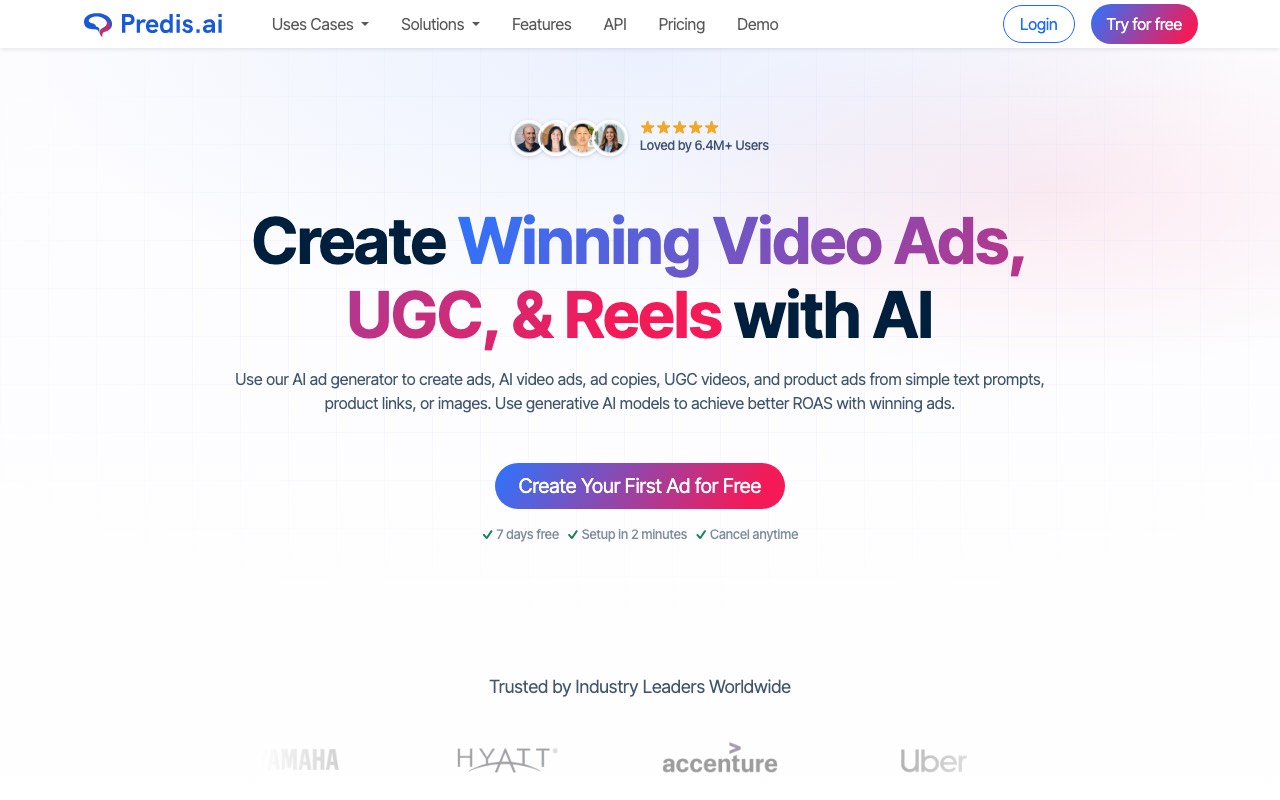
Predis AI is an ad maker first. Give it a product link, a prompt, or an image. It makes video ads, UGC-style ads, Reels, and image posts in your brand style. Then it posts them for you and reports which ones earned the click.
That last part is what Clippy lacks. Predis also shows the ads your competitors are running. For a store or a small agency, we’d pick Predis over Clippy for that reason alone.
Key features
- Ads from a product link, a prompt, or an image
- UGC video ads and Reels
- Scheduling and direct publishing
- Competitor ad analysis
- Brand management across several brands
Pros
- Makes and posts in one place
- Reports on what each ad earned
- Rise covers four brands, which suits agencies
Cons
- The trial needs a card and lasts three days
- No timeline editor as deep as Clippy’s
- Built for ads, not story or facts content
Pricing: Predis AI Core is $32 a month for 1,300 credits, which it says is about 33 videos. Predis AI Rise is $79 a month for 3,200 credits and four brands. Yearly billing cuts both prices by a lot.
Best for: stores and agencies that run paid social ads.
2. Invideo AI
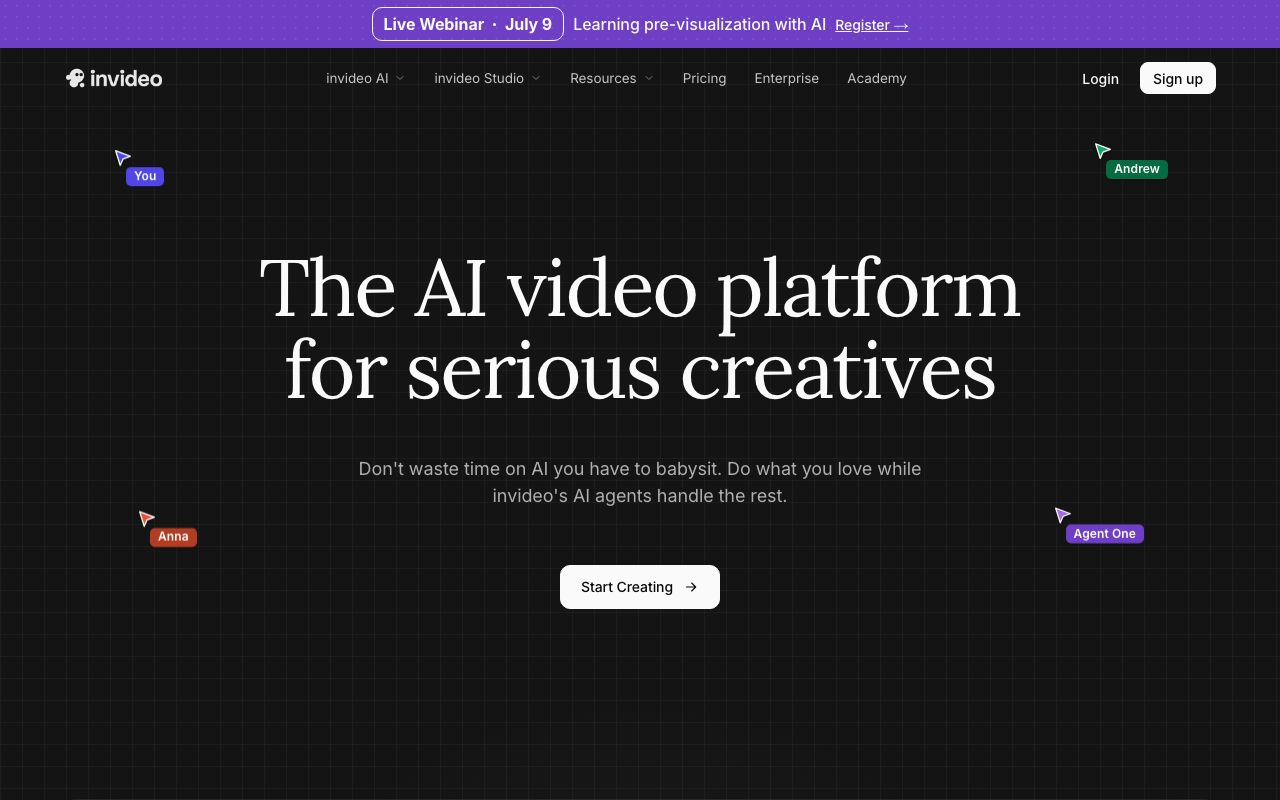
Invideo AI makes a whole video from one prompt. It writes the script, adds shots and a voice, and hands you an edit you can change on a timeline. It has more seats for a team than Clippy, up to 20 on Ultra. If Invideo’s own limits bother you, we covered those in our Invideo AI alternatives guide.
It also sells credits for outside models. Pro and up include Seedance video at 1080p and 4K. Basic only gets the Lite agent and no Seedance.
Key features
- A full video from one prompt
- A timeline editor with color and audio tools
- Seats for teams, plus guest seats on Pro
- Image and video models paid with credits
- Your own footage, exported in 4K
Pros
- Gets longer videos done fast
- Good for teams that share one workspace
- A cheap seat to start
Cons
- No free plan shown on the pricing page
- Basic has only 190 credits a month
- Ultra’s lower first-month price renews at the full rate
Pricing: Invideo AI Basic is $9 a seat a month for 190 credits. Invideo AI Pro is $30 a seat for 1,000 credits, and Ultra is $80 for 3,000. Yearly billing halves those prices.
Best for: teams that want long, finished videos from a prompt.
If you edit your own footage
3. Kapwing
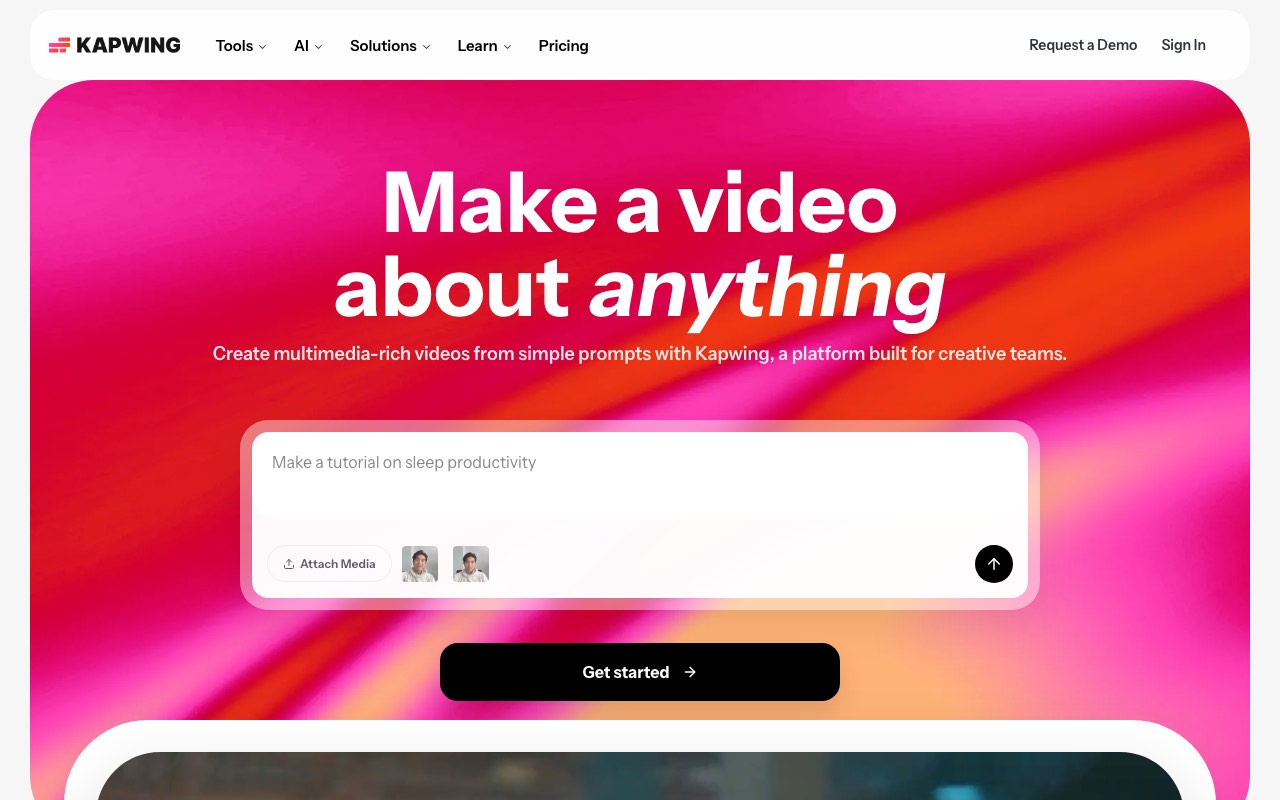
Kapwing is the closest match to Clippy’s editor, with more power. It runs in the browser and has a brand kit on Pro. Its AI tools save real time on footage you already shot. Smart Cut trims silences, and auto subtitles and auto translation take minutes. Dubbing and lip sync are there too.
We’d pick Kapwing when your videos start from a camera, not a prompt. Its Pro plan exports up to two hours at 4K, which is far past what Shorts need.
Key features
- A full browser timeline with team comments
- Auto subtitles and auto translation
- Smart Cut, Clean Audio, and a resizer
- Dubbing, text to speech, and lip sync
- Brand kit and custom fonts on Pro
Pros
- A free plan you can use right away
- Strong tools for real footage
- Shared workspaces for teams
Cons
- The free plan watermarks and stops at 720p
- Free exports cap at 4 minutes
- AI credits run out fast on dubbing
Pricing: Kapwing has a free plan. Kapwing Pro is $24 a month, or $16 a month billed yearly, with 1,000 credits. Kapwing Business is $64 a month with 4,000 credits.
Best for: teams that edit their own clips and need captions fast.
If you want richer AI scenes
4. LTX Studio

LTX Studio goes deeper than Clippy on AI scenes. You plan a video as a storyboard, then make each shot with camera controls. It runs its own LTX video model. Standard and up add outside models like Kling and Seedance. On Standard you can save “Elements,” so the same character or product looks the same in every shot.
It gives far more credits per dollar than Clippy. LTX Studio Lite has 8,000 credits a month. That matters if AI clips are what you make most.
Key features
- AI storyboards and pitch decks
- Camera controls on each shot
- Saved Elements for the same look in every scene
- Its own LTX model, plus Kling and Seedance on Standard
- Node-based Flows to automate steps
Pros
- 800 free credits to start, no billing
- Lots of credits on the cheap plan
- Strong control over each shot
Cons
- The free plan is for personal use only
- Commercial use starts on Standard
- No scheduled posting; it makes the video, you post it
Pricing: LTX Studio is free to start with 800 credits, one time. LTX Studio Lite is $15 a month for 8,000 credits. Standard is $35 a month for 28,000 credits and a commercial license.
Best for: ad and film teams that want control over each AI shot.
If you wanted a clipper after all
5. OpusClip
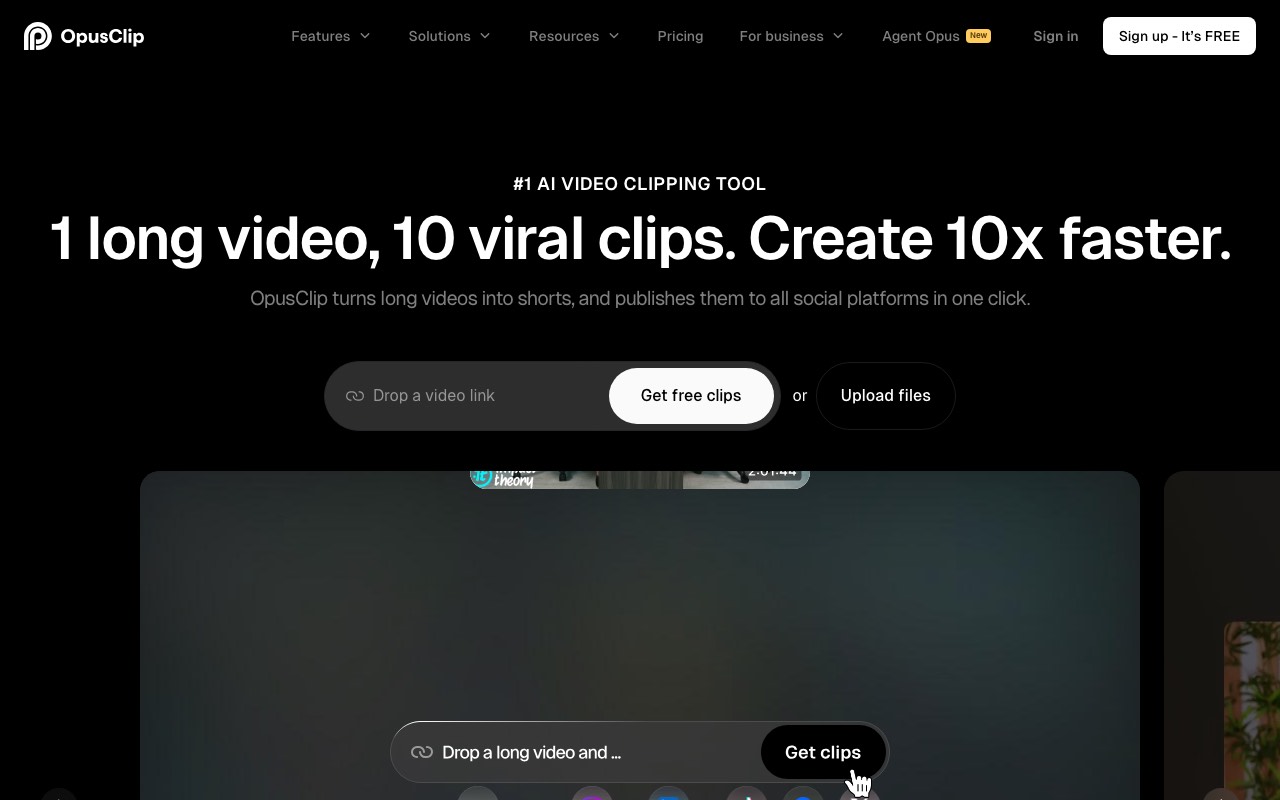
OpusClip does the job most people expect from a tool called Clippy. You upload a long video, like a podcast or a stream. Its AI finds the best moments, reframes them to vertical, and adds animated captions. Each clip gets a Virality Score to help you choose.
AITuber can’t do this. AITuber makes new Shorts from an idea or a script, so it is the pick only if you have no long video to cut. If you do have one, start with OpusClip.
Key features
- AI clipping with a Virality Score
- Animated captions in 20+ languages
- Auto reframe to 9:16
- Auto post to YouTube Shorts, TikTok, and Reels
- AI B-roll on Pro
Pros
- The best fit for podcasts and streams
- Posting is built in on Starter
- A free plan to test the clip quality
Cons
- You need a long video to start with
- Free clips have a watermark and expire after three days
- The prices on its page change with promos
Pricing: OpusClip has a free plan with 60 credits a month. OpusClip Starter showed $9 a month, marked down from $15, for 150 credits. OpusClip Pro showed $114 billed yearly.
Best for: podcasters and streamers with hours of footage to cut.
If you want Shorts that run themselves
6. AITuber
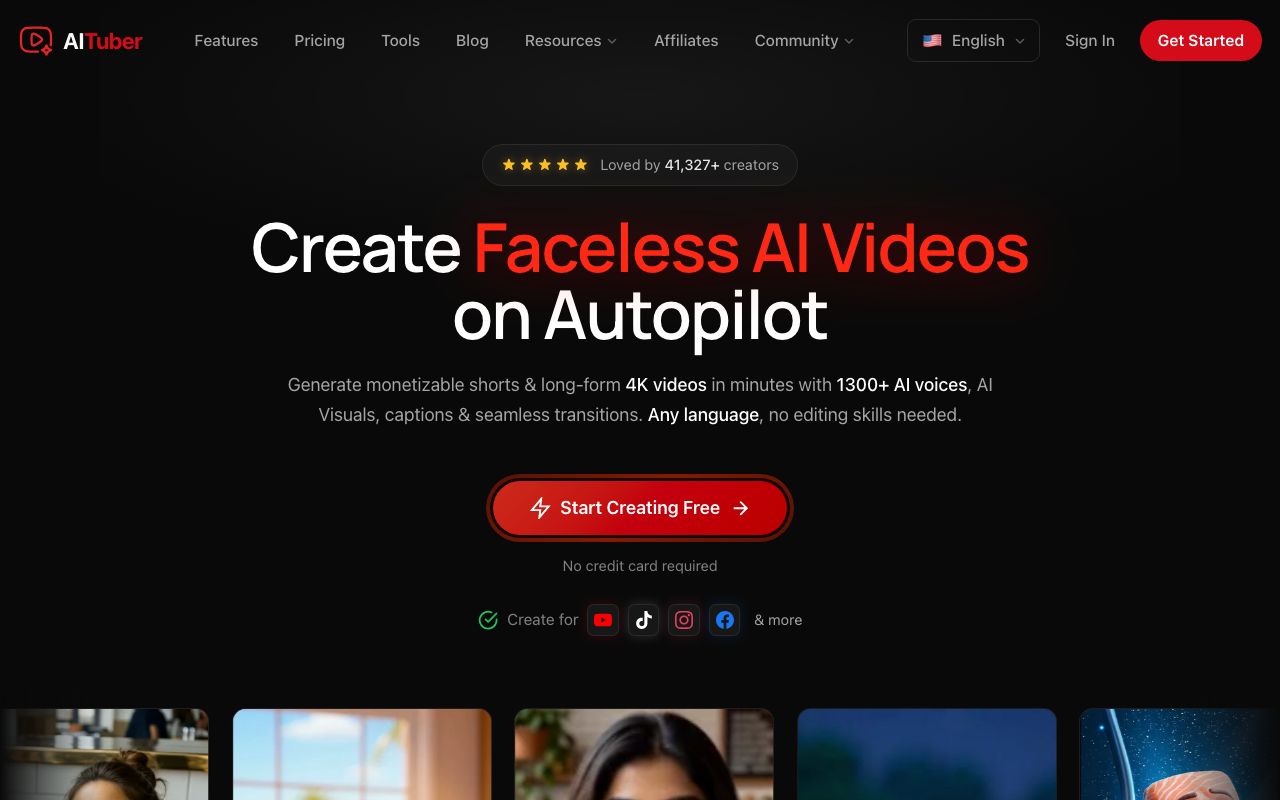
AITuber is our own tool, and it does a job Clippy doesn’t. You give it a topic, a script, a PDF, or a link. AITuber writes the script, draws each scene, adds a voice, and burns in captions. Autopilot then makes new Shorts and posts them to YouTube, TikTok, or Instagram on a schedule.
So nobody has to open an editor each day. That is the whole point for a faceless channel. Our guide on how to automate YouTube Shorts walks through a full setup.
AITuber Creator is $39 a month for 2,500 credits. A 30-second Short with AI images costs about 35 credits, so that is about 71 Shorts a month. You can test it first with 100 free credits and no card.
To be fair to Clippy, AITuber is not an editor. You can’t drop in your own footage and cut it on a timeline. It is also not a clipper.
Key features
- A topic, a script, a PDF, or a link in, a finished Short out
- 29 visual styles and 1,300+ voices in 50+ languages
- Word-synced captions burned in
- Autopilot posting to YouTube, TikTok, and Instagram
- A set credit cost per video, so the bill is easy to plan
Pros
- 100 free credits with no card, and no watermark
- About 71 Shorts a month on AITuber Creator
- Posts on a schedule without you
Cons
- No timeline editor for your own footage
- Can’t cut a long video into clips
- Voices come from its AI library; you can’t upload your own voiceover
Pricing: AITuber is free to start with 100 credits and no card. AITuber Creator is $39 a month for 2,500 credits and one Autopilot. AITuber Pro is $69 a month for 5,000 credits and two Autopilots. See the full pricing.
Best for: faceless channels that want new Shorts every day without editing.
Shorts made on autopilot with AITuber
Clips from the public AITuber catalog. Each one started from a single topic, with no camera.
No videos available yet
How to pick
We’d decide in this order.
- If you have long videos to cut, go to OpusClip. None of the others clip.
- If you run paid ads for a brand, try Predis AI.
- If you edit footage you shot yourself, use Kapwing.
- If you want rich AI scenes with control over each shot, use LTX Studio.
- If you need a full video from one prompt for a team, use Invideo AI.
- If you want a Shorts channel that runs itself, use AITuber.
- If you only need a cheap brand kit and no watermark, stay with Clippy.
Posting more often is not always better, though. Our guide on how many YouTube Shorts to post a day covers the pace we’d start with.
Frequently Asked Questions
Basics
What is the best Clippy.io alternative?
It depends on the job. For brand ads, use Predis AI. For a full video from a prompt, use Invideo AI. For editing footage, use Kapwing. For AI scenes, use LTX Studio. For clipping long videos, use OpusClip. For Shorts that post themselves, use AITuber.
Is there a free Clippy.io alternative?
Kapwing and OpusClip have free plans, both with a watermark. LTX Studio gives 800 free credits once. AITuber gives 100 free credits with no card and no watermark. Predis AI has a three-day trial that needs a card.
Is Clippy.io a clipping tool?
No. Despite the name, Clippy.io is a browser AI video studio and editor for brand teams. We did not see a feature on its homepage that cuts a long video into Shorts. OpusClip does that job.
Clippy itself
How much does Clippy.io cost?
Clippy has a free plan with a watermark and 720p exports. Clippy Basic is $9.99 a month for 1,500 credits and no watermark. Clippy Pro is $24.99 a month for 6,000 credits, and Clippy Creator is $99.99.
Does Clippy.io post videos for you?
We did not find scheduled posting on Clippy’s public pages. You export the video and upload it yourself. Predis AI, OpusClip, and AITuber can post on a schedule.
Choosing
Which Clippy alternative is best for YouTube Shorts?
If you have long videos, OpusClip cuts them into Shorts. If you don’t, AITuber makes new Shorts from a topic and posts them with Autopilot. That is about 71 30-second Shorts a month on AITuber Creator.
Which alternative is best for a marketing team?
Predis AI if you run ads and want to see what earned the click. Invideo AI if your team needs shared seats and long videos. Kapwing if the team edits its own footage.
How we researched this: we read each vendor’s homepage and pricing page on 9 November 2026. We did not run a hands-on test of these tools for this guide. All prices shown are monthly billing in US dollars. OpusClip and Invideo AI showed promo prices, so yours may differ. Credit counts and video estimates are each vendor’s own, and credits are not the same across tools, so treat the comparison as rough. Feature claims come from the vendors’ pages and are theirs. AITuber is a product we build. Prices and plans change often; check each vendor’s site.