Best AI Video Generators for Bible Stories
We compare six AI video generators for Bible stories: free tiers, styles, voice, and price. Which fits a Sunday school, a church feed, or a faith channel?

The best AI video generator for Bible stories depends on who will watch. For a church feed or a faith channel that posts every week, we’d use AITuber’s AI Bible video generator. It narrates, illustrates, captions, and posts on a schedule. Novi AI has the most Bible-ready art styles, including stained glass. Media.io plans your story as an outline and storyboard first. Invideo AI suits longer teaching videos, and Vidnoz puts a talking teacher on screen. Google’s Veo makes the most lifelike single scenes, but only a few seconds at a time.
What to look for in a Bible story video tool
A Bible video has jobs most AI videos don’t. It quotes scripture, so the narration has to read your words exactly. It often goes to children or to a church service, so the look has to fit. And it may never show Jesus’s face, because some traditions avoid that.
So we judged each tool on five things.
- Can you paste your own script, word for word?
- Does it have styles that suit faith content, like storybook, watercolor, or stained glass?
- Does it add narration and captions for you?
- Is there a free way to try it?
- Can it post to YouTube or TikTok, or do you upload by hand?
New to this? Our guide on how to make AI Bible videos covers the script and the translation. It also covers how to show the people in the story.
The six tools compared
| Tool | Best for | Free start | Scheduled posting | Lowest monthly price |
|---|---|---|---|---|
| AITuber | Weekly church and faith channels | 100 credits, no card | Yes, with Autopilot | AITuber Creator, $39 a month |
| Novi AI | Bible art styles like stained glass | 40 coins once, watermarked | Not listed | Novi AI 1,000-coin plan, ₹1,409.90 a month from India |
| Media.io | Outline and storyboard before you generate | 3 check-in credits a day, watermarked | Not listed | Media.io Standard, $9.99 a month |
| Invideo AI | Long teaching videos for a team | No free plan shown | Not listed | Invideo AI Basic, $9 a seat |
| Vidnoz | A talking AI teacher | Free plan, watermarked, 720p | Not listed | Vidnoz Starter, $26.99 a month |
| Google Veo | Lifelike single scenes | Not in the free Gemini plan | No | Google AI Plus, ₹399 a month from India |
Prices are monthly billing, read on each vendor’s own page on 10 November 2026. Novi AI and Google showed prices in rupees because we checked from India, and both price by country.
If you post every week
1. AITuber
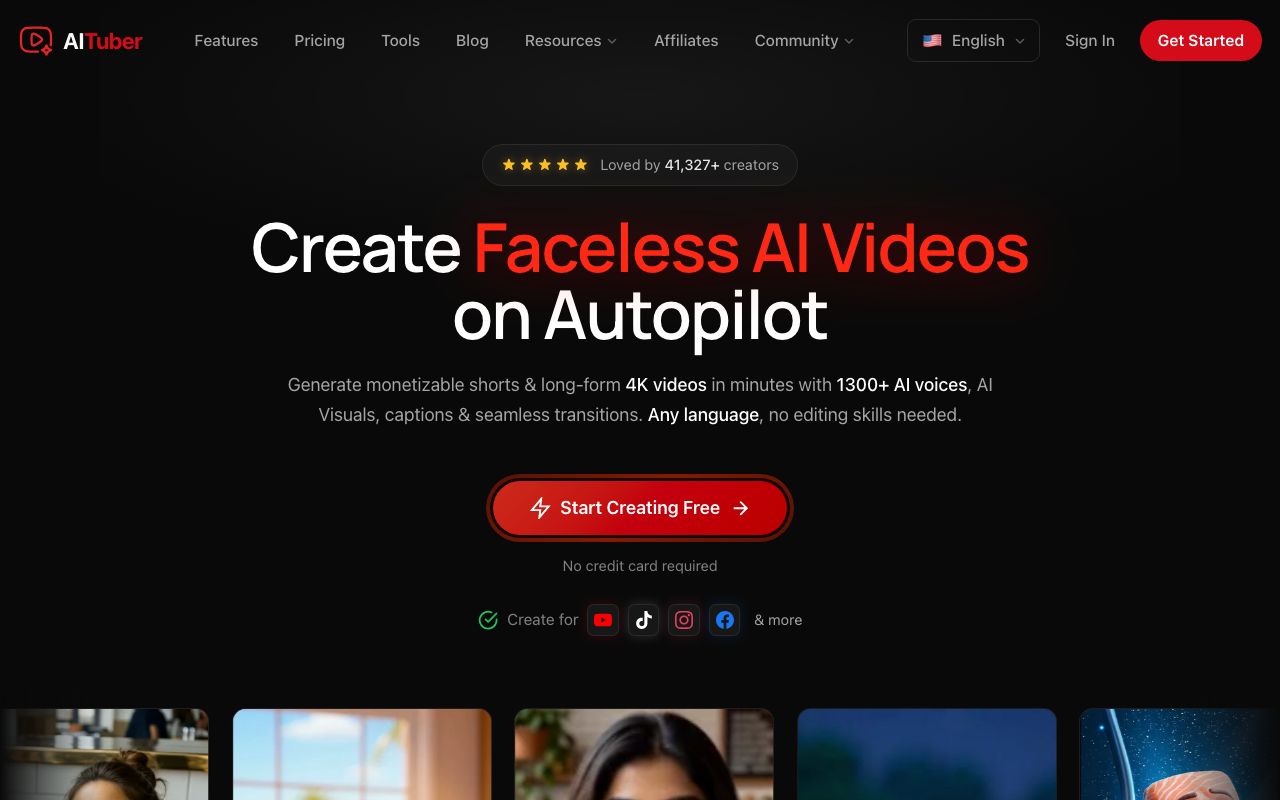
AITuber is our own tool, so weigh our view with that in mind. You paste a script or describe a passage. AITuber adds a narrator, draws a picture for each scene, and burns in word-synced captions. You pick the look, such as cinematic for a dramatic story or cartoon for a kids’ class.
What sets it apart for a church is Autopilot. You set a theme and a schedule once. AITuber then makes each new video and posts it to YouTube, TikTok, or Instagram for you. A volunteer team does not need to open an editor every Sunday.
Narration reads exactly what you paste. That matters when you quote a verse. We’d still read every video once with a Bible open, since a script written from a short idea can paraphrase.
A Bible video made with AITuber
A psalm video from the public AITuber catalog, made from one prompt in the cinematic style.
Key features
- A script, a topic, a PDF, or a public link in, a finished video out
- 29 visual styles, from cinematic to cartoon and watercolor
- 1,300+ voices in 50+ languages
- Word-synced captions burned in
- Autopilot posting to YouTube, TikTok, and Instagram
Pros
- Posting is built in, so a weekly series runs itself
- 100 free credits with no card and no watermark
- Long-form and Shorts from the same tool
Cons
- Not an editor; you can’t cut your own footage on a timeline
- Each scene is an AI picture, not a long filmed shot
- Fewer art styles made just for faith content than Novi AI
Pricing: AITuber Creator is $39 a month for 2,500 credits. A 30-second Short with AI images costs about 35 credits, so that is about 71 Shorts a month. AITuber Pro is $69 a month for 5,000 credits.
Best for: churches, Sunday school teams, and faith channels that want a steady weekly series.
If the look matters most
2. Novi AI
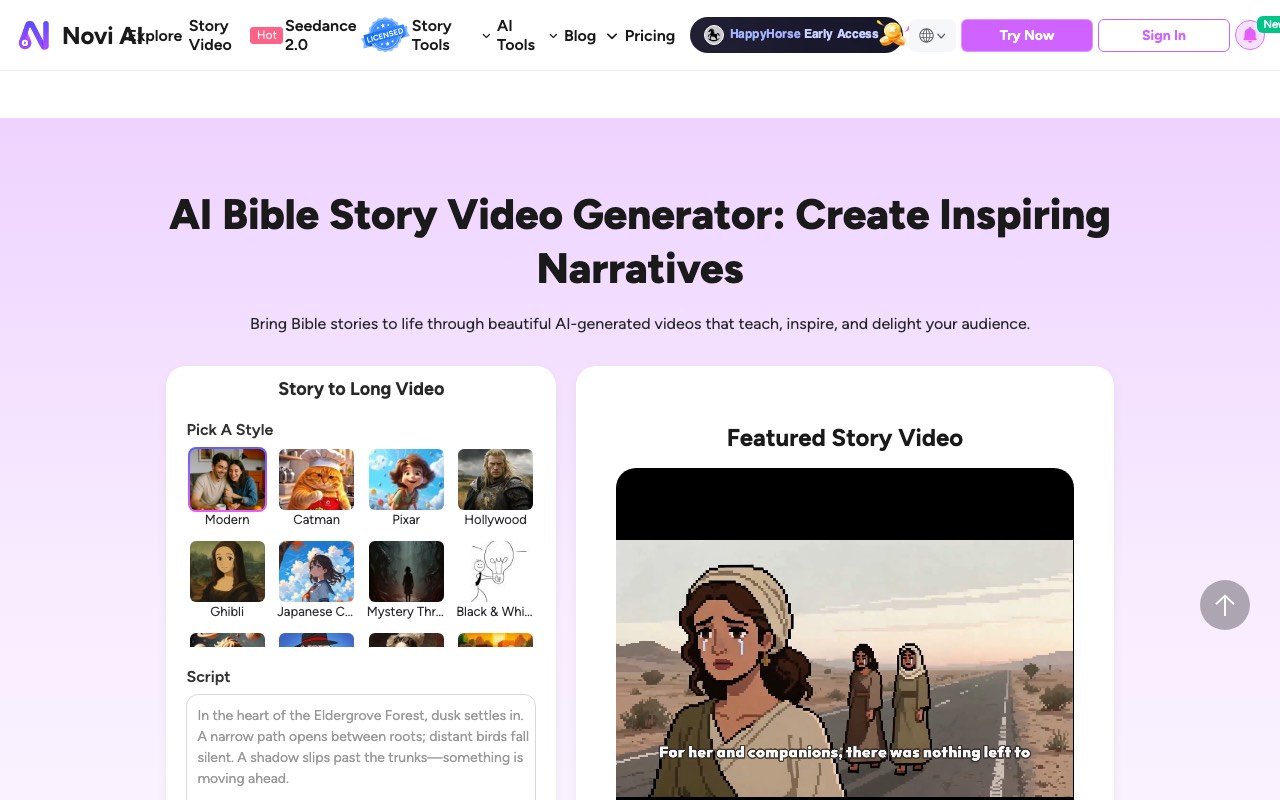
Novi AI has a page built just for Bible stories. You pick a style, paste a script of up to 4,000 characters, and it makes a long story video. Its styles include stained glass, watercolor, baroque, layered paper, and clay. Several of those look at home in a church.
Its demo is an Easter story about Mary at the empty tomb. Novi AI says it has 50+ voices across languages and ages. Paid plans also open outside video models such as Kling, Veo 3.1, and Seedance.
We like Novi AI most for the art. If your audience cares how a scene looks more than how often you post, start here.
Key features
- A Bible story page with a script box and style picker
- Stained glass, watercolor, baroque, and other art styles
- Voiceover, subtitles, and music
- Outside video models on paid plans
Pros
- The most faith-friendly art styles we saw
- Long story videos from one script
- Commercial use on paid plans
Cons
- The free plan watermarks every video and bans commercial use
- Free coins are a one-time gift of 40, about 20 seconds of video
- We found no scheduled posting
Pricing: Novi AI’s monthly plan starts at ₹1,409.90 for 1,000 coins, read from India. Novi AI says 1,000 coins make about 500 seconds of video. Yearly billing lowers the monthly rate.
Best for: creators who want painted or stained-glass Bible art.
3. Media.io
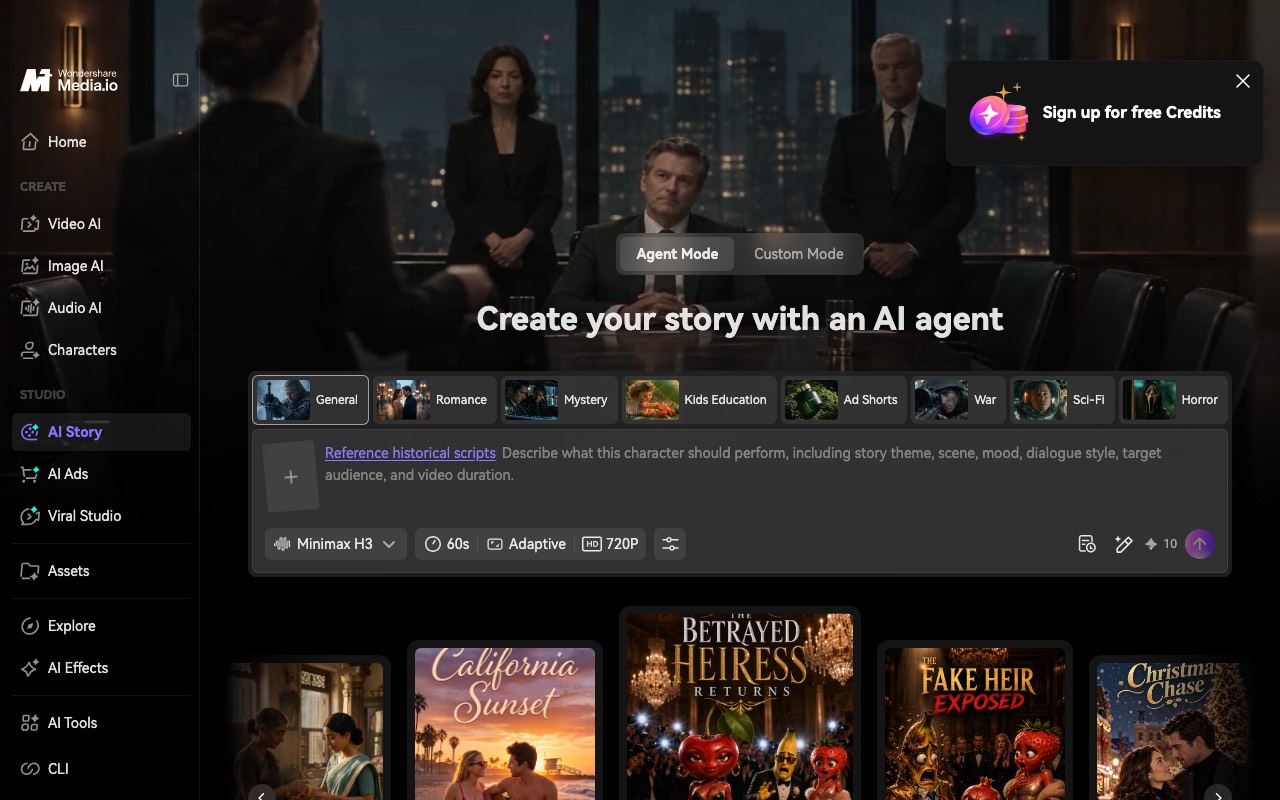
Media.io plans before it draws. You start with a sermon note or a lesson script. Its AI Story agent turns that into an outline with a theme, setting, plot, and cast. Then it makes storyboard images you can check one by one.
That review step is the reason to pick it. If one image of Moses or Ruth looks wrong, you redo just that frame. Media.io then adds a voiceover and music based on your script.
Key features
- An editable story outline before any visuals
- Storyboard images you can redo one at a time
- Character guidance from text, photos, or sketches
- Script-based voiceover and music
Pros
- More control over each scene than a one-click tool
- A cheap monthly plan
- A Kids Education story mode
Cons
- Free exports are 720p with a watermark
- Free use is 3 check-in credits a day
- We found no scheduled posting
Pricing: Media.io Standard is $9.99 a month for 100 credits, or $6.99 a month billed yearly. Media.io Premium is $17.99 a month for 500 credits.
Best for: teachers who want to check every scene before the tool draws the video.
If you teach longer lessons
4. Invideo AI
Invideo AI makes a whole video from one prompt and then lets you edit it on a timeline. That suits a longer lesson, like a 10-minute walk through the life of David. Several people can edit the same video, so a church media team can share the work. If Invideo’s limits bother you, we covered those in our Invideo AI alternatives guide.
It has no Bible template that we saw. You get a general tool that you point at a Bible story.
Key features
- A full video from one prompt
- A timeline editor with color and audio tools
- Shared editing for up to 5 seats on Basic
- Outside image and video models paid with credits
Pros
- Good for long videos
- Team seats at a low price
- You can add your own footage
Cons
- No free plan shown on its pricing page
- Basic has only 190 credits a month
- No Bible styles or templates
Pricing: Invideo AI Basic is $9 a seat a month for 190 credits. Invideo AI Pro is $30 a seat for 1,000 credits. Yearly billing roughly halves those prices.
Best for: church media teams making long teaching videos together.
5. Vidnoz
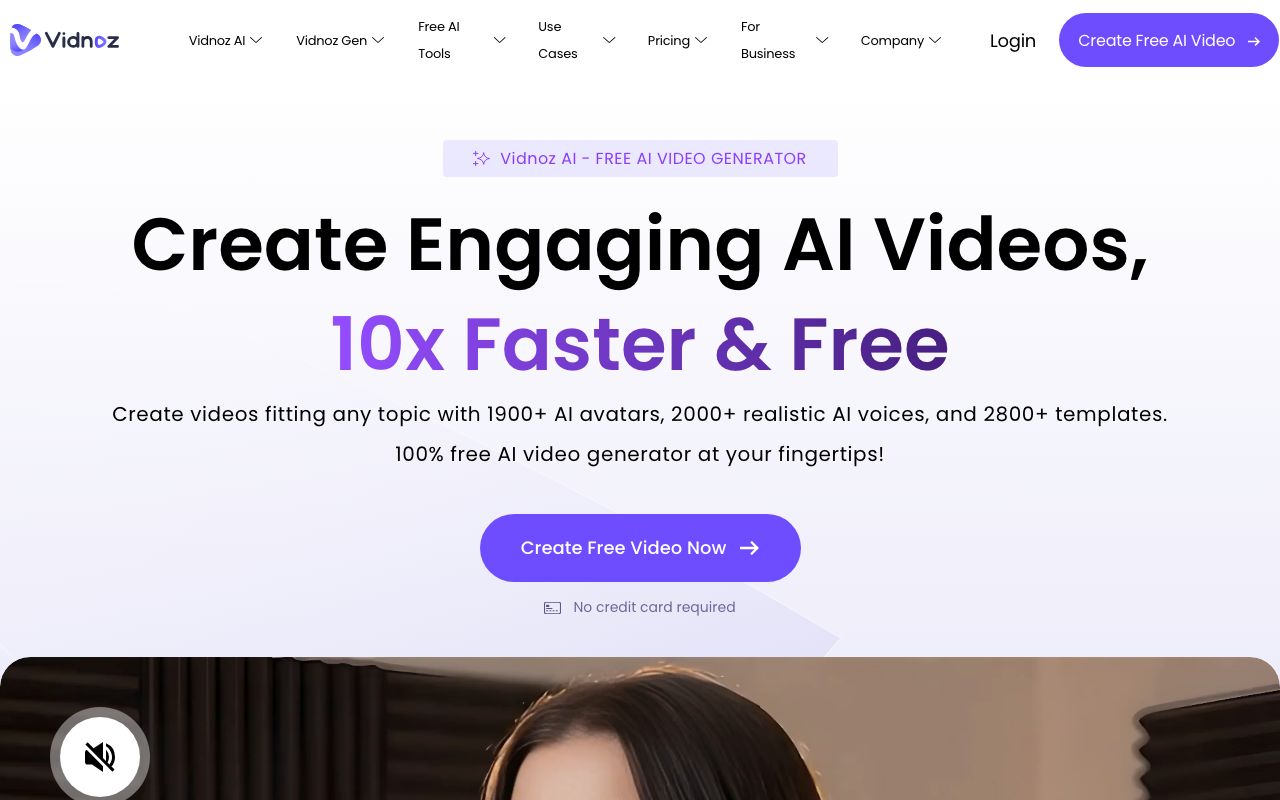
Vidnoz is an AI avatar tool. A digital presenter reads your script on screen, like a teacher at the front of a class. That works for a daily devotional or a short Bible study, where a face helps people listen. It does not draw the story scenes the way the first three tools do.
Key features
- 1,700+ AI avatars and 2,680+ voices on paid plans
- 3,400+ video templates
- Text to video and PPT or PDF import
- Voice cloning as a paid add-on
Pros
- A free plan to try it
- Paid plans allow videos up to 60 minutes
- Good for a talking-head devotional
Cons
- Free videos have a watermark, stop at 720p, and max out at 3 minutes
- Avatars, not story scenes
- No scheduled posting that we found
Pricing: Vidnoz has a free plan. Vidnoz Starter is $26.99 a month for 450 credits, and Vidnoz Business is $74.99 a month for 900 credits. Yearly billing is cheaper.
Best for: pastors and teachers who want a presenter reading the lesson.
If you want one lifelike scene
6. Google Veo
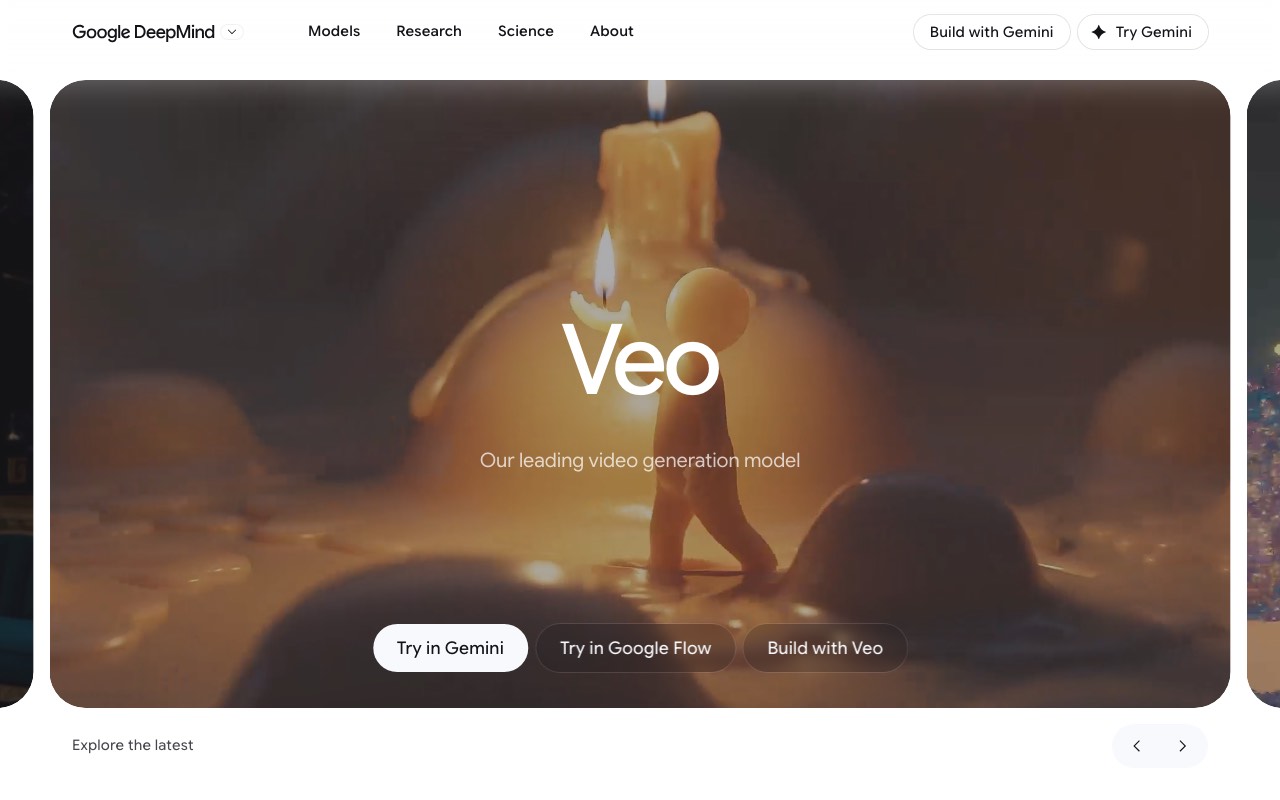
Google Veo makes the most lifelike clips in this list, with sound built in. Veo 3.1 runs in Google Flow, and Google’s newer Gemini Omni Flash model now powers video in the Gemini app. Either way, you get short clips. Gemini’s help page says videos run 3 to 10 seconds, or up to 15 on AI Ultra.
So Veo can show Noah’s ark on rough water, but it won’t tell the whole flood story. You would make many clips, add your own narration, and edit them together. That is a lot of work for a weekly series. We’d use Veo for one striking opening shot, then build the rest in another tool.
Lifelike scenes also bring a rule. YouTube asks creators to label realistic AI video. Our guide to YouTube’s AI labels explains when.
Key features
- Very realistic motion and lighting
- Sound, ambient noise, and dialogue made with the video
- Available in Gemini, Google Flow, and the Gemini API
Pros
- The most cinematic single shots here
- Flow credits come with a Google AI plan
Cons
- Clips are seconds long, not a full story
- Video is not in the free Gemini plan
- No narration over a full script and no posting
Pricing: Google AI Plus is ₹399 a month from India, with 200 Flow credits. Google AI Pro is ₹1,950 a month with 1,000 Flow credits.
Best for: one cinematic shot to open or close a video.
Respect matters more than the tool
Any of these tools can make a Bible video look good. Fewer can make it right. We’d keep three habits no matter which one you pick.
First, quote a translation you are allowed to use. The KJV is public domain in the US, and the World English Bible is public domain too. Modern translations like the ESV and NIV limit how much you can quote.
Second, ask your church about showing Jesus. Many Reformed churches avoid pictures of Christ. A narrated scene with light, hands, or a shepherd’s staff can tell the story without a face.
Third, watch the finished video before anyone else does. AI can add a detail the Bible never mentions, like a crowd that wasn’t there.
Frequently Asked Questions
Basics
What is the best AI video generator for Bible stories?
It depends on the job. For a weekly church or faith channel, AITuber narrates, illustrates, and posts on a schedule. For painted or stained-glass art, Novi AI has the most faith-friendly styles. For checking each scene first, Media.io builds a storyboard. Google Veo makes the most lifelike single clips.
Is there a free AI Bible video generator?
Yes, with limits. AITuber gives 100 free credits with no card and no watermark. Novi AI gives 40 coins once, with a watermark. Media.io gives 3 credits a day, and Vidnoz has a free plan; both watermark free videos. Invideo AI showed no free plan.
Can AI make a full Bible story video from a script?
Yes. AITuber, Novi AI, and Media.io all take a script and return a narrated video with pictures. Google Veo does not. It makes clips of a few seconds, so you would need to edit many together.
Choosing
Which tool is best for Sunday school?
We’d pick AITuber or Media.io. AITuber has a cartoon style and posts on a schedule. Media.io has a Kids Education mode and lets you check every frame before it is drawn.
Do I have to show Jesus in an AI Bible video?
No. Many churches prefer you don’t. Narrated scenes, symbols, and crowds seen from behind tell the story well. Every tool here lets you control what each scene shows through the script or prompt.
Do I need to label AI Bible videos on YouTube?
YouTube asks you to disclose realistic AI content, such as lifelike people or events that look real. A clearly animated or painted Bible story usually falls outside that rule. Lifelike clips from a tool like Google Veo are the ones to check.
Pricing
How much does an AI Bible video cost to make?
On AITuber Creator, a 30-second Short with AI images costs about 35 credits, or about 55 cents. Other tools price by credits or coins too, and credits are not the same across tools. A free plan is the easiest way to test the cost on your own story.
How we researched this: we read each vendor’s homepage, Bible or story page, and pricing page on 10 November 2026. We did not run a hands-on test of the other tools for this guide. Novi AI and Google showed rupee prices because we checked from India; Media.io, Invideo AI, and Vidnoz showed US dollars. Invideo AI and Media.io showed promo discounts on yearly plans. Google’s clip lengths come from the Gemini Apps Help page. The Christian population figure is from Pew Research Center’s 2023-24 Religious Landscape Study. Credits and coins are each vendor’s own unit, so treat price comparisons as rough. AITuber is a product we build, and the video in the carousel comes from AITuber’s public demo catalog. Prices and plans change often; check each vendor’s site.