Age-Appropriate Content
Specify the target age group and AI adjusts everything: vocabulary, concept complexity, visual style, and pacing for that age range.
Create fun, colorful educational videos for children. AI generates kid-friendly visuals, cheerful narration, and engaging lessons on any subject.
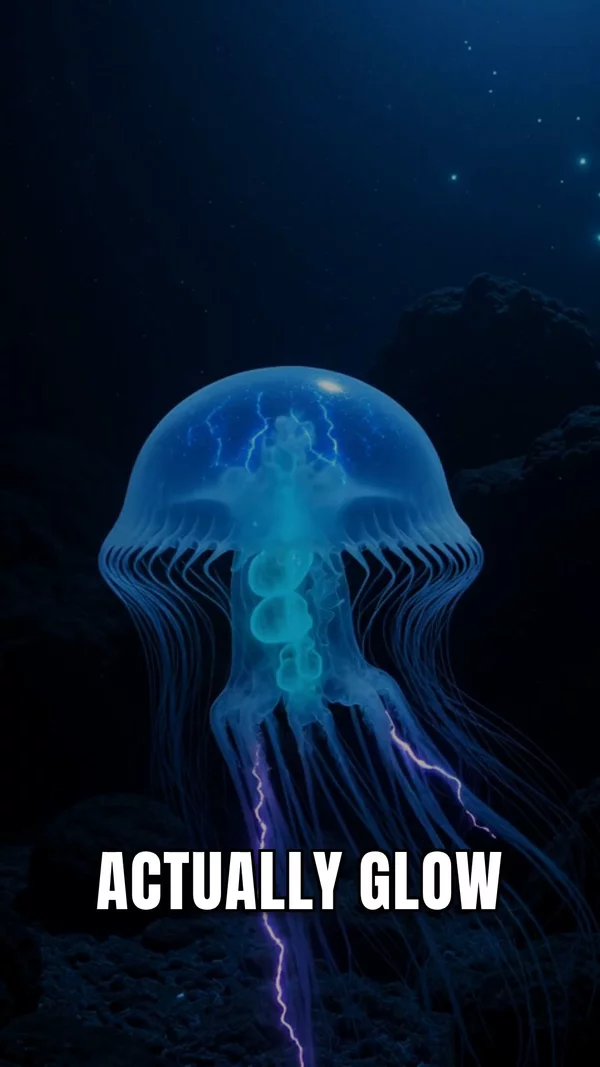
Sample video. Your result will vary based on the style, voice, and settings you choose.
No editing skills. No complex software. Just describe what you want.
Tell AI what topic to teach and the target age range. AI adjusts language, complexity, and visual style for young learners.
AI generates bright, engaging 3D visuals in Pixar-style. Characters, animals, objects, and scenes designed to capture children's attention.
Choose from 1,300+ warm, energetic voices. Word-synced captions reinforce reading. Download for YouTube Kids, classroom, or family sharing.
Professional tools, zero learning curve.
Specify the target age group and AI adjusts everything: vocabulary, concept complexity, visual style, and pacing for that age range.
Bright, engaging 3D visuals that capture children's attention. Characters and objects look like they belong in an animated film.
Word-synced captions help early readers follow along. Highlighted text reinforces vocabulary and reading skills while watching.
ABCs, numbers, science, geography, animals, space, history, languages. Create educational content on any topic for any age from preschool to middle school.
Kids educational content is one of the most watched categories on YouTube, and AI makes it possible for anyone to create it. Parents, teachers, homeschool families, and edutainment creators can now produce colorful, engaging learning videos in minutes. AITuber generates Pixar-style 3D visuals, cheerful narration, and word-synced captions that keep young viewers learning and entertained. Describe any topic and target age, and AI creates a kid-friendly educational video.
"For 4-year-olds" creates very different content than "for 10-year-olds." Be specific so AI calibrates language and complexity correctly.
Planets teaching space, animals teaching biology, fruits teaching nutrition. Characters as teachers is more engaging than narration alone.
Under 3 minutes for preschool, under 5 minutes for elementary. Short attention spans need short, focused lessons.
A "Space Week" series, an "Animal ABCs" series, a "Numbers Fun" series. Parents and kids love predictable, themed content they can return to.
It is a tool that creates educational videos specifically designed for children. AI generates age-appropriate scripts, colorful visuals, cheerful narration, and reading-reinforcement captions.
Preschool (2-5), early elementary (5-8), and upper elementary (8-12). Specify the target age in your prompt and AI adjusts all content accordingly.
AI generates educational, age-appropriate content. As with any AI-generated content, we recommend previewing videos before sharing with children.
Yes. Teachers create supplementary visual lessons, review materials, and flipped classroom content. Videos can be downloaded and used in any classroom setting.
Science (space, animals, weather), math (counting, shapes), language (ABCs, vocabulary), geography (countries, continents), and any topic kids are naturally curious about.
Yes. Sign up free and get credits to create your first kids educational videos. No credit card required.
Yes. AITuber supports 30+ languages. Create educational content in Spanish, French, Mandarin, Arabic, and many more for multilingual learning.
Sign up free, describe the topic and target age group, select the 3D Cartoon visual style, choose a warm voice, and click Generate. Your kids educational video will be ready in minutes.
Create videos for other popular niches
Join 37,281+ creators using AITuber to make professional kids education videos with AI.
No credit card required